Photo Caller Screen : My Photo PC
Photo Tools Maker
گیم لوپ ایمولیٹر کے ساتھ PC پر Photo Caller Screen : My Photo ڈاؤن لوڈ کریں۔
پی سی پر Photo Caller Screen : My Photo
Photo Caller Screen : My Photo، جو ڈویلپر Photo Tools Maker سے آرہا ہے، ماضی میں اینڈرائیڈ سسٹم پر چل رہا ہے۔
اب، آپ پی سی پر Photo Caller Screen : My Photo آسانی سے GameLoop کے ساتھ چلا سکتے ہیں۔
اسے GameLoop لائبریری یا تلاش کے نتائج میں ڈاؤن لوڈ کریں۔ مزید غلط وقت پر بیٹری یا مایوس کن کالوں پر نظر نہیں ڈالی جائے گی۔
بس بڑی سکرین پر Photo Caller Screen : My Photo PC کا مفت میں لطف اٹھائیں!
Photo Caller Screen : My Photo تعارف
Photo Caller Screen : My Photo Caller ID
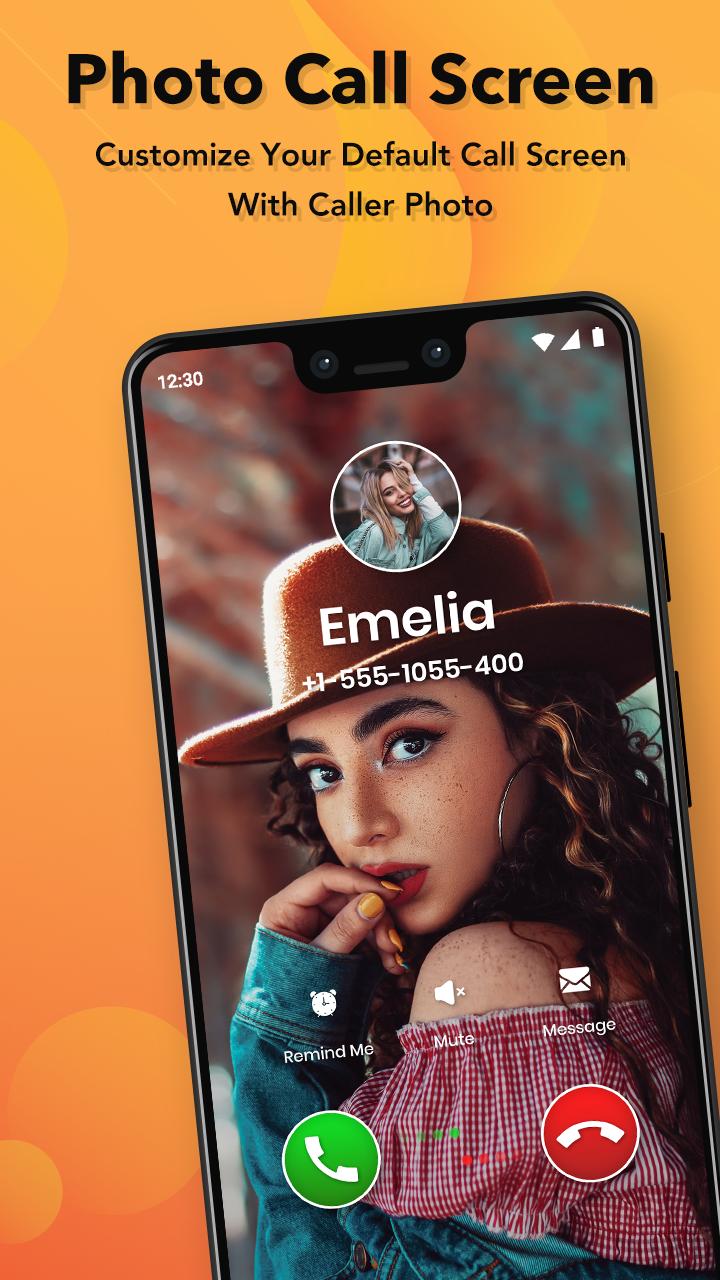
My Photo Phone Dialer Personalize your calling dial screen Place a photo of your choice to make a dial screen of your own Customize it the way you want it and stop using the boring phone's calling dial pads.
Fullscreen Caller ID is one of the best apps for users to customize the incoming call screen of their android phone device. This app gives the facility of changing background image which is default & also chooses from their phone gallery.
The HD full caller screen application is very easy to use and customize the theme as per your requirements and comfort. As you complete installation of the My Photo Caller ID opens it and you will be able see a very user friendly application.
Download today our Free Full Screen Caller ID app, it will display high quality full screen photo of the caller when you have a phone call, make a phone call, miss a phone call.
Features :
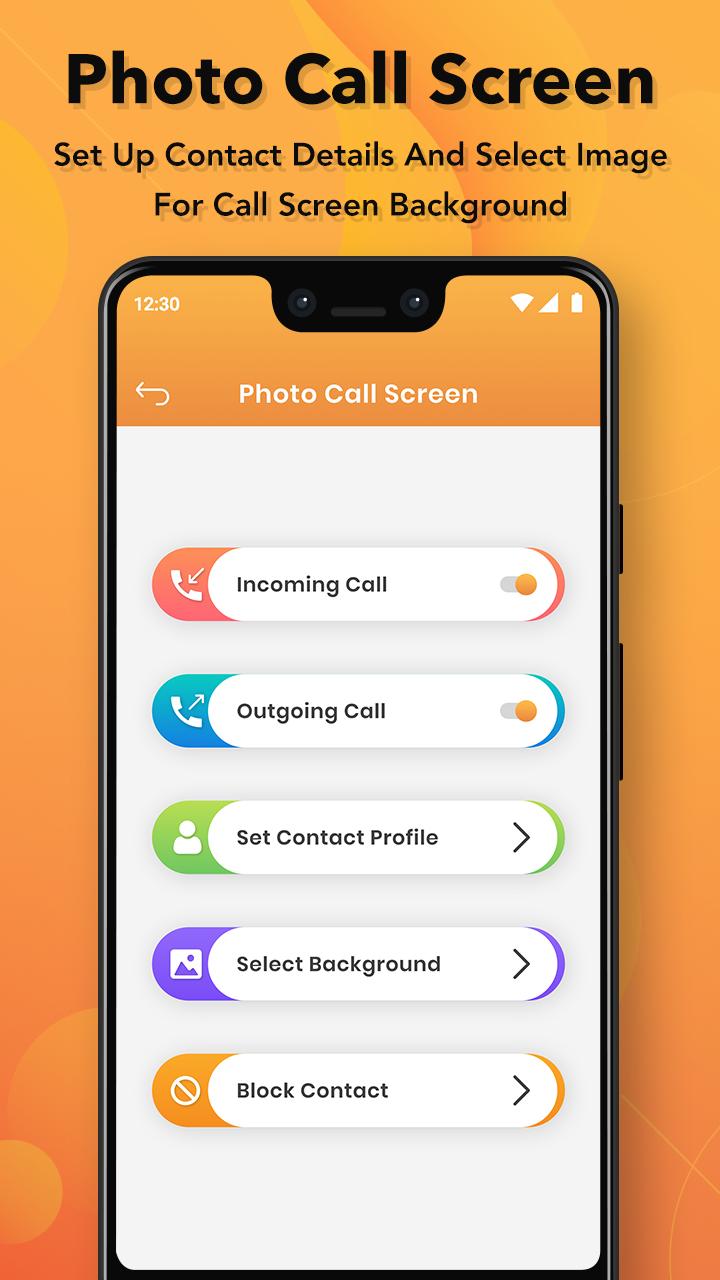
- Easily to Switch on and off incoming and outgoing caller screens.
- Full screen calling image.
- Use pictures from SD card, internal camera.
- Customize backgrounds.
- HD texts with awesome color display.
- Full Screen notification for incoming calls, outgoing calls and missed calls.
- Contact id or re-edit user name, phone number.
- Set a custom ringtone for the contacts.
- latest 10+ caller style themes.
- Run on screen off or display off without timeout.
Photo Screen Caller ID will work instantly once installed but you have to assign HD pictures to your contacts to avoid full screen blurry pictures.
Download this app and Give us a review and be a part of Photo Caller Screen family.
Thank you for your using this app.!!
پیش نظارہ
ٹیگز
اوزارمعلومات
ڈویلپر
Photo Tools Maker
تازہ ترین ورژن
1.5
آخری تازہ کاری
2025-07-12
قسم
اوزار
پر دستیاب ہے۔
Google Play
مزید دکھائیں
پی سی پر گیم لوپ کے ساتھ Photo Caller Screen : My Photo کیسے کھیلا جائے۔
1. آفیشل ویب سائٹ سے گیم لوپ ڈاؤن لوڈ کریں، پھر گیم لوپ انسٹال کرنے کے لیے exe فائل چلائیں۔
2. گیم لوپ کھولیں اور "Photo Caller Screen : My Photo" تلاش کریں، تلاش کے نتائج میں Photo Caller Screen : My Photo تلاش کریں اور "انسٹال کریں" پر کلک کریں۔
3. گیم لوپ پر Photo Caller Screen : My Photo کھیلنے کا لطف اٹھائیں۔
Minimum requirements
OS
Windows 8.1 64-bit or Windows 10 64-bit
GPU
GTX 1050
CPU
i3-8300
Memory
8GB RAM
Storage
1GB available space
Recommended requirements
OS
Windows 8.1 64-bit or Windows 10 64-bit
GPU
GTX 1050
CPU
i3-9320
Memory
16GB RAM
Storage
1GB available space