PC Keyboard/Mouse WiFi & Blue. PC
BEAppsMobile
گیم لوپ ایمولیٹر کے ساتھ PC پر PC Keyboard/Mouse WiFi & Blue. ڈاؤن لوڈ کریں۔
پی سی پر PC Keyboard/Mouse WiFi & Blue.
PC Keyboard/Mouse WiFi & Blue.، جو ڈویلپر BEAppsMobile سے آرہا ہے، ماضی میں اینڈرائیڈ سسٹم پر چل رہا ہے۔
اب، آپ پی سی پر PC Keyboard/Mouse WiFi & Blue. آسانی سے GameLoop کے ساتھ چلا سکتے ہیں۔
اسے GameLoop لائبریری یا تلاش کے نتائج میں ڈاؤن لوڈ کریں۔ مزید غلط وقت پر بیٹری یا مایوس کن کالوں پر نظر نہیں ڈالی جائے گی۔
بس بڑی سکرین پر PC Keyboard/Mouse WiFi & Blue. PC کا مفت میں لطف اٹھائیں!
PC Keyboard/Mouse WiFi & Blue. تعارف
Wireless Keyboard & Mouse for PC – Phone to Trackpad & Remote Control
Transform your Android device into a full-featured wireless keyboard, mouse pad, and trackpad for your computer. Connect seamlessly over
WiFi or Bluetooth and control your PC from anywhere in the room—no extra hardware required.
Key Features
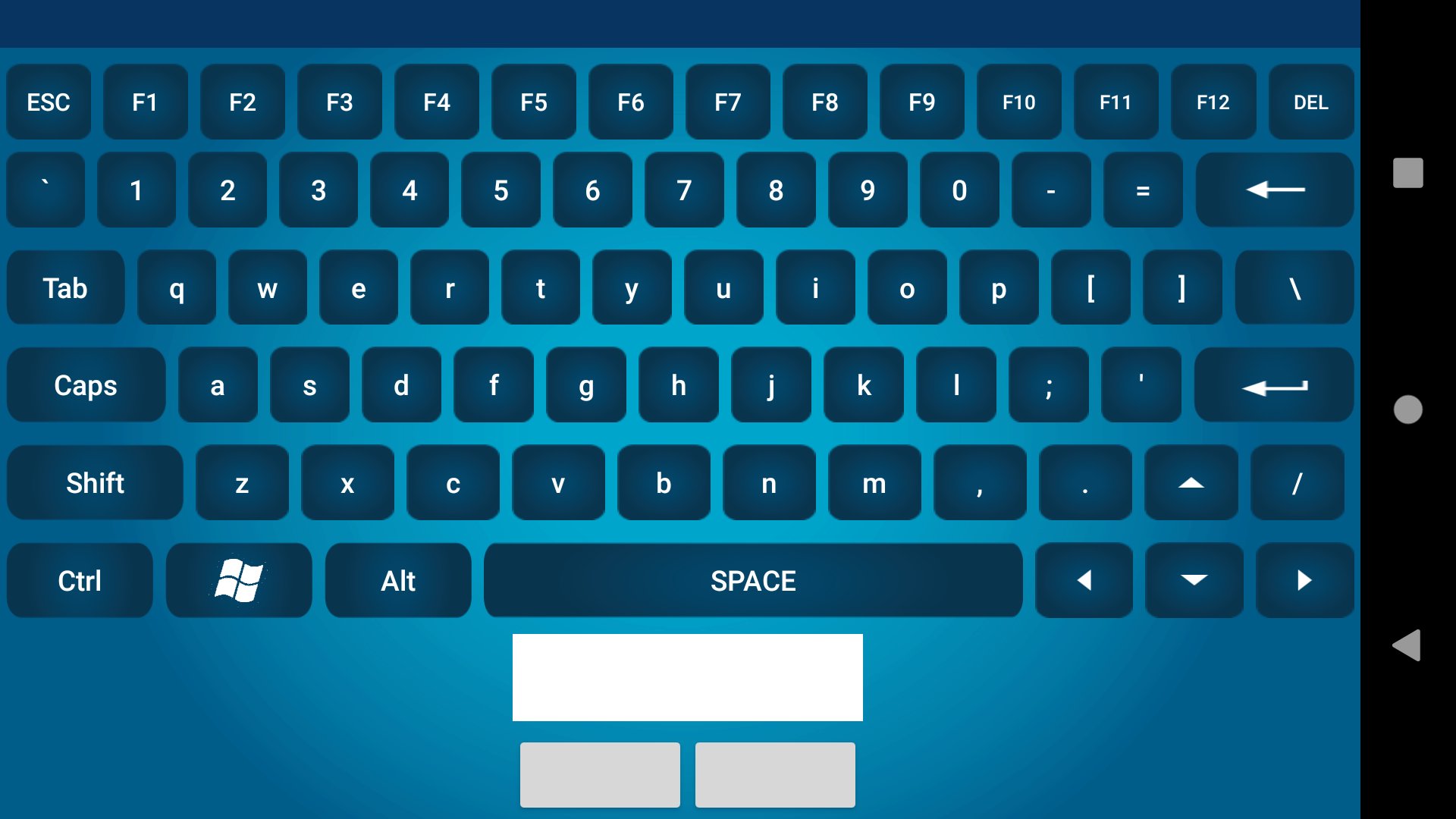
- Mouse left/right-click and scroll wheel support
- Low-latency connection over WiFi or Bluetooth
- System media controls: play, pause, volume, next/previous track
- Presentation mode for easy slide navigation
- On-screen numeric keypad and function keys
Why You’ll Love It
- Couch-to-Computer Control: Kick back on the sofa and type, scroll, or browse without getting up.
- Hands-Free Presentations: Move through slides and engage your audience without being tied to your computer.
- Developer & Admin Utility: Access headless servers or troubleshoot machines across the room without a bulky keyboard and mouse.
How to Get Started
1. Install this app on your Android phone or tablet.
2. Download and run the free PC companion software from https://beappsmobile.com/
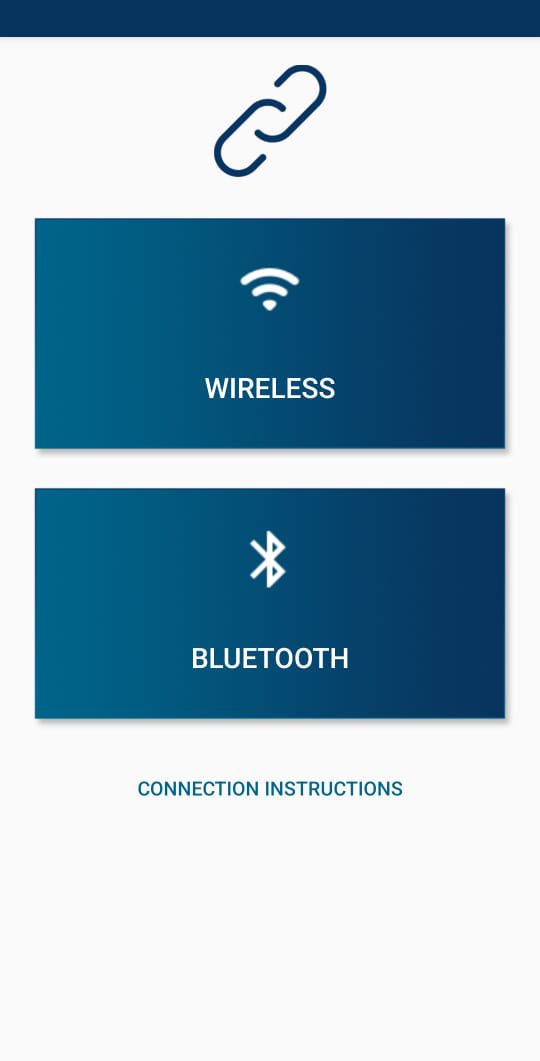
3. Launch the PC software and choose WiFi or Bluetooth pairing.
4. Scan the QR code from the app and tap "Connect."
5. Enjoy full keyboard and mouse functionality instantly!
Disclaimer
This app is intended for personal, non-commercial use, such as for fun or pranks. The application sends keystroke and mouse data to your computer without encryption. For your security, we strongly recommend using this application only on a trusted, private, and secure network.
Pro Tips
- For the best performance, use a stable 5 GHz WiFi network.
Join Our Community & Support
Have ideas or run into issues?
- Visit our website: https://beappsmobile.com/
- Email us: support@beappsmobile.com
If you enjoy the app, please leave a ★★★★★ rating and share it with friends!
Harness the power of wireless control today. Install Wireless Keyboard & Mouse for PC and take command of your computer—no wires, no
limits
پیش نظارہ
ٹیگز
اوزارمعلومات
ڈویلپر
BEAppsMobile
تازہ ترین ورژن
54
آخری تازہ کاری
2025-10-11
قسم
اوزار
پر دستیاب ہے۔
Google Play
مزید دکھائیں
پی سی پر گیم لوپ کے ساتھ PC Keyboard/Mouse WiFi & Blue. کیسے کھیلا جائے۔
1. آفیشل ویب سائٹ سے گیم لوپ ڈاؤن لوڈ کریں، پھر گیم لوپ انسٹال کرنے کے لیے exe فائل چلائیں۔
2. گیم لوپ کھولیں اور "PC Keyboard/Mouse WiFi & Blue." تلاش کریں، تلاش کے نتائج میں PC Keyboard/Mouse WiFi & Blue. تلاش کریں اور "انسٹال کریں" پر کلک کریں۔
3. گیم لوپ پر PC Keyboard/Mouse WiFi & Blue. کھیلنے کا لطف اٹھائیں۔
Minimum requirements
OS
Windows 8.1 64-bit or Windows 10 64-bit
GPU
GTX 1050
CPU
i3-8300
Memory
8GB RAM
Storage
1GB available space
Recommended requirements
OS
Windows 8.1 64-bit or Windows 10 64-bit
GPU
GTX 1050
CPU
i3-9320
Memory
16GB RAM
Storage
1GB available space