OCR Text Scanner – OCR Scanner PC
David Serrano Canales
گیم لوپ ایمولیٹر کے ساتھ PC پر OCR Text Scanner – OCR Scanner ڈاؤن لوڈ کریں۔
پی سی پر OCR Text Scanner – OCR Scanner
OCR Text Scanner – OCR Scanner، جو ڈویلپر David Serrano Canales سے آرہا ہے، ماضی میں اینڈرائیڈ سسٹم پر چل رہا ہے۔
اب، آپ پی سی پر OCR Text Scanner – OCR Scanner آسانی سے GameLoop کے ساتھ چلا سکتے ہیں۔
اسے GameLoop لائبریری یا تلاش کے نتائج میں ڈاؤن لوڈ کریں۔ مزید غلط وقت پر بیٹری یا مایوس کن کالوں پر نظر نہیں ڈالی جائے گی۔
بس بڑی سکرین پر OCR Text Scanner – OCR Scanner PC کا مفت میں لطف اٹھائیں!
OCR Text Scanner – OCR Scanner تعارف
Introducing OCR Text Scanner, the quintessential solution for those seeking an OCR scanner app image to text. Dive into the digital world effortlessly by converting real-world text into a digital format. With our advanced OCR converter, transforming any textual content you encounter in the physical realm is now just a snap away!
Features:
- Utilize the OCR feature to extract text from real-world images swiftly.
- Scan photo or any physical text to retrieve its digital counterpart.
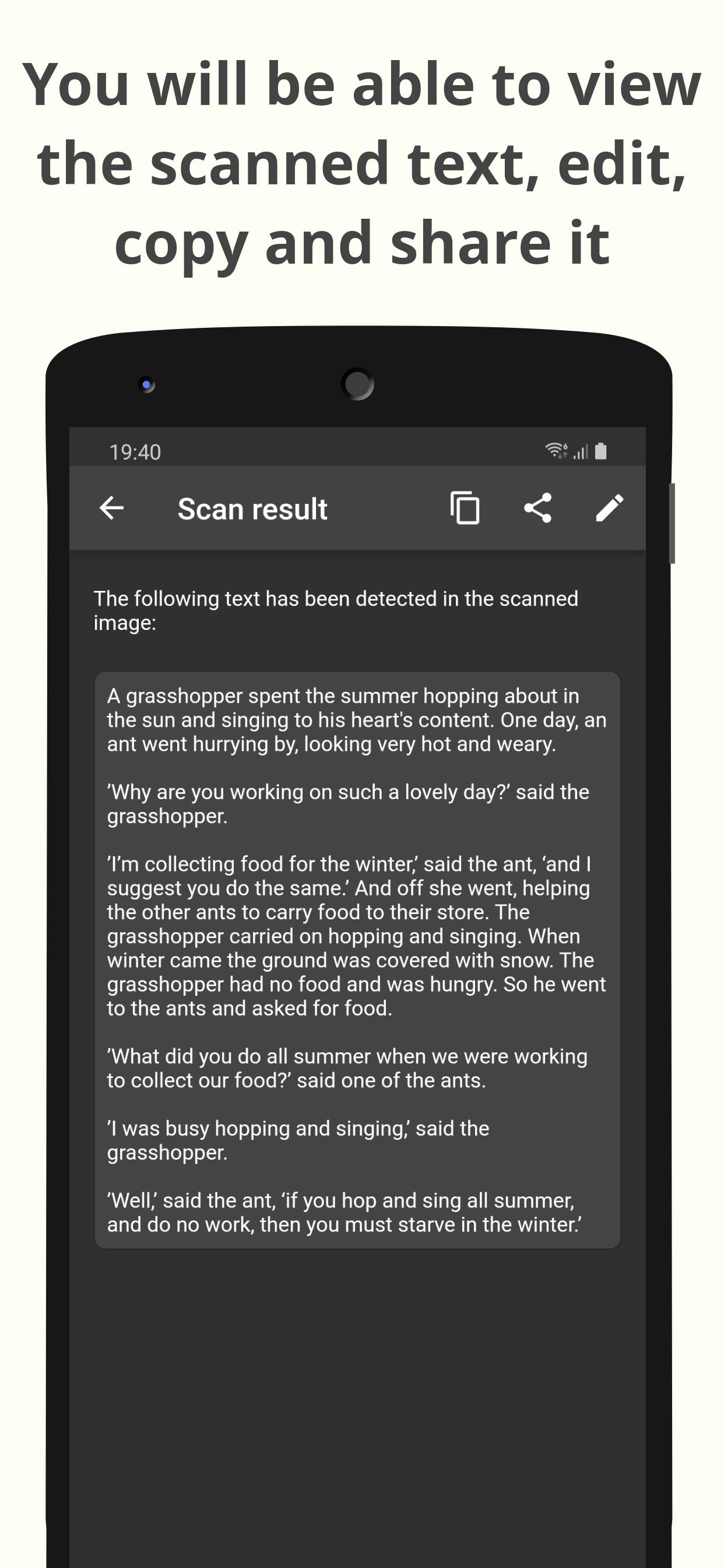
- Copy, tweak, and share all scanned content with ease.
- Scan local images on your device for a meticulous text scan.
- Seamlessly convert OCR to text free, creating accessible PDFs.
- Keep tabs on every scan with the dedicated History section.
Our image scanner is more than just a tool. It's a gateway to transforming how you interact with printed content. Have you ever stumbled upon a vital piece of information and wished you could scan to text without typing it all? Look no further! With OCR Text Scanner, you're equipped with the best OCR text scanner out there.
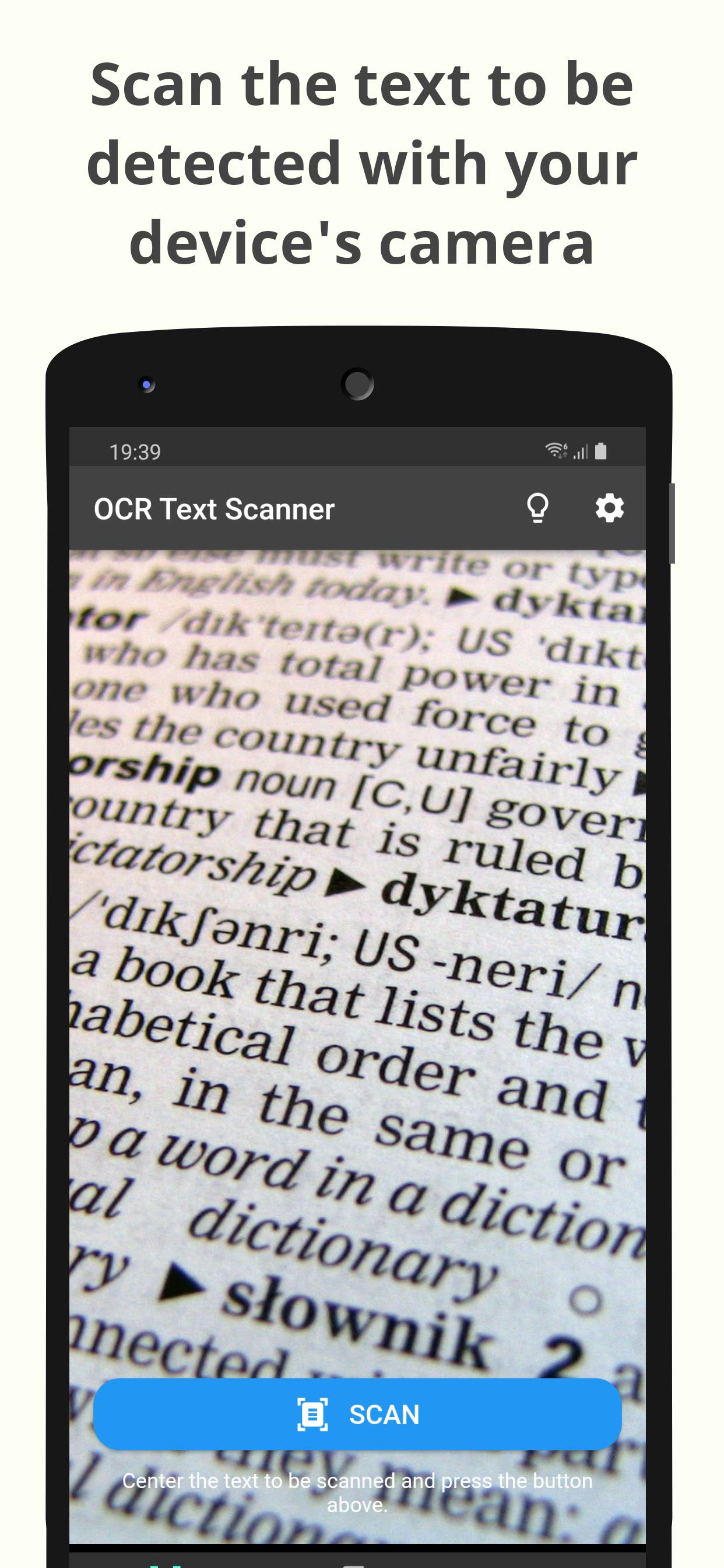
The process is straightforward. Open the application, align your device's camera with the desired text, and watch as our superior OCR image technology recognizes every character. Whether it's a detailed document, a fleeting newspaper snippet, or a treasured handwritten note, our text reader won’t miss a beat.
Benefit from the batch OCR image to text capability, a feature that distinguishes our text OCR scanner app from the rest. Ideal for professionals and students alike, this feature allows multiple images to be processed concurrently. With the free OCR text scanner, not only are you getting quality, but also value.
But there's more! Ever had a local image and wondered about its content? The image OCR scanner function lets you extract invaluable information from saved images. Moreover, for those moments when you want to preserve your scans, the photo scan option allows conversion to PDF.
OCR English proficiency ensures that linguistic nuances aren’t lost in translation. Remember that cherished snapshot with an inspiring quote? Use scan text to immortalize it digitally.
Editing is a breeze. The app’s design ensures that post-scan, every text scan can be edited to perfection. And sharing? Even easier! With a couple of taps, your digitized content can be shared across various platforms. Whether it’s an academic excerpt or a must-try recipe, the world is just a text OCR scan away.
To summarize, if you're looking to extract text from image or merely wish to simplify your textual interactions, OCR Text Scanner stands unparalleled. It's more than just an app; it's an experience. Don't miss out. Dive into the future of text scanning today!
پیش نظارہ
ٹیگز
اوزارمعلومات
ڈویلپر
David Serrano Canales
تازہ ترین ورژن
1.10.0
آخری تازہ کاری
2023-10-18
قسم
اوزار
پر دستیاب ہے۔
Google Play
مزید دکھائیں
پی سی پر گیم لوپ کے ساتھ OCR Text Scanner – OCR Scanner کیسے کھیلا جائے۔
1. آفیشل ویب سائٹ سے گیم لوپ ڈاؤن لوڈ کریں، پھر گیم لوپ انسٹال کرنے کے لیے exe فائل چلائیں۔
2. گیم لوپ کھولیں اور "OCR Text Scanner – OCR Scanner" تلاش کریں، تلاش کے نتائج میں OCR Text Scanner – OCR Scanner تلاش کریں اور "انسٹال کریں" پر کلک کریں۔
3. گیم لوپ پر OCR Text Scanner – OCR Scanner کھیلنے کا لطف اٹھائیں۔
Minimum requirements
OS
Windows 8.1 64-bit or Windows 10 64-bit
GPU
GTX 1050
CPU
i3-8300
Memory
8GB RAM
Storage
1GB available space
Recommended requirements
OS
Windows 8.1 64-bit or Windows 10 64-bit
GPU
GTX 1050
CPU
i3-9320
Memory
16GB RAM
Storage
1GB available space