
Notepad - Simple cute app - PC
millust
گیم لوپ ایمولیٹر کے ساتھ PC پر Notepad - Simple cute app - ڈاؤن لوڈ کریں۔
پی سی پر Notepad - Simple cute app -
Notepad - Simple cute app -، جو ڈویلپر millust سے آرہا ہے، ماضی میں اینڈرائیڈ سسٹم پر چل رہا ہے۔
اب، آپ پی سی پر Notepad - Simple cute app - آسانی سے GameLoop کے ساتھ چلا سکتے ہیں۔
اسے GameLoop لائبریری یا تلاش کے نتائج میں ڈاؤن لوڈ کریں۔ مزید غلط وقت پر بیٹری یا مایوس کن کالوں پر نظر نہیں ڈالی جائے گی۔
بس بڑی سکرین پر Notepad - Simple cute app - PC کا مفت میں لطف اٹھائیں!
Notepad - Simple cute app - تعارف
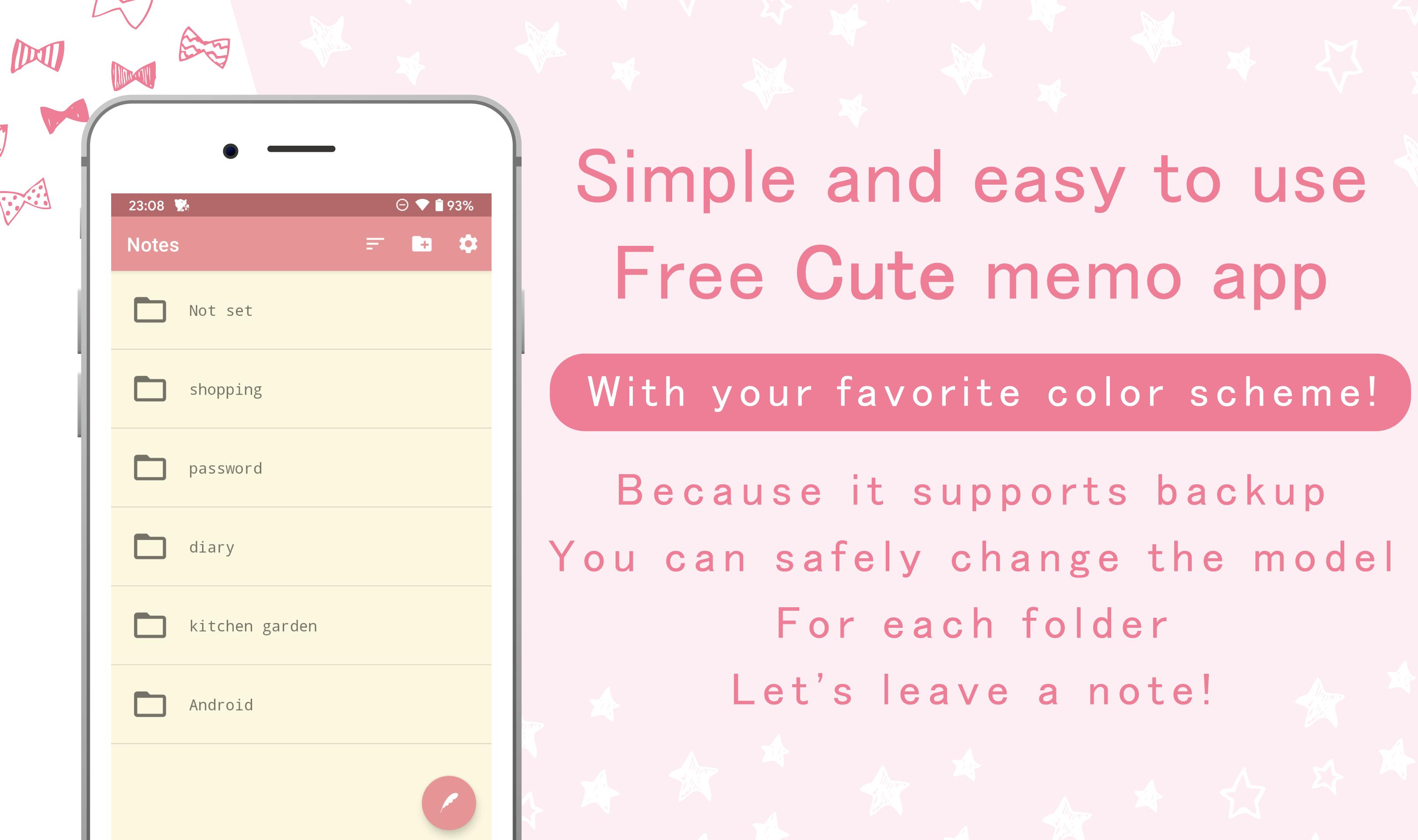
It's a simple and easy-to-use free cute notepad app.
You can set the folder, theme color, font size, etc.
The app will be saved automatically.
◆ Main functions
・ Notes that can be divided into folders
・ Theme color setting
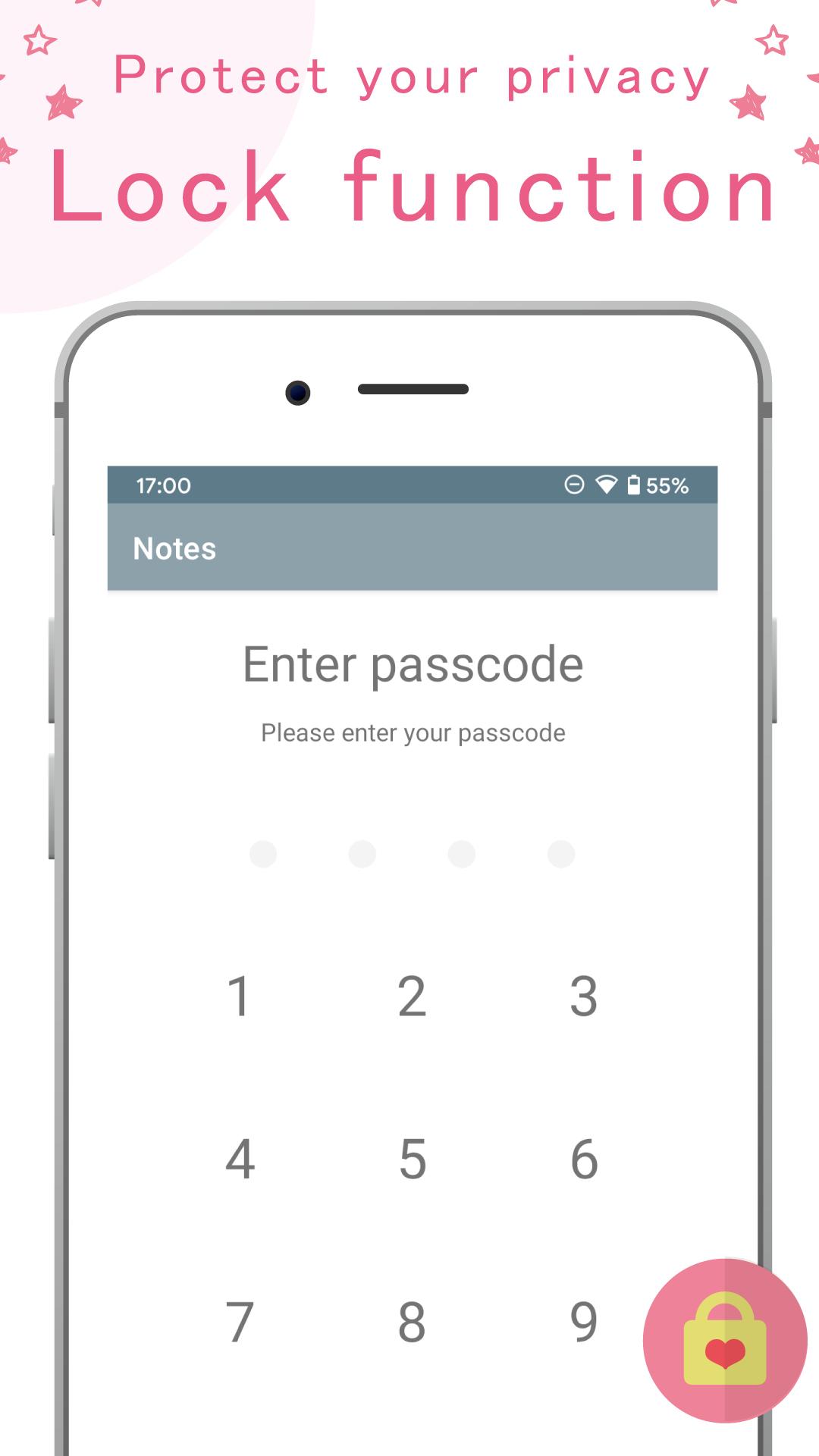
・ Lock function
・ Change the size of characters
・ Backup & restore function
・ Character count
・ Share on SNS
◆ Use scene
・ Purchase list when going shopping
・ For reports and homework notes
・ Diary
・ To-do list
・ Lock function
◆ Recommented!
・ I want an app that can be used with simple operations!
・ I want to operate without stress!
・ I like simple designs
・ I want a notepad app with a lock function
・ I want to know the number of input characters
・ I want to set the app to my favorite color
・ I want to increase the font size
◆ How to use
【Create folder】
1 Tap the "Folder" icon in the upper right.
2 The folder registration dialog is displayed. Enter the folder name and tap "Register".
【Creating notes】
1 Tap the "Pencil" icon at the bottom right of the "Folder list screen" or "Memo list screen".
2 Enter "Title" and "Content", and select "Folder" from the selection items at the bottom left.
3 The memo will be registered automatically.
【Delete memo】
1 On the "Memo list screen", press and hold the memo you want to delete.
2 Select all the notes you want to delete and tap the "Trash" icon in the upper right.
【Move memo (change folder)】
1 On the "Memo list screen", press and hold the memo you want to move.
2 Select all the notes you want to move and tap the "Folder" icon in the upper right.
【Change font size】
1 Tap the "Settings" icon in the upper right.
2 Press "Font size" and select the size you like.
【Change theme color】
1 Tap the "Settings" icon in the upper right.
2 Press "Theme Color" and choose your favorite color.
【Data backup】
1 Tap the "Settings" icon in the upper right.
2 Tap "Export".
3 Save the data wherever you like. (Don't forget the storage location as you will need it when importing)
【Data import】
1 Tap the "Settings" icon in the upper right.
2 Tap "Import".
3 Select the exported data.
پیش نظارہ
ٹیگز
اوزارمعلومات
ڈویلپر
millust
تازہ ترین ورژن
1.1.0
آخری تازہ کاری
2023-08-30
قسم
اوزار
پر دستیاب ہے۔
Google Play
مزید دکھائیں
پی سی پر گیم لوپ کے ساتھ Notepad - Simple cute app - کیسے کھیلا جائے۔
1. آفیشل ویب سائٹ سے گیم لوپ ڈاؤن لوڈ کریں، پھر گیم لوپ انسٹال کرنے کے لیے exe فائل چلائیں۔
2. گیم لوپ کھولیں اور "Notepad - Simple cute app -" تلاش کریں، تلاش کے نتائج میں Notepad - Simple cute app - تلاش کریں اور "انسٹال کریں" پر کلک کریں۔
3. گیم لوپ پر Notepad - Simple cute app - کھیلنے کا لطف اٹھائیں۔
Minimum requirements
OS
Windows 8.1 64-bit or Windows 10 64-bit
GPU
GTX 1050
CPU
i3-8300
Memory
8GB RAM
Storage
1GB available space
Recommended requirements
OS
Windows 8.1 64-bit or Windows 10 64-bit
GPU
GTX 1050
CPU
i3-9320
Memory
16GB RAM
Storage
1GB available space