
NasCloud PC
NasiCloud Inc.
گیم لوپ ایمولیٹر کے ساتھ PC پر NasCloud ڈاؤن لوڈ کریں۔
پی سی پر NasCloud
NasCloud، جو ڈویلپر NasiCloud Inc. سے آرہا ہے، ماضی میں اینڈرائیڈ سسٹم پر چل رہا ہے۔
اب، آپ پی سی پر NasCloud آسانی سے GameLoop کے ساتھ چلا سکتے ہیں۔
اسے GameLoop لائبریری یا تلاش کے نتائج میں ڈاؤن لوڈ کریں۔ مزید غلط وقت پر بیٹری یا مایوس کن کالوں پر نظر نہیں ڈالی جائے گی۔
بس بڑی سکرین پر NasCloud PC کا مفت میں لطف اٹھائیں!
NasCloud تعارف
The main function:
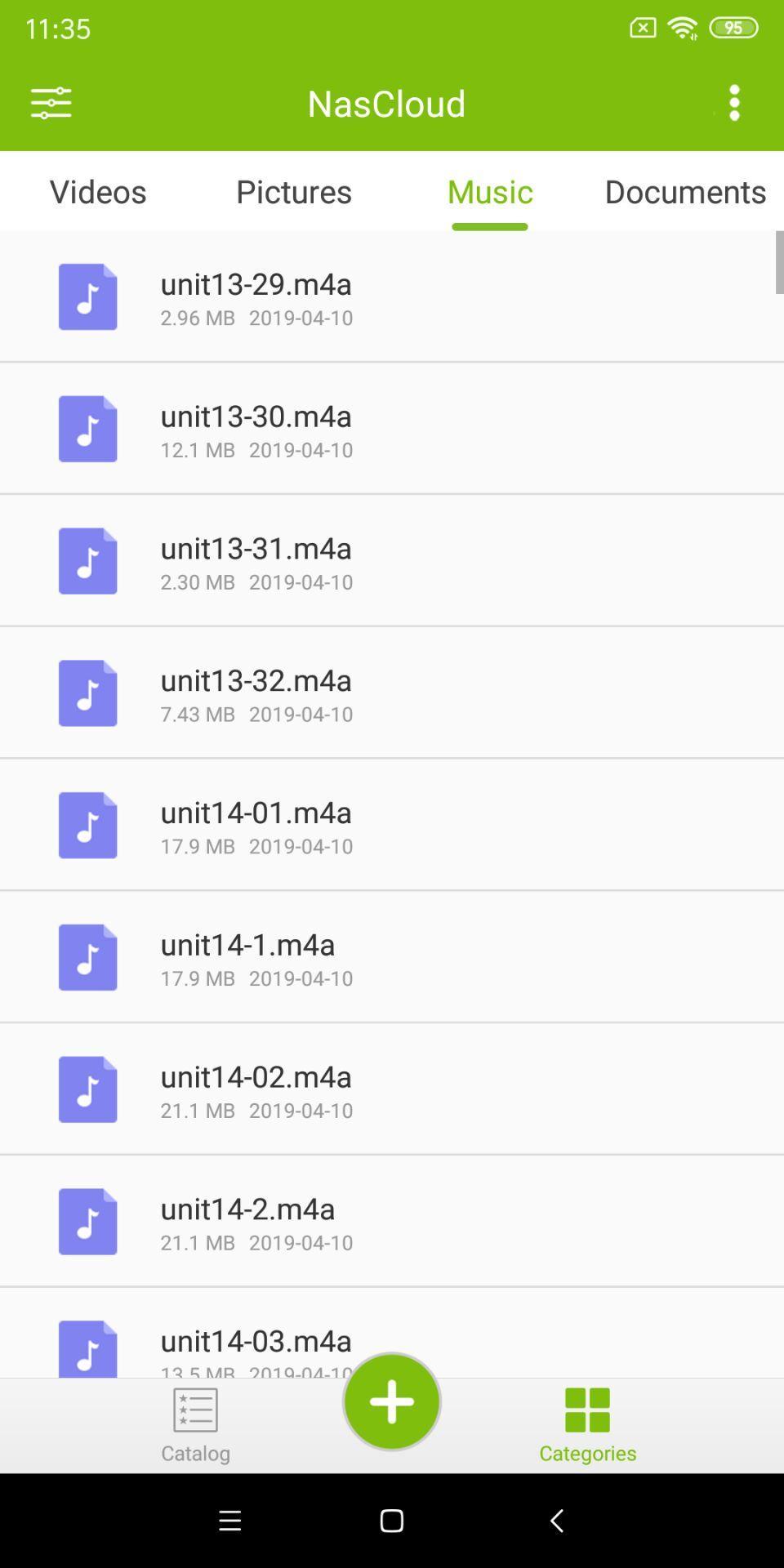
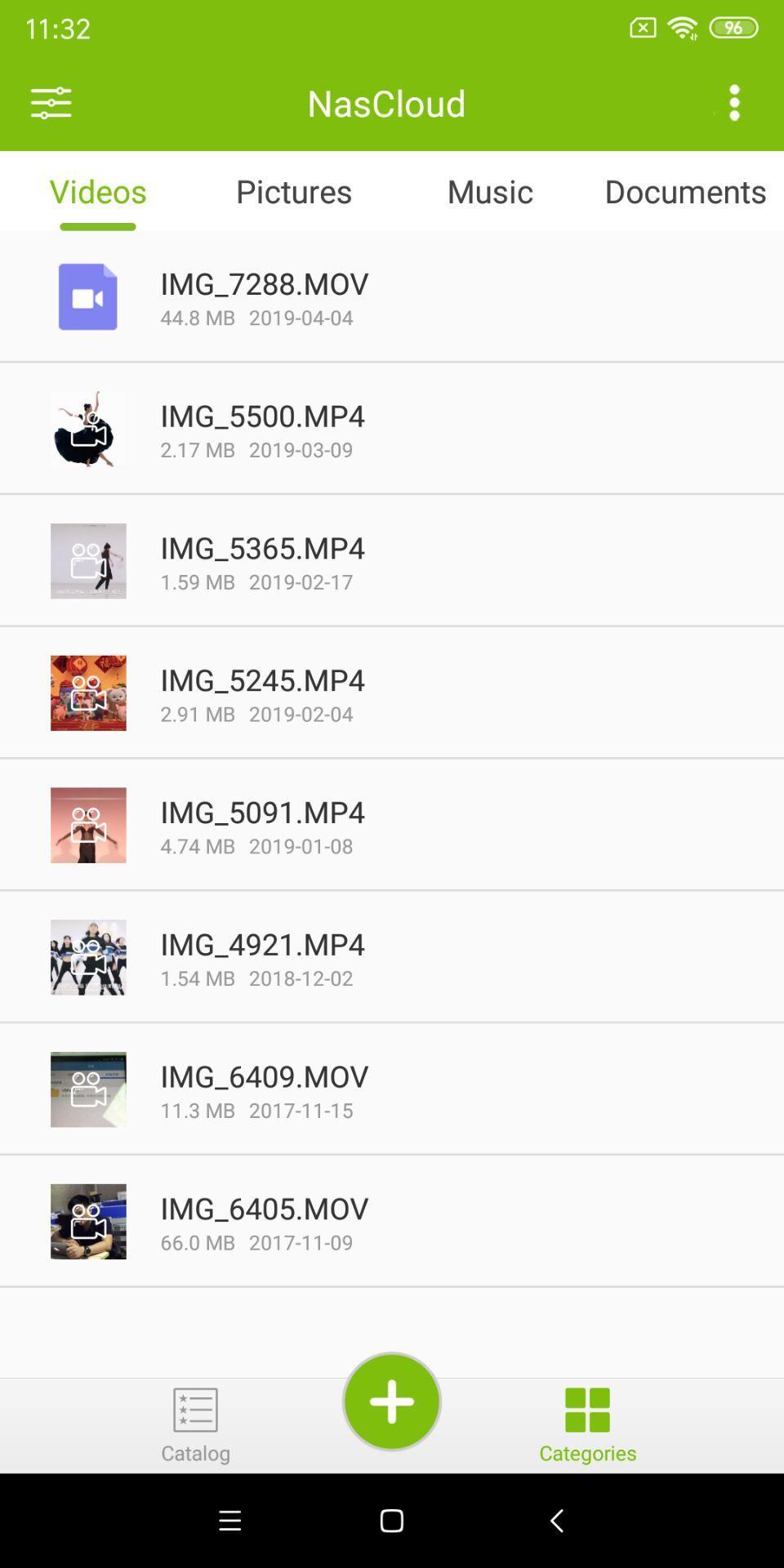
1. After the mobile device is installed, the files of movies, photos, music and documents in the smart memory can be accessed through the local area network and the remote network, and can also be downloaded to the local area for viewing.
2, video playback: online viewing of videos in smart storage, supporting a variety of video formats;
3, file transfer: Support upload photos, videos and other files on the mobile device to the smart memory, release the space of mobile device ;
4, file management: support create a new folder, customized upload path, free control of the wireless memory files;
5, automatic backup: one button opens pictures, videos, contacts backup, easy and convenient management of albums;
6, encrypted space: security data is not leaked;
7, Over The Air firmware upgrade: support easily detect, download and upgrade the wireless memory firmware;
پیش نظارہ
ٹیگز
اوزارمعلومات
ڈویلپر
NasiCloud Inc.
تازہ ترین ورژن
1.1.9
آخری تازہ کاری
2023-08-03
قسم
اوزار
پر دستیاب ہے۔
Google Play
مزید دکھائیں
پی سی پر گیم لوپ کے ساتھ NasCloud کیسے کھیلا جائے۔
1. آفیشل ویب سائٹ سے گیم لوپ ڈاؤن لوڈ کریں، پھر گیم لوپ انسٹال کرنے کے لیے exe فائل چلائیں۔
2. گیم لوپ کھولیں اور "NasCloud" تلاش کریں، تلاش کے نتائج میں NasCloud تلاش کریں اور "انسٹال کریں" پر کلک کریں۔
3. گیم لوپ پر NasCloud کھیلنے کا لطف اٹھائیں۔
Minimum requirements
OS
Windows 8.1 64-bit or Windows 10 64-bit
GPU
GTX 1050
CPU
i3-8300
Memory
8GB RAM
Storage
1GB available space
Recommended requirements
OS
Windows 8.1 64-bit or Windows 10 64-bit
GPU
GTX 1050
CPU
i3-9320
Memory
16GB RAM
Storage
1GB available space