My Files - File Manager PC
Face up
گیم لوپ ایمولیٹر کے ساتھ PC پر My Files - File Manager ڈاؤن لوڈ کریں۔
پی سی پر My Files - File Manager
My Files - File Manager، جو ڈویلپر Face up سے آرہا ہے، ماضی میں اینڈرائیڈ سسٹم پر چل رہا ہے۔
اب، آپ پی سی پر My Files - File Manager آسانی سے GameLoop کے ساتھ چلا سکتے ہیں۔
اسے GameLoop لائبریری یا تلاش کے نتائج میں ڈاؤن لوڈ کریں۔ مزید غلط وقت پر بیٹری یا مایوس کن کالوں پر نظر نہیں ڈالی جائے گی۔
بس بڑی سکرین پر My Files - File Manager PC کا مفت میں لطف اٹھائیں!
My Files - File Manager تعارف
📁 File Explorer & File Manager for Android
File Explorer & File Manager is a fast, reliable, and easy-to-use app designed to help Android users in the USA manage files, storage, cloud content, and wireless transfers in one place.
Browse, organize, move, and control your files with confidence—whether they are stored on your phone, SD card, cloud storage, or transferred over a local network.
This app is built for everyday file management needs with a clean interface and powerful tools.
The My Files - File Manager App offers an after-call feature that allows you to quick access files also set reminders or quick replies directly from the after-call screen.
⭐ Core Features
📂 File Explorer & File Manager
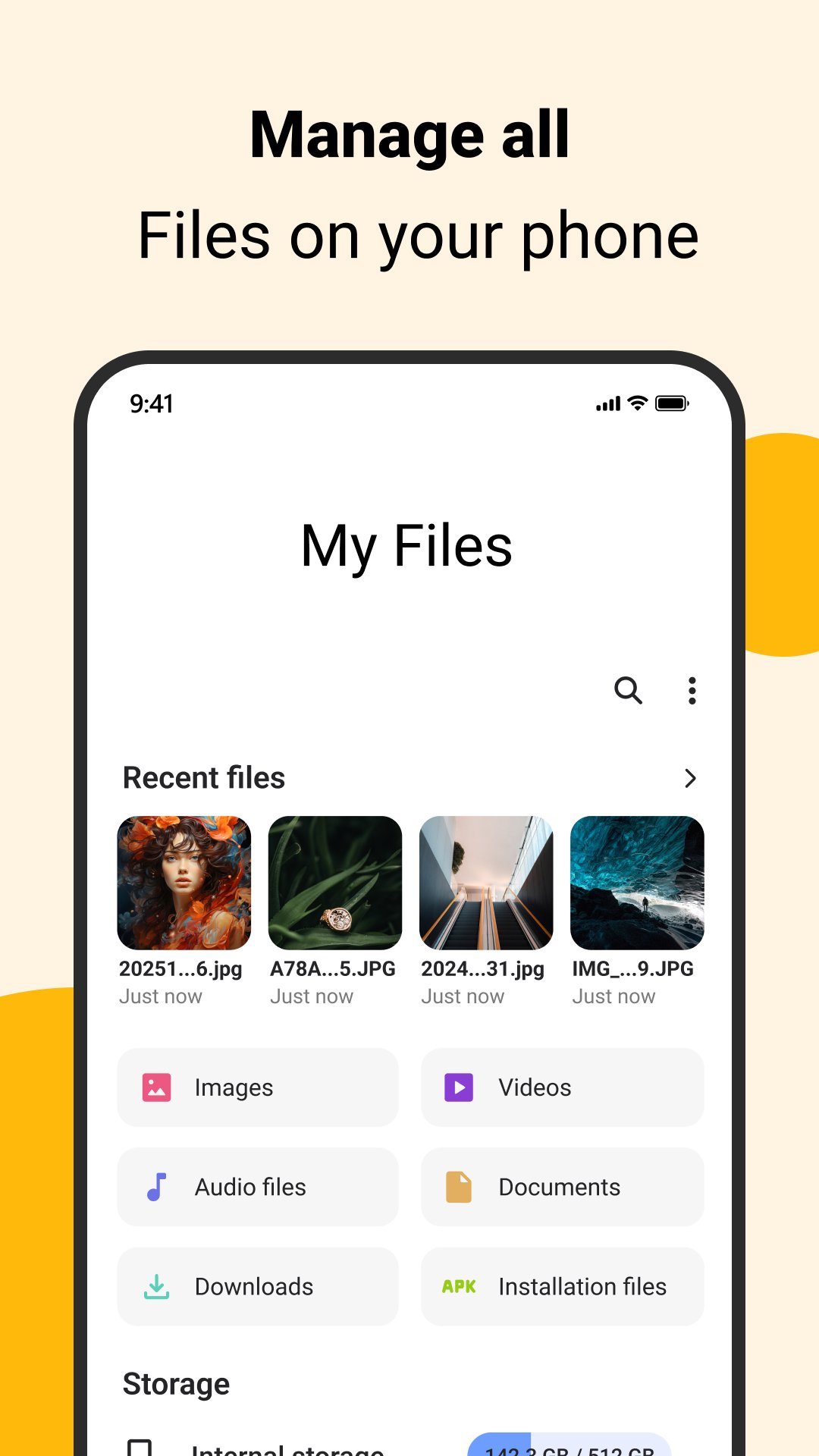
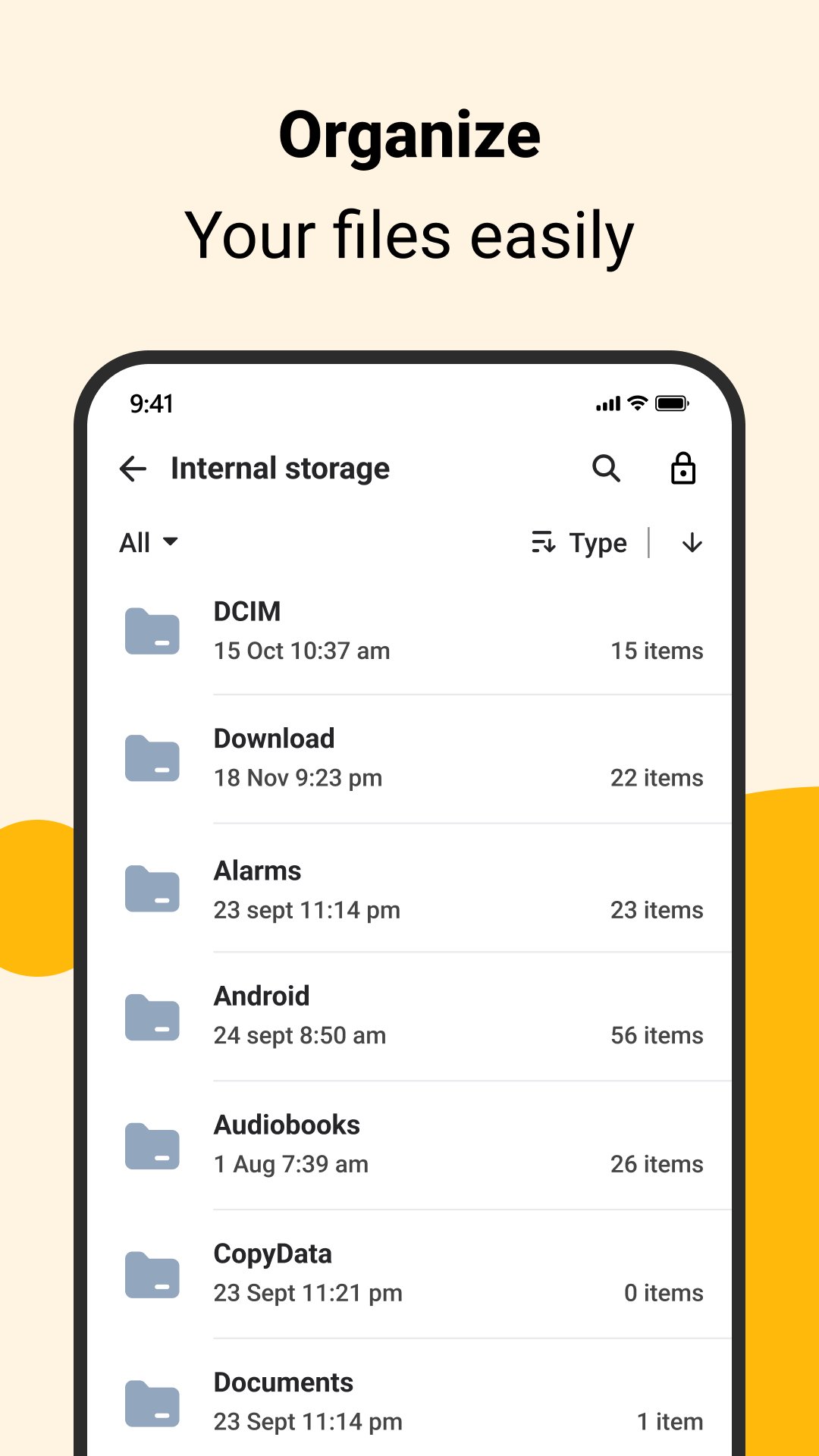
- Browse all files and folders on your Android device
- Manage documents, photos, videos, audio, and downloads
- Copy, move, rename, delete, and share files easily
- Quick file search for fast access
- Supports internal storage and external SD cards
💾 Storage Manager
- View detailed storage usage by file type
- Find large files and unused folders
- Organize storage to free up space
- Monitor available phone storage clearly
☁️ Cloud File Management
- Access files stored in supported cloud services
- Upload, download, and organize cloud files
- Move files between device storage and cloud
- Manage cloud content from one place
🔁 FTP Server & Wireless Transfer
- Start an FTP server directly on your phone
- Transfer files between Android and PC over Wi-Fi
- No USB cable required
- Ideal for local network file sharing
📞 After Call Screen
- Instantly see a smart screen right after a phone call ends
- Quickly access recently added and recently used files
🔐 Privacy & Control
- Files are managed locally on your device
- No forced account sign-in
- Designed with user privacy in mind
🔍 Why Choose This File Explorer?
✔ Easy and clean File Explorer interface
✔ Powerful File Manager and Storage Manager
✔ Built-in FTP Server for wireless transfers
✔ Cloud file access support
✔ Reliable performance for everyday use
🔐 Permissions & Transparency
This app requests only the permissions needed to provide core file management features:
- Storage access is used to browse, manage, and organize your files
- Network access is used only for FTP file transfer and cloud features
- The app does not collect or sell personal data
- Permissions are used strictly for app functionality and user-initiated actions
You remain in full control of your files and permissions at all times.
پیش نظارہ
ٹیگز
اوزارمعلومات
ڈویلپر
Face up
تازہ ترین ورژن
4.1
آخری تازہ کاری
2026-02-18
قسم
اوزار
پر دستیاب ہے۔
Google Play
مزید دکھائیں
پی سی پر گیم لوپ کے ساتھ My Files - File Manager کیسے کھیلا جائے۔
1. آفیشل ویب سائٹ سے گیم لوپ ڈاؤن لوڈ کریں، پھر گیم لوپ انسٹال کرنے کے لیے exe فائل چلائیں۔
2. گیم لوپ کھولیں اور "My Files - File Manager" تلاش کریں، تلاش کے نتائج میں My Files - File Manager تلاش کریں اور "انسٹال کریں" پر کلک کریں۔
3. گیم لوپ پر My Files - File Manager کھیلنے کا لطف اٹھائیں۔
Minimum requirements
OS
Windows 8.1 64-bit or Windows 10 64-bit
GPU
GTX 1050
CPU
i3-8300
Memory
8GB RAM
Storage
1GB available space
Recommended requirements
OS
Windows 8.1 64-bit or Windows 10 64-bit
GPU
GTX 1050
CPU
i3-9320
Memory
16GB RAM
Storage
1GB available space