
ML Manager: APK Extractor PC
Javier Santos V.
گیم لوپ ایمولیٹر کے ساتھ PC پر ML Manager: APK Extractor ڈاؤن لوڈ کریں۔
پی سی پر ML Manager: APK Extractor
ML Manager: APK Extractor، جو ڈویلپر Javier Santos V. سے آرہا ہے، ماضی میں اینڈرائیڈ سسٹم پر چل رہا ہے۔
اب، آپ پی سی پر ML Manager: APK Extractor آسانی سے GameLoop کے ساتھ چلا سکتے ہیں۔
اسے GameLoop لائبریری یا تلاش کے نتائج میں ڈاؤن لوڈ کریں۔ مزید غلط وقت پر بیٹری یا مایوس کن کالوں پر نظر نہیں ڈالی جائے گی۔
بس بڑی سکرین پر ML Manager: APK Extractor PC کا مفت میں لطف اٹھائیں!
ML Manager: APK Extractor تعارف
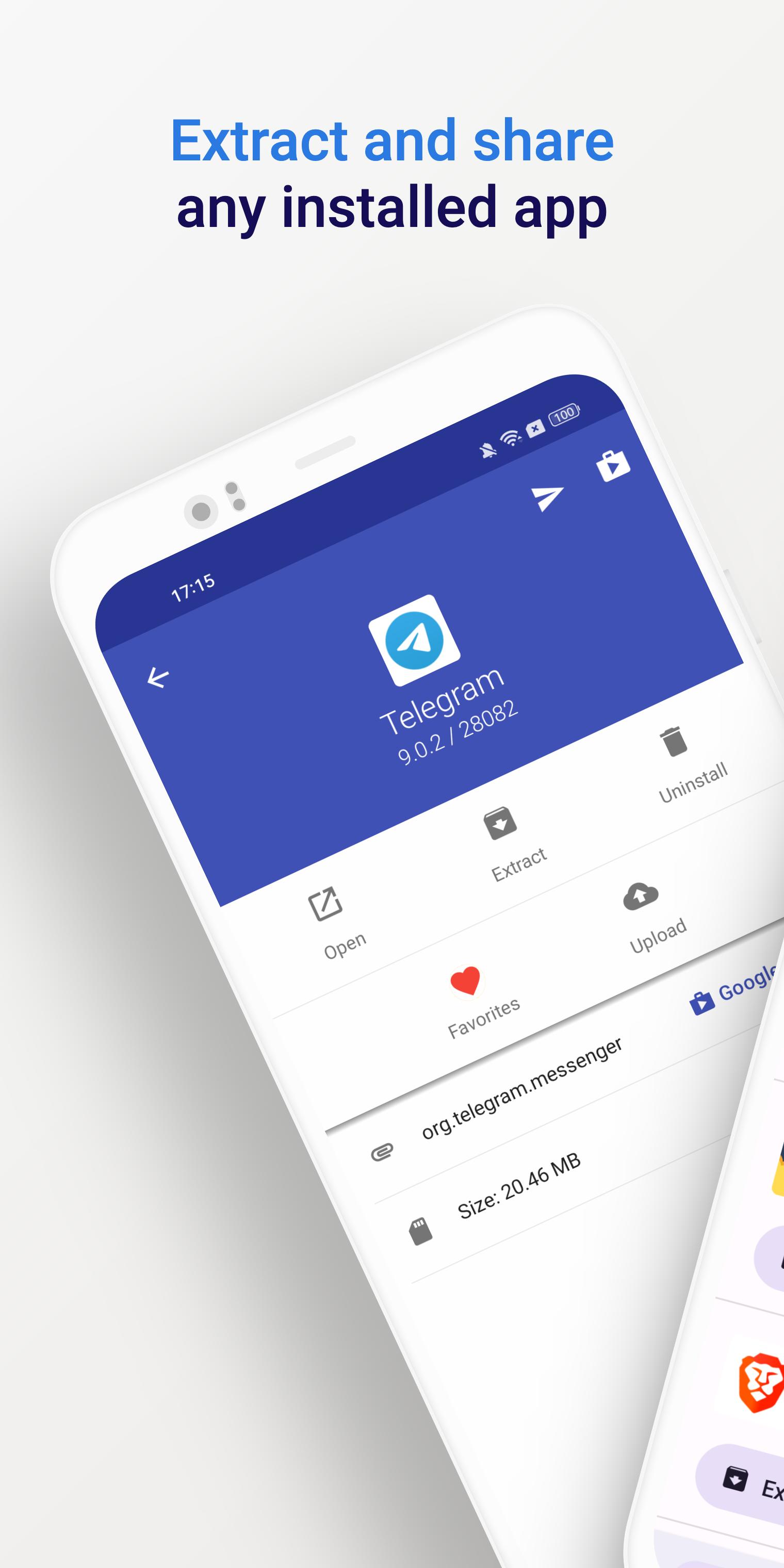
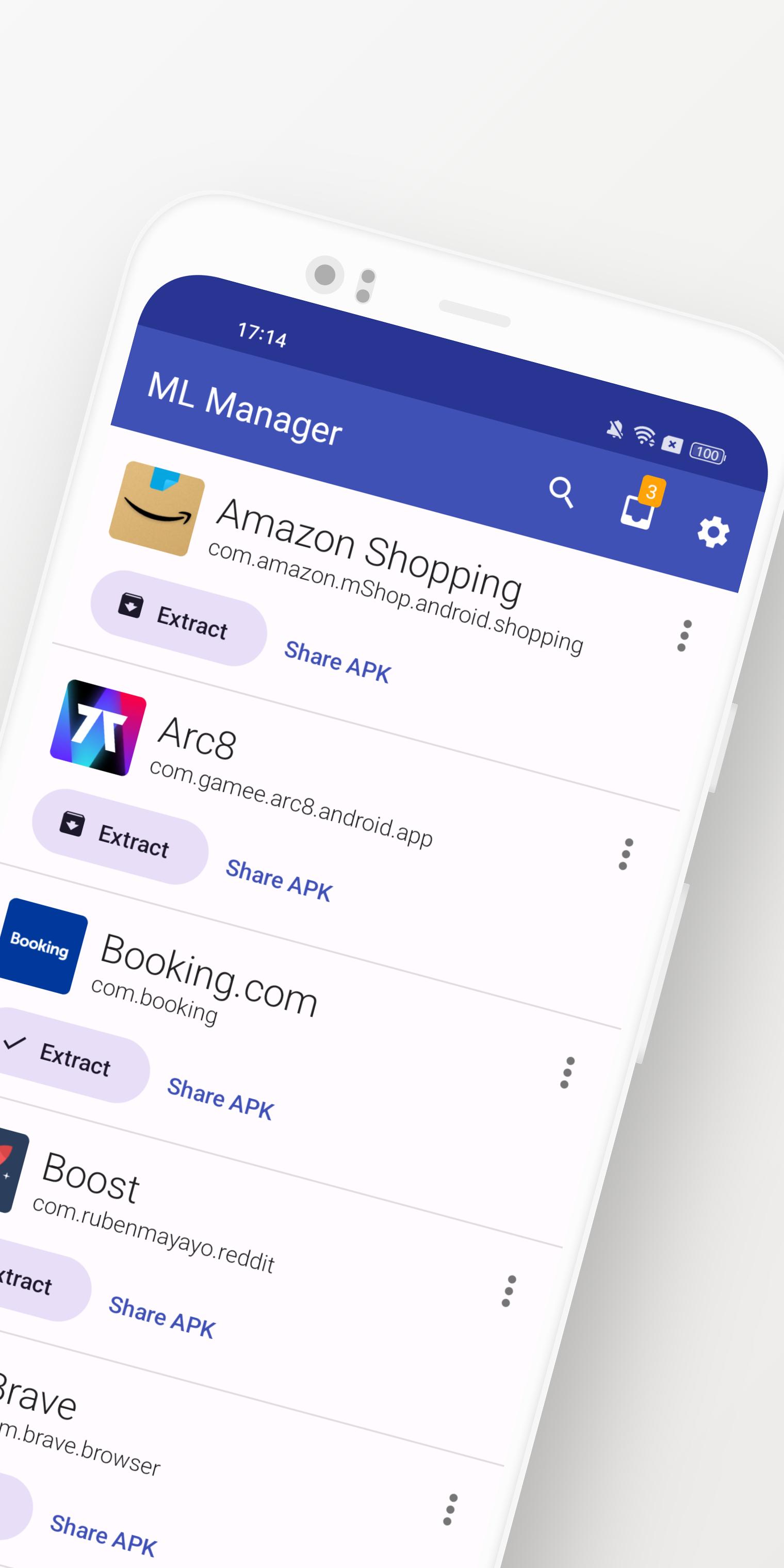
ML Manager is a customizable APK manager for Android: extract any installed app, mark them as favorites, easily share .apk files and much more.
Meet the easiest app manager and extractor with Material Design on Android.
Features:
• Extract any installed & system apps and save them as APK.
• Batch mode to extract multiple APKs at the same time.
• Share any APK with other apps: Telegram, Dropbox, Email, etc.
• Organize your apps by marking them as favorites for easier access.
• Upload your latest APKs to APKMirror.
• Uninstall any installed app.
• Customizations available in settings, including a dark mode, custom main colors and more.
• No root access required.
Need more features? Check out the Pro version with root access:
• Uninstall system apps. - Requires Root -
• Hide apps from the device launcher so only you can see them. - Requires Root -
• Clear cache & data for any app. - Requires Root -
• Enable the new and elegant compact mode.
• Always extract APKs in the background while you continue to extract other apps.
What is the media saying about ML Manager?
• AndroidPolice (EN): "ML Manager makes extracting APKs from your device easy."
• PhoneArena (EN): "With a combination of basic, essential features and a Material-inspired user interface, the app is definitely something to look out for."
• Xataka Android (ES): "ML Manager is the easiest way to extract and share APKs."
• HDBlog (IT): "If you need a simple, beautiful and optimized application, without losing basic and essential features, ML Manager is a good choice."
پیش نظارہ
ٹیگز
اوزارمعلومات
ڈویلپر
Javier Santos V.
تازہ ترین ورژن
5.0
آخری تازہ کاری
2025-01-10
قسم
اوزار
پر دستیاب ہے۔
Google Play
مزید دکھائیں
پی سی پر گیم لوپ کے ساتھ ML Manager: APK Extractor کیسے کھیلا جائے۔
1. آفیشل ویب سائٹ سے گیم لوپ ڈاؤن لوڈ کریں، پھر گیم لوپ انسٹال کرنے کے لیے exe فائل چلائیں۔
2. گیم لوپ کھولیں اور "ML Manager: APK Extractor" تلاش کریں، تلاش کے نتائج میں ML Manager: APK Extractor تلاش کریں اور "انسٹال کریں" پر کلک کریں۔
3. گیم لوپ پر ML Manager: APK Extractor کھیلنے کا لطف اٹھائیں۔
Minimum requirements
OS
Windows 8.1 64-bit or Windows 10 64-bit
GPU
GTX 1050
CPU
i3-8300
Memory
8GB RAM
Storage
1GB available space
Recommended requirements
OS
Windows 8.1 64-bit or Windows 10 64-bit
GPU
GTX 1050
CPU
i3-9320
Memory
16GB RAM
Storage
1GB available space