
MFA Authenticator App 2FA PC
AppNation Ltd
گیم لوپ ایمولیٹر کے ساتھ PC پر MFA Authenticator App 2FA ڈاؤن لوڈ کریں۔
پی سی پر MFA Authenticator App 2FA
MFA Authenticator App 2FA، جو ڈویلپر AppNation Ltd سے آرہا ہے، ماضی میں اینڈرائیڈ سسٹم پر چل رہا ہے۔
اب، آپ پی سی پر MFA Authenticator App 2FA آسانی سے GameLoop کے ساتھ چلا سکتے ہیں۔
اسے GameLoop لائبریری یا تلاش کے نتائج میں ڈاؤن لوڈ کریں۔ مزید غلط وقت پر بیٹری یا مایوس کن کالوں پر نظر نہیں ڈالی جائے گی۔
بس بڑی سکرین پر MFA Authenticator App 2FA PC کا مفت میں لطف اٹھائیں!
MFA Authenticator App 2FA تعارف
Secure all your online accounts with MFA Authenticator App!
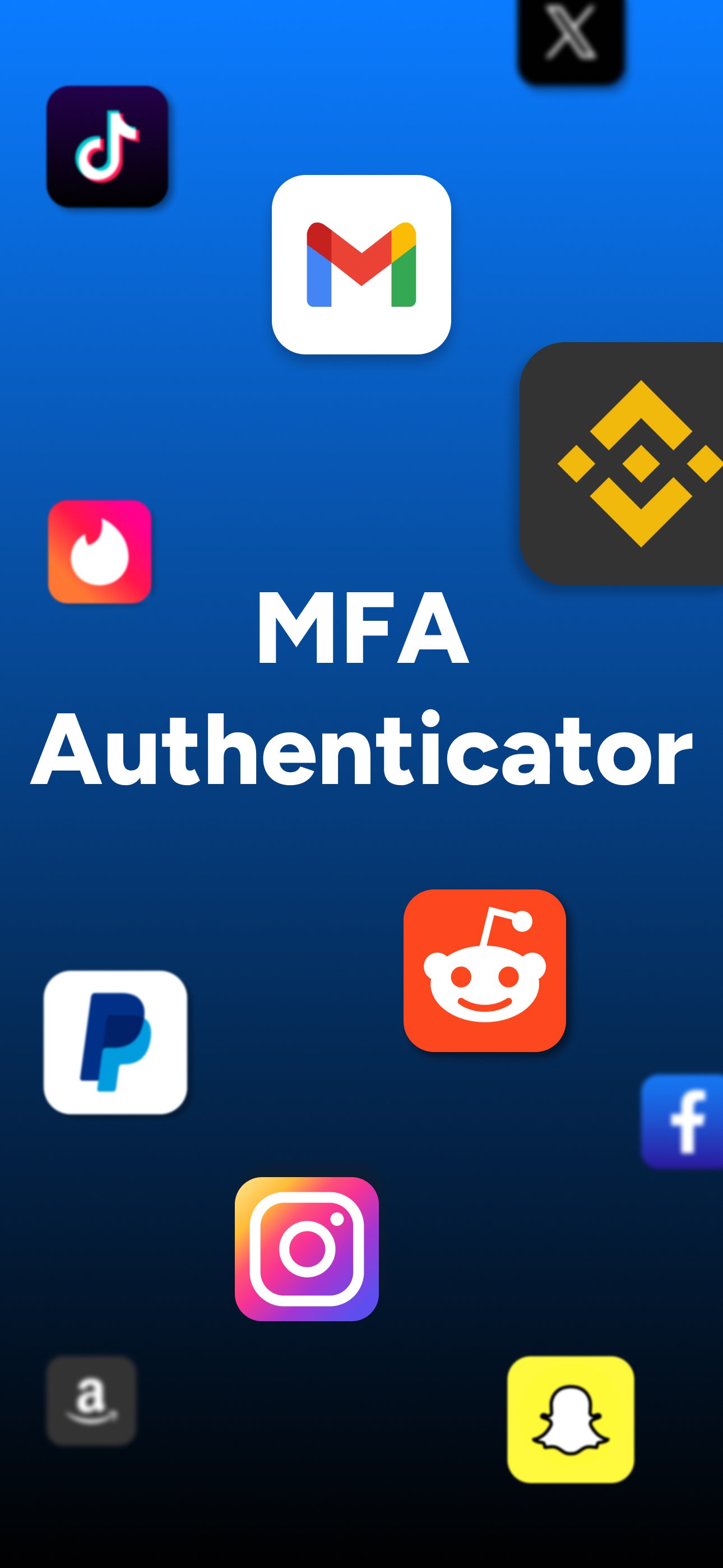
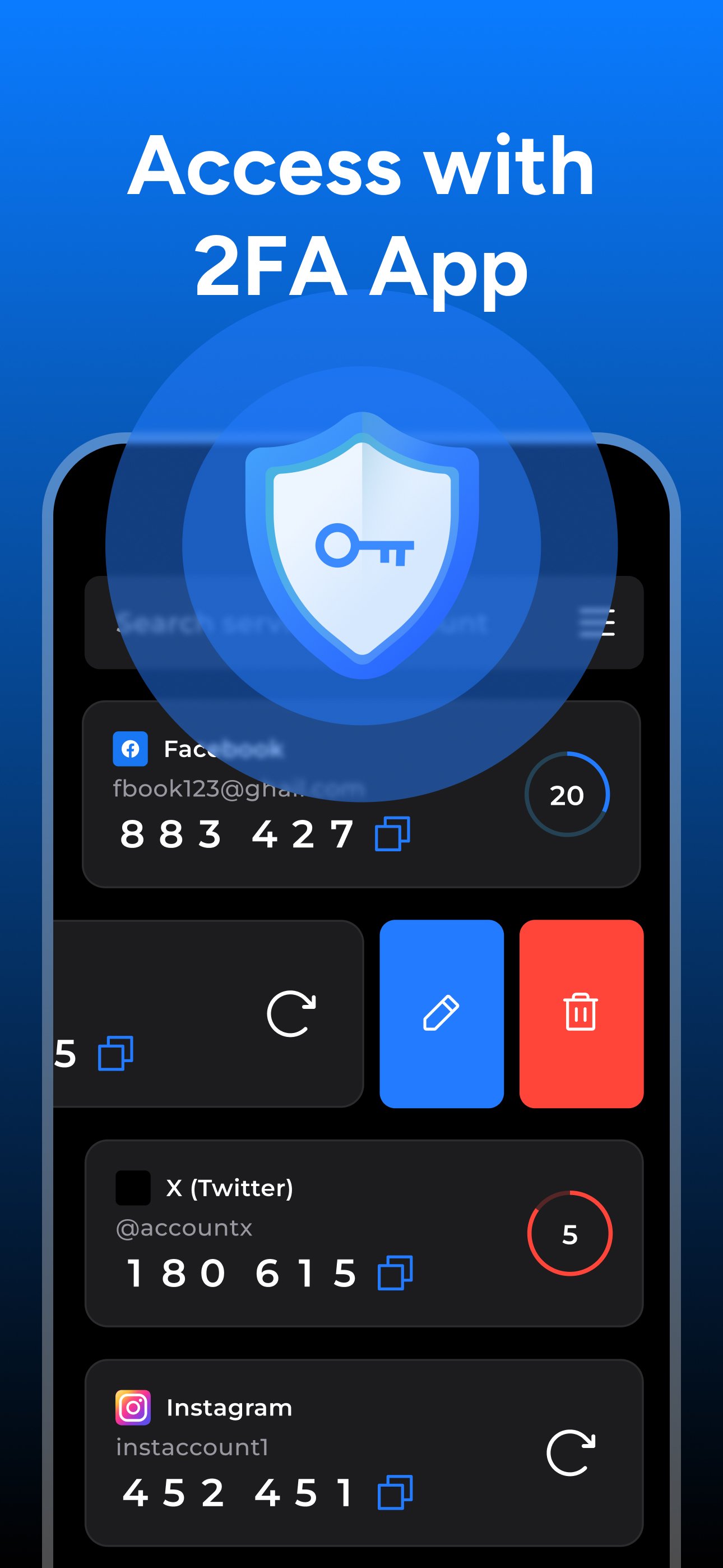
Use MFA Authenticator to generate 2FA codes easily to protect your accounts such as Facebook, Google, Instagram, Amazon and all websites that support two factor authentication.
Two-factor authentication adds an extra layer of security to your online accounts by requiring a second form of authentication in addition to your password. This app makes it easy to add two-factor authentication to your accounts, ensuring that only you have access to your sensitive information. With our app, you can quickly and easily set up two-factor authentication on any of your online accounts, giving you peace of mind knowing that your data is secure. Plus, our user-friendly interface makes it simple to manage all of your two-factor authentication accounts in one place.
Try our app today and start protecting your online accounts with two-factor authentication.
Privacy Policy: https://kupertinolabs.com/privacy-policy
Terms of Use: https://kupertinolabs.com/terms-of-use
پیش نظارہ
ٹیگز
اوزارمعلومات
ڈویلپر
AppNation Ltd
تازہ ترین ورژن
1.1.7
آخری تازہ کاری
2026-04-19
قسم
اوزار
پر دستیاب ہے۔
Google Play
مزید دکھائیں
پی سی پر گیم لوپ کے ساتھ MFA Authenticator App 2FA کیسے کھیلا جائے۔
1. آفیشل ویب سائٹ سے گیم لوپ ڈاؤن لوڈ کریں، پھر گیم لوپ انسٹال کرنے کے لیے exe فائل چلائیں۔
2. گیم لوپ کھولیں اور "MFA Authenticator App 2FA" تلاش کریں، تلاش کے نتائج میں MFA Authenticator App 2FA تلاش کریں اور "انسٹال کریں" پر کلک کریں۔
3. گیم لوپ پر MFA Authenticator App 2FA کھیلنے کا لطف اٹھائیں۔
Minimum requirements
OS
Windows 8.1 64-bit or Windows 10 64-bit
GPU
GTX 1050
CPU
i3-8300
Memory
8GB RAM
Storage
1GB available space
Recommended requirements
OS
Windows 8.1 64-bit or Windows 10 64-bit
GPU
GTX 1050
CPU
i3-9320
Memory
16GB RAM
Storage
1GB available space