
Max VPN - Fast & Stable Proxy PC
Acoben
گیم لوپ ایمولیٹر کے ساتھ PC پر Max VPN - Fast & Stable Proxy ڈاؤن لوڈ کریں۔
پی سی پر Max VPN - Fast & Stable Proxy
Max VPN - Fast & Stable Proxy، جو ڈویلپر Acoben سے آرہا ہے، ماضی میں اینڈرائیڈ سسٹم پر چل رہا ہے۔
اب، آپ پی سی پر Max VPN - Fast & Stable Proxy آسانی سے GameLoop کے ساتھ چلا سکتے ہیں۔
اسے GameLoop لائبریری یا تلاش کے نتائج میں ڈاؤن لوڈ کریں۔ مزید غلط وقت پر بیٹری یا مایوس کن کالوں پر نظر نہیں ڈالی جائے گی۔
بس بڑی سکرین پر Max VPN - Fast & Stable Proxy PC کا مفت میں لطف اٹھائیں!
Max VPN - Fast & Stable Proxy تعارف
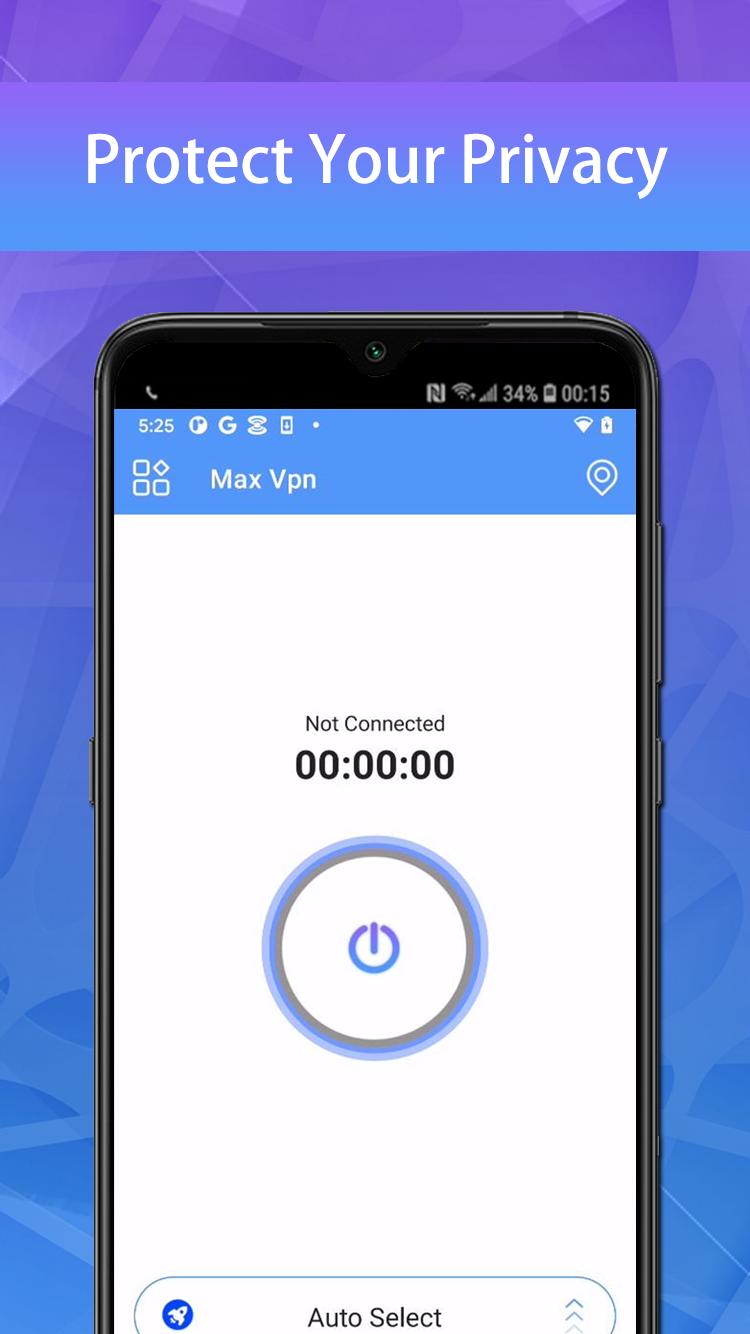
Max VPN is a free VPN with lightning-fast speeds, secure server connections, and no data caps.
When you're connected to Max VPN, you can access the internet anonymously and stay protected online. Max VPN encrypts all your data using encryption protocols. Max VPN is a trustworthy and good VPN provider with a zero logs policy. Your data can no longer be intercepted or read by third parties.
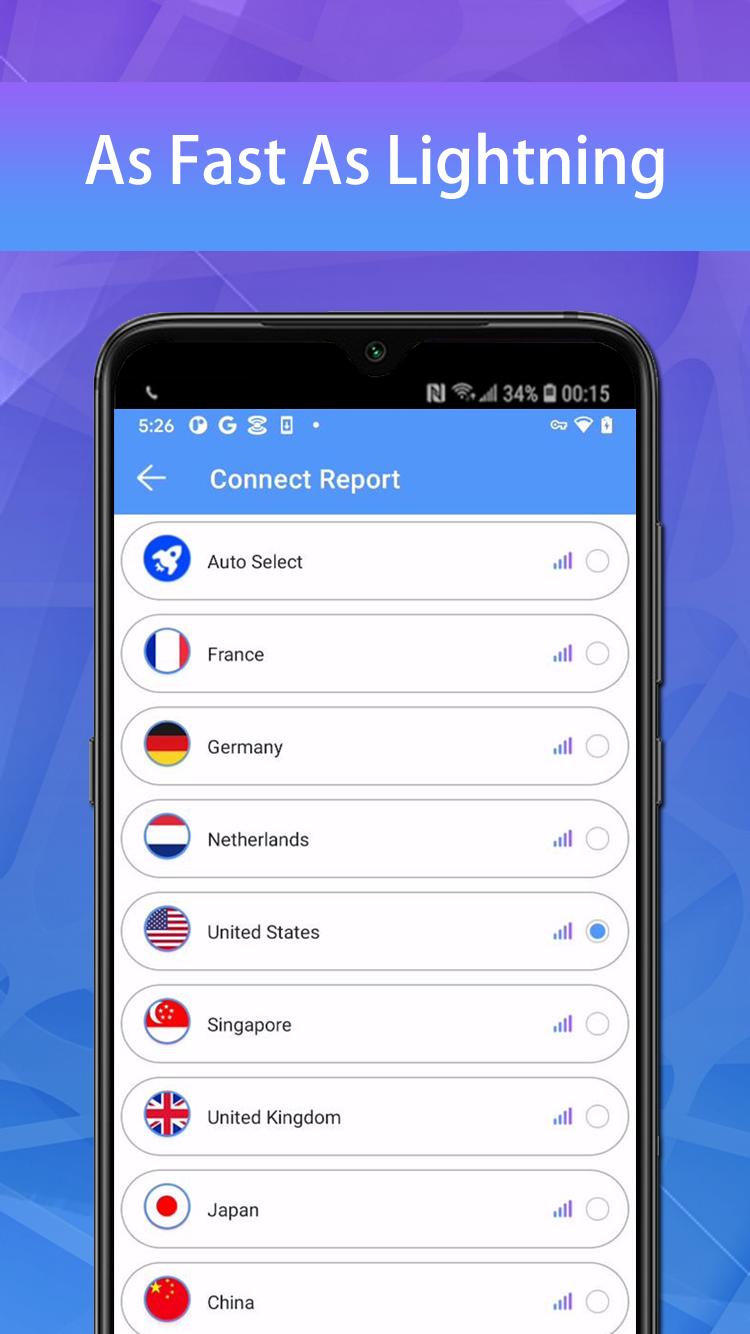
✔ 10000+ free servers around 100+ global locations
✔ Set fastest servers automatically for you
✔ Support for all major platforms Windows, MacOS, Android, iOS etc.
✔ Fast VPN server for torrenting, gaming & streaming
✔ Military-grade 256-bit encryption and unlimited bandwidth
✔ Access geo-restricted content
✔ Protect your privacy on public WiFi networks
✔ No registration required
✔ Protect your password and personal data
You can find more details on our official site:
Privacy Policy: https://d3cgubmp1140jz.cloudfront.net/max.html
پیش نظارہ
ٹیگز
اوزارمعلومات
ڈویلپر
Acoben
تازہ ترین ورژن
1.3.7
آخری تازہ کاری
2023-05-25
قسم
اوزار
پر دستیاب ہے۔
Google Play
مزید دکھائیں
پی سی پر گیم لوپ کے ساتھ Max VPN - Fast & Stable Proxy کیسے کھیلا جائے۔
1. آفیشل ویب سائٹ سے گیم لوپ ڈاؤن لوڈ کریں، پھر گیم لوپ انسٹال کرنے کے لیے exe فائل چلائیں۔
2. گیم لوپ کھولیں اور "Max VPN - Fast & Stable Proxy" تلاش کریں، تلاش کے نتائج میں Max VPN - Fast & Stable Proxy تلاش کریں اور "انسٹال کریں" پر کلک کریں۔
3. گیم لوپ پر Max VPN - Fast & Stable Proxy کھیلنے کا لطف اٹھائیں۔
Minimum requirements
OS
Windows 8.1 64-bit or Windows 10 64-bit
GPU
GTX 1050
CPU
i3-8300
Memory
8GB RAM
Storage
1GB available space
Recommended requirements
OS
Windows 8.1 64-bit or Windows 10 64-bit
GPU
GTX 1050
CPU
i3-9320
Memory
16GB RAM
Storage
1GB available space