MathAlly Graphing Calculator PC
MathAlly
گیم لوپ ایمولیٹر کے ساتھ PC پر MathAlly Graphing Calculator ڈاؤن لوڈ کریں۔
پی سی پر MathAlly Graphing Calculator
MathAlly Graphing Calculator، جو ڈویلپر MathAlly سے آرہا ہے، ماضی میں اینڈرائیڈ سسٹم پر چل رہا ہے۔
اب، آپ پی سی پر MathAlly Graphing Calculator آسانی سے GameLoop کے ساتھ چلا سکتے ہیں۔
اسے GameLoop لائبریری یا تلاش کے نتائج میں ڈاؤن لوڈ کریں۔ مزید غلط وقت پر بیٹری یا مایوس کن کالوں پر نظر نہیں ڈالی جائے گی۔
بس بڑی سکرین پر MathAlly Graphing Calculator PC کا مفت میں لطف اٹھائیں!
MathAlly Graphing Calculator تعارف
MathAlly Graphing Calculator is quickly becoming the most comprehensive free Graphing, Symbolic, and Scientific Calculator for Android.
Here are some of our current features:
Basics:
-Enter values and view results as you would write them
-Swipe up, down, left, or right to quickly switch between keyboard pages.
-Long click on keyboard key to bring up dialog about key.
-Undo and Redo keys to easily fix mistakes.
-Cut, Copy, and Paste.
-User defined functions with f, g, h
Symbolic Calculator:
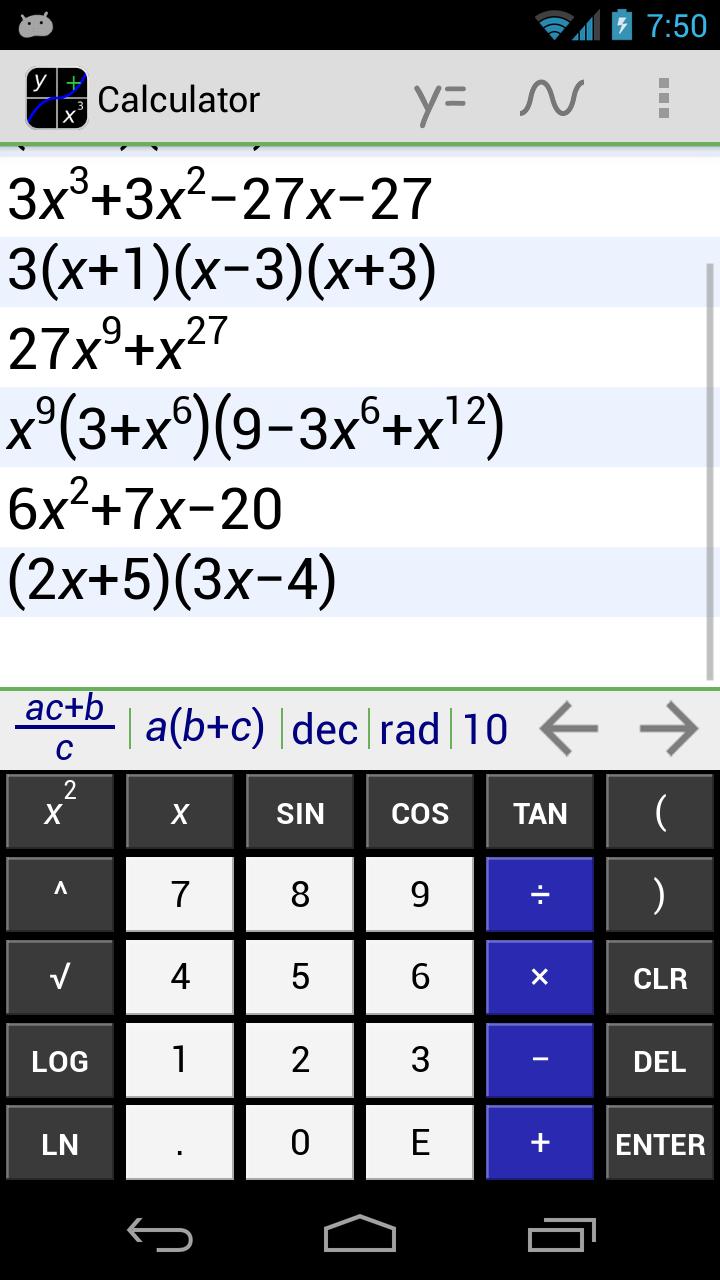
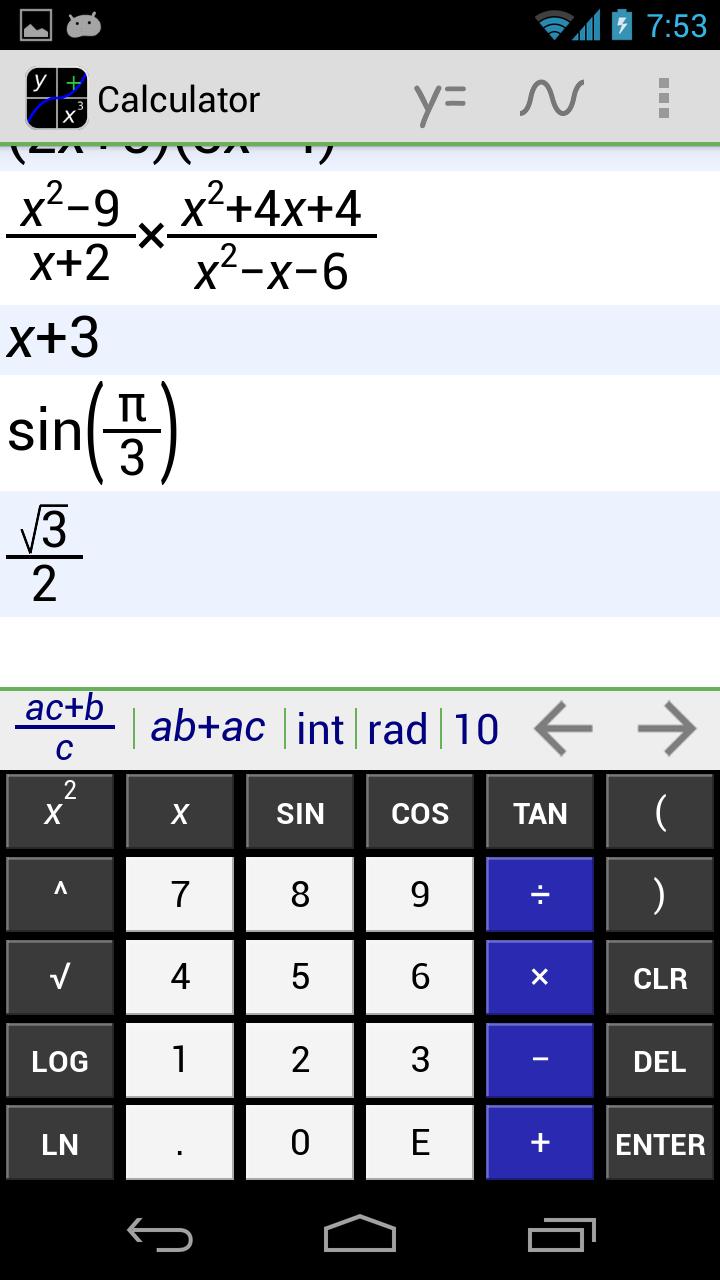
-Simplify and Factor algebra expressions.
-Polynomial long division.
-Solve equations for a variable.
-Solve equations with inequalities such as > and <
-Solve systems of equations.
-Simplify trigonometric expressions using trigonometric identities.
Graphing:
-Graph three equations at once.
-View equations on graph or in table format.
-Normal functions such as y=x^2
-Inverse functions such as x=y^2
-Circles such as y^2+x^2=1
-Ellipses, Hyperbola, Conic Sections.
-Inequalities
-Logarithmic scaling
-Add markers to graph to view value at given point.
-View delta and distance readings between markers on graph.
-View roots and intercepts of traces on graph.
-Regression
Calculus:
-Differentiation.
-Definite integration.
Other Features:
-Complex numbers
-Hyperbolic functions
-nCr and nPr functions
-Change numeric base between binary, octal, decimal, and hexadecimal
-Bitwise operators AND, OR, XOR, and NOT
-Matrices.
-Vector dot product and norm.
FAQ’s
Q. Is there are tutorial anywhere explaining how to use the graphing calculator?
A. There are three into tutorials in the app for the calculator, graph equations, and graph screens. Additional tutorials can be found on our website http://www.mathally.com/
Q. How do I get to the keys for pi, e, solve, etc?
A. There are four keyboard pages. Each swipe direction across the keyboard moves you to a different page. The default page is the swipe down page. To get to the page with trig functions, swipe left. To get to the matrix keys, swipe up. To get to the last page, swipe right. No matter what page you are on, the swipe direction to move to a specific page is always the same.
Q. What do you have planned for future releases?
A. You can keep up to date on the latest news on our blog at http://mathally.blogspot.com/ . This news will include what is coming up in future releases. Also feel free to leave comments and let me know what you think!
If you find a bug or have questions, please email me.
Math Ally
پیش نظارہ
معلومات
ڈویلپر
MathAlly
تازہ ترین ورژن
2.8.1
آخری تازہ کاری
2014-04-21
قسم
اوزار
پر دستیاب ہے۔
Google Play
مزید دکھائیں
پی سی پر گیم لوپ کے ساتھ MathAlly Graphing Calculator کیسے کھیلا جائے۔
1. آفیشل ویب سائٹ سے گیم لوپ ڈاؤن لوڈ کریں، پھر گیم لوپ انسٹال کرنے کے لیے exe فائل چلائیں۔
2. گیم لوپ کھولیں اور "MathAlly Graphing Calculator" تلاش کریں، تلاش کے نتائج میں MathAlly Graphing Calculator تلاش کریں اور "انسٹال کریں" پر کلک کریں۔
3. گیم لوپ پر MathAlly Graphing Calculator کھیلنے کا لطف اٹھائیں۔
Minimum requirements
OS
Windows 8.1 64-bit or Windows 10 64-bit
GPU
GTX 1050
CPU
i3-8300
Memory
8GB RAM
Storage
1GB available space
Recommended requirements
OS
Windows 8.1 64-bit or Windows 10 64-bit
GPU
GTX 1050
CPU
i3-9320
Memory
16GB RAM
Storage
1GB available space