Linear MQTT Dashboard PC
ravendmaster
گیم لوپ ایمولیٹر کے ساتھ PC پر Linear MQTT Dashboard ڈاؤن لوڈ کریں۔
پی سی پر Linear MQTT Dashboard
Linear MQTT Dashboard، جو ڈویلپر ravendmaster سے آرہا ہے، ماضی میں اینڈرائیڈ سسٹم پر چل رہا ہے۔
اب، آپ پی سی پر Linear MQTT Dashboard آسانی سے GameLoop کے ساتھ چلا سکتے ہیں۔
اسے GameLoop لائبریری یا تلاش کے نتائج میں ڈاؤن لوڈ کریں۔ مزید غلط وقت پر بیٹری یا مایوس کن کالوں پر نظر نہیں ڈالی جائے گی۔
بس بڑی سکرین پر Linear MQTT Dashboard PC کا مفت میں لطف اٹھائیں!
Linear MQTT Dashboard تعارف
Easy, customizable control panel - MQTT-client.
The solution for your IoT, DIY devices.
Source codes - https://github.com/ravendmaster/linear-mqtt-dashboard-kotlin
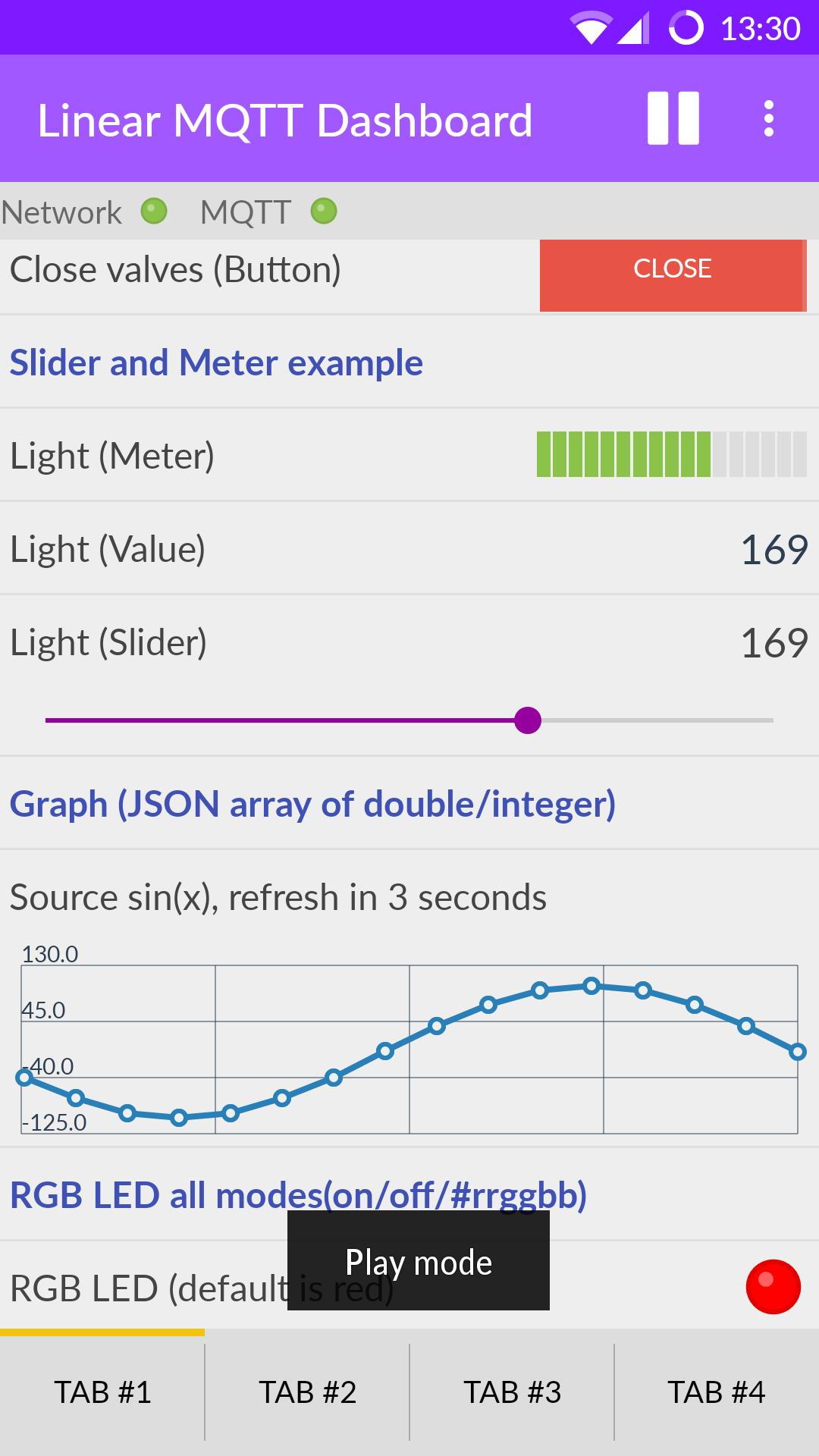
Available widgets:
- Header
- Slider
- Value
- Switch
- Button
- RGB LED
- Meter
- Graph
- Buttons set
- Combo box
Features:
★ Tabs
★ Order of widgets can be changed. Number of widgets is not limited to the size of the screen - the list can be scrolled.
★ Status of network connection and MQTT broker displayed RGB LED.
★ Ability to receive push notifications even when the app is closed.
★ Corrective message from the widget "Value" by long press on the value (in the widget settings, you must specify the topic of publication of the new value).
★ Two meanings of the text messages and the two labels are available for the widget "Button" - for the states "pressed" / "not pressed" respectively. You can also specify a "retained" for messages.
★ Widget "Meter" can display the value of by a different color (alarm zone, yellow and red), if value approaches the limits of measurement. Thresholds limit values can be specified separately for the lower and upper boundaries.
★ Widgets Slider and Meter can handle decimals
★ Share settings
★ JavaScript to represent the value of some widgets
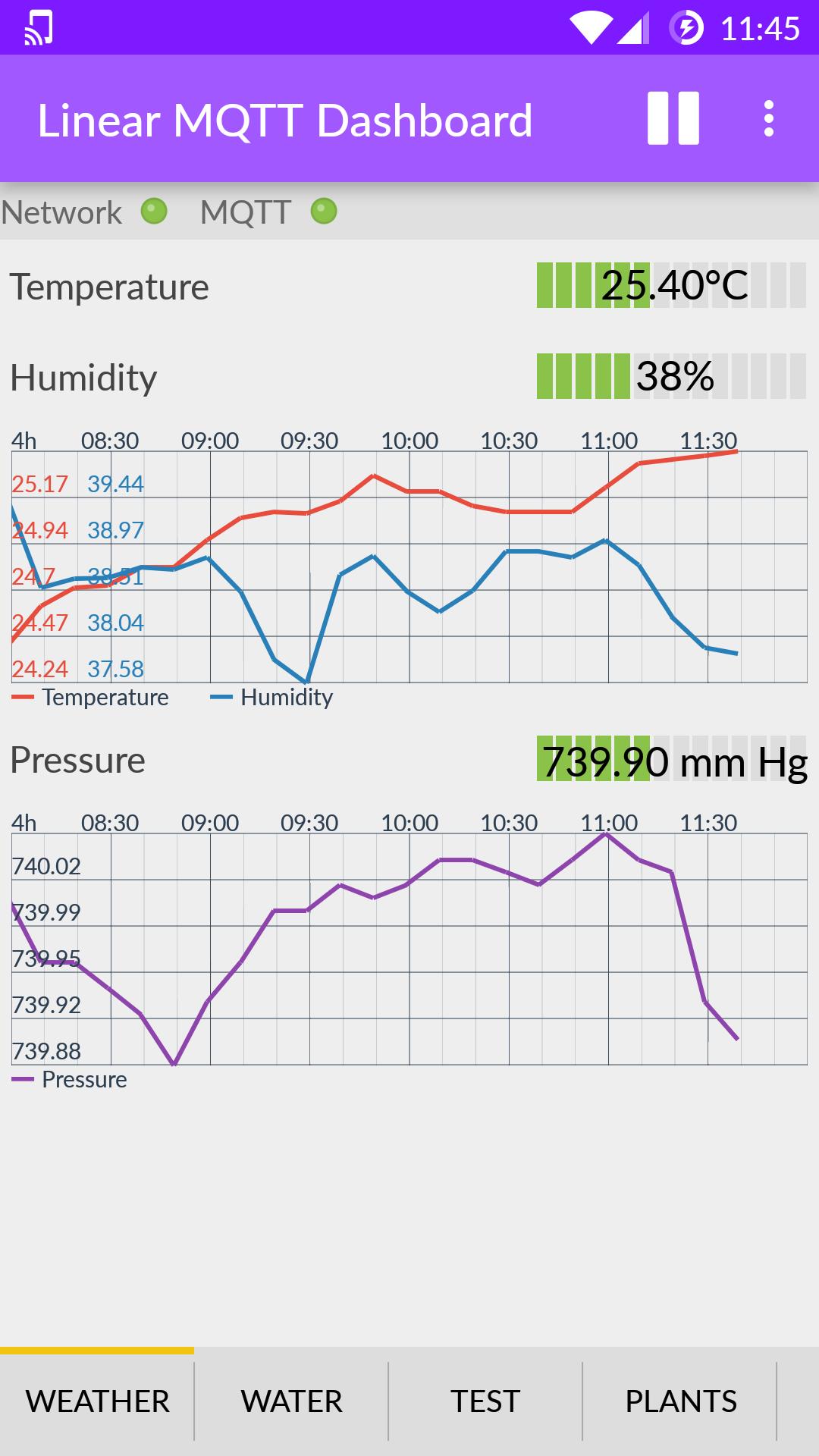
★ Graph widget displays the value of an array of double and integer types in JSON format, payload for example of payload: [1,2,100.88] or [100.5, 200, 0, 0, 0, -10]
★ Graph widget in live mode
★ Graph widget in 'historical' mode (1h, 4h etc.), see "Application server mode" in application serttings
★ "Buttons set" widget allows place several buttons in one place
★ Widget Combo box to work with a predefined list of values
★ "Application server mode" - the ability to handle incoming MQTT messages using JavaScript even when the app is in the background. See OnReceive().
پیش نظارہ
ٹیگز
اوزارمعلومات
ڈویلپر
ravendmaster
تازہ ترین ورژن
2.5.8
آخری تازہ کاری
2020-05-10
قسم
اوزار
پر دستیاب ہے۔
Google Play
مزید دکھائیں
پی سی پر گیم لوپ کے ساتھ Linear MQTT Dashboard کیسے کھیلا جائے۔
1. آفیشل ویب سائٹ سے گیم لوپ ڈاؤن لوڈ کریں، پھر گیم لوپ انسٹال کرنے کے لیے exe فائل چلائیں۔
2. گیم لوپ کھولیں اور "Linear MQTT Dashboard" تلاش کریں، تلاش کے نتائج میں Linear MQTT Dashboard تلاش کریں اور "انسٹال کریں" پر کلک کریں۔
3. گیم لوپ پر Linear MQTT Dashboard کھیلنے کا لطف اٹھائیں۔
Minimum requirements
OS
Windows 8.1 64-bit or Windows 10 64-bit
GPU
GTX 1050
CPU
i3-8300
Memory
8GB RAM
Storage
1GB available space
Recommended requirements
OS
Windows 8.1 64-bit or Windows 10 64-bit
GPU
GTX 1050
CPU
i3-9320
Memory
16GB RAM
Storage
1GB available space