
KR Keyboard PC
KHUN SOE ZAW THU
گیم لوپ ایمولیٹر کے ساتھ PC پر KR Keyboard ڈاؤن لوڈ کریں۔
پی سی پر KR Keyboard
KR Keyboard، جو ڈویلپر KHUN SOE ZAW THU سے آرہا ہے، ماضی میں اینڈرائیڈ سسٹم پر چل رہا ہے۔
اب، آپ پی سی پر KR Keyboard آسانی سے GameLoop کے ساتھ چلا سکتے ہیں۔
اسے GameLoop لائبریری یا تلاش کے نتائج میں ڈاؤن لوڈ کریں۔ مزید غلط وقت پر بیٹری یا مایوس کن کالوں پر نظر نہیں ڈالی جائے گی۔
بس بڑی سکرین پر KR Keyboard PC کا مفت میں لطف اٹھائیں!
KR Keyboard تعارف
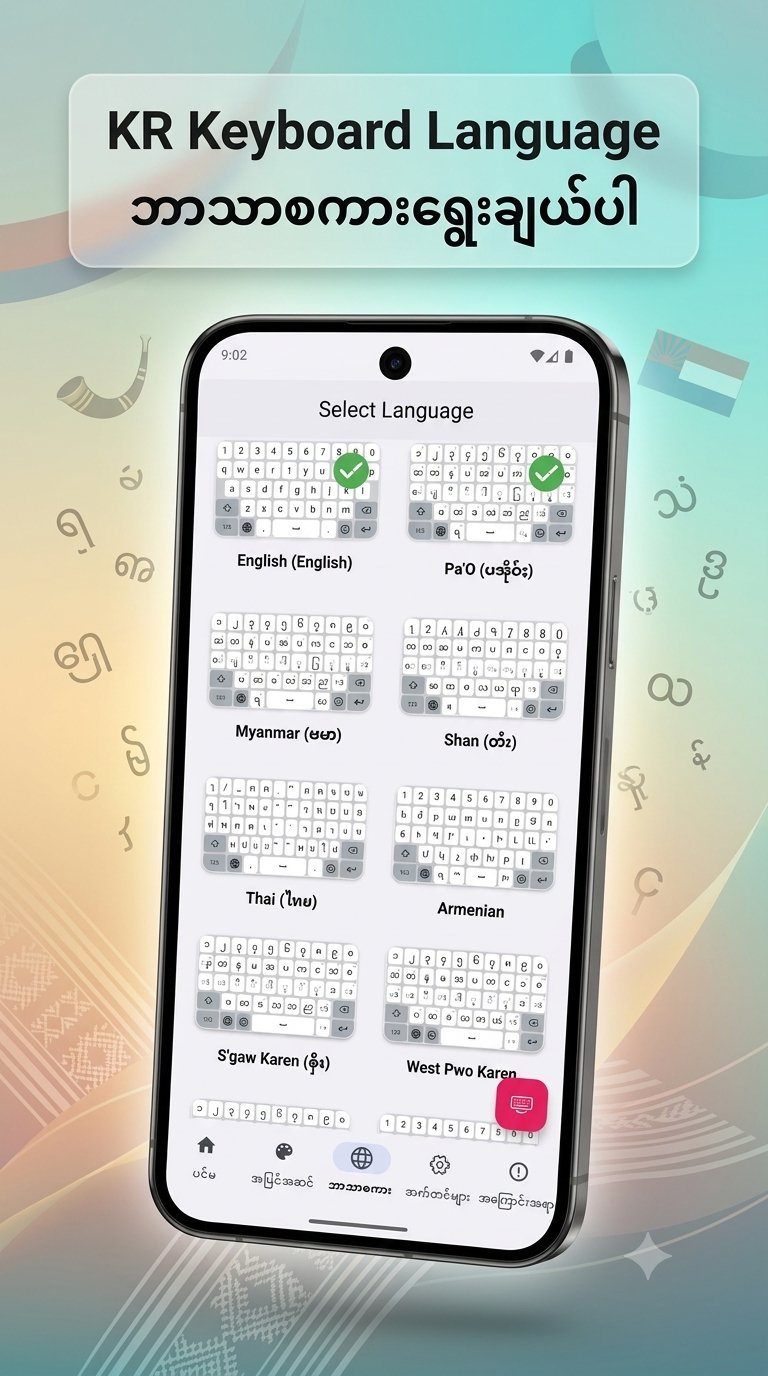
KR Keyboard language For Burmese, PaO, Shan, Karen, Mon, Ta'ang, Thai, Korean
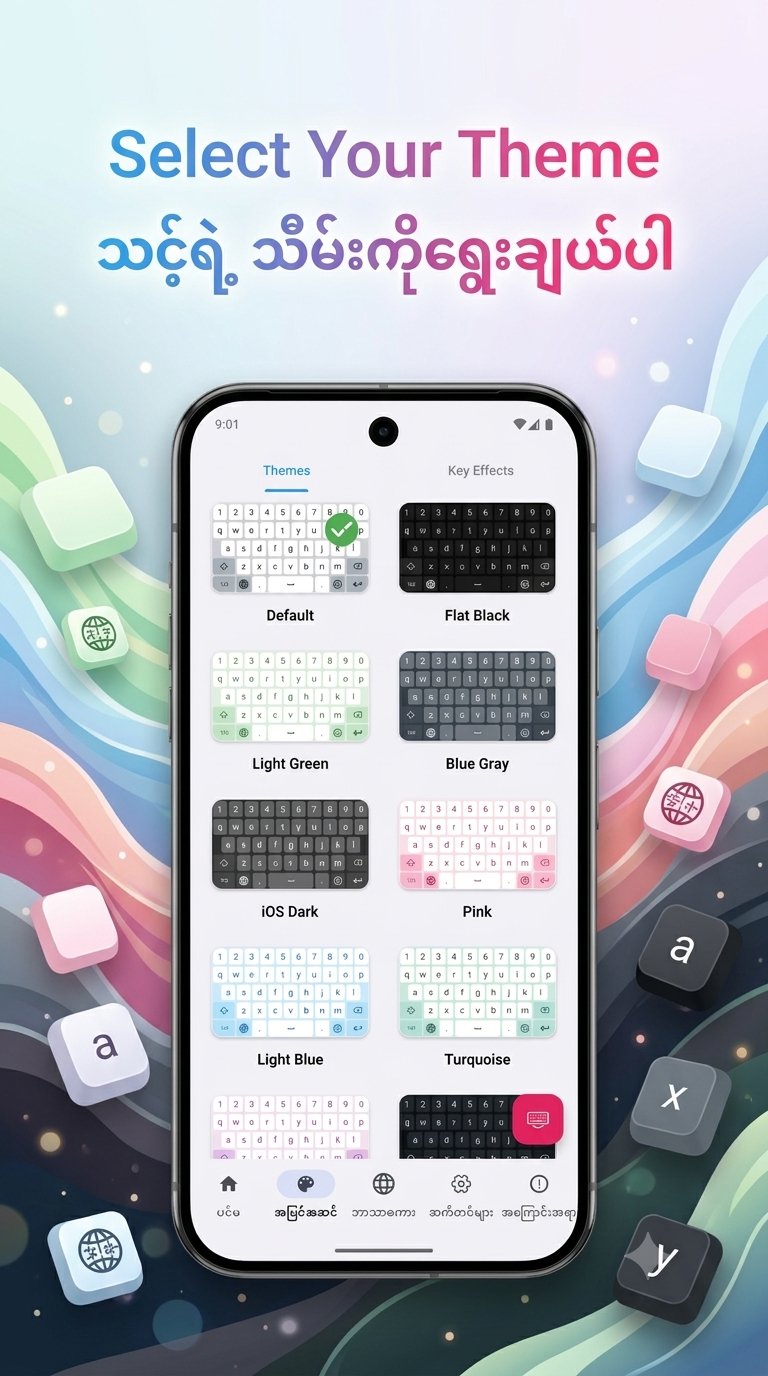
1. New Home UI - Access the Custom Theme editor directly from the Home screen for faster personalization.
2. Bold Key Text - Added a toggle in Font & Size settings to make keyboard characters bold and more visible.
3.Improved Dictionary Editor - Manage your personal word list more efficiently. The editor now focuses exclusively on user-added words.
4. Enhanced Space Key Logic - Improved character handling when pressing space to prevent accidental deletions and ensure smoother typing.
5. Bug Fixes & Optimizations:
◦ Fixed the touch issue on bottom keys in PaO Symbol layouts when the number row is enabled.
◦ Fixed the keyboard rendering issue where labels were missing on the first launch.
◦ Improved theme list stability; it no longer jumps to the top after selecting a theme
پیش نظارہ
ٹیگز
اوزارمعلومات
ڈویلپر
KHUN SOE ZAW THU
تازہ ترین ورژن
2.8
آخری تازہ کاری
2026-08-21
قسم
اوزار
پر دستیاب ہے۔
Google Play
مزید دکھائیں
پی سی پر گیم لوپ کے ساتھ KR Keyboard کیسے کھیلا جائے۔
1. آفیشل ویب سائٹ سے گیم لوپ ڈاؤن لوڈ کریں، پھر گیم لوپ انسٹال کرنے کے لیے exe فائل چلائیں۔
2. گیم لوپ کھولیں اور "KR Keyboard" تلاش کریں، تلاش کے نتائج میں KR Keyboard تلاش کریں اور "انسٹال کریں" پر کلک کریں۔
3. گیم لوپ پر KR Keyboard کھیلنے کا لطف اٹھائیں۔
Minimum requirements
OS
Windows 8.1 64-bit or Windows 10 64-bit
GPU
GTX 1050
CPU
i3-8300
Memory
8GB RAM
Storage
1GB available space
Recommended requirements
OS
Windows 8.1 64-bit or Windows 10 64-bit
GPU
GTX 1050
CPU
i3-9320
Memory
16GB RAM
Storage
1GB available space