
JF Connect PC
Junkfood Arcades
گیم لوپ ایمولیٹر کے ساتھ PC پر JF Connect ڈاؤن لوڈ کریں۔
پی سی پر JF Connect
JF Connect، جو ڈویلپر Junkfood Arcades سے آرہا ہے، ماضی میں اینڈرائیڈ سسٹم پر چل رہا ہے۔
اب، آپ پی سی پر JF Connect آسانی سے GameLoop کے ساتھ چلا سکتے ہیں۔
اسے GameLoop لائبریری یا تلاش کے نتائج میں ڈاؤن لوڈ کریں۔ مزید غلط وقت پر بیٹری یا مایوس کن کالوں پر نظر نہیں ڈالی جائے گی۔
بس بڑی سکرین پر JF Connect PC کا مفت میں لطف اٹھائیں!
JF Connect تعارف
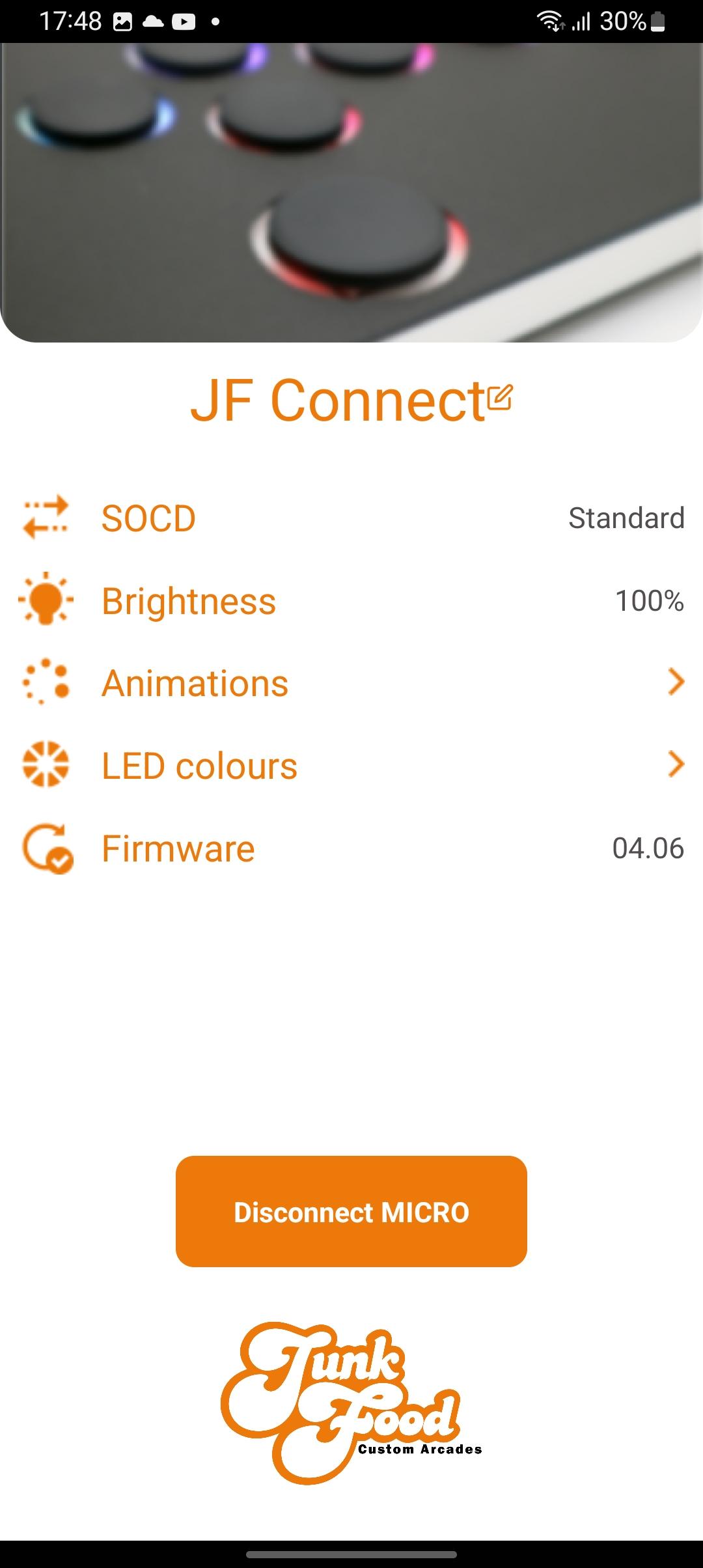
The JF Connect app helps make the MICRO your own! Take control of the features on your Snack Box Micro.
Works with the second generation of the Snack Box MICRO PCB (the white “M2” series PCB). This app gives you control over important features
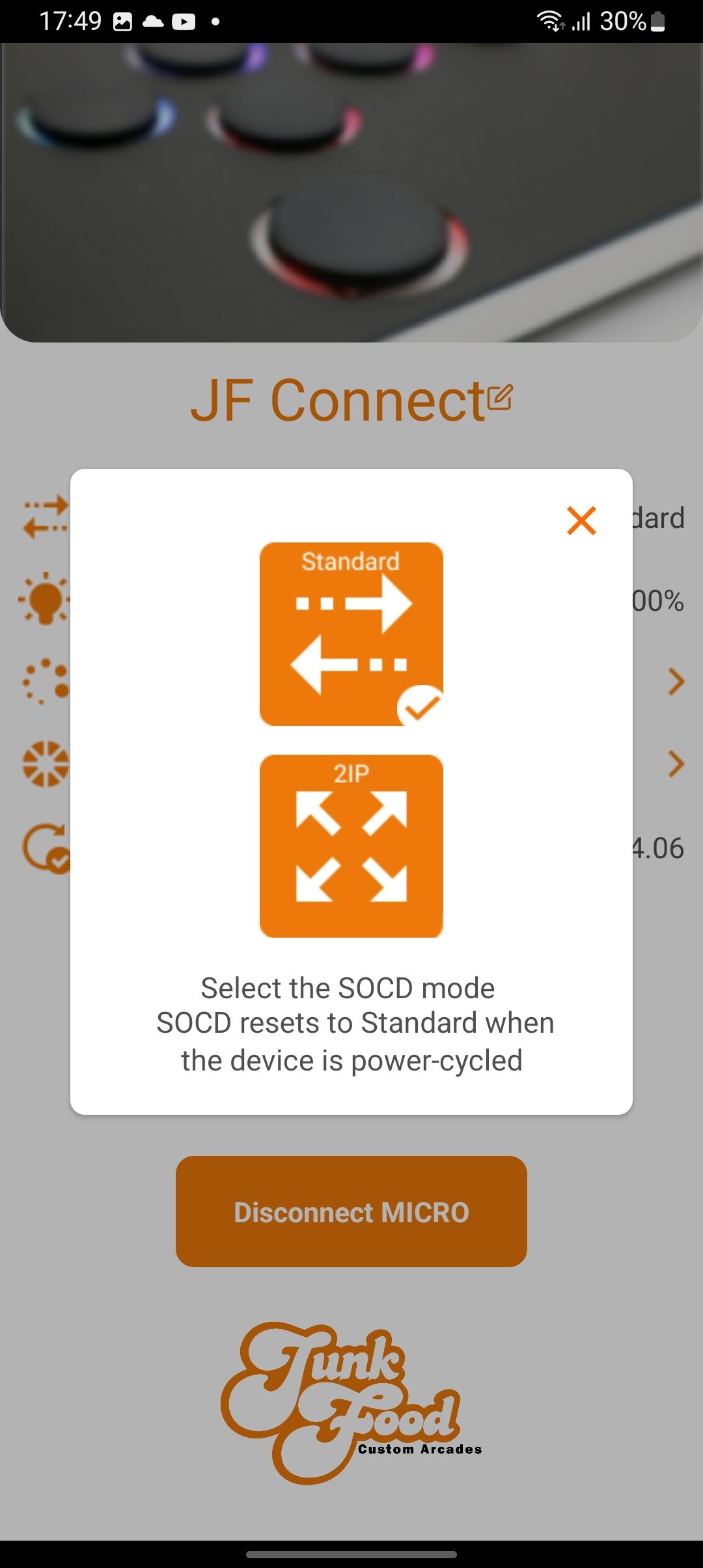
• Toggle between SOCD modes
• Adjust LED brightness
• Pick a primary/secondary LED colors
• Choose your favorite LED animation
• Update the Micro’s JFA firmware
Additional info:
The MICRO must be in edit mode to allow the app to change settings. This ensures that no one can change settings remotely without physical access to the device. To enter hold the edit mode button down while plugging in the USBC cable. Afterwards you can start the JF Connect app.
A video explaining the features of the app can be found on the JunkFood Arcades YouTube channel.
More features are planned for future updates! Stay tuned!
پیش نظارہ
ٹیگز
اوزارمعلومات
ڈویلپر
Junkfood Arcades
تازہ ترین ورژن
3.33
آخری تازہ کاری
2023-10-06
قسم
اوزار
پر دستیاب ہے۔
Google Play
مزید دکھائیں
پی سی پر گیم لوپ کے ساتھ JF Connect کیسے کھیلا جائے۔
1. آفیشل ویب سائٹ سے گیم لوپ ڈاؤن لوڈ کریں، پھر گیم لوپ انسٹال کرنے کے لیے exe فائل چلائیں۔
2. گیم لوپ کھولیں اور "JF Connect" تلاش کریں، تلاش کے نتائج میں JF Connect تلاش کریں اور "انسٹال کریں" پر کلک کریں۔
3. گیم لوپ پر JF Connect کھیلنے کا لطف اٹھائیں۔
Minimum requirements
OS
Windows 8.1 64-bit or Windows 10 64-bit
GPU
GTX 1050
CPU
i3-8300
Memory
8GB RAM
Storage
1GB available space
Recommended requirements
OS
Windows 8.1 64-bit or Windows 10 64-bit
GPU
GTX 1050
CPU
i3-9320
Memory
16GB RAM
Storage
1GB available space