Jahhow Computer Remote PC
Jahhow
گیم لوپ ایمولیٹر کے ساتھ PC پر Jahhow Computer Remote ڈاؤن لوڈ کریں۔
پی سی پر Jahhow Computer Remote
Jahhow Computer Remote، جو ڈویلپر Jahhow سے آرہا ہے، ماضی میں اینڈرائیڈ سسٹم پر چل رہا ہے۔
اب، آپ پی سی پر Jahhow Computer Remote آسانی سے GameLoop کے ساتھ چلا سکتے ہیں۔
اسے GameLoop لائبریری یا تلاش کے نتائج میں ڈاؤن لوڈ کریں۔ مزید غلط وقت پر بیٹری یا مایوس کن کالوں پر نظر نہیں ڈالی جائے گی۔
بس بڑی سکرین پر Jahhow Computer Remote PC کا مفت میں لطف اٹھائیں!
Jahhow Computer Remote تعارف
Free
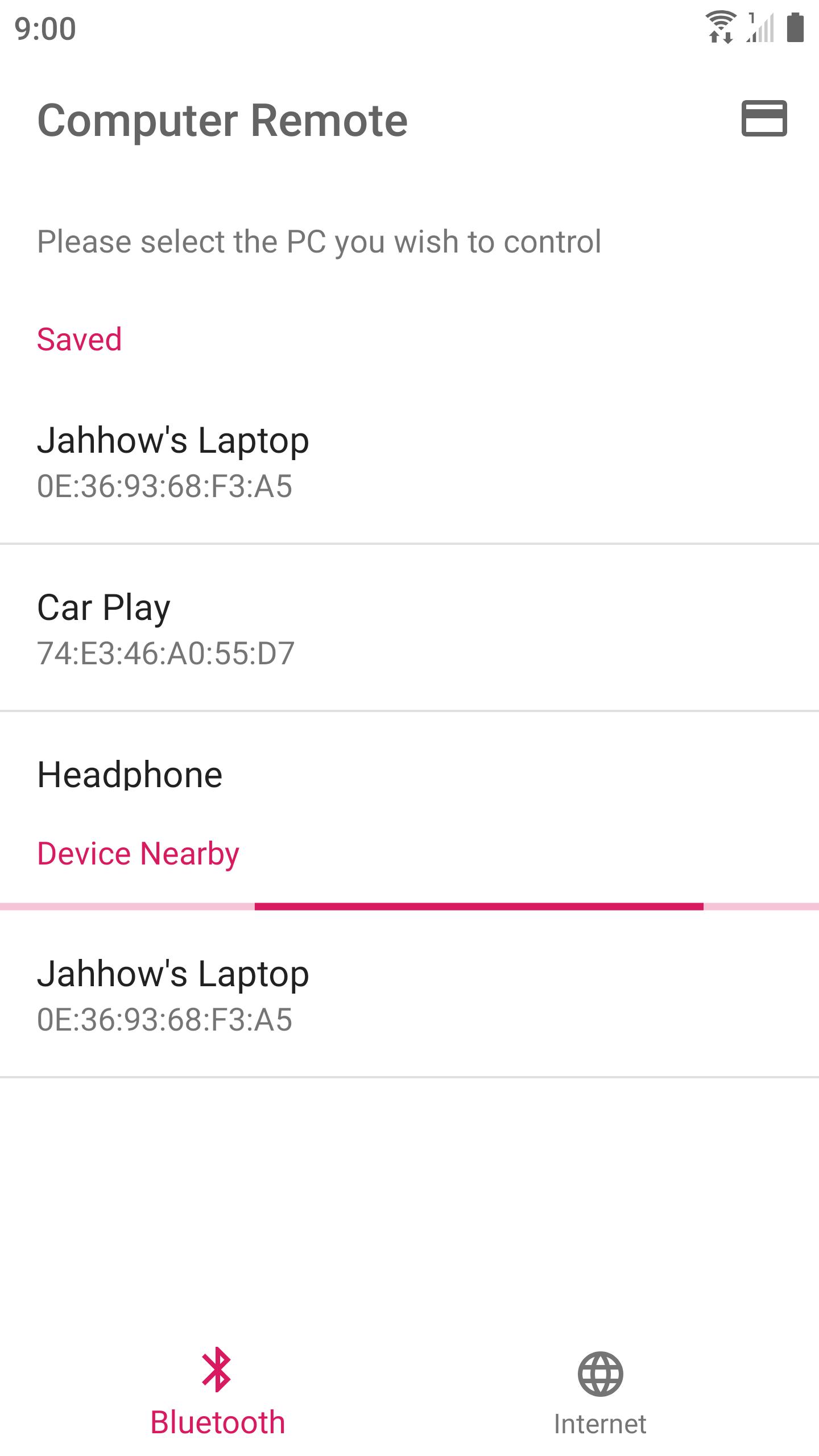
Use your device to control your computer via Bluetooth or Internet.
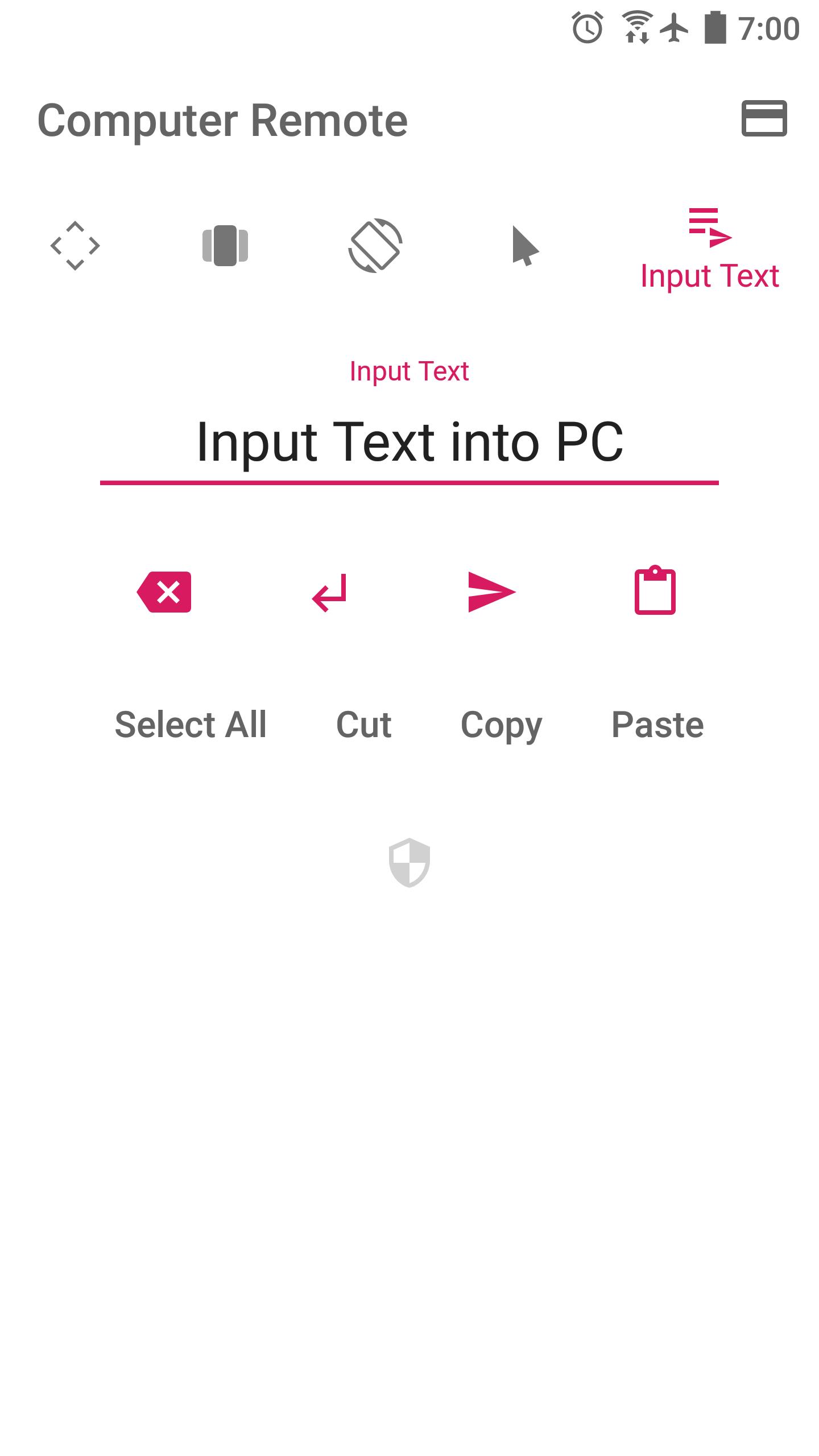
Turn your device into an Air Mouse, TouchPad, Keyboard, and Presentation Remote.
* Air Mouse — Rotate your device to control mouse. Together with a well-designed control UI, controlling computer is even more advanced.
* Swipe any where to control presentations
* Long pressing would perform repeating key stroke
* Fine-tuned TouchPad takes care of speed and precision
* Automatically connect to a PC running the receiver program in a Local Network
Currently works with Windows only.
Please run the receiver program on your PC (210 KB) :
http://jahhowapp.blogspot.com/2019/07/computer-remote-controller.html#receiver-program
Jahhow won't collect your location or any sensitive personal data.
The location permission is required for discovering nearby Bluetooth devices. This app would never read your location data.
Feeling like adding a new supported language for this app? Please contact us.
Source Code : https://github.com/Jahhow/Jahhow-Computer-Remote
پیش نظارہ
ٹیگز
اوزارمعلومات
ڈویلپر
Jahhow
تازہ ترین ورژن
33
آخری تازہ کاری
2020-02-15
قسم
اوزار
پر دستیاب ہے۔
Google Play
مزید دکھائیں
پی سی پر گیم لوپ کے ساتھ Jahhow Computer Remote کیسے کھیلا جائے۔
1. آفیشل ویب سائٹ سے گیم لوپ ڈاؤن لوڈ کریں، پھر گیم لوپ انسٹال کرنے کے لیے exe فائل چلائیں۔
2. گیم لوپ کھولیں اور "Jahhow Computer Remote" تلاش کریں، تلاش کے نتائج میں Jahhow Computer Remote تلاش کریں اور "انسٹال کریں" پر کلک کریں۔
3. گیم لوپ پر Jahhow Computer Remote کھیلنے کا لطف اٹھائیں۔
Minimum requirements
OS
Windows 8.1 64-bit or Windows 10 64-bit
GPU
GTX 1050
CPU
i3-8300
Memory
8GB RAM
Storage
1GB available space
Recommended requirements
OS
Windows 8.1 64-bit or Windows 10 64-bit
GPU
GTX 1050
CPU
i3-9320
Memory
16GB RAM
Storage
1GB available space