
IMEI Phone Checks - Blacklist PC
doctorSIM
گیم لوپ ایمولیٹر کے ساتھ PC پر IMEI Phone Checks - Blacklist ڈاؤن لوڈ کریں۔
پی سی پر IMEI Phone Checks - Blacklist
IMEI Phone Checks - Blacklist، جو ڈویلپر doctorSIM سے آرہا ہے، ماضی میں اینڈرائیڈ سسٹم پر چل رہا ہے۔
اب، آپ پی سی پر IMEI Phone Checks - Blacklist آسانی سے GameLoop کے ساتھ چلا سکتے ہیں۔
اسے GameLoop لائبریری یا تلاش کے نتائج میں ڈاؤن لوڈ کریں۔ مزید غلط وقت پر بیٹری یا مایوس کن کالوں پر نظر نہیں ڈالی جائے گی۔
بس بڑی سکرین پر IMEI Phone Checks - Blacklist PC کا مفت میں لطف اٹھائیں!
IMEI Phone Checks - Blacklist تعارف
DO YOU WANT TO KNOW IF A PHONE HAS BEEN BLACKLISTED DUE TO LOSS, THEFT OR UNPAID BILL?
The only way to find out the current status of your phone is by using an IMEI phone check. And with doctorSIM’s IMEI Phone Checks - Blacklist Status, you can find out for free!
Knowing if a cell phone has been reported lost, stolen or due to pending payments is vital if you are going to buy a second-hand phone, if you can’t make or receive calls and don’t know why, or in the unfortunate case that the phone has been stolen, to make sure the original network carrier has blocked its use for anyone else :-(
WHY CHECK YOUR PHONE’S IMEI WITH DOCTORSIM’S IMEI PHONE CHECKS - BLACKLIST STATUS?
✓ Check if your phone has been reported stolen, lost or due to an unpaid bill.
✓ Instant and completely anonymous.
✓ Essential if you are going to purchase a second-hand phone.
✓ Provide peace of mind to the buyer if you are trying to sell your phone.
✓ Remove any doubts you may have if your phone isn’t working properly.
✓ Unlock your phone trouble-free if your phone hasn’t been blacklisted.
✓ Official data collected directly from the network’s databases.
✓ First-class customer support available to answer your questions.
The report you will receive from the app has been compiled from reputable sources of data and network carriers collaborating with the GSM Association initiative.
In addition, the report is complemented with information from independent organizations and carriers.
HOW DOES IT WORK?
1. Download and install the app on your smartphone.
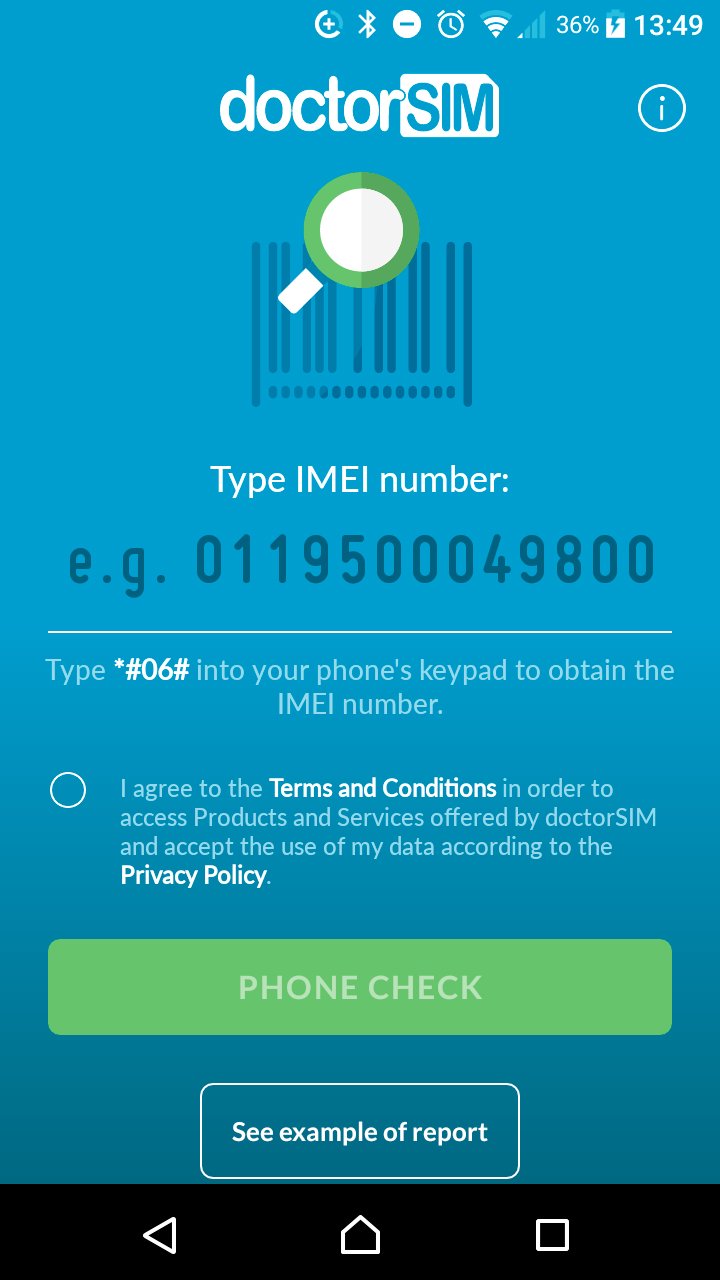
2. Type in your phone’s IMEI number (to obtain the IMEI type *#06# on the phone’s dial screen) and press “Check phone”.
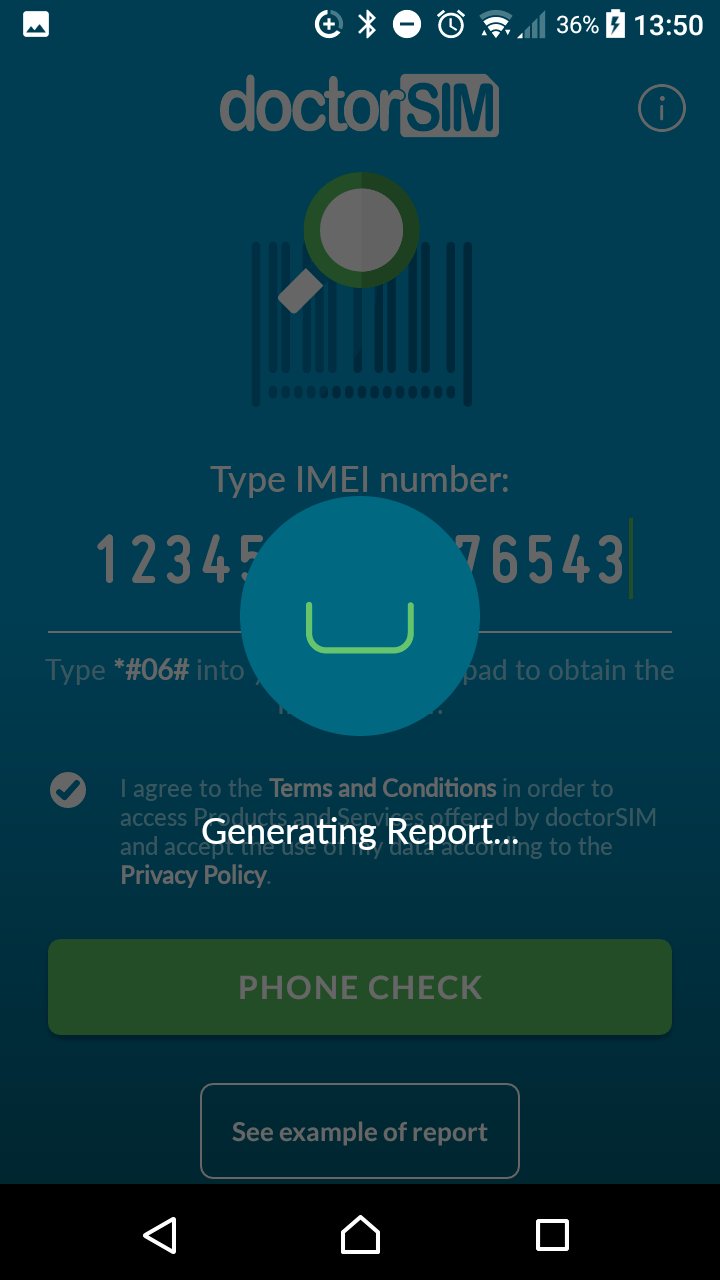
3. The report will appear automatically on the screen.
Checking the IMEI of your phone with doctorSIM is as easy as 1-2-3!
پیش نظارہ
ٹیگز
اوزارمعلومات
ڈویلپر
doctorSIM
تازہ ترین ورژن
1.0.3
آخری تازہ کاری
2022-07-19
قسم
اوزار
پر دستیاب ہے۔
Google Play
مزید دکھائیں
پی سی پر گیم لوپ کے ساتھ IMEI Phone Checks - Blacklist کیسے کھیلا جائے۔
1. آفیشل ویب سائٹ سے گیم لوپ ڈاؤن لوڈ کریں، پھر گیم لوپ انسٹال کرنے کے لیے exe فائل چلائیں۔
2. گیم لوپ کھولیں اور "IMEI Phone Checks - Blacklist" تلاش کریں، تلاش کے نتائج میں IMEI Phone Checks - Blacklist تلاش کریں اور "انسٹال کریں" پر کلک کریں۔
3. گیم لوپ پر IMEI Phone Checks - Blacklist کھیلنے کا لطف اٹھائیں۔
Minimum requirements
OS
Windows 8.1 64-bit or Windows 10 64-bit
GPU
GTX 1050
CPU
i3-8300
Memory
8GB RAM
Storage
1GB available space
Recommended requirements
OS
Windows 8.1 64-bit or Windows 10 64-bit
GPU
GTX 1050
CPU
i3-9320
Memory
16GB RAM
Storage
1GB available space