
iBKS Config Tool PC
Accent Systems
گیم لوپ ایمولیٹر کے ساتھ PC پر iBKS Config Tool ڈاؤن لوڈ کریں۔
پی سی پر iBKS Config Tool
iBKS Config Tool، جو ڈویلپر Accent Systems سے آرہا ہے، ماضی میں اینڈرائیڈ سسٹم پر چل رہا ہے۔
اب، آپ پی سی پر iBKS Config Tool آسانی سے GameLoop کے ساتھ چلا سکتے ہیں۔
اسے GameLoop لائبریری یا تلاش کے نتائج میں ڈاؤن لوڈ کریں۔ مزید غلط وقت پر بیٹری یا مایوس کن کالوں پر نظر نہیں ڈالی جائے گی۔
بس بڑی سکرین پر iBKS Config Tool PC کا مفت میں لطف اٹھائیں!
iBKS Config Tool تعارف
READ BEFORE DOWNLOAD: This application only works with the iBKS models with firmware version V5.0 or higher. Through this app, older firmware versions MAY BE UPDATED to the latest one by using the integrated DFU.
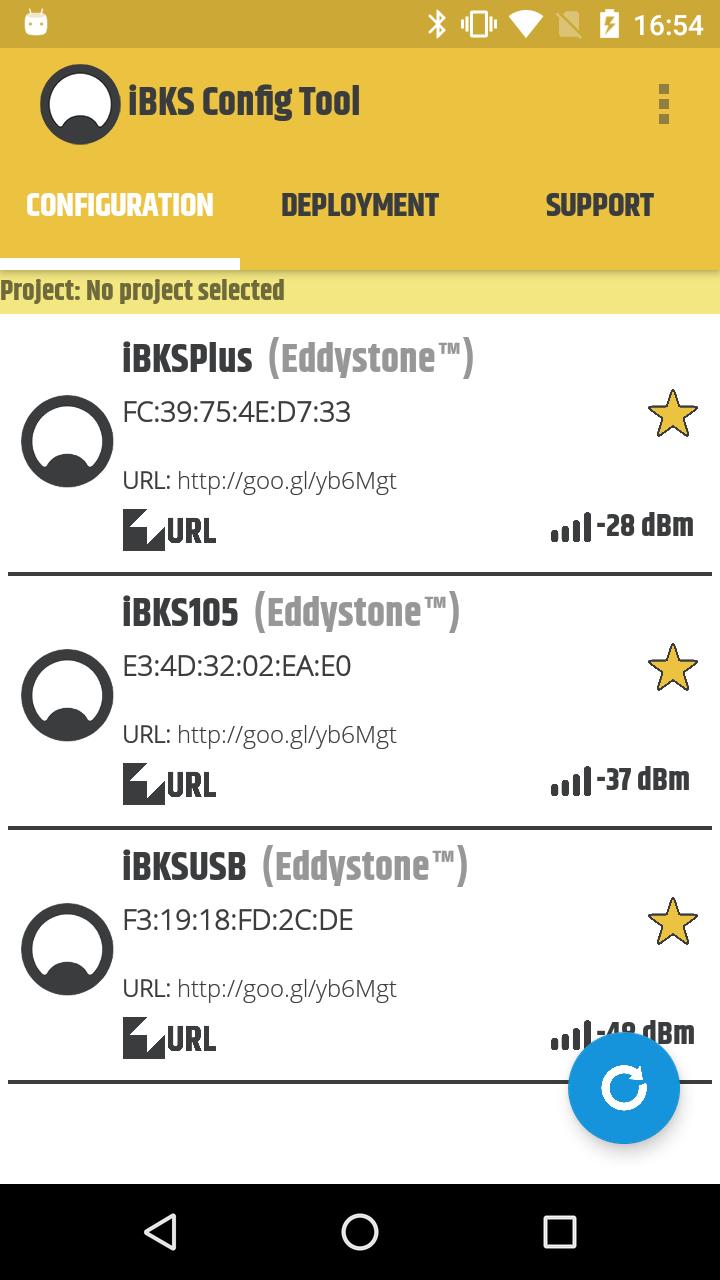
IBKS Config Tool is an App which will allow you to scan and set up the beacon models iBKS105, iBKS Plus and iBKS USB with firmware v5.0 and above manufactured by Accent Advanced Systems SLU company.
The available features on the app are:
- Associate the app to a google account and beacon projects on Google Developers Console to manage the iBeacon, Eddystone UID and Eddystone EID registration.
- Scan all the available beacon devices around and view the device MAC address, the advertising packets in real-time and if the beacon is in connectable mode or not.
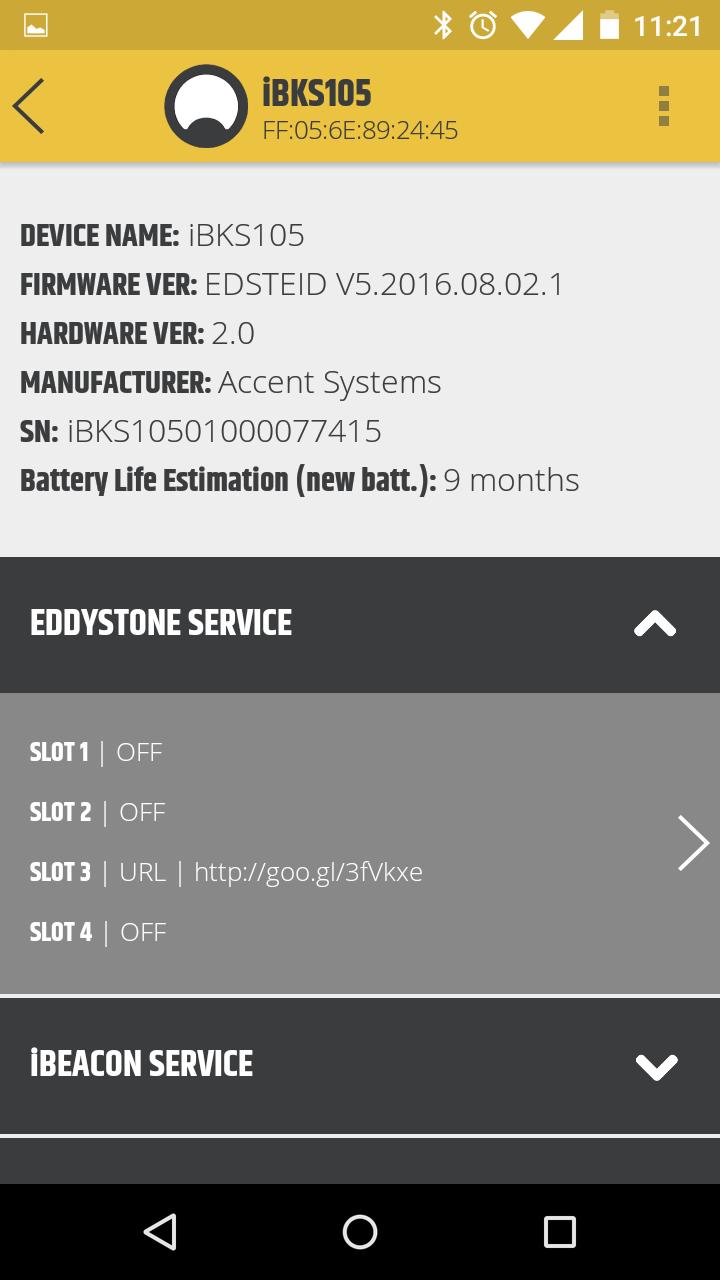
- Connect to iBKS beacon devices in connectable mode, view and modify the following characteristics: iBeacon slots, Eddystone slots, device name, password, connectable modes and factory reset.
- Add the deployment file to check the factory parameters set associated to a specific beacon by a QR Code.
IMPORTANT:
- App only available for devices with Bluetooth Smart LE v4.0 and Android 5.0 or newer.
- This app was specially designed to setup the Beacon devices models iBKS105, iBKS Plus and iBKS USB with firmware v5.0 and above manufactured by Accent Advanced Systems SLU. Through this app, older firmware versions MAY BE UPDATED to the latest one by using the DFU integrated.
NOTE: App tested and working on devices: Nexus 7, Nexus 5, Moto G, Moto G4 Plus, Motorola 3 Gen., Samsung Galaxy S4, Nexus 5x and One Plus 3.
For further information, visit our website at https://accent-systems.com/support/
پیش نظارہ
ٹیگز
اوزارمعلومات
ڈویلپر
Accent Systems
تازہ ترین ورژن
3.25
آخری تازہ کاری
2025-06-18
قسم
اوزار
پر دستیاب ہے۔
Google Play
مزید دکھائیں
پی سی پر گیم لوپ کے ساتھ iBKS Config Tool کیسے کھیلا جائے۔
1. آفیشل ویب سائٹ سے گیم لوپ ڈاؤن لوڈ کریں، پھر گیم لوپ انسٹال کرنے کے لیے exe فائل چلائیں۔
2. گیم لوپ کھولیں اور "iBKS Config Tool" تلاش کریں، تلاش کے نتائج میں iBKS Config Tool تلاش کریں اور "انسٹال کریں" پر کلک کریں۔
3. گیم لوپ پر iBKS Config Tool کھیلنے کا لطف اٹھائیں۔
Minimum requirements
OS
Windows 8.1 64-bit or Windows 10 64-bit
GPU
GTX 1050
CPU
i3-8300
Memory
8GB RAM
Storage
1GB available space
Recommended requirements
OS
Windows 8.1 64-bit or Windows 10 64-bit
GPU
GTX 1050
CPU
i3-9320
Memory
16GB RAM
Storage
1GB available space