
HIKMICRO Viewer PC
Hangzhou Microimage Software Co.Ltd
گیم لوپ ایمولیٹر کے ساتھ PC پر HIKMICRO Viewer ڈاؤن لوڈ کریں۔
پی سی پر HIKMICRO Viewer
HIKMICRO Viewer، جو ڈویلپر Hangzhou Microimage Software Co.Ltd سے آرہا ہے، ماضی میں اینڈرائیڈ سسٹم پر چل رہا ہے۔
اب، آپ پی سی پر HIKMICRO Viewer آسانی سے GameLoop کے ساتھ چلا سکتے ہیں۔
اسے GameLoop لائبریری یا تلاش کے نتائج میں ڈاؤن لوڈ کریں۔ مزید غلط وقت پر بیٹری یا مایوس کن کالوں پر نظر نہیں ڈالی جائے گی۔
بس بڑی سکرین پر HIKMICRO Viewer PC کا مفت میں لطف اٹھائیں!
HIKMICRO Viewer تعارف
HIKMICRO Viewer is a powerful and intuitive HIKMICRO thermal camera app.
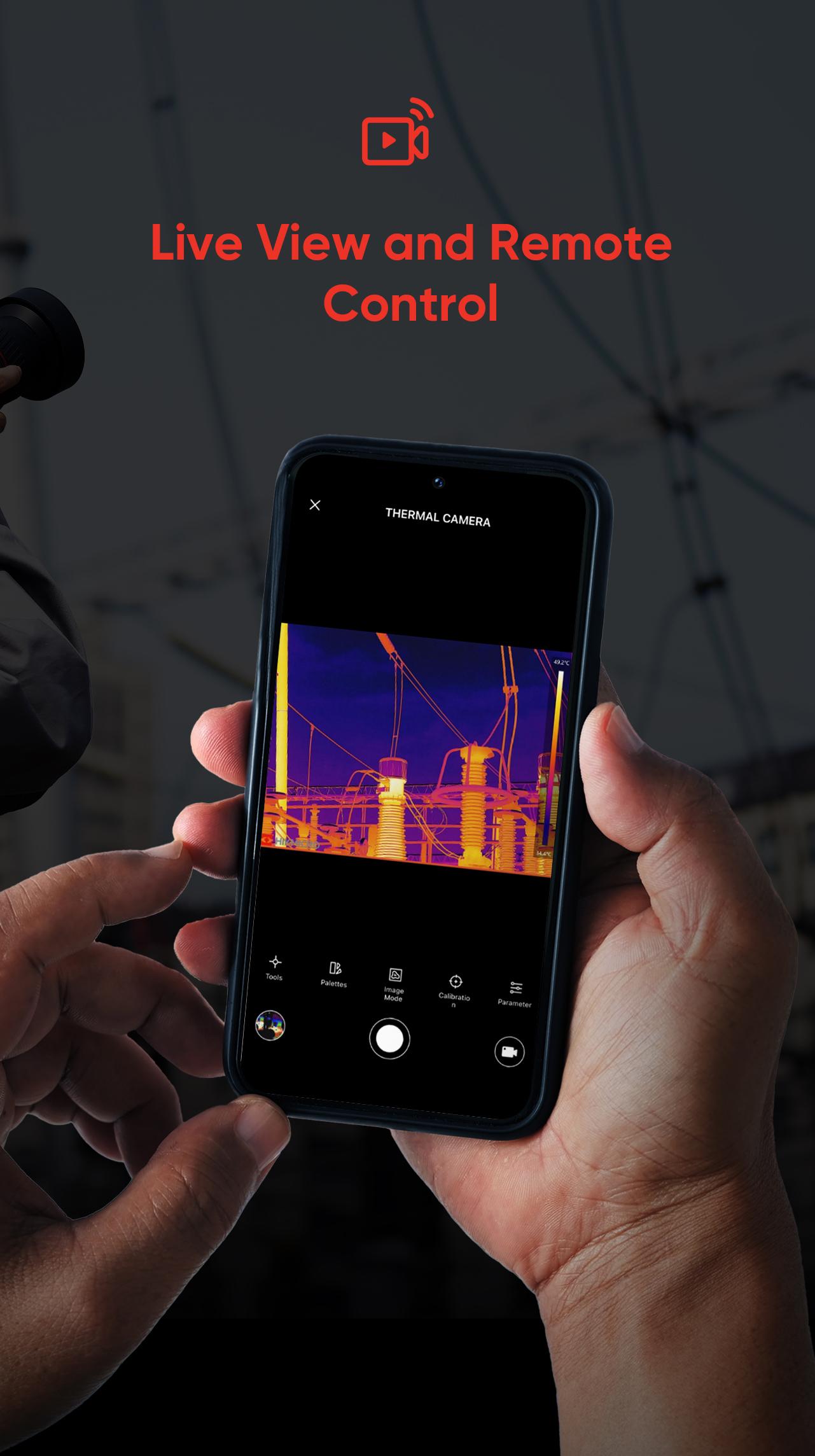
It allows thermographers to view and capture live streaming infrared video and still images from select HIKMICRO thermal imaging cameras using a mobile device.
With the HIKMICRO Viewer, the thermal imager can be placed in an area and operated wirelessly from a distance - helping infrared detection work safely in hard-to-reach locations and harsh work environments. Streaming video and remote access also provide opportunities for decision-makers and others on the team to observe and collaborate during IR surveys. With a powerful reports function, you can efficiently generate reports for your clients in the field.
You can do the followings with the HIKMICRO Viewer app:
• Scan and Connect Easily
• Device Firmware Upgrade
• Download On-Device Images and Sharing
• Screen Stream Mirroring from your HIKMICRO camera
• Remotely control your HIKMICRO camera
• Image manipulation and analysis
• Quickly generate reports and share them via email
• Turn screen rotation on and off
• Get Online Support Services
and more.
پیش نظارہ

ٹیگز
اوزارمعلومات
ڈویلپر
Hangzhou Microimage Software Co.Ltd
تازہ ترین ورژن
2.4.3
آخری تازہ کاری
2024-11-19
قسم
اوزار
پر دستیاب ہے۔
Google Play
مزید دکھائیں
پی سی پر گیم لوپ کے ساتھ HIKMICRO Viewer کیسے کھیلا جائے۔
1. آفیشل ویب سائٹ سے گیم لوپ ڈاؤن لوڈ کریں، پھر گیم لوپ انسٹال کرنے کے لیے exe فائل چلائیں۔
2. گیم لوپ کھولیں اور "HIKMICRO Viewer" تلاش کریں، تلاش کے نتائج میں HIKMICRO Viewer تلاش کریں اور "انسٹال کریں" پر کلک کریں۔
3. گیم لوپ پر HIKMICRO Viewer کھیلنے کا لطف اٹھائیں۔
Minimum requirements
OS
Windows 8.1 64-bit or Windows 10 64-bit
GPU
GTX 1050
CPU
i3-8300
Memory
8GB RAM
Storage
1GB available space
Recommended requirements
OS
Windows 8.1 64-bit or Windows 10 64-bit
GPU
GTX 1050
CPU
i3-9320
Memory
16GB RAM
Storage
1GB available space