Headshot: GFX Tool and Setting PC
AppCityinfo
گیم لوپ ایمولیٹر کے ساتھ PC پر Headshot: GFX Tool and Setting ڈاؤن لوڈ کریں۔
پی سی پر Headshot: GFX Tool and Setting
Headshot: GFX Tool and Setting، جو ڈویلپر AppCityinfo سے آرہا ہے، ماضی میں اینڈرائیڈ سسٹم پر چل رہا ہے۔
اب، آپ پی سی پر Headshot: GFX Tool and Setting آسانی سے GameLoop کے ساتھ چلا سکتے ہیں۔
اسے GameLoop لائبریری یا تلاش کے نتائج میں ڈاؤن لوڈ کریں۔ مزید غلط وقت پر بیٹری یا مایوس کن کالوں پر نظر نہیں ڈالی جائے گی۔
بس بڑی سکرین پر Headshot: GFX Tool and Setting PC کا مفت میں لطف اٹھائیں!
Headshot: GFX Tool and Setting تعارف
This is the Headshot GFX Tool and Sensitivity settings application which used to no lag system in any game. This GFX tool application will helps you for boosting your gaming experience and find out sensitivity for pro player.
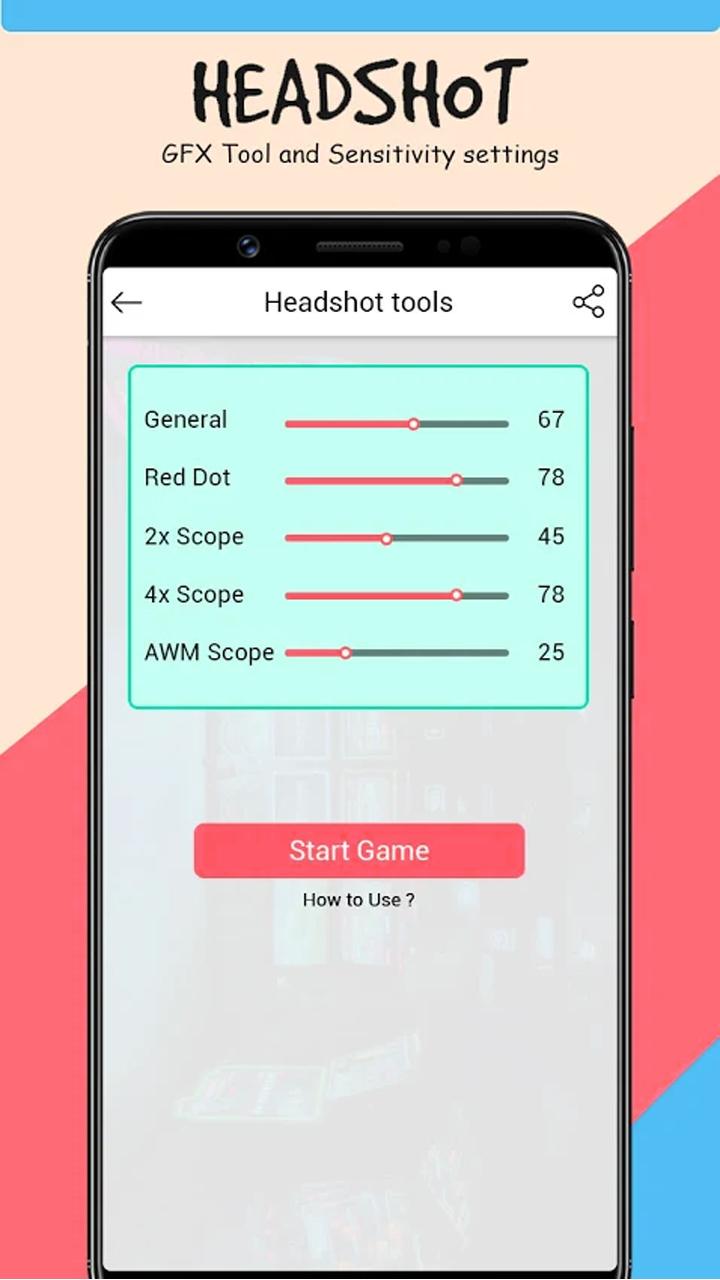
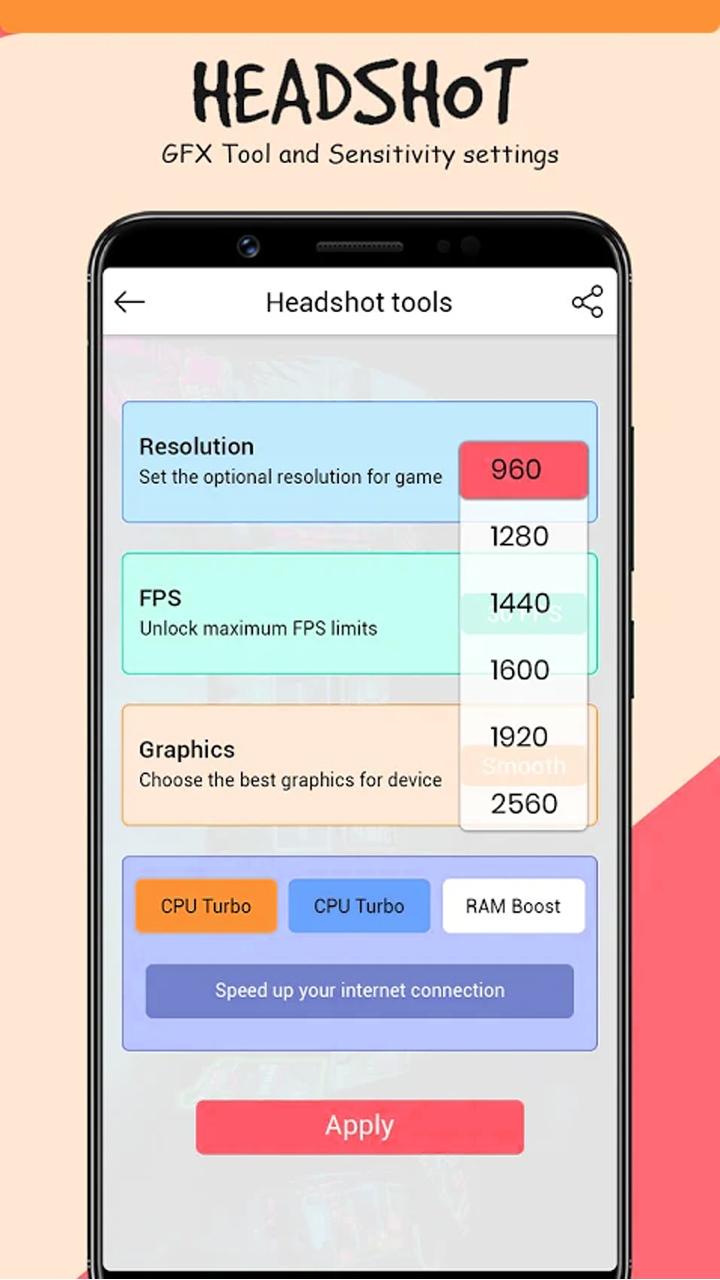
This app can change the setting for : GFX best Tool together with Headshot special Tool .
All functions which are Headshot GFX Tool and Sensitivity settings , tool for ff , unlimited diamond for bgmi and GFX gun skin for game having in this application. This GFX tool for free sensitivity app is one of the booster for your game.
In this application we are generate a best sensitivity for gaming and we provide a bunch of Best gaming wallpapers of pro players.
GFX Tool is a free utility launcher for specific games where you can fully customize the game graphics to get beautiful pictures and smooth gameplay. Add your game with these advanced features of the headshot GFX tool and learn how to get free diamonds.
App features
• Change resolution
• Unlock HDR graphics and all FPS levels
• Fully control Anti-aliasing and shadows
• Auto Headshot tools
• Top gaming wallpaper
All game versions are supported.
How to use GFX Tool
• Close game if it’s currently running before starting GFX Tool
• Choose your version of your game
• Customize the graphics according to your desires and device capabilities.
• Once everything is set, click on Accept and Run Game
-------------------------------------
Disclaimer (Note):
This is not an official app, it provides information about gfx tool sensitivity etc...
All content and copyrights in this application are owned by each copyright holder. The images in this application are collected from respective owners , if we violate copyright let us know and we will immediately delete them.
پیش نظارہ
ٹیگز
اوزارمعلومات
ڈویلپر
AppCityinfo
تازہ ترین ورژن
1.7
آخری تازہ کاری
2022-10-07
قسم
اوزار
پر دستیاب ہے۔
Google Play
مزید دکھائیں
پی سی پر گیم لوپ کے ساتھ Headshot: GFX Tool and Setting کیسے کھیلا جائے۔
1. آفیشل ویب سائٹ سے گیم لوپ ڈاؤن لوڈ کریں، پھر گیم لوپ انسٹال کرنے کے لیے exe فائل چلائیں۔
2. گیم لوپ کھولیں اور "Headshot: GFX Tool and Setting" تلاش کریں، تلاش کے نتائج میں Headshot: GFX Tool and Setting تلاش کریں اور "انسٹال کریں" پر کلک کریں۔
3. گیم لوپ پر Headshot: GFX Tool and Setting کھیلنے کا لطف اٹھائیں۔
Minimum requirements
OS
Windows 8.1 64-bit or Windows 10 64-bit
GPU
GTX 1050
CPU
i3-8300
Memory
8GB RAM
Storage
1GB available space
Recommended requirements
OS
Windows 8.1 64-bit or Windows 10 64-bit
GPU
GTX 1050
CPU
i3-9320
Memory
16GB RAM
Storage
1GB available space