
Screen Recorder HD - Record, C PC
Favorites Apps
گیم لوپ ایمولیٹر کے ساتھ PC پر Screen Recorder HD - Record, C ڈاؤن لوڈ کریں۔
پی سی پر Screen Recorder HD - Record, C
Screen Recorder HD - Record, C، جو ڈویلپر Favorites Apps سے آرہا ہے، ماضی میں اینڈرائیڈ سسٹم پر چل رہا ہے۔
اب، آپ پی سی پر Screen Recorder HD - Record, C آسانی سے GameLoop کے ساتھ چلا سکتے ہیں۔
اسے GameLoop لائبریری یا تلاش کے نتائج میں ڈاؤن لوڈ کریں۔ مزید غلط وقت پر بیٹری یا مایوس کن کالوں پر نظر نہیں ڈالی جائے گی۔
بس بڑی سکرین پر Screen Recorder HD - Record, C PC کا مفت میں لطف اٹھائیں!
Screen Recorder HD - Record, C تعارف
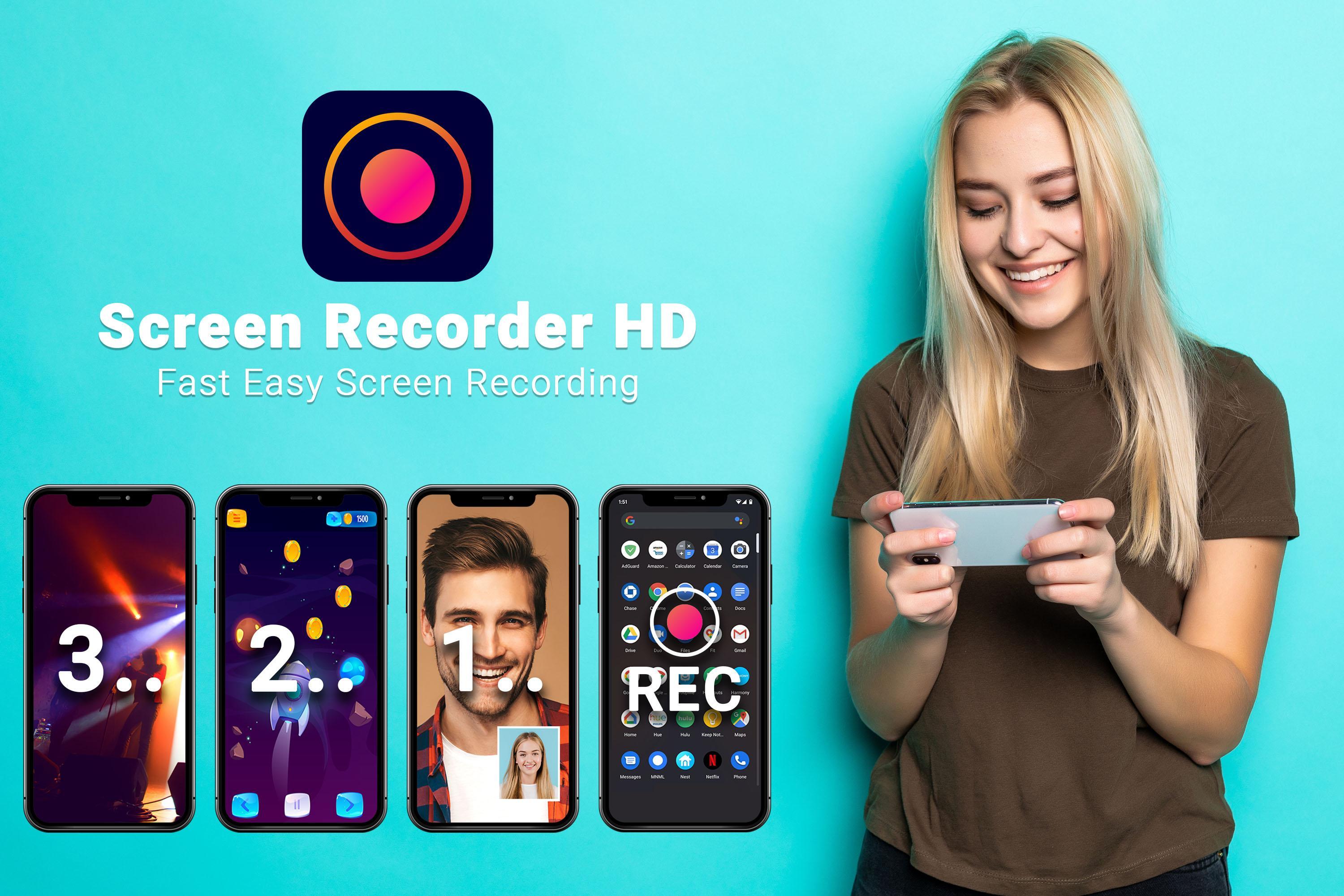
Screen Recorder HD helps you easily capture your phone's screen and record smooth HD quality videos. Now you can finally screen record HD video for free, with no watermark and no time limit. There is no need to modify or root your phone.
You can capture your game screen, record video tutorials, or even record video calls and livestreams. Download and save all your video recordings. Never miss important events and special moments which can now all be captured and played back whenever you want.
Videos made with this video recorder are compatible with all video players and platforms. It's easy to upload and share a video to any social media platform with a single press of a button.
Screen Recorder HD Features:
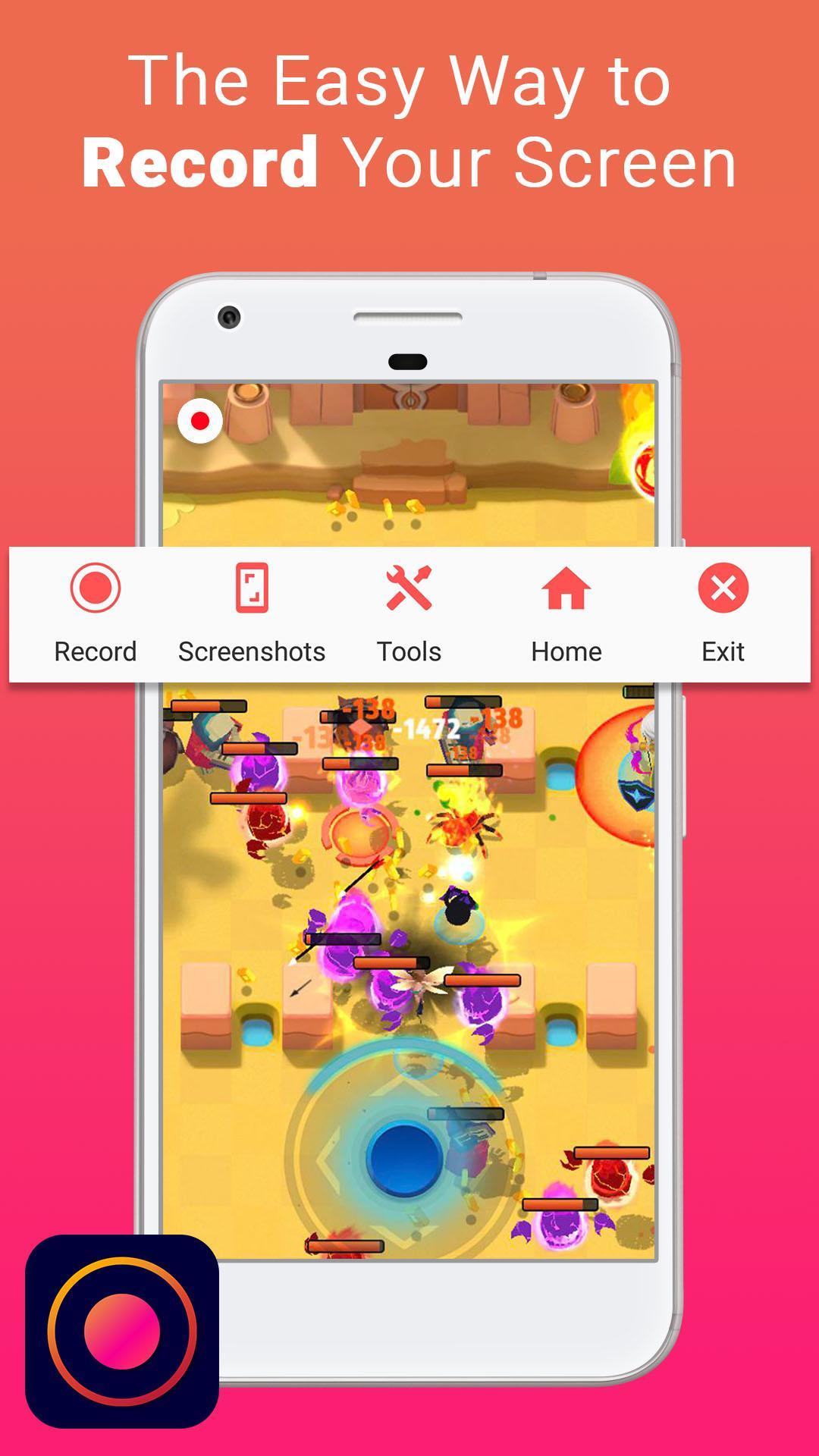
• Get the perfect shot! Easily take full screen screenshots with a single press of a button.
• Record your favorite game for as long as you like with the best video with audio. Your gaming sessions will look great without any watermark or time limitations.
• Enable the camera in a separate floating window. Drag the camera view wherever you want, you can display the main camera or turn on the facecam for selfie shots and video commentary.
• Once you've exported your video, quickly trim and make changes with the screen recorder video editor
• You can conveniently start a recording from either the video recorder screen, floating controls or in the notification bar.
• Options include a countdown timer and target app selection to auto launch the app you want to record.
• Save your mobile videos to either internal or SD card, external storage. Easily view all your recordings and screenshots within the screen recorder gallery.
• Use the brush to draw on the screen while capturing video or taking screenshots
Extensive video recorder options allow you to customize your video quality - you can set Screen Recorder HD with the highest quality video on newer more powerful mobile phones or lower the quality settings for more fast stable performance on mid-range phones.
In order to successfully use Screen Recorder HD, please allow the following permissions on the app's first launch:
+ Allow Appear on Top: used for floating controls
+ Allow Storage: used for saving videos to phone
+ Allow Recording Audio: enables screen recorder with sound
Please note that these permissions are required. If you deny these permissions, Screen Recorder HD may not work properly.
Please note that Screen Recorder HD values your privacy and will never record your screen without proper authorization. It can only start a recording when you press the record button.
پیش نظارہ
ٹیگز
اوزارمعلومات
ڈویلپر
Favorites Apps
تازہ ترین ورژن
1.5
آخری تازہ کاری
2021-05-28
قسم
اوزار
پر دستیاب ہے۔
Google Play
مزید دکھائیں
پی سی پر گیم لوپ کے ساتھ Screen Recorder HD - Record, C کیسے کھیلا جائے۔
1. آفیشل ویب سائٹ سے گیم لوپ ڈاؤن لوڈ کریں، پھر گیم لوپ انسٹال کرنے کے لیے exe فائل چلائیں۔
2. گیم لوپ کھولیں اور "Screen Recorder HD - Record, C" تلاش کریں، تلاش کے نتائج میں Screen Recorder HD - Record, C تلاش کریں اور "انسٹال کریں" پر کلک کریں۔
3. گیم لوپ پر Screen Recorder HD - Record, C کھیلنے کا لطف اٹھائیں۔
Minimum requirements
OS
Windows 8.1 64-bit or Windows 10 64-bit
GPU
GTX 1050
CPU
i3-8300
Memory
8GB RAM
Storage
1GB available space
Recommended requirements
OS
Windows 8.1 64-bit or Windows 10 64-bit
GPU
GTX 1050
CPU
i3-9320
Memory
16GB RAM
Storage
1GB available space