Graffiti Draw Pro PC
Funny App Development
گیم لوپ ایمولیٹر کے ساتھ PC پر Graffiti Draw Pro ڈاؤن لوڈ کریں۔
پی سی پر Graffiti Draw Pro
Graffiti Draw Pro، جو ڈویلپر Funny App Development سے آرہا ہے، ماضی میں اینڈرائیڈ سسٹم پر چل رہا ہے۔
اب، آپ پی سی پر Graffiti Draw Pro آسانی سے GameLoop کے ساتھ چلا سکتے ہیں۔
اسے GameLoop لائبریری یا تلاش کے نتائج میں ڈاؤن لوڈ کریں۔ مزید غلط وقت پر بیٹری یا مایوس کن کالوں پر نظر نہیں ڈالی جائے گی۔
بس بڑی سکرین پر Graffiti Draw Pro PC کا مفت میں لطف اٹھائیں!
Graffiti Draw Pro تعارف
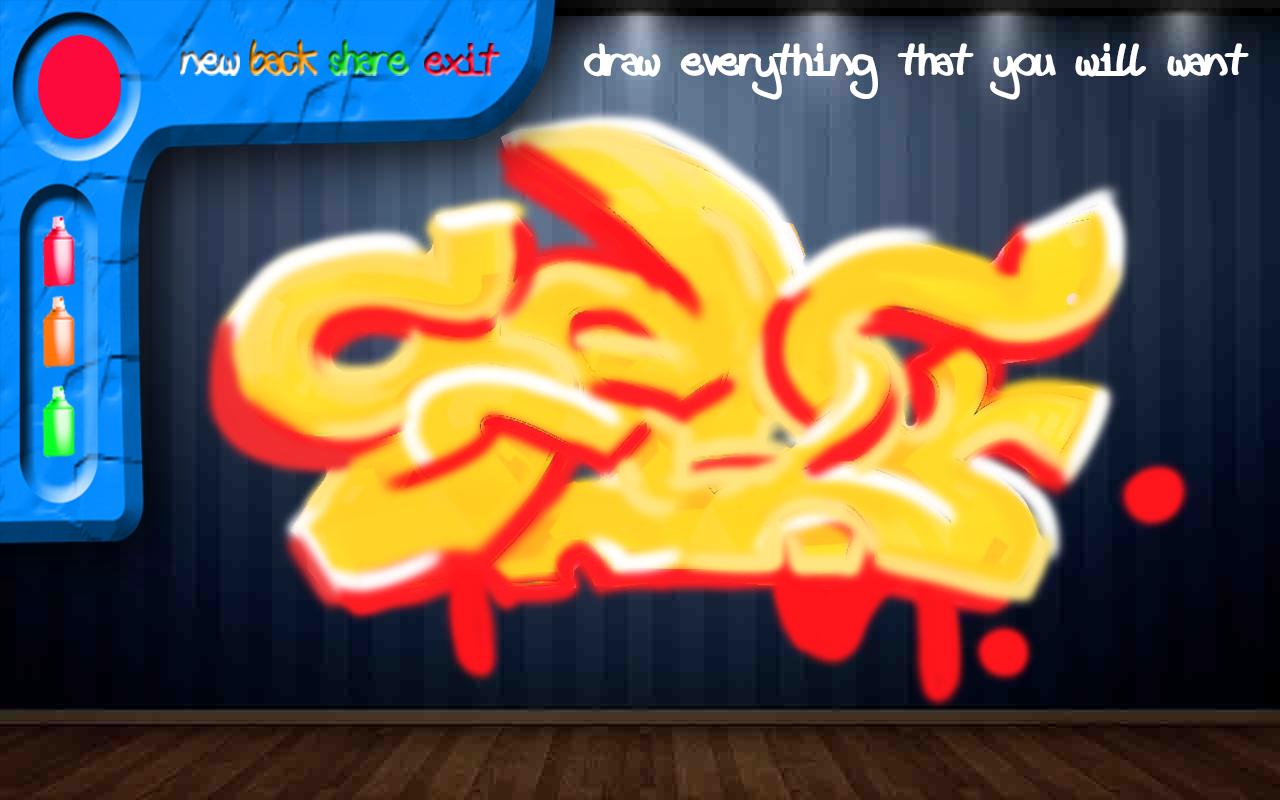
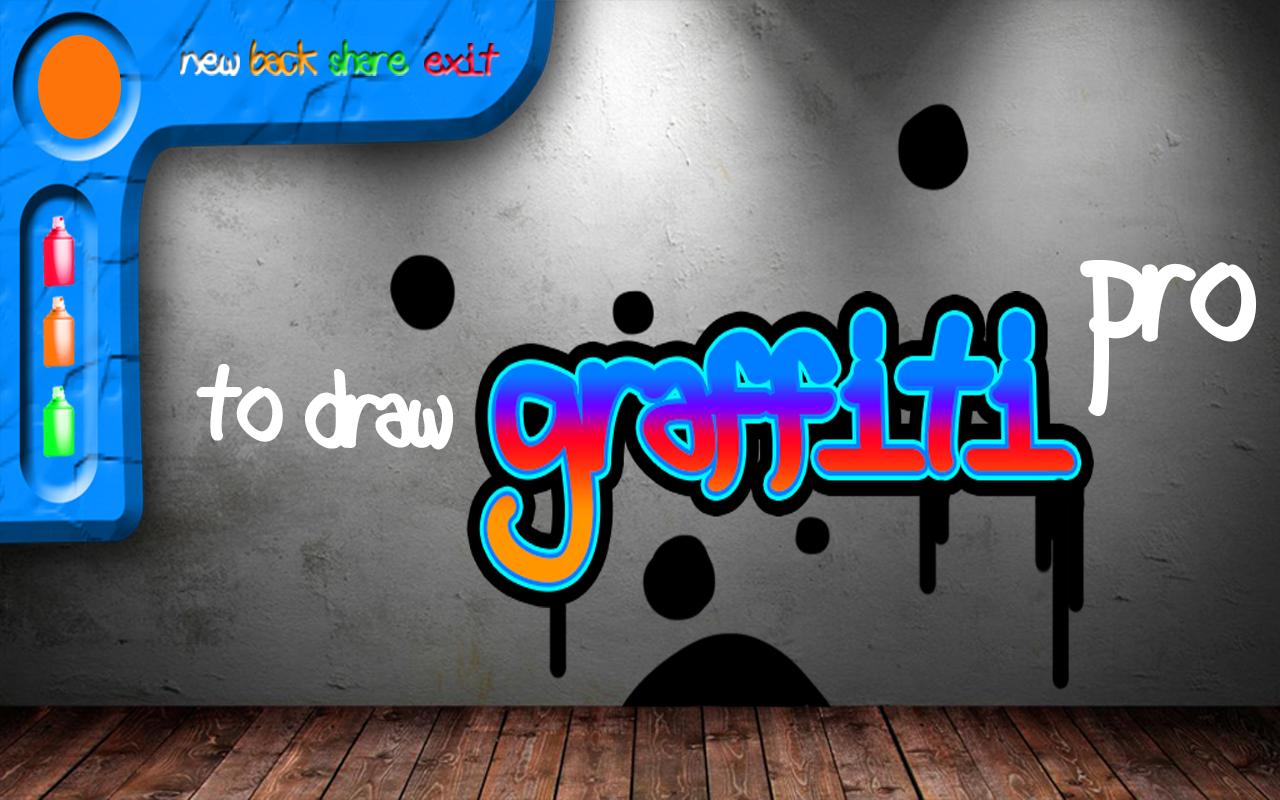
Draw Graffiti Pro - application with which you can draw a virtual graffiti, using the effect of the application of spray paint. Choose a different drawing surface, just as do real street artists. Graffiti artists love to paint on brick and concrete walls, and even on the shop windows. Realistic effect of paint on the wall, allow more plunge and feel the romance of the graffiti. Draw your finger on the screen as the present spray paint.
A wide range of colors will help you draw a qualitative picture. This application can easily go for sketches, then to transfer them to a real wall. For starters, it will be interesting to see graffiti looks like the creation of graffiti.
Note: This application is primarily drawing tool, and does not allow to draw the present aerosol container of paint, but only makes the effect of applying the spray.
Train drawing! Save the result of graffiti itself or send it to friends or acquaintances.
پیش نظارہ
معلومات
ڈویلپر
Funny App Development
تازہ ترین ورژن
1.1
آخری تازہ کاری
2017-03-10
قسم
اوزار
پر دستیاب ہے۔
Google Play
مزید دکھائیں
پی سی پر گیم لوپ کے ساتھ Graffiti Draw Pro کیسے کھیلا جائے۔
1. آفیشل ویب سائٹ سے گیم لوپ ڈاؤن لوڈ کریں، پھر گیم لوپ انسٹال کرنے کے لیے exe فائل چلائیں۔
2. گیم لوپ کھولیں اور "Graffiti Draw Pro" تلاش کریں، تلاش کے نتائج میں Graffiti Draw Pro تلاش کریں اور "انسٹال کریں" پر کلک کریں۔
3. گیم لوپ پر Graffiti Draw Pro کھیلنے کا لطف اٹھائیں۔
Minimum requirements
OS
Windows 8.1 64-bit or Windows 10 64-bit
GPU
GTX 1050
CPU
i3-8300
Memory
8GB RAM
Storage
1GB available space
Recommended requirements
OS
Windows 8.1 64-bit or Windows 10 64-bit
GPU
GTX 1050
CPU
i3-9320
Memory
16GB RAM
Storage
1GB available space