
GPX Track Editor PC
Lew Lasher
گیم لوپ ایمولیٹر کے ساتھ PC پر GPX Track Editor ڈاؤن لوڈ کریں۔
پی سی پر GPX Track Editor
GPX Track Editor، جو ڈویلپر Lew Lasher سے آرہا ہے، ماضی میں اینڈرائیڈ سسٹم پر چل رہا ہے۔
اب، آپ پی سی پر GPX Track Editor آسانی سے GameLoop کے ساتھ چلا سکتے ہیں۔
اسے GameLoop لائبریری یا تلاش کے نتائج میں ڈاؤن لوڈ کریں۔ مزید غلط وقت پر بیٹری یا مایوس کن کالوں پر نظر نہیں ڈالی جائے گی۔
بس بڑی سکرین پر GPX Track Editor PC کا مفت میں لطف اٹھائیں!
GPX Track Editor تعارف
Make your own trail maps, using your tablet or smartphone.
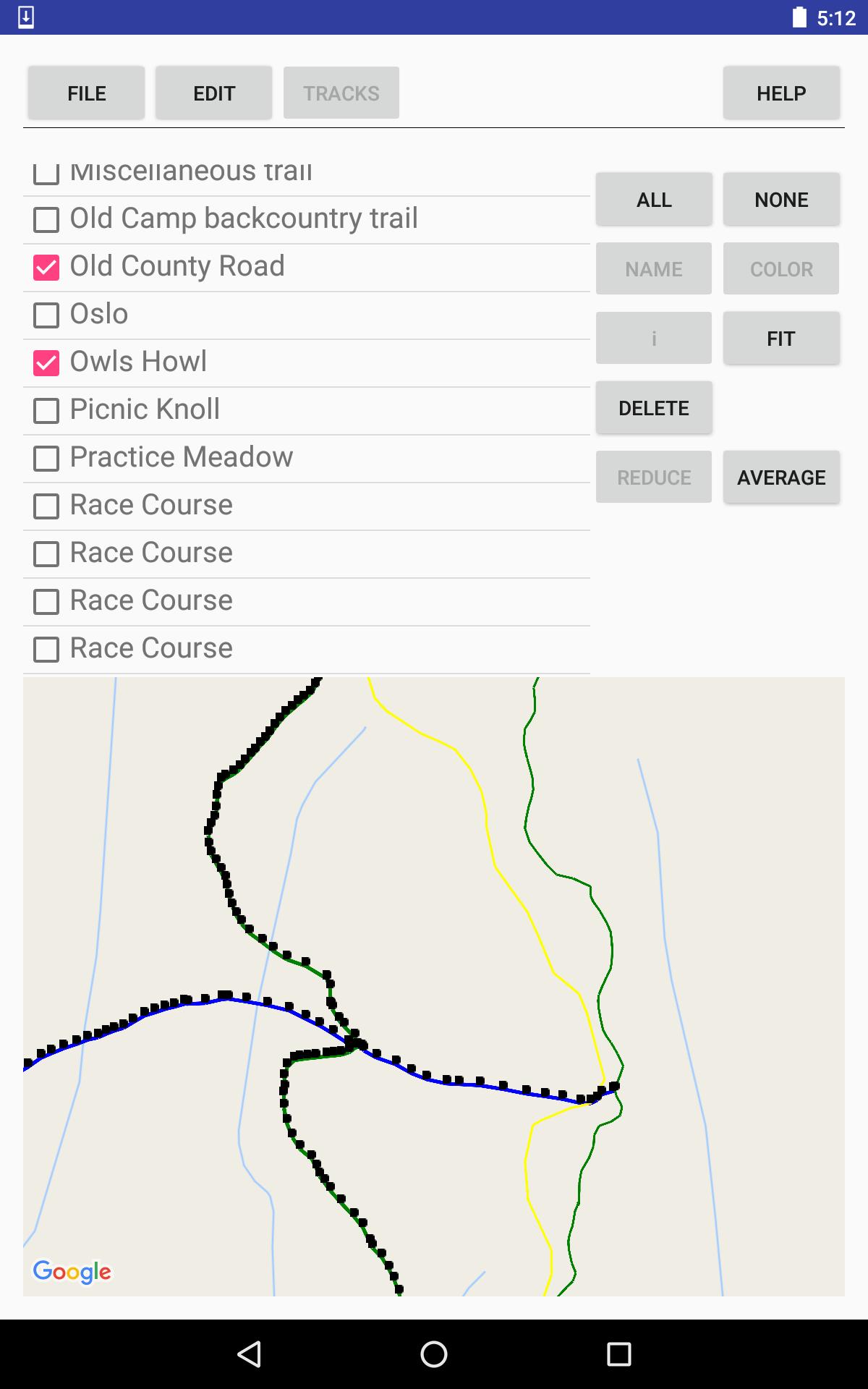
Record tracks, or import tracks from GPX files.
Clean up your track data, manually and/or automatically.
Use your trail map for navigation, with or without an Internet connection.
Your tracks and waypoints are displayed over the (optional) background of a Google Map, either the default road map or a satellite image.
Editing features:
* Split and join tracks.
* Connect tracks to form 3-way and 4-way junctions, with the same coordinates in each track that meets at the junction point, to establish the topology of a network of tracks.
* Eliminate superfluous trackpoints, with the option of preserving junction points against elimination.
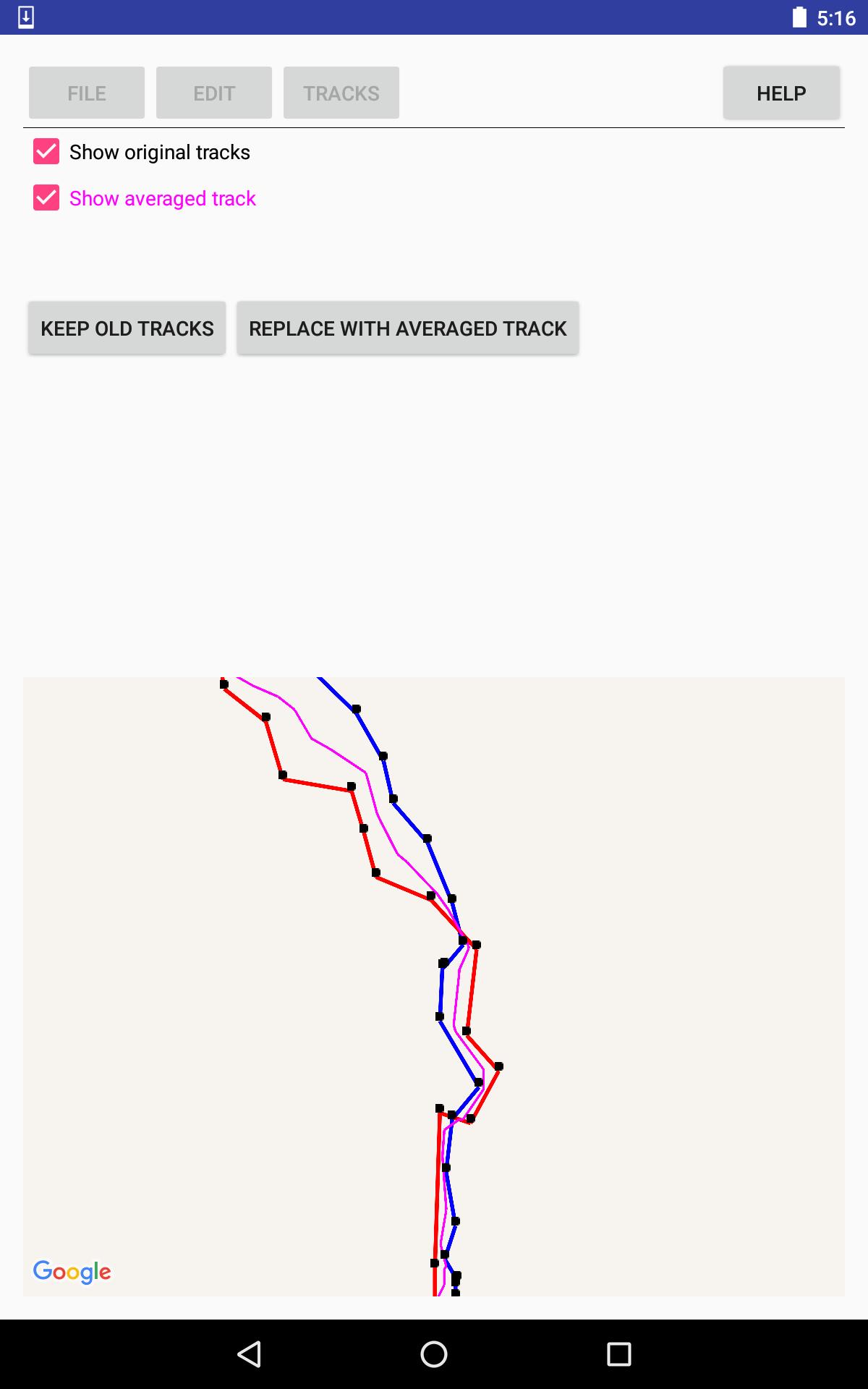
* Take the average of 2-5 tracks, to even out the errors, or, for example, to establish a street's center line from tracks for the sidewalks on either side of the street.
* View the results of averaging or reducing tracks, before accepting the results.
Documentation is available via the thorough help system within the app.
PRIVACY POLICY is available, within the app, from the help system; and, outside the app at the following URL: http://lewlasher.com/GpxTrackEditor/privacy-policy.html
پیش نظارہ
ٹیگز
اوزارمعلومات
ڈویلپر
Lew Lasher
تازہ ترین ورژن
3.7
آخری تازہ کاری
2022-04-02
قسم
اوزار
پر دستیاب ہے۔
Google Play
مزید دکھائیں
پی سی پر گیم لوپ کے ساتھ GPX Track Editor کیسے کھیلا جائے۔
1. آفیشل ویب سائٹ سے گیم لوپ ڈاؤن لوڈ کریں، پھر گیم لوپ انسٹال کرنے کے لیے exe فائل چلائیں۔
2. گیم لوپ کھولیں اور "GPX Track Editor" تلاش کریں، تلاش کے نتائج میں GPX Track Editor تلاش کریں اور "انسٹال کریں" پر کلک کریں۔
3. گیم لوپ پر GPX Track Editor کھیلنے کا لطف اٹھائیں۔
Minimum requirements
OS
Windows 8.1 64-bit or Windows 10 64-bit
GPU
GTX 1050
CPU
i3-8300
Memory
8GB RAM
Storage
1GB available space
Recommended requirements
OS
Windows 8.1 64-bit or Windows 10 64-bit
GPU
GTX 1050
CPU
i3-9320
Memory
16GB RAM
Storage
1GB available space