GPS Locker PC
SilentLexx UA
گیم لوپ ایمولیٹر کے ساتھ PC پر GPS Locker ڈاؤن لوڈ کریں۔
پی سی پر GPS Locker
GPS Locker، جو ڈویلپر SilentLexx UA سے آرہا ہے، ماضی میں اینڈرائیڈ سسٹم پر چل رہا ہے۔
اب، آپ پی سی پر GPS Locker آسانی سے GameLoop کے ساتھ چلا سکتے ہیں۔
اسے GameLoop لائبریری یا تلاش کے نتائج میں ڈاؤن لوڈ کریں۔ مزید غلط وقت پر بیٹری یا مایوس کن کالوں پر نظر نہیں ڈالی جائے گی۔
بس بڑی سکرین پر GPS Locker PC کا مفت میں لطف اٹھائیں!
GPS Locker تعارف
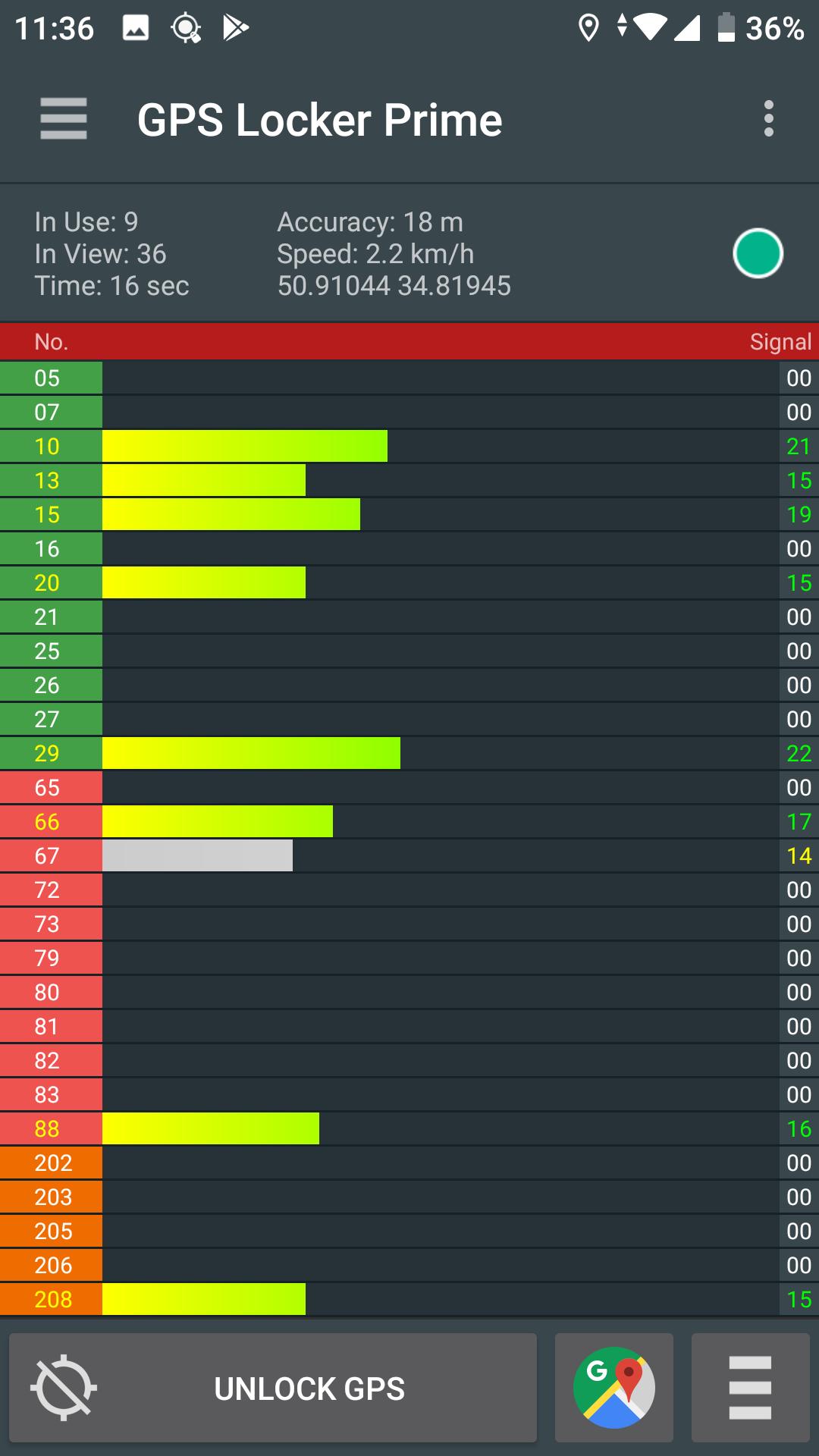
GPS Locker is created to keep a GPS signal locked switching between applications and when your device's screen is off. GPS Locker helps get a faster GPS signal lock and fix your GPS.
Where it can be helpful:
- In mobile games which are used in the game process GPS navigation.
- GPS Locker will be useful for those who use GPS navigation (for example, everyone is familiar with the situation when the device can not immediately catch the GPS signal at the exit of the tunnel in a car, etc.).
- Helps to improve GPS signal to devices that are often lost GPS signal.
Key Features:
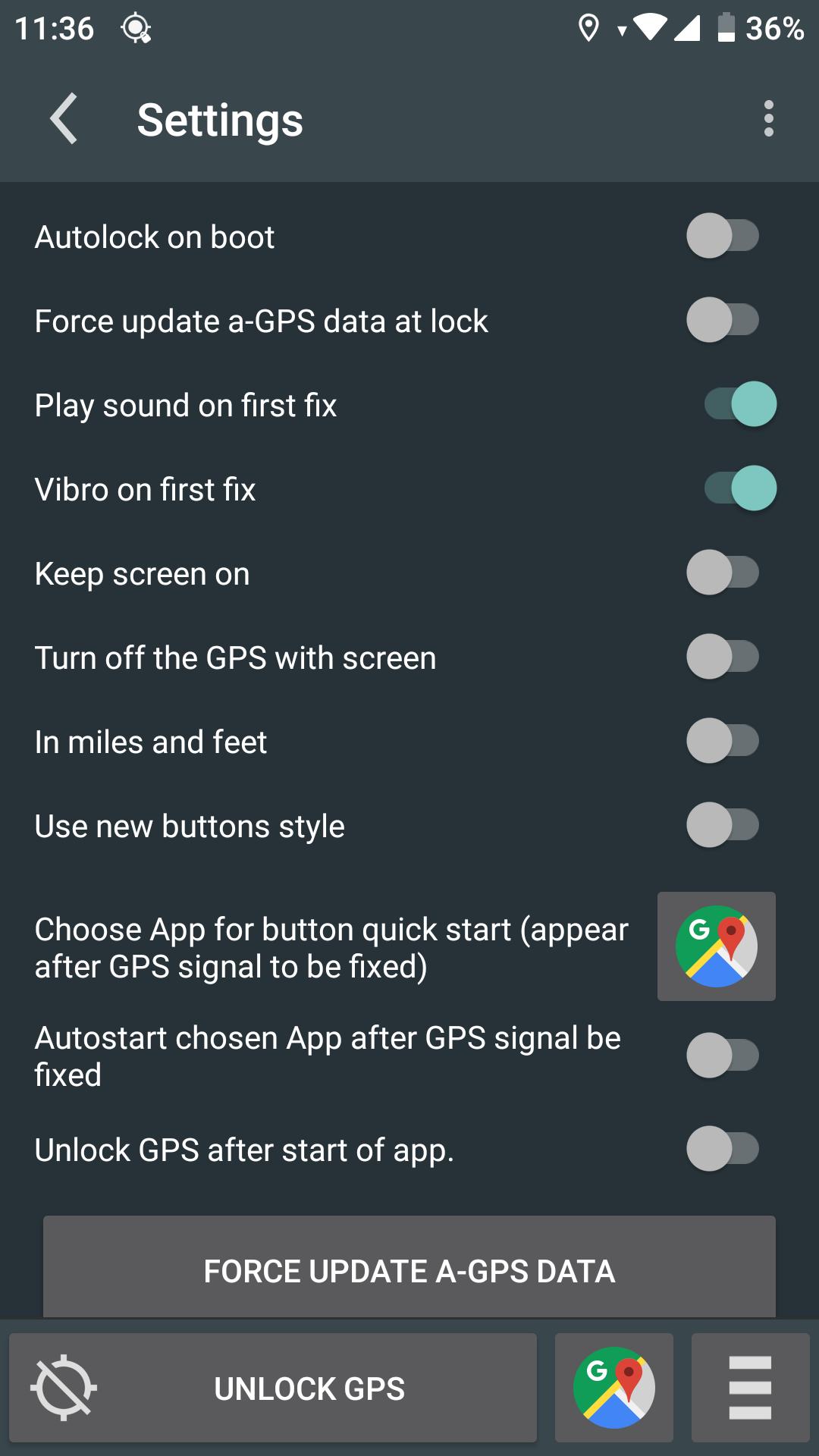
- Possibility of manual and automatic reset A-GPS data.
- Ability to lock on screen when GPS Locker is runned.
- Manual or automatic launch your applications after fixing GPS signal (the desired application you specify in GPS Locker settings)
- Create shortcuts on the desktop to quickly launch applications after a successful fixes of GPS signal.
For remove ads buy Prime!
*This application has access to geodata in the background, but does not send it to third parties and does not save your geodata on the device.*
P.S.: This application is not designed for freeze the coordinates!
پیش نظارہ
ٹیگز
اوزارمعلومات
ڈویلپر
SilentLexx UA
تازہ ترین ورژن
2.4.7
آخری تازہ کاری
2024-08-06
قسم
اوزار
پر دستیاب ہے۔
Google Play
مزید دکھائیں
پی سی پر گیم لوپ کے ساتھ GPS Locker کیسے کھیلا جائے۔
1. آفیشل ویب سائٹ سے گیم لوپ ڈاؤن لوڈ کریں، پھر گیم لوپ انسٹال کرنے کے لیے exe فائل چلائیں۔
2. گیم لوپ کھولیں اور "GPS Locker" تلاش کریں، تلاش کے نتائج میں GPS Locker تلاش کریں اور "انسٹال کریں" پر کلک کریں۔
3. گیم لوپ پر GPS Locker کھیلنے کا لطف اٹھائیں۔
Minimum requirements
OS
Windows 8.1 64-bit or Windows 10 64-bit
GPU
GTX 1050
CPU
i3-8300
Memory
8GB RAM
Storage
1GB available space
Recommended requirements
OS
Windows 8.1 64-bit or Windows 10 64-bit
GPU
GTX 1050
CPU
i3-9320
Memory
16GB RAM
Storage
1GB available space