Gfx tool for battleground and PC
Mobile Applications CSA
گیم لوپ ایمولیٹر کے ساتھ PC پر Gfx tool for battleground and ڈاؤن لوڈ کریں۔
پی سی پر Gfx tool for battleground and
Gfx tool for battleground and ، جو ڈویلپر Mobile Applications CSA سے آرہا ہے، ماضی میں اینڈرائیڈ سسٹم پر چل رہا ہے۔
اب، آپ پی سی پر Gfx tool for battleground and آسانی سے GameLoop کے ساتھ چلا سکتے ہیں۔
اسے GameLoop لائبریری یا تلاش کے نتائج میں ڈاؤن لوڈ کریں۔ مزید غلط وقت پر بیٹری یا مایوس کن کالوں پر نظر نہیں ڈالی جائے گی۔
بس بڑی سکرین پر Gfx tool for battleground and PC کا مفت میں لطف اٹھائیں!
Gfx tool for battleground and تعارف
GFX Game Booster 2021 tool for the battlefield
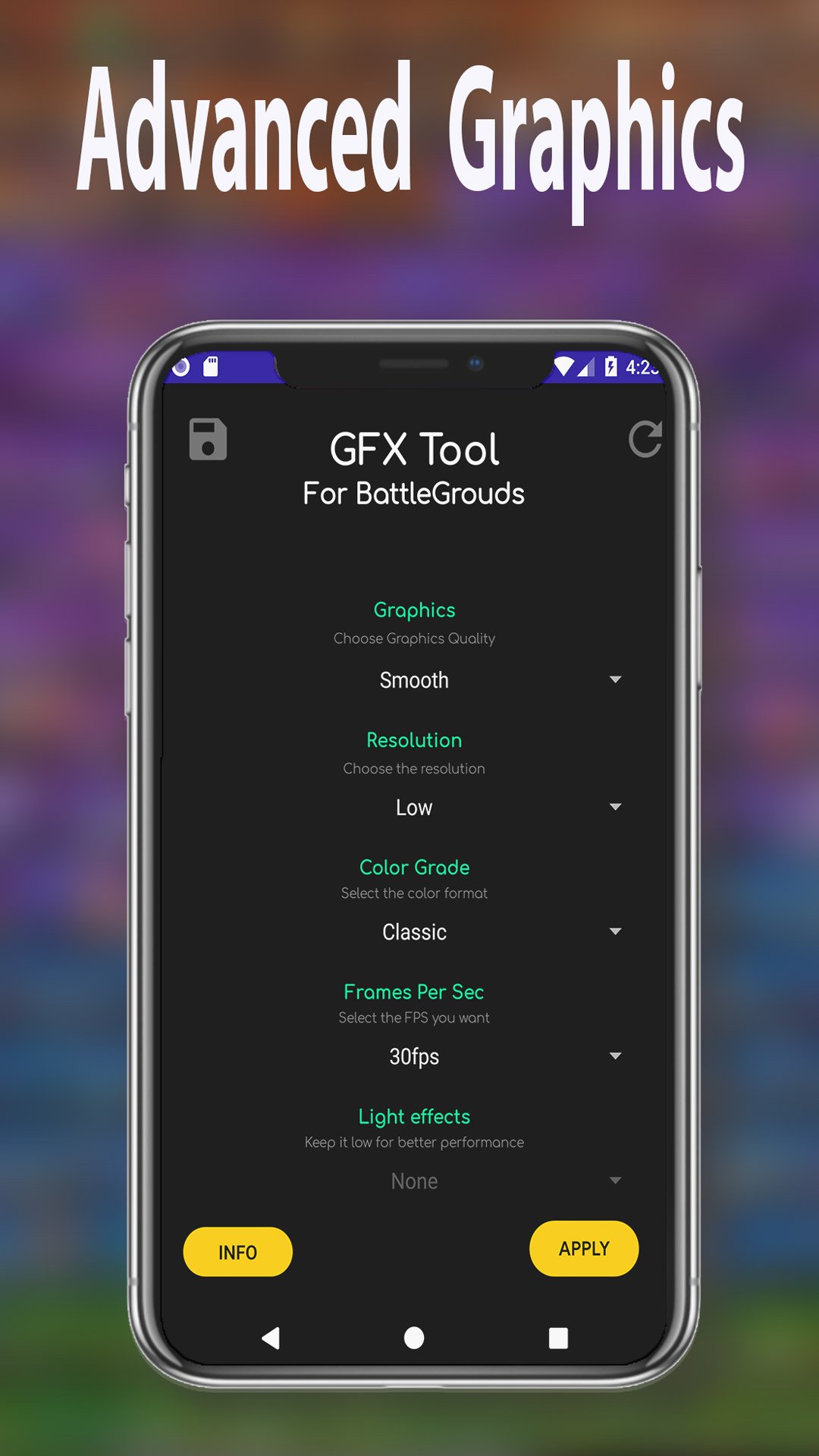
This application is a gfx tool to get the best gaming experience, with advanced graphics and screen resolution settings from as low as possible to HDR.
This is an essential program for every player who wants to achieve maximum optimization of the game. You can reduce the graphics and smoothly reproduce up to 120 fps, more options for your device and enjoy the great picture.
Easy and free for everyone! It is compatible for all versions (GP, CN, KR, VN, TW, LITE, BETA). You can combine the best GFX for your mobile CPU.
This App can change the graphic configuration of the GAME in the most complete way.
HOW TO USE:
Open the app.
Select the options that best correspond to your mobile.
Click Apply and this tool will apply the chosen settings to your mobile.
If you want to save those settings, you can easily save them.
FEATURES:
1080 or 2K resolution:
Extreme 60 FPS: Unlock the Extreme FPS level 120 fps
Anisotropy level: select the level of anisotropic filtering (AF)
good graphical profile: now choose graph according to RAM size with Game Booster
Unlock HDR graphics on low-end 60fps devices.
Save my layout and sensitivity settings - Avoid resetting the game's layout and sensitivity settings
Memory Boost - Increases game performance.
GPU optimization: custom OpenGL shaders.
Style Changes the good graphics style settings.
Potato graphics Minimal texture quality. Useful if your game lags.
Zero Delay Mode + Battery Efficient Mode - Optimized Game Settings
Turns the shadow on and off.
4xMSAA: enable and disable smoothing even better with X2, X4
Change the detail of graphics with different profiles
Use the game enhancer to improve performance.
Supports more than 8 languages
Weekly update support for all versions
OTHER FEATURES:
If your game has HD and HDR graphics options, you can go to the resolution option of this GFX application and set it to 1920 × 1080 or 2560 × 1440.
Here in the tool, there are multiple graphics options, from smooth to HDR. Therefore, you can choose the option you want, but for that you will have to select the support resolution. Suppose you have selected HD option in graphics section, then you will need to change or set resolution to 1920 × 1080 pixels.
From low-end phones to next-gen phones, this is the perfect tool for a better gaming experience.
TIPS:
If you changed ANYTHING in the graphics settings, please close the game and reapply your settings before playing.
Make sure you accept the storage permission, otherwise the app won't be able to do its job.
Make sure to close the game!
You can always reset the display in graphics settings
DISCLAIMER:
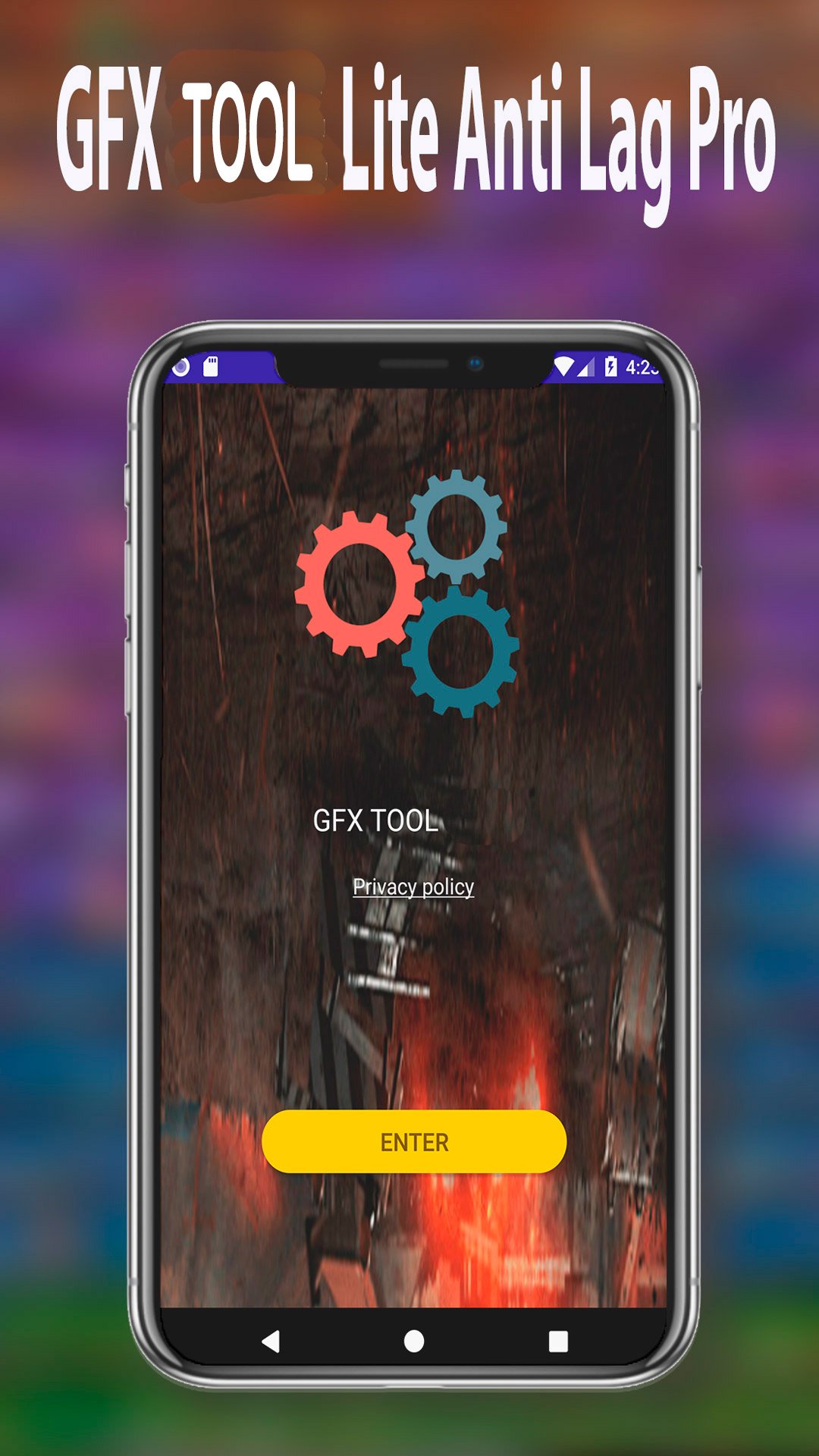
Before using this application, make sure you have read and accepted our Privacy Policy.
This app is not designed by or affiliated with any company.
پیش نظارہ
ٹیگز
اوزارمعلومات
ڈویلپر
Mobile Applications CSA
تازہ ترین ورژن
1.0.1
آخری تازہ کاری
2021-09-29
قسم
اوزار
پر دستیاب ہے۔
Google Play
مزید دکھائیں
پی سی پر گیم لوپ کے ساتھ Gfx tool for battleground and کیسے کھیلا جائے۔
1. آفیشل ویب سائٹ سے گیم لوپ ڈاؤن لوڈ کریں، پھر گیم لوپ انسٹال کرنے کے لیے exe فائل چلائیں۔
2. گیم لوپ کھولیں اور "Gfx tool for battleground and " تلاش کریں، تلاش کے نتائج میں Gfx tool for battleground and تلاش کریں اور "انسٹال کریں" پر کلک کریں۔
3. گیم لوپ پر Gfx tool for battleground and کھیلنے کا لطف اٹھائیں۔
Minimum requirements
OS
Windows 8.1 64-bit or Windows 10 64-bit
GPU
GTX 1050
CPU
i3-8300
Memory
8GB RAM
Storage
1GB available space
Recommended requirements
OS
Windows 8.1 64-bit or Windows 10 64-bit
GPU
GTX 1050
CPU
i3-9320
Memory
16GB RAM
Storage
1GB available space