
GFX Tool and Phone Optimizer PC
Miraculous Studio
گیم لوپ ایمولیٹر کے ساتھ PC پر GFX Tool and Phone Optimizer ڈاؤن لوڈ کریں۔
پی سی پر GFX Tool and Phone Optimizer
GFX Tool and Phone Optimizer، جو ڈویلپر Miraculous Studio سے آرہا ہے، ماضی میں اینڈرائیڈ سسٹم پر چل رہا ہے۔
اب، آپ پی سی پر GFX Tool and Phone Optimizer آسانی سے GameLoop کے ساتھ چلا سکتے ہیں۔
اسے GameLoop لائبریری یا تلاش کے نتائج میں ڈاؤن لوڈ کریں۔ مزید غلط وقت پر بیٹری یا مایوس کن کالوں پر نظر نہیں ڈالی جائے گی۔
بس بڑی سکرین پر GFX Tool and Phone Optimizer PC کا مفت میں لطف اٹھائیں!
GFX Tool and Phone Optimizer تعارف
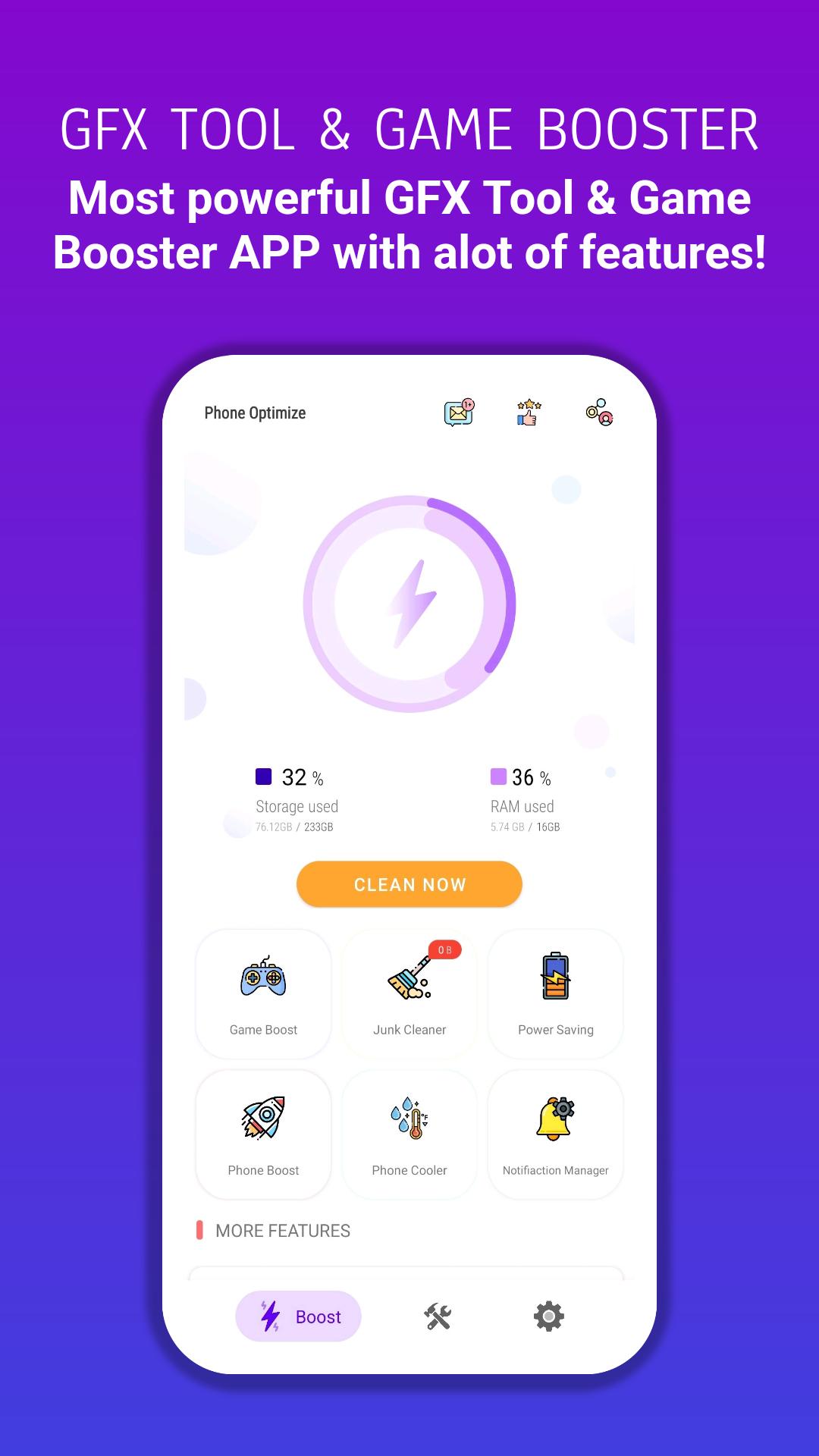
GFX Tool and Phone Optimize: is a launcher and boosting tool for FPS games where you can fully customize the game graphics according to your desires for a smooth gaming experience, cleaning and boosting for Android, which has the functions of junk cleaner, power saving, memory booster, game booster, and CPU cooler Central, notification cleaner, and app manager. Do you lack space for new apps and photos? Just clean the apps cache and junk files, and boost your phone in one tap.
Phone Optimize – Gfx Tool App has the following functions:
GFX Tool Features :
– Change to any resolution.
– Unlock HDR and UHD graphics in low-end devices.
– Unlock the up to 90 FPS.
– Potato Graphics Support.
– Fully control Anti-aliasing and shadows.
– Unlock Ultra Audio Quality.
– And many more other useful options.
– How to use our GFX Tool:
– Close the game if it’s currently running before starting GFX Tool.
– Choose the version of your game.
– Customize the graphics according to your desires and device capabilities.
– Once everything is set, click on Apply button and Run the Game!
Phone Optimize Features :
– Junk Cleaner :
analyze your device and clean app cache, system cache files, and obsolete files. This will increase your phone storage.
– Phone Booster :
this makes your phone faster and smoother by killing all background running apps.
– Power Saving :
you can extend your phone battery life by detecting and killing battery-draining apps.
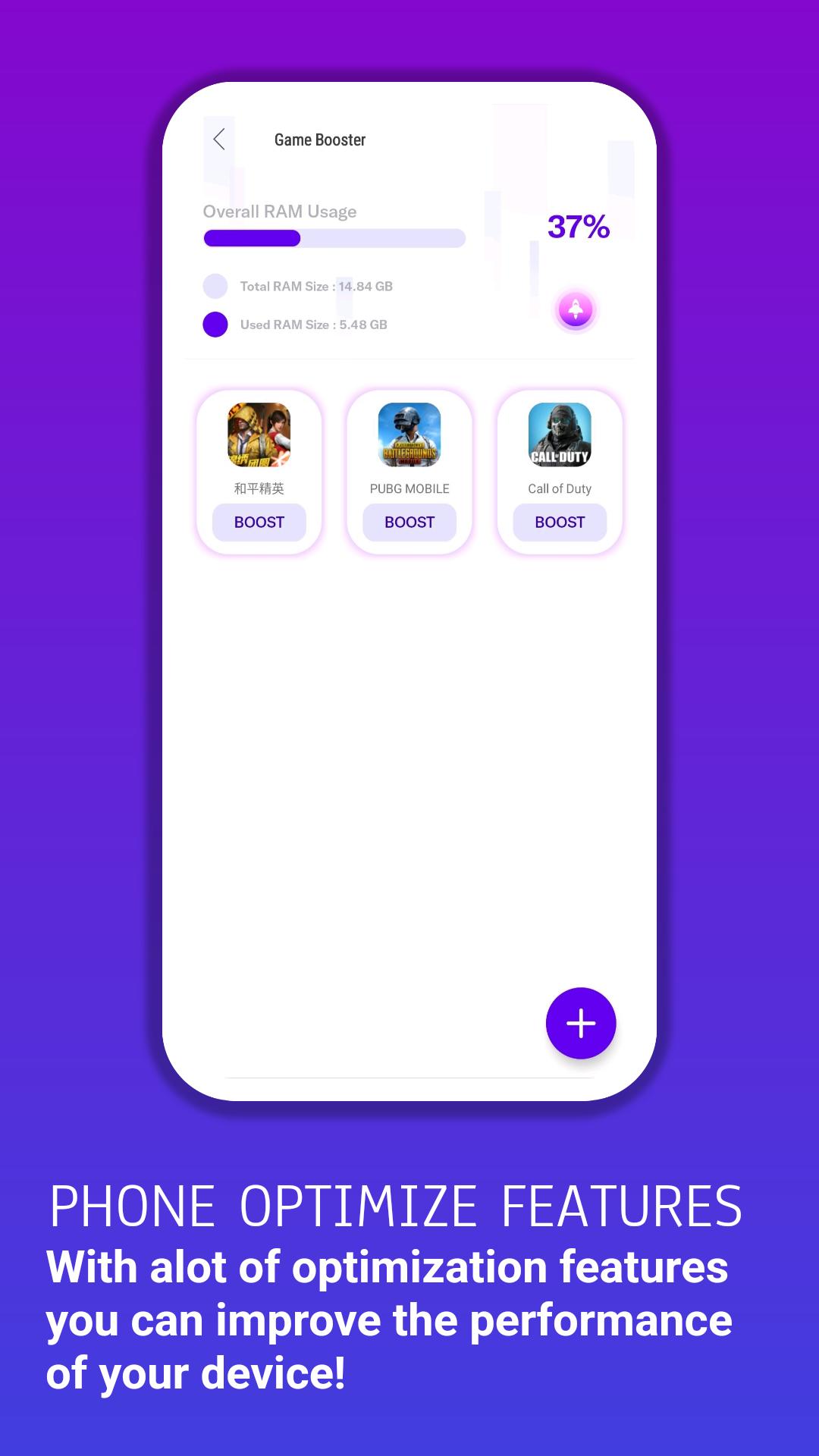
– Game Booster :
this feature will manage all your installed games in one place. Improve your gameplay experience. Allows you to boost and launch the game within the app.
– Big File Cleaner :
clean large files (video, audio, images, Apk, etc.) and increase memory space.
– Notification Cleaner :
this will provide you with a customized notification clean option. You can clean all annoying notifications displayed on your device notification panel.
– App Manager :
you can rely on this app to uninstall and disable apps to recover space and speed up your Android device.
– HUD Monitor :
Memory Load
CPU Load
Temperature
Network Latency
– Accelerate Your Game Speed – Faster & Smoother :
– Get Super Fast Game Experience,
– Clean up background apps to speed up RAM (random-access memory)
– Push your device to its maximum potential.
پیش نظارہ
معلومات
ڈویلپر
Miraculous Studio
تازہ ترین ورژن
2.0
آخری تازہ کاری
2023-01-11
قسم
اوزار
پر دستیاب ہے۔
Google Play
مزید دکھائیں
پی سی پر گیم لوپ کے ساتھ GFX Tool and Phone Optimizer کیسے کھیلا جائے۔
1. آفیشل ویب سائٹ سے گیم لوپ ڈاؤن لوڈ کریں، پھر گیم لوپ انسٹال کرنے کے لیے exe فائل چلائیں۔
2. گیم لوپ کھولیں اور "GFX Tool and Phone Optimizer" تلاش کریں، تلاش کے نتائج میں GFX Tool and Phone Optimizer تلاش کریں اور "انسٹال کریں" پر کلک کریں۔
3. گیم لوپ پر GFX Tool and Phone Optimizer کھیلنے کا لطف اٹھائیں۔
Minimum requirements
OS
Windows 8.1 64-bit or Windows 10 64-bit
GPU
GTX 1050
CPU
i3-8300
Memory
8GB RAM
Storage
1GB available space
Recommended requirements
OS
Windows 8.1 64-bit or Windows 10 64-bit
GPU
GTX 1050
CPU
i3-9320
Memory
16GB RAM
Storage
1GB available space