
Game Booster -One Tap Launcher PC
Photo Tools Lab, Inc.
گیم لوپ ایمولیٹر کے ساتھ PC پر Game Booster -One Tap Launcher ڈاؤن لوڈ کریں۔
پی سی پر Game Booster -One Tap Launcher
Game Booster -One Tap Launcher، جو ڈویلپر Photo Tools Lab, Inc. سے آرہا ہے، ماضی میں اینڈرائیڈ سسٹم پر چل رہا ہے۔
اب، آپ پی سی پر Game Booster -One Tap Launcher آسانی سے GameLoop کے ساتھ چلا سکتے ہیں۔
اسے GameLoop لائبریری یا تلاش کے نتائج میں ڈاؤن لوڈ کریں۔ مزید غلط وقت پر بیٹری یا مایوس کن کالوں پر نظر نہیں ڈالی جائے گی۔
بس بڑی سکرین پر Game Booster -One Tap Launcher PC کا مفت میں لطف اٹھائیں!
Game Booster -One Tap Launcher تعارف
Game Booster is the world's easiest and elegant game management and booster app, it gives you the best game experience by solving lag issues in games. Game Booster Speed up Phone prepares the environment for you to play games in best way.
Boost your game performance with one touch. Automatically boost CPU, RAM and other things for gaming and maximum performance. This is the All-In-One Toolbox (App Launcher, Booster & Speed Optimizer) Game Booster.
Most customizable GFX Tool for optimizing graphics performance. unlock max FPS, max resolution, and reduce lag by setting graphics. GFX is a most powerful optimise tool for graphics performance (You can also change game resolution and increase FPS easily).
Game Booster app helps to accelerate your games. Memory freed immediately at game launching free up more space for your games so your playing will be smoother. Game Booster frees up your phone memory & close unused apps/tasks to boost best environment for your Android Game play.
Game Booster can make your game run faster, it frees up memory before launching your games. Boost the game or apps, and makes games and apps run smoother.If you are tired of an insufficient game speed for your favorite games and apps, just download the best game booster app to get best game play experience!
Game Booster is the most powerful game management and speed booster app, it gives the best game play experience by fixing phone lag and RAM-memory issues in games.
Game Booster will unleash your phone potential and bring your game play experience to the next level! Download Game Booster for FREE
* FEATURES Of Game Booster:
* Game Play Mode:
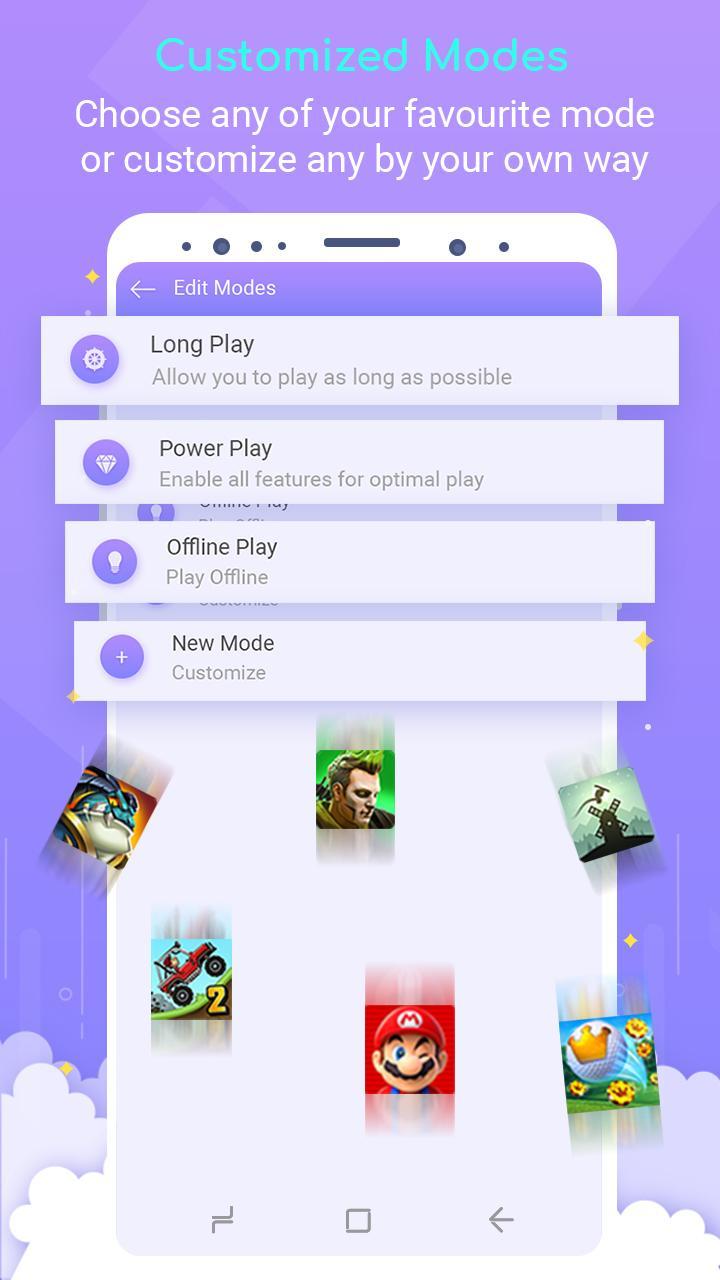
* Assign your favorite play style for each game and boost the app within that game play mode! Like Play offline Mode,Long Play Mode.
* You can customize the modes by choosing the best setting of your choice.
* Configure Mobile-Data, Bluetooth, Brightness, Screen Rotation, Data Auto-Sync, and Sounds.
* Assign your favorite mode to your games.
* One Click to boost your games and apps
* Play games with no lag.
* Optimize memory (RAM) for any app using App Booster.
* Game Booster will unleash the real performance of your Android device.
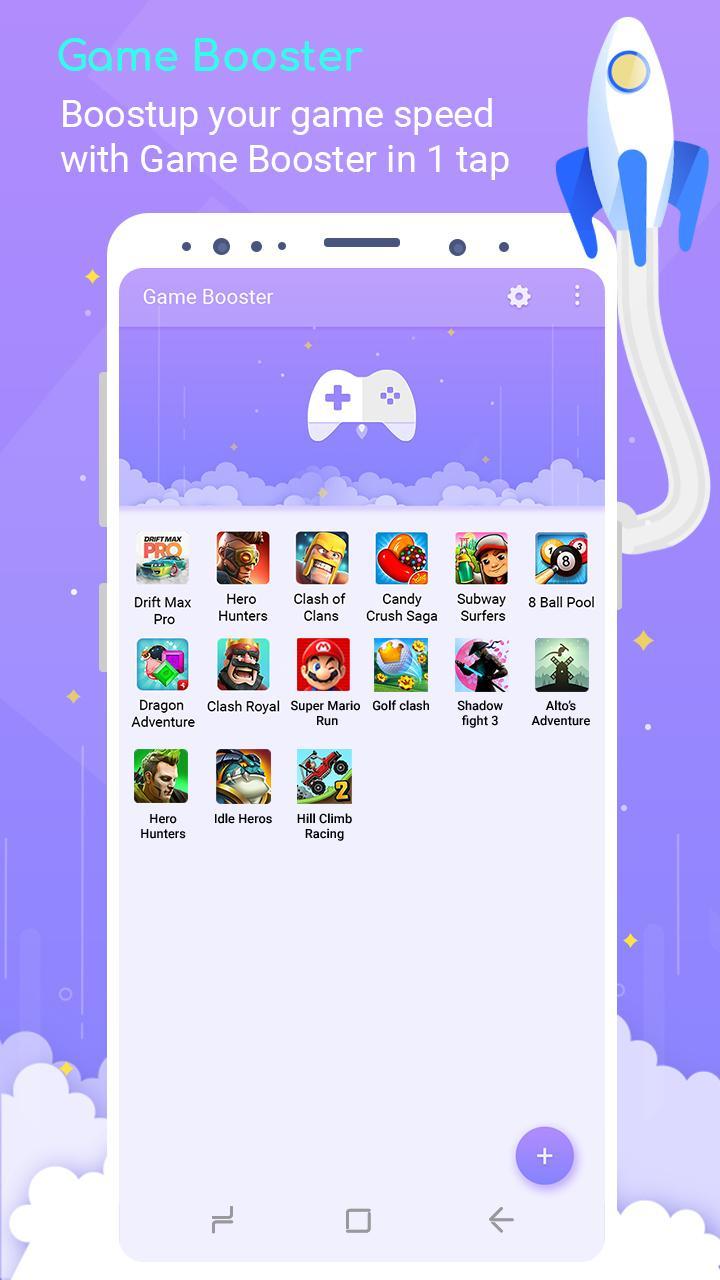
* Place your games at one Place.
* Release memory as much as possible.
Advance GFX Settings:
* Resolution:Change the resolution of your game as you like.
* HDR Game Graphics: Make it possible to turn on the HDR graphics on low end devices.
* Extreme FPS:Unlock Extreme FPS limit.
* Anti-Aliasing:Support 4x MSAA makes the textures more smoother.
* Styles:Choose your favorite color filter for game! Like ( classic,colorful, realistic ,soft, movie ) .
* Shadows:Enable and disable shadows.
* Rendering Quality:Customise shaders, textures etc according to your mobile performance to reduce lags.
How does this game booster works?
* Add any games and apps you want to boost.
* Tap on the app you want to boost.
* The selected games and apps will be boosted automatically and launched.
If you like Game Booster please support us by giving 5 stars review.
پیش نظارہ
ٹیگز
اوزارمعلومات
ڈویلپر
Photo Tools Lab, Inc.
تازہ ترین ورژن
1.0.41
آخری تازہ کاری
2022-12-23
قسم
اوزار
پر دستیاب ہے۔
Google Play
مزید دکھائیں
پی سی پر گیم لوپ کے ساتھ Game Booster -One Tap Launcher کیسے کھیلا جائے۔
1. آفیشل ویب سائٹ سے گیم لوپ ڈاؤن لوڈ کریں، پھر گیم لوپ انسٹال کرنے کے لیے exe فائل چلائیں۔
2. گیم لوپ کھولیں اور "Game Booster -One Tap Launcher" تلاش کریں، تلاش کے نتائج میں Game Booster -One Tap Launcher تلاش کریں اور "انسٹال کریں" پر کلک کریں۔
3. گیم لوپ پر Game Booster -One Tap Launcher کھیلنے کا لطف اٹھائیں۔
Minimum requirements
OS
Windows 8.1 64-bit or Windows 10 64-bit
GPU
GTX 1050
CPU
i3-8300
Memory
8GB RAM
Storage
1GB available space
Recommended requirements
OS
Windows 8.1 64-bit or Windows 10 64-bit
GPU
GTX 1050
CPU
i3-9320
Memory
16GB RAM
Storage
1GB available space