
Force 4g LTE Network Mode - Ba PC
InnoApps.
گیم لوپ ایمولیٹر کے ساتھ PC پر Force 4g LTE Network Mode - Ba ڈاؤن لوڈ کریں۔
پی سی پر Force 4g LTE Network Mode - Ba
Force 4g LTE Network Mode - Ba، جو ڈویلپر InnoApps. سے آرہا ہے، ماضی میں اینڈرائیڈ سسٹم پر چل رہا ہے۔
اب، آپ پی سی پر Force 4g LTE Network Mode - Ba آسانی سے GameLoop کے ساتھ چلا سکتے ہیں۔
اسے GameLoop لائبریری یا تلاش کے نتائج میں ڈاؤن لوڈ کریں۔ مزید غلط وقت پر بیٹری یا مایوس کن کالوں پر نظر نہیں ڈالی جائے گی۔
بس بڑی سکرین پر Force 4g LTE Network Mode - Ba PC کا مفت میں لطف اٹھائیں!
Force 4g LTE Network Mode - Ba تعارف
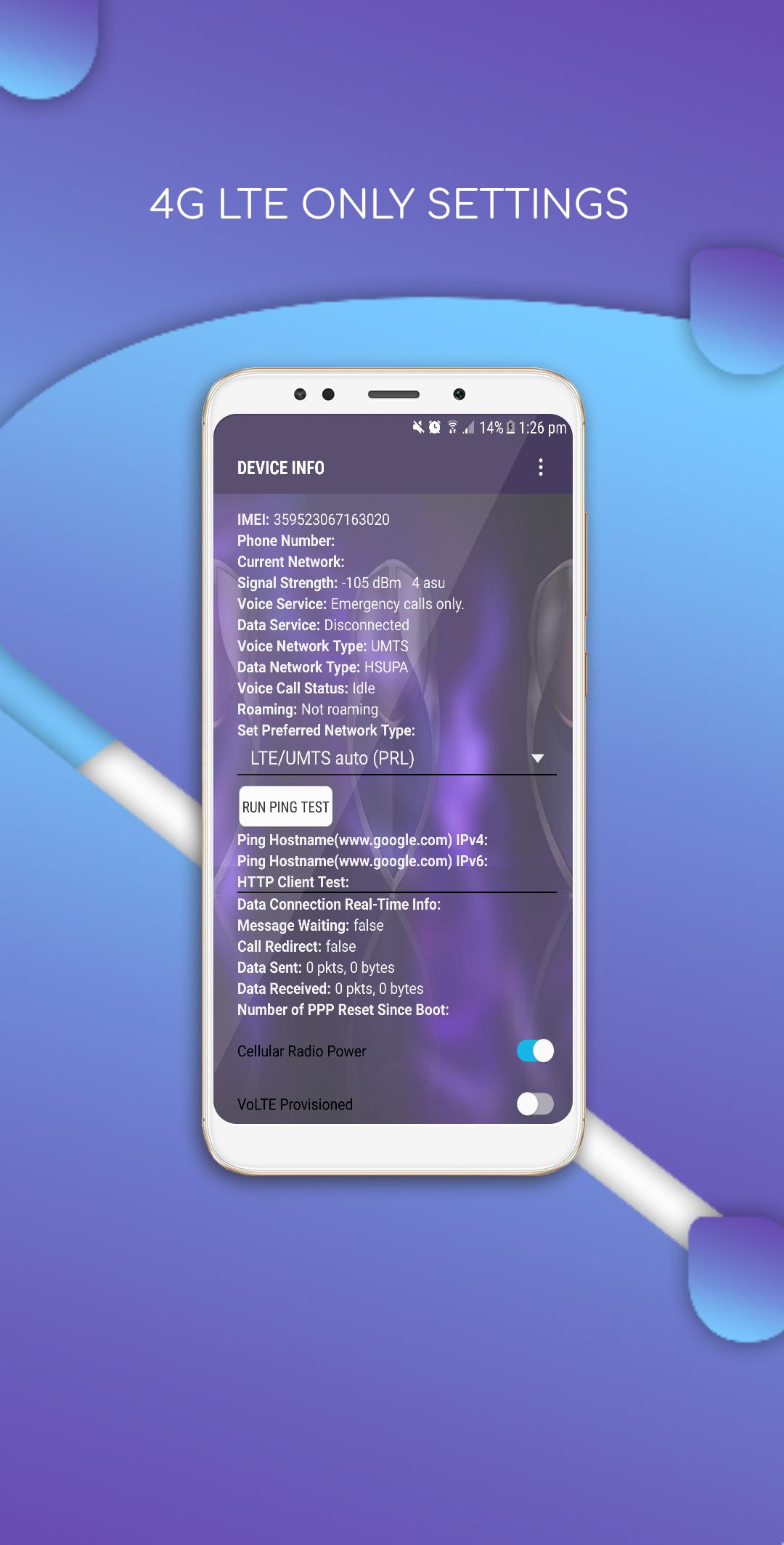
Force 4g LTE network mode Only and LTE only network mode for dual sim supports. It has 4G LTE Switch . 4g only network mode opens a very useful setting of menu where advanced network configurations can be selected for dual sim setup.
It is common that all smart devices get switched to 2G or 3G network mode , if there is no 4G coverage available. But some devices face issue for switching to 4G LTE mode even though there is enough LTE coverage. If you are in middle of such issues, here is an app. This app will solve your problem for 4G lock mode .
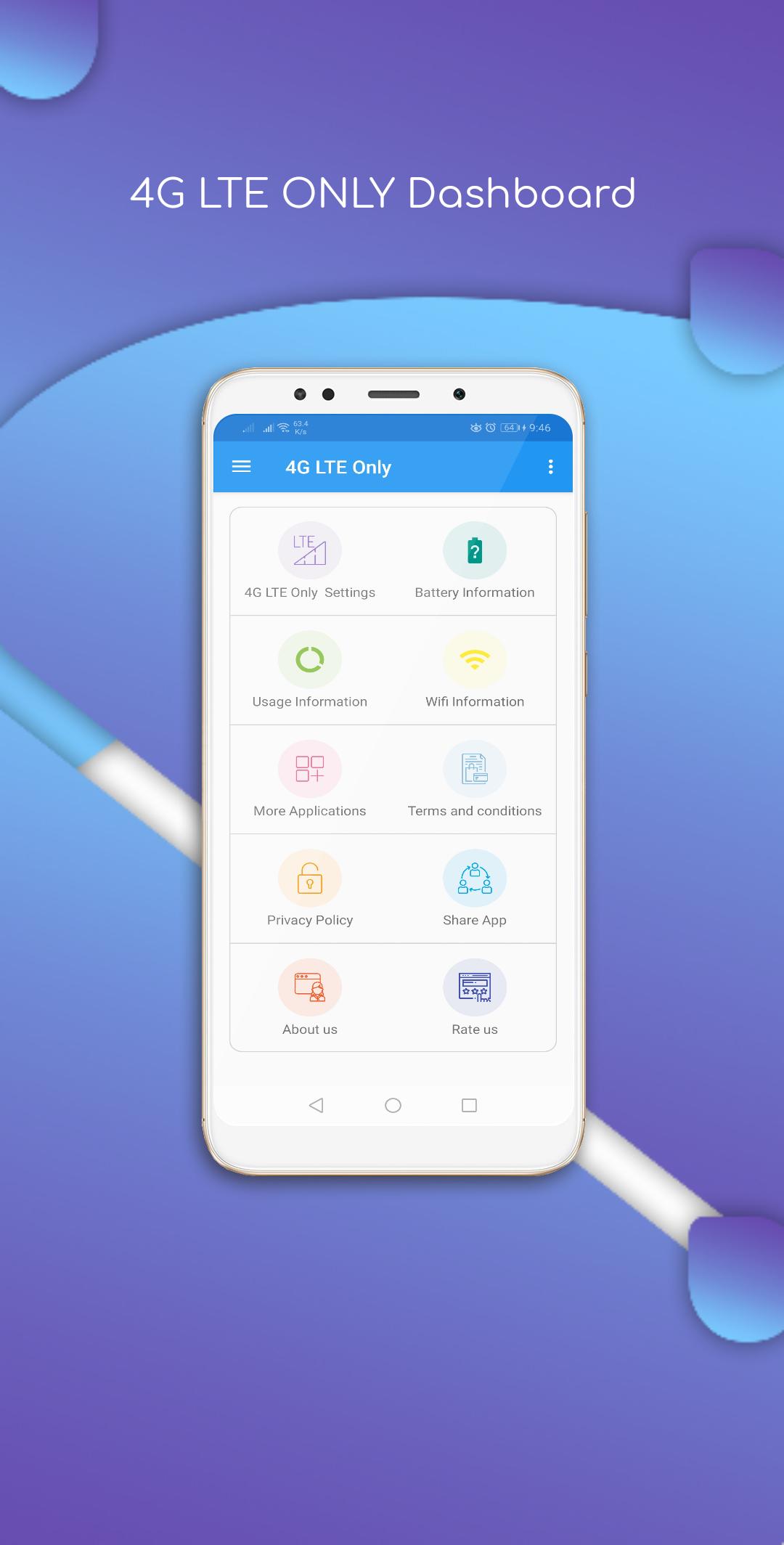
4G LTE Switch allows you to switch to LTE only mode by allowing to open a hidden settings menu. This app has a lot of other features like Advanced Network Configurations, Battery Information, usage information, Wi-Fi Information.
Features -
» Change network to "LTE(4G) only" mode
» Usage Statistics.
» Wi-Fi Information
» Battery Information.
» Phone will disconnect less often leading to FASTER INTERNET SPEED .
» You can enable VoLTE on supported devices (enables direct call over 4G network)
» Advanced network statistics
» Change network parameters
» Lock to any Network Signal like 4G(LTE)/3G/2G only
» Force 4G LTE Only
» Force WCDMA Only
» Force 3G Only
» A lot of other modes available.
Supports All Phone Brands with Qualcomm Chips , If you phone does not support, kindly contact us before giving rating. This app continuously updated with new and updated features. It aims to clean and simple app. Please be updated with this app.
Please contact us at brainappsville@gmail.com
پیش نظارہ
ٹیگز
اوزارمعلومات
ڈویلپر
InnoApps.
تازہ ترین ورژن
2.2
آخری تازہ کاری
2021-04-25
قسم
اوزار
پر دستیاب ہے۔
Google Play
مزید دکھائیں
پی سی پر گیم لوپ کے ساتھ Force 4g LTE Network Mode - Ba کیسے کھیلا جائے۔
1. آفیشل ویب سائٹ سے گیم لوپ ڈاؤن لوڈ کریں، پھر گیم لوپ انسٹال کرنے کے لیے exe فائل چلائیں۔
2. گیم لوپ کھولیں اور "Force 4g LTE Network Mode - Ba" تلاش کریں، تلاش کے نتائج میں Force 4g LTE Network Mode - Ba تلاش کریں اور "انسٹال کریں" پر کلک کریں۔
3. گیم لوپ پر Force 4g LTE Network Mode - Ba کھیلنے کا لطف اٹھائیں۔
Minimum requirements
OS
Windows 8.1 64-bit or Windows 10 64-bit
GPU
GTX 1050
CPU
i3-8300
Memory
8GB RAM
Storage
1GB available space
Recommended requirements
OS
Windows 8.1 64-bit or Windows 10 64-bit
GPU
GTX 1050
CPU
i3-9320
Memory
16GB RAM
Storage
1GB available space