
Fake gps location PC
Digital Center
گیم لوپ ایمولیٹر کے ساتھ PC پر Fake gps location ڈاؤن لوڈ کریں۔
پی سی پر Fake gps location
Fake gps location، جو ڈویلپر Digital Center سے آرہا ہے، ماضی میں اینڈرائیڈ سسٹم پر چل رہا ہے۔
اب، آپ پی سی پر Fake gps location آسانی سے GameLoop کے ساتھ چلا سکتے ہیں۔
اسے GameLoop لائبریری یا تلاش کے نتائج میں ڈاؤن لوڈ کریں۔ مزید غلط وقت پر بیٹری یا مایوس کن کالوں پر نظر نہیں ڈالی جائے گی۔
بس بڑی سکرین پر Fake gps location PC کا مفت میں لطف اٹھائیں!
Fake gps location تعارف
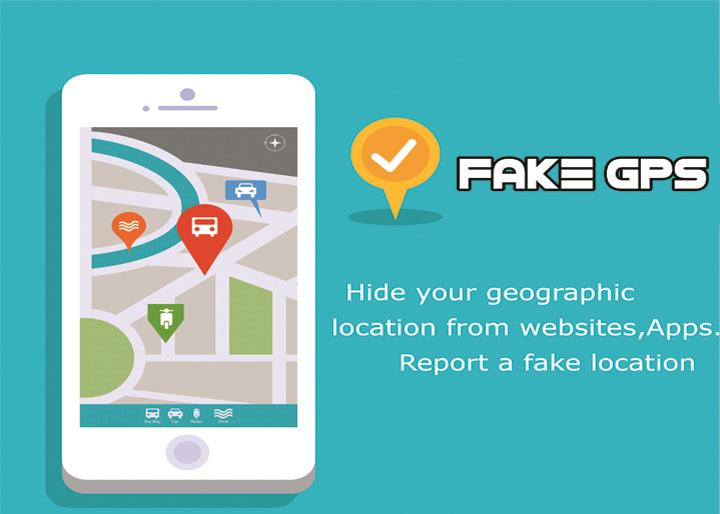
Fake gps location spoofer will overwrite your current location and any third party apps, websites or services will think you are in London, Paris or any other places! It’s simple and great fun to trick people.
In addition, our application has "Joystick" option, which allows users to change their locations immediately.
How does it work?
1. First enable the developer settings on your device(on older versions it is not needed).
To enable the developer settings go to settings > about phone > and click on the android version about 7 times.
2. in the developer options enable mock locations.
3. set your location to be 'device only'(use only gps location).
4. open the app, move the red dot anywhere you like and click on the 'play button'.
Important notes:
- This fake location app requires to have play services and maps installed.
- It might not work with some apps, but it works with fb,whatsapp,twitter etc.
- it doesn't work with viber since it requiters network location enabled.
- if the app stops working, or behaving strangely then simply restart the device.
Feel free to contact me by email for anything regarding this app.
پیش نظارہ
ٹیگز
اوزارمعلومات
ڈویلپر
Digital Center
تازہ ترین ورژن
2.2.2
آخری تازہ کاری
2021-06-16
قسم
اوزار
پر دستیاب ہے۔
Google Play
مزید دکھائیں
پی سی پر گیم لوپ کے ساتھ Fake gps location کیسے کھیلا جائے۔
1. آفیشل ویب سائٹ سے گیم لوپ ڈاؤن لوڈ کریں، پھر گیم لوپ انسٹال کرنے کے لیے exe فائل چلائیں۔
2. گیم لوپ کھولیں اور "Fake gps location" تلاش کریں، تلاش کے نتائج میں Fake gps location تلاش کریں اور "انسٹال کریں" پر کلک کریں۔
3. گیم لوپ پر Fake gps location کھیلنے کا لطف اٹھائیں۔
Minimum requirements
OS
Windows 8.1 64-bit or Windows 10 64-bit
GPU
GTX 1050
CPU
i3-8300
Memory
8GB RAM
Storage
1GB available space
Recommended requirements
OS
Windows 8.1 64-bit or Windows 10 64-bit
GPU
GTX 1050
CPU
i3-9320
Memory
16GB RAM
Storage
1GB available space