Duel Space - Multiple Accounts & Parallel APP PC
VV Cool
گیم لوپ ایمولیٹر کے ساتھ PC پر Duel Space - Multiple Accounts & Parallel APP ڈاؤن لوڈ کریں۔
پی سی پر Duel Space - Multiple Accounts & Parallel APP
Duel Space - Multiple Accounts & Parallel APP، جو ڈویلپر VV Cool سے آرہا ہے، ماضی میں اینڈرائیڈ سسٹم پر چل رہا ہے۔
اب، آپ پی سی پر Duel Space - Multiple Accounts & Parallel APP آسانی سے GameLoop کے ساتھ چلا سکتے ہیں۔
اسے GameLoop لائبریری یا تلاش کے نتائج میں ڈاؤن لوڈ کریں۔ مزید غلط وقت پر بیٹری یا مایوس کن کالوں پر نظر نہیں ڈالی جائے گی۔
بس بڑی سکرین پر Duel Space - Multiple Accounts & Parallel APP PC کا مفت میں لطف اٹھائیں!
Duel Space - Multiple Accounts & Parallel APP تعارف
Duel Space - Multiple Accounts & Parallel APP
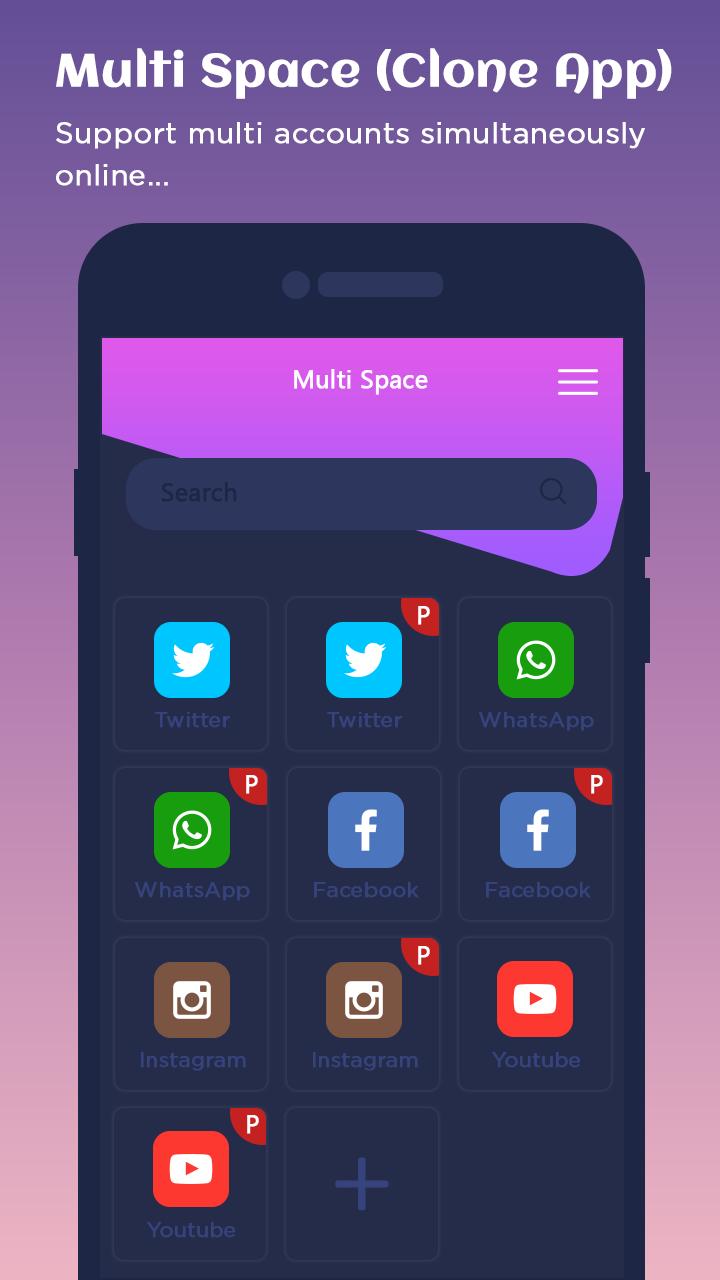
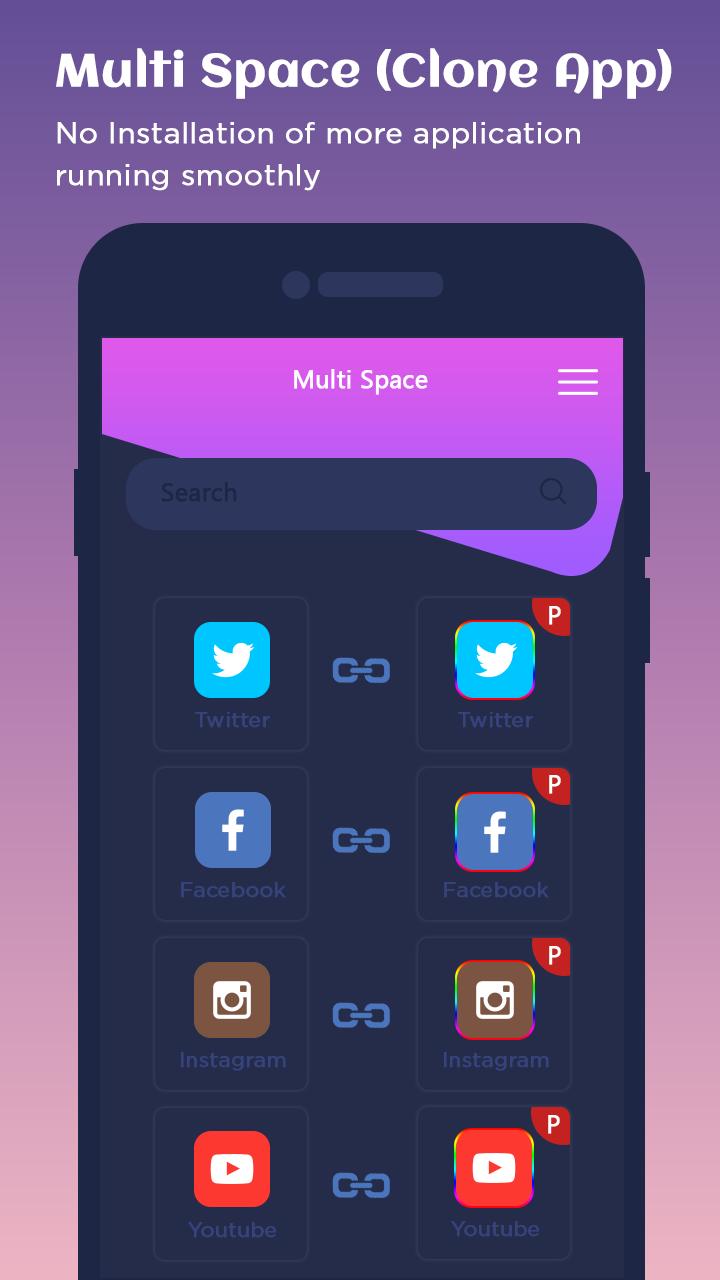
Dual Space is an app for android that allows users to clone and run multiple accounts of the same app simultaneously on one device, and also enables users to create their customized space.
The Fresh Blue Theme for Dual Space allows you to customize the Dual Space icon and replace the default theme with beautiful blue wallpapers and skins.
Features::
- Log in to multiple accounts of social networking apps or game apps at the same time on one device.
- Balance between users' life and work easily.
- Double users' online gaming experience and have more fun.
- Almost all apps are supported for a second account in Clone App. Data from both accounts won't interfere with each other.
- Hide users' secret apps without worrying about prying eyes by keeping apps only in secret space.
- Protect user privacy with a security lock.
- Protect user privacy.
- Hide users' secret apps without worrying about prying eyes by keeping apps only in secret space.
- Protect user privacy with a security lock.
- Switch fast between accounts with just one-tap and much more steady than Parallel Space.
- Run two accounts simultaneously and switch between them fast with one-tap to effectively manage different accounts.
Thank You!!!
پیش نظارہ
معلومات
ڈویلپر
VV Cool
تازہ ترین ورژن
1.16.0
آخری تازہ کاری
2019-02-25
قسم
اوزار
پر دستیاب ہے۔
Google Play
مزید دکھائیں
پی سی پر گیم لوپ کے ساتھ Duel Space - Multiple Accounts & Parallel APP کیسے کھیلا جائے۔
1. آفیشل ویب سائٹ سے گیم لوپ ڈاؤن لوڈ کریں، پھر گیم لوپ انسٹال کرنے کے لیے exe فائل چلائیں۔
2. گیم لوپ کھولیں اور "Duel Space - Multiple Accounts & Parallel APP" تلاش کریں، تلاش کے نتائج میں Duel Space - Multiple Accounts & Parallel APP تلاش کریں اور "انسٹال کریں" پر کلک کریں۔
3. گیم لوپ پر Duel Space - Multiple Accounts & Parallel APP کھیلنے کا لطف اٹھائیں۔
Minimum requirements
OS
Windows 8.1 64-bit or Windows 10 64-bit
GPU
GTX 1050
CPU
i3-8300
Memory
8GB RAM
Storage
1GB available space
Recommended requirements
OS
Windows 8.1 64-bit or Windows 10 64-bit
GPU
GTX 1050
CPU
i3-9320
Memory
16GB RAM
Storage
1GB available space