Dual Browser Split Screen app PC
Formonix Tech
گیم لوپ ایمولیٹر کے ساتھ PC پر Dual Browser Split Screen app ڈاؤن لوڈ کریں۔
پی سی پر Dual Browser Split Screen app
Dual Browser Split Screen app، جو ڈویلپر Formonix Tech سے آرہا ہے، ماضی میں اینڈرائیڈ سسٹم پر چل رہا ہے۔
اب، آپ پی سی پر Dual Browser Split Screen app آسانی سے GameLoop کے ساتھ چلا سکتے ہیں۔
اسے GameLoop لائبریری یا تلاش کے نتائج میں ڈاؤن لوڈ کریں۔ مزید غلط وقت پر بیٹری یا مایوس کن کالوں پر نظر نہیں ڈالی جائے گی۔
بس بڑی سکرین پر Dual Browser Split Screen app PC کا مفت میں لطف اٹھائیں!
Dual Browser Split Screen app تعارف
Everyone wants to do work fast, try our Dual Browser Split Screen Browser: Private Browser to work 2x faster. This dual browser allows you to do multitasking at a time. If you want to save your time, then use our Dual Browser Split Screen Browser: Private Browser. You can open two browsers on a single browser with the help of this multi window – splitscreen dual browser. This incognito window - private search engine app also allows you to open multiple tabs. You can refresh your browsing page.
Safe browsing app - incognito browser
Use this Dual Browser Split Screen Browser: Private Browser for educational purposes. How you can use this private Browser: secure browser application for educational purposes? This dual browser app can open multi-tab at the same time and students mostly do comparison, so you can open two browsers on a single screen and do comparison of different things easily. You can perform multitask at a time by open multiple things in multiple tabs. For fast web surfing – internet surfing, this is a very fast web browser app. It is not only the dual browser; you can also do single browsing in this Dual Browser Split Screen with private Browser.
Anymouns browser: Dual Browser
If you want secure browsing, then you can do private browsing by using our private mode browsing. You can do safe internet surfing through this Dual Browser Split Screen Browser: Private Browser. You can easily save your bookmarks for fast search and easy access. By using this dual browser: dual display app, you can use your multiple social media accounts at the same time.
fast Safe search - secure browser application
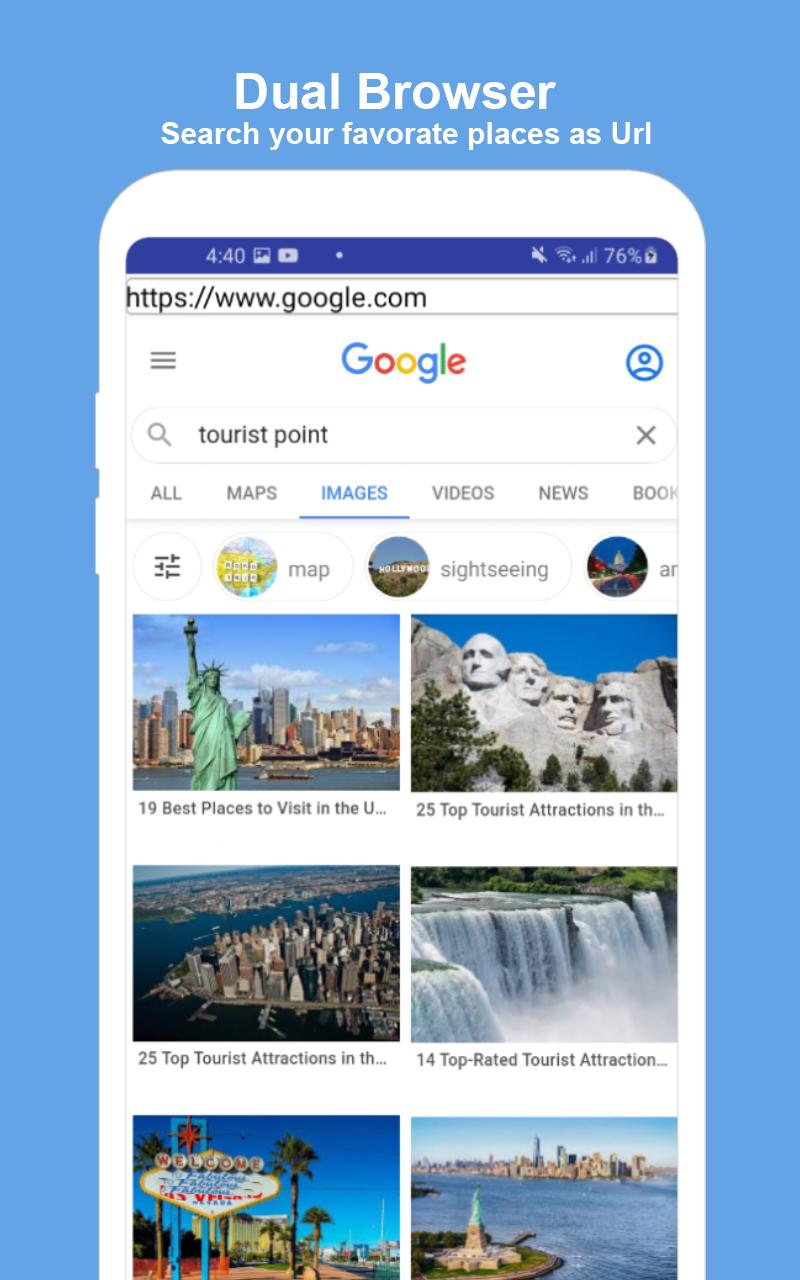
This Dual Browser Split Screen Browser: Private Browser has the ability to split your screen in two parts for browsing. You can go forward and back instantly by using page forward and page back options. If you are looking for the best secure browser: dual browser app, then our secure browser application: anymouns browser is the best app for you. If you want fast web surfing – internet surfing, then install this secure browser application and do fast web browsing. Split screen is the best feature in this app, by which you can use two browsers on a single browser.
Features for this Dual Browser Split Screen Browser: Private Browser
• For secure browsing, you can also use incognito mode in this app
• Dual browser - split browser to do multitasking at a time.
• Use single browser
• Dual browser app also contains private browsing
• Fast and easy to use.
• Best Incognito mode – dual browser app
Working for this Dual Browser Split Screen Browser: Private Browser
• Download and install this Dual Browser Split Screen Browser: Private Browser.
• Open this Dual Browser Split Screen Browser: Private Browser.
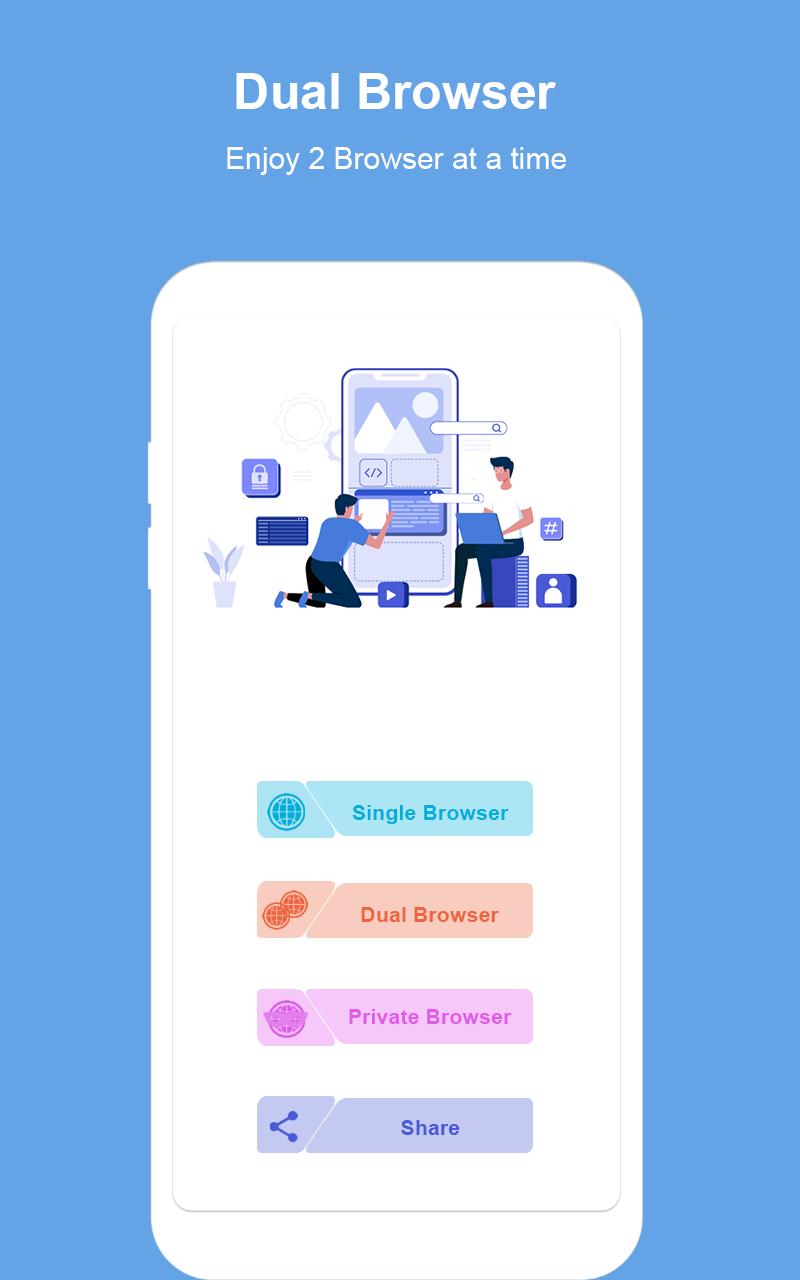
• To use single browser, press single browser button.
• To use dual browser, press dual browser button.
• To use private browser, press private browser button.
Privacy note for this Dual Browser Split Screen Browser: Private Browser
This Dual Browser Split Screen Browser: Private Browser is 100% safe because this app will not save your any personal information like photos, videos, contacts, microphone, messages etc.
پیش نظارہ
ٹیگز
اوزارمعلومات
ڈویلپر
Formonix Tech
تازہ ترین ورژن
1.0.5
آخری تازہ کاری
2021-07-26
قسم
اوزار
پر دستیاب ہے۔
Google Play
مزید دکھائیں
پی سی پر گیم لوپ کے ساتھ Dual Browser Split Screen app کیسے کھیلا جائے۔
1. آفیشل ویب سائٹ سے گیم لوپ ڈاؤن لوڈ کریں، پھر گیم لوپ انسٹال کرنے کے لیے exe فائل چلائیں۔
2. گیم لوپ کھولیں اور "Dual Browser Split Screen app" تلاش کریں، تلاش کے نتائج میں Dual Browser Split Screen app تلاش کریں اور "انسٹال کریں" پر کلک کریں۔
3. گیم لوپ پر Dual Browser Split Screen app کھیلنے کا لطف اٹھائیں۔
Minimum requirements
OS
Windows 8.1 64-bit or Windows 10 64-bit
GPU
GTX 1050
CPU
i3-8300
Memory
8GB RAM
Storage
1GB available space
Recommended requirements
OS
Windows 8.1 64-bit or Windows 10 64-bit
GPU
GTX 1050
CPU
i3-9320
Memory
16GB RAM
Storage
1GB available space