
DrDig Images Recovery PC
GreatStuffApps
گیم لوپ ایمولیٹر کے ساتھ PC پر DrDig Images Recovery ڈاؤن لوڈ کریں۔
پی سی پر DrDig Images Recovery
DrDig Images Recovery، جو ڈویلپر GreatStuffApps سے آرہا ہے، ماضی میں اینڈرائیڈ سسٹم پر چل رہا ہے۔
اب، آپ پی سی پر DrDig Images Recovery آسانی سے GameLoop کے ساتھ چلا سکتے ہیں۔
اسے GameLoop لائبریری یا تلاش کے نتائج میں ڈاؤن لوڈ کریں۔ مزید غلط وقت پر بیٹری یا مایوس کن کالوں پر نظر نہیں ڈالی جائے گی۔
بس بڑی سکرین پر DrDig Images Recovery PC کا مفت میں لطف اٹھائیں!
DrDig Images Recovery تعارف
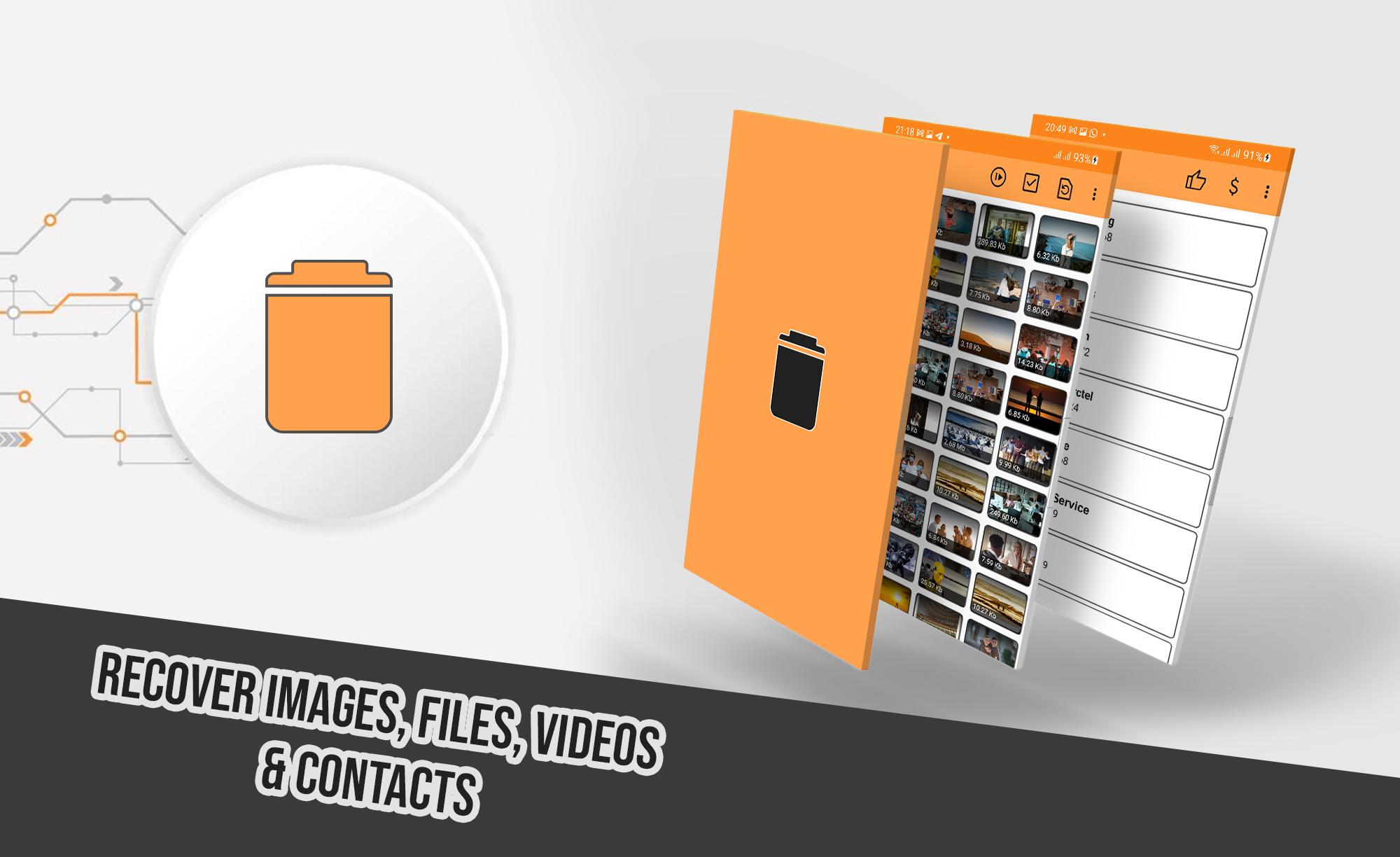
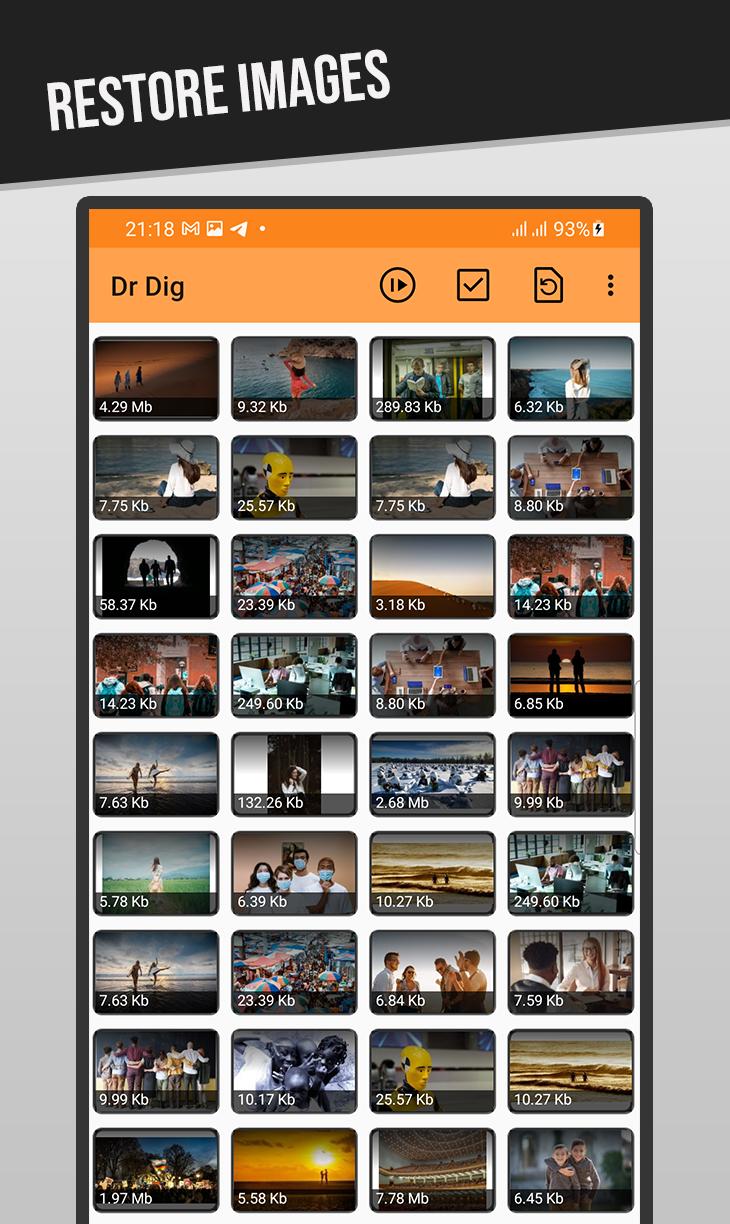
A revolutionary new tool to restore deleted files from your phone, it performs a deep scan for Internal Storage and SD Card memory looking for accidently deleted images, videos, audios, files and more.
It supports wide range of files extensions including the most known ones such as JPG, PNG, GIF, MP4, MP3, WAV, XLS, DOCX, AVI, MOV and much more.
HOW TO USE:
After launching the app and giving the necessary permission, Select desired file type from the menu, either images, videos, or files. The scan will start, wait until it finishes, the longer it takes depends in your device storage size. After that you can view and undelete files easily.
Note 1: The app uses "Access all files" permission to scan the storage of your device, when asked for it please give the permission to use it. Without this permission the app will not work properly.
Note 2: DrDig may show existing files along with the deleted one as it scans the whole memory, this is a normal thing across all data recovery softwares, just look carefully until you find the desired file to recover.
Note 3: This is not a Recycle-Bin app. And you can undelete files even the ones lost before this app was installed.
FEATURES:
-Supports multiple Languages
-Works without root permission
-Easy to use and understandable UI
پیش نظارہ
ٹیگز
اوزارمعلومات
ڈویلپر
GreatStuffApps
تازہ ترین ورژن
5.5
آخری تازہ کاری
2025-07-15
قسم
اوزار
پر دستیاب ہے۔
Google Play
مزید دکھائیں
پی سی پر گیم لوپ کے ساتھ DrDig Images Recovery کیسے کھیلا جائے۔
1. آفیشل ویب سائٹ سے گیم لوپ ڈاؤن لوڈ کریں، پھر گیم لوپ انسٹال کرنے کے لیے exe فائل چلائیں۔
2. گیم لوپ کھولیں اور "DrDig Images Recovery" تلاش کریں، تلاش کے نتائج میں DrDig Images Recovery تلاش کریں اور "انسٹال کریں" پر کلک کریں۔
3. گیم لوپ پر DrDig Images Recovery کھیلنے کا لطف اٹھائیں۔
Minimum requirements
OS
Windows 8.1 64-bit or Windows 10 64-bit
GPU
GTX 1050
CPU
i3-8300
Memory
8GB RAM
Storage
1GB available space
Recommended requirements
OS
Windows 8.1 64-bit or Windows 10 64-bit
GPU
GTX 1050
CPU
i3-9320
Memory
16GB RAM
Storage
1GB available space