Double Tap Screen On and Off Pro PC
4 mb
گیم لوپ ایمولیٹر کے ساتھ PC پر Double Tap Screen On and Off Pro ڈاؤن لوڈ کریں۔
پی سی پر Double Tap Screen On and Off Pro
Double Tap Screen On and Off Pro، جو ڈویلپر 4 mb سے آرہا ہے، ماضی میں اینڈرائیڈ سسٹم پر چل رہا ہے۔
اب، آپ پی سی پر Double Tap Screen On and Off Pro آسانی سے GameLoop کے ساتھ چلا سکتے ہیں۔
اسے GameLoop لائبریری یا تلاش کے نتائج میں ڈاؤن لوڈ کریں۔ مزید غلط وقت پر بیٹری یا مایوس کن کالوں پر نظر نہیں ڈالی جائے گی۔
بس بڑی سکرین پر Double Tap Screen On and Off Pro PC کا مفت میں لطف اٹھائیں!
Double Tap Screen On and Off Pro تعارف
Double Tap Screen On and Off Pro:
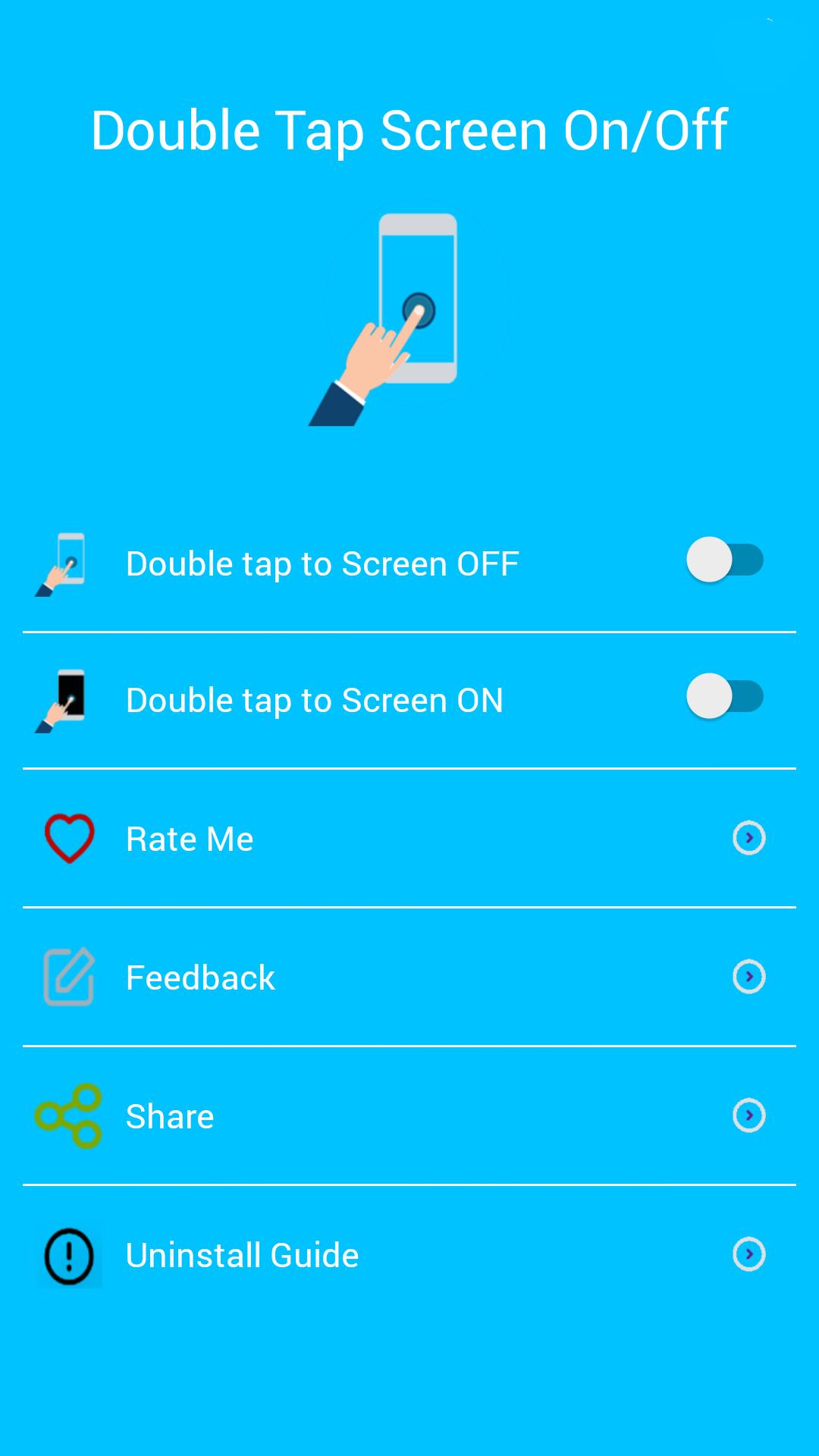
Double Tap Off / ON is an application that helps you protect the power button. Double Tap OFF also allows you to turn off the screen quickly by touching the Home screen twice. Just a touch to lock and turn off the screen.
Sometimes difficult to press the power button, or you want to preserve the physical power button. The Smart Screen On Off app and the feed head float can help minimize the use of the power button anytime and anywhere.
★ Different types of buttons:
- Show on the home screen
- Show in the notification
- Float on other apps!
★ CHARACTERISTICS:
- Double-tap the home screen to turn off the screen.
- Cover the proximity sensor to turn on the screen (if it is not, press Always visible).
- Double-tap the Always On power icon to activate the screen.
- Provide a lock screen shortcut on the home screen.
★ UNINSTALL INSTRUCTIONS DOUBLE TAP APPLICATION:
- Open the Double Tap Off application.
- Select the Uninstall button to uninstall the application.
Note:
This application uses Device Administrator authorization. It is needed and used only to lock the device when using the application. You must enable the administration before you can use it. In addition, you must disable administration before you can uninstall.
FEEDBACK:
If you encounter a problem while using the application, please give us some comments that we will check and update as soon as possible.
پیش نظارہ
معلومات
ڈویلپر
4 mb
تازہ ترین ورژن
6.0
آخری تازہ کاری
2019-10-31
قسم
اوزار
پر دستیاب ہے۔
Google Play
مزید دکھائیں
پی سی پر گیم لوپ کے ساتھ Double Tap Screen On and Off Pro کیسے کھیلا جائے۔
1. آفیشل ویب سائٹ سے گیم لوپ ڈاؤن لوڈ کریں، پھر گیم لوپ انسٹال کرنے کے لیے exe فائل چلائیں۔
2. گیم لوپ کھولیں اور "Double Tap Screen On and Off Pro" تلاش کریں، تلاش کے نتائج میں Double Tap Screen On and Off Pro تلاش کریں اور "انسٹال کریں" پر کلک کریں۔
3. گیم لوپ پر Double Tap Screen On and Off Pro کھیلنے کا لطف اٹھائیں۔
Minimum requirements
OS
Windows 8.1 64-bit or Windows 10 64-bit
GPU
GTX 1050
CPU
i3-8300
Memory
8GB RAM
Storage
1GB available space
Recommended requirements
OS
Windows 8.1 64-bit or Windows 10 64-bit
GPU
GTX 1050
CPU
i3-9320
Memory
16GB RAM
Storage
1GB available space