
Discord Toolbox PC
SWA Apps
گیم لوپ ایمولیٹر کے ساتھ PC پر Discord Toolbox ڈاؤن لوڈ کریں۔
پی سی پر Discord Toolbox
Discord Toolbox، جو ڈویلپر SWA Apps سے آرہا ہے، ماضی میں اینڈرائیڈ سسٹم پر چل رہا ہے۔
اب، آپ پی سی پر Discord Toolbox آسانی سے GameLoop کے ساتھ چلا سکتے ہیں۔
اسے GameLoop لائبریری یا تلاش کے نتائج میں ڈاؤن لوڈ کریں۔ مزید غلط وقت پر بیٹری یا مایوس کن کالوں پر نظر نہیں ڈالی جائے گی۔
بس بڑی سکرین پر Discord Toolbox PC کا مفت میں لطف اٹھائیں!
Discord Toolbox تعارف
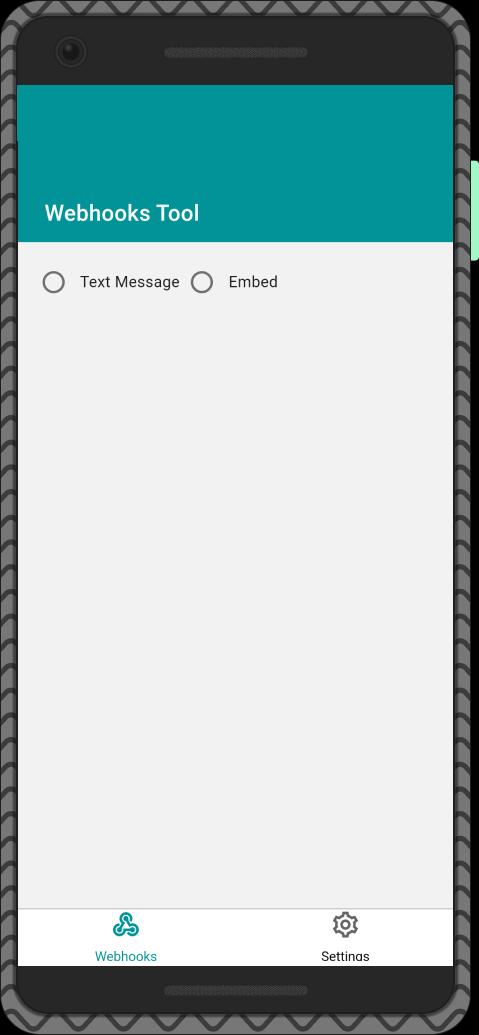
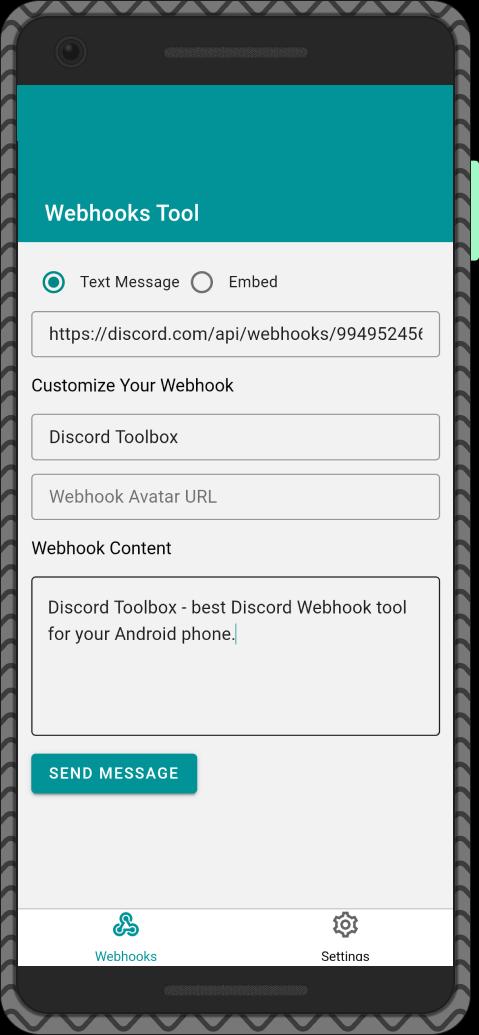
Discord Toolbox is a mobile extension for Discord that makes it easy to use.
Designed by EYERCORD.
!!!ATTENTION!!! The app is currently in beta testing. Many functions are not available and the application may be unstable.
If you notice problems with the application, we recommend that you go to the application settings section and join our community server in Discord. Then describe your problem in a specialized text channel, attach screenshots and other information that can help in solving problems and wait for a response!
Application features:
- Send messages using webhooks
- View your server statistics (in development)
– Promote your server for free (scheduled)
– View your bot stats (scheduled)
– Moderate the server from the app (scheduled)
– Add trusted bots to your server (planned)
پیش نظارہ
ٹیگز
اوزارمعلومات
ڈویلپر
SWA Apps
تازہ ترین ورژن
0.1.0
آخری تازہ کاری
2022-07-09
قسم
اوزار
پر دستیاب ہے۔
Google Play
مزید دکھائیں
پی سی پر گیم لوپ کے ساتھ Discord Toolbox کیسے کھیلا جائے۔
1. آفیشل ویب سائٹ سے گیم لوپ ڈاؤن لوڈ کریں، پھر گیم لوپ انسٹال کرنے کے لیے exe فائل چلائیں۔
2. گیم لوپ کھولیں اور "Discord Toolbox" تلاش کریں، تلاش کے نتائج میں Discord Toolbox تلاش کریں اور "انسٹال کریں" پر کلک کریں۔
3. گیم لوپ پر Discord Toolbox کھیلنے کا لطف اٹھائیں۔
Minimum requirements
OS
Windows 8.1 64-bit or Windows 10 64-bit
GPU
GTX 1050
CPU
i3-8300
Memory
8GB RAM
Storage
1GB available space
Recommended requirements
OS
Windows 8.1 64-bit or Windows 10 64-bit
GPU
GTX 1050
CPU
i3-9320
Memory
16GB RAM
Storage
1GB available space