
Digital Office Pupuk Indonesia PC
PT Pupuk Indonesia (Persero)
گیم لوپ ایمولیٹر کے ساتھ PC پر Digital Office Pupuk Indonesia ڈاؤن لوڈ کریں۔
پی سی پر Digital Office Pupuk Indonesia
Digital Office Pupuk Indonesia، جو ڈویلپر PT Pupuk Indonesia (Persero) سے آرہا ہے، ماضی میں اینڈرائیڈ سسٹم پر چل رہا ہے۔
اب، آپ پی سی پر Digital Office Pupuk Indonesia آسانی سے GameLoop کے ساتھ چلا سکتے ہیں۔
اسے GameLoop لائبریری یا تلاش کے نتائج میں ڈاؤن لوڈ کریں۔ مزید غلط وقت پر بیٹری یا مایوس کن کالوں پر نظر نہیں ڈالی جائے گی۔
بس بڑی سکرین پر Digital Office Pupuk Indonesia PC کا مفت میں لطف اٹھائیں!
Digital Office Pupuk Indonesia تعارف
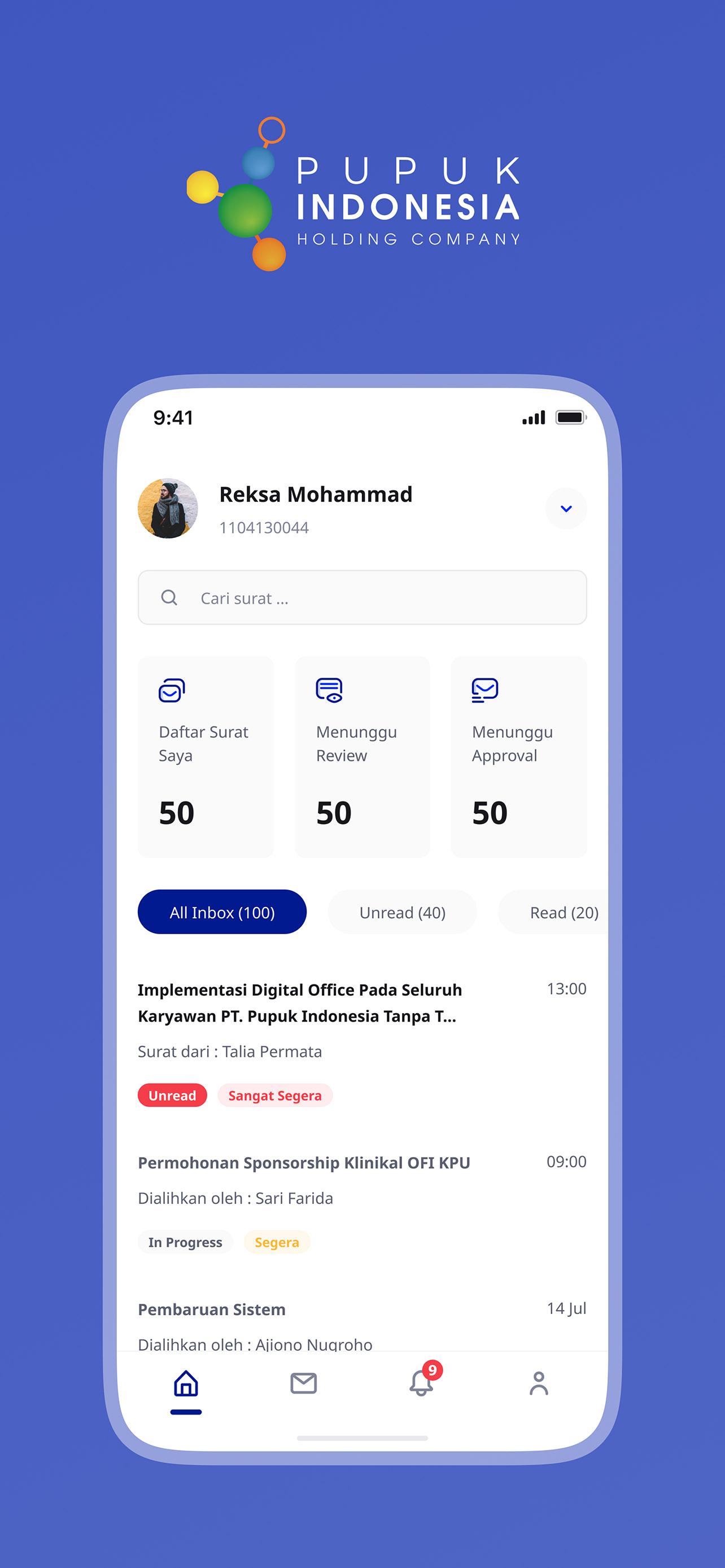
As we work in organizations, we are dealing with processes that include multitasking, activities and also participants. This leads to some challenges for an organization in activity tracking, performance monitoring, audit trails, notification, process changes, etc.
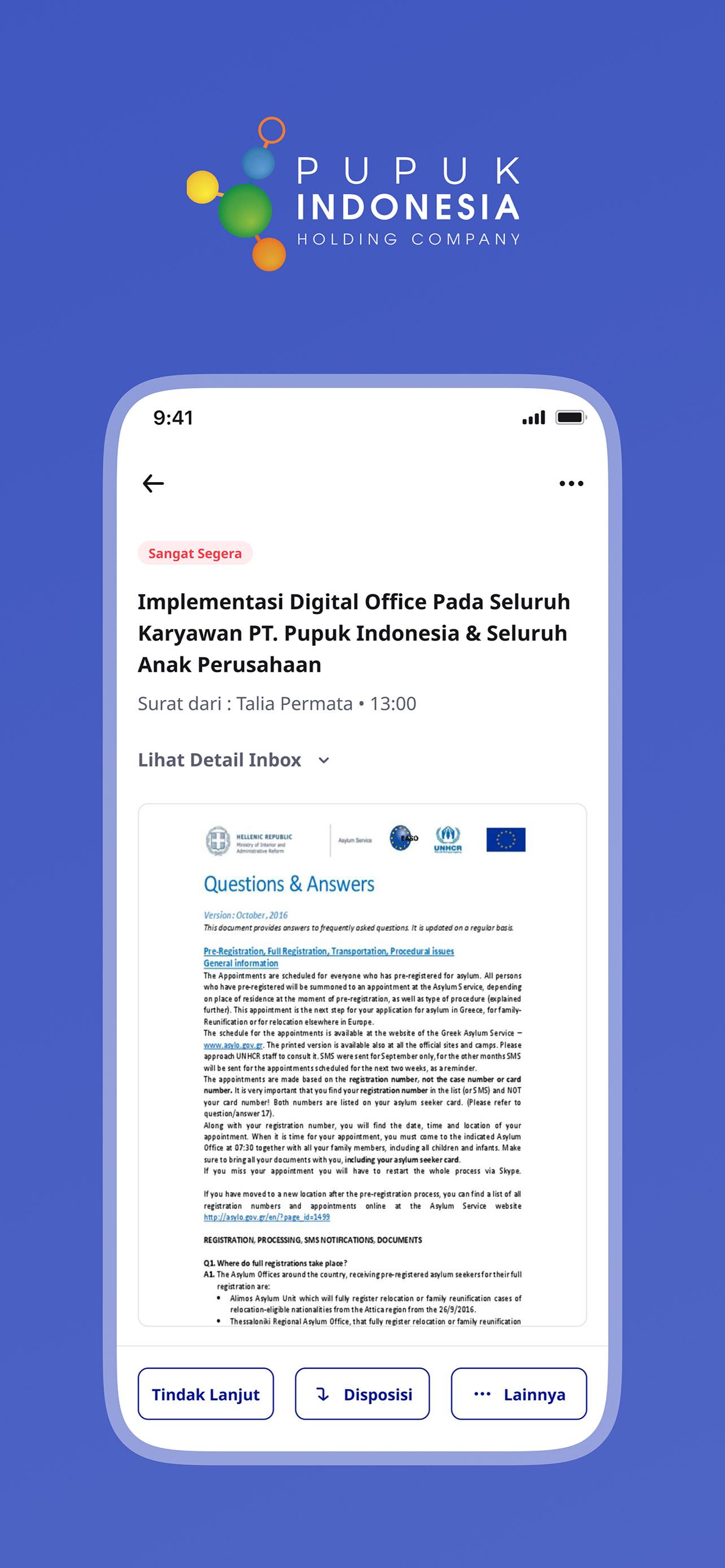
Pupuk Indonesia Digital Office is an app that defines, creates and manages the execution of the document workflow, running on both Web and Mobile Apps that are able to interpret the process definition, interact with workflow participants and, when required, invoke other applications.
Pupuk Indonesia Digital Office is also automate the business process in a whole or part wherein documents, information and tasks are passed from one participant to others for actions, according to a set of procedural rules.
پیش نظارہ
ٹیگز
اوزارمعلومات
ڈویلپر
PT Pupuk Indonesia (Persero)
تازہ ترین ورژن
1.8.2
آخری تازہ کاری
2024-12-04
قسم
اوزار
پر دستیاب ہے۔
Google Play
مزید دکھائیں
پی سی پر گیم لوپ کے ساتھ Digital Office Pupuk Indonesia کیسے کھیلا جائے۔
1. آفیشل ویب سائٹ سے گیم لوپ ڈاؤن لوڈ کریں، پھر گیم لوپ انسٹال کرنے کے لیے exe فائل چلائیں۔
2. گیم لوپ کھولیں اور "Digital Office Pupuk Indonesia" تلاش کریں، تلاش کے نتائج میں Digital Office Pupuk Indonesia تلاش کریں اور "انسٹال کریں" پر کلک کریں۔
3. گیم لوپ پر Digital Office Pupuk Indonesia کھیلنے کا لطف اٹھائیں۔
Minimum requirements
OS
Windows 8.1 64-bit or Windows 10 64-bit
GPU
GTX 1050
CPU
i3-8300
Memory
8GB RAM
Storage
1GB available space
Recommended requirements
OS
Windows 8.1 64-bit or Windows 10 64-bit
GPU
GTX 1050
CPU
i3-9320
Memory
16GB RAM
Storage
1GB available space