
Device Info: System & CPU Info PC
SuriDevs
گیم لوپ ایمولیٹر کے ساتھ PC پر Device Info: System & CPU Info ڈاؤن لوڈ کریں۔
پی سی پر Device Info: System & CPU Info
Device Info: System & CPU Info، جو ڈویلپر SuriDevs سے آرہا ہے، ماضی میں اینڈرائیڈ سسٹم پر چل رہا ہے۔
اب، آپ پی سی پر Device Info: System & CPU Info آسانی سے GameLoop کے ساتھ چلا سکتے ہیں۔
اسے GameLoop لائبریری یا تلاش کے نتائج میں ڈاؤن لوڈ کریں۔ مزید غلط وقت پر بیٹری یا مایوس کن کالوں پر نظر نہیں ڈالی جائے گی۔
بس بڑی سکرین پر Device Info: System & CPU Info PC کا مفت میں لطف اٹھائیں!
Device Info: System & CPU Info تعارف
📱 Device Info: System & CPU Info – Detailed Hardware & Software Information for Your Smartphone
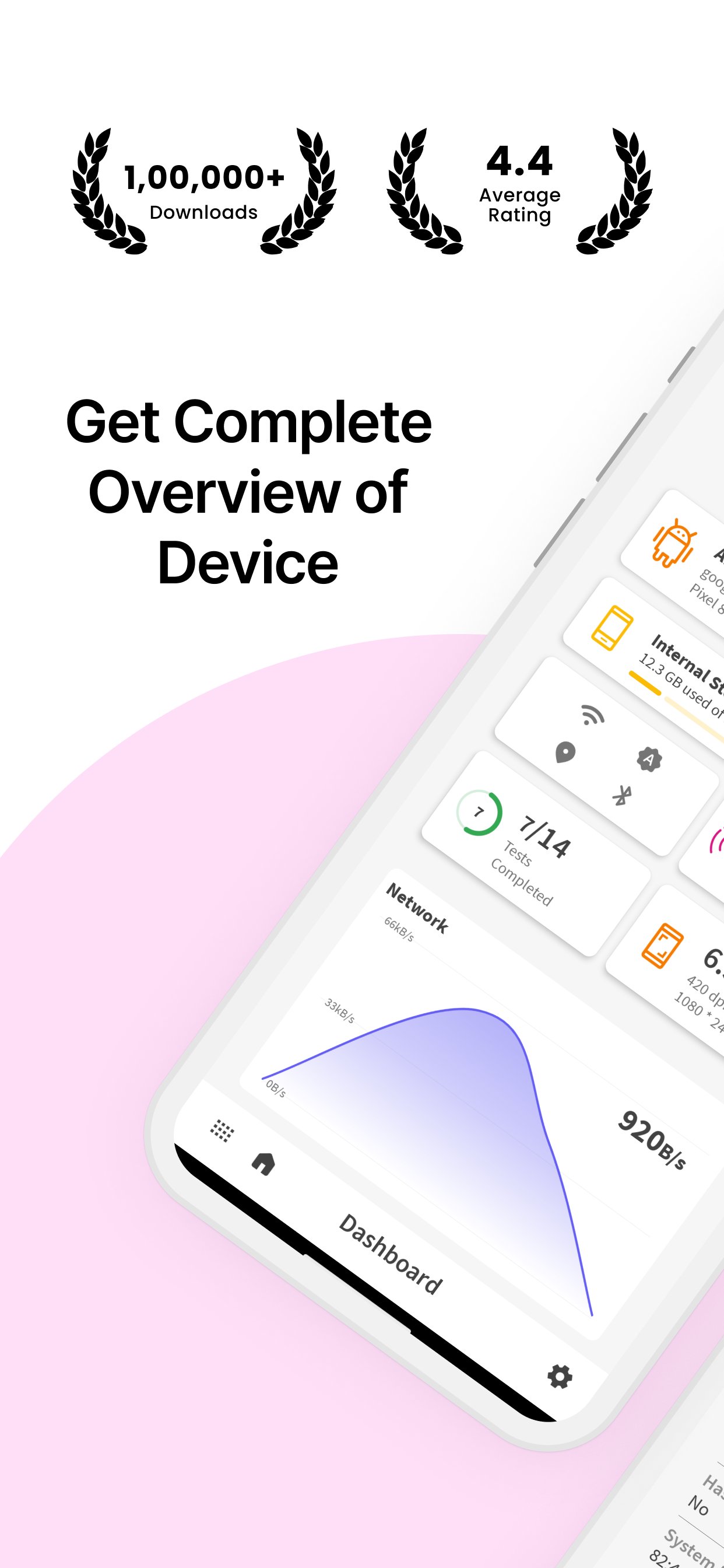
Looking for comprehensive hardware and software details of your smartphone? Device Info: System & CPU Info provides you with all the essential information about your device, including system details, display, sensors, camera, memory usage, processor, battery, and more!
🌟 Why Choose Device Info: System & CPU Info?
✔ #1 App in Its Category – Get all essential details of your device’s software & hardware.
✔ Simple & Powerful – A user-friendly app with a wide range of features.
✔ Dark Mode – Enjoy a comfortable experience in low-light settings with the built-in dark mode.
✔ Device Testing – Perform essential tests like display, vibration, Bluetooth, Wi-Fi, and more.
✔ SIM & Network Info – View SIM details and network information with a speed tracker.
📊 Key Features:
Device Details:
🔹 Manufacturer – Find out your device’s brand, serial number, and more.
🔹 Processor & SoC – Get information about the processor, system on chip, and hardware.
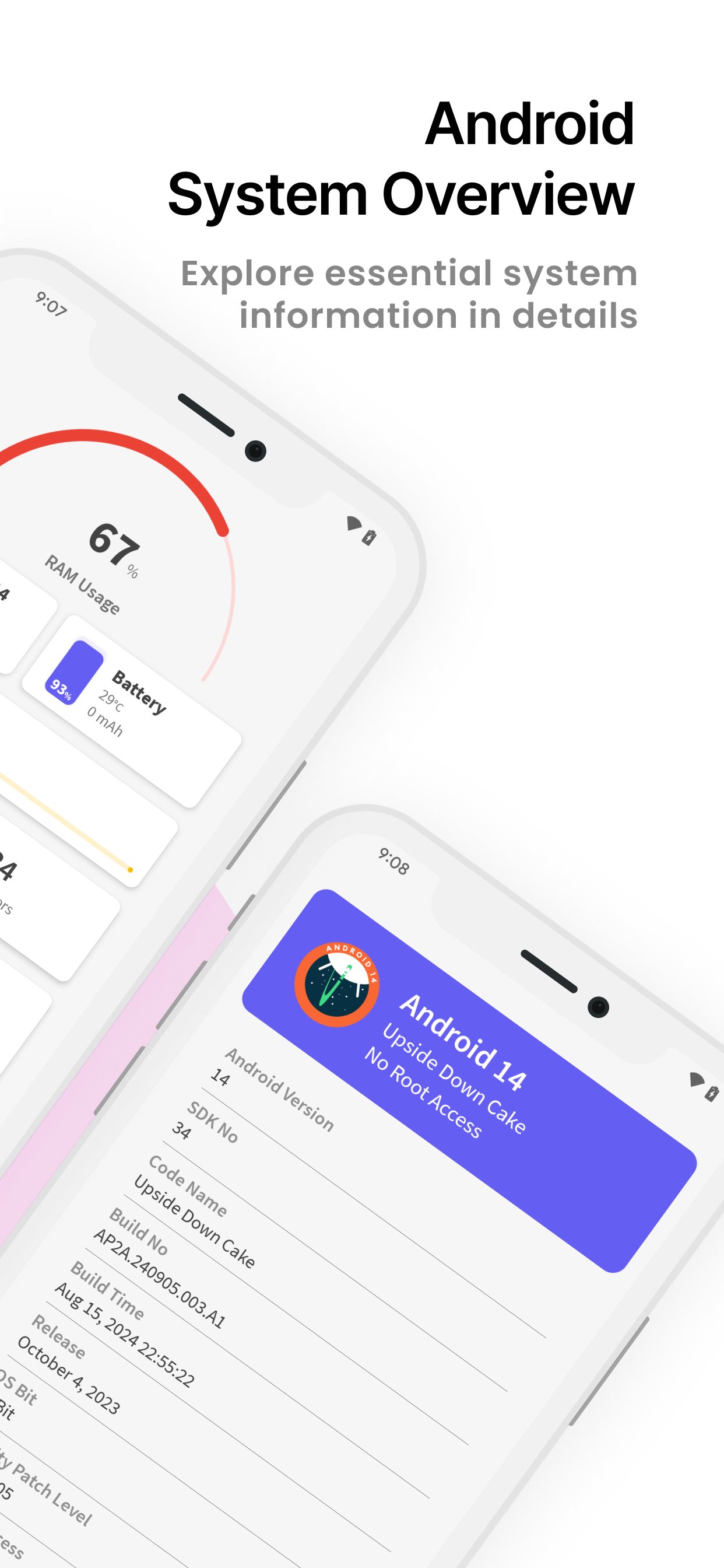
🔹 System Information – Includes build number, version name, SDK number, and more.
CPU Info:
🔹 CPU Utilization – Monitor current CPU usage, number of cores, clock speed, and kernel version.
🔹 Architecture & Features – Check out detailed CPU architecture and supported features.
Memory Usage:
🔹 RAM & Storage – View total and free RAM, internal storage, and external storage.
Display Details:
🔹 Brightness Level & Screen Timeout – Adjust your display settings with ease.
🔹 Screen Resolution & Refresh Rate – View screen width, height, and refresh rate.
Sensor Info:
🔹 Real-Time Graphs – Access a list of available sensors with real-time graphs.
🔹 Sensor Details – Get information on sensors like accelerometer, gyroscope, etc.
Camera Details:
🔹 Rear & Front Camera – Information about camera resolution, focus modes, scene modes, and more.
Battery Information:
🔹 Battery Health & Status – Check battery level, temperature, voltage, and power source.
Network & SIM Details:
🔹 Wi-Fi & Mobile Network – See network type, IP address, signal strength, Wi-Fi frequency, and link speed.
Bluetooth Info:
🔹 Bluetooth Status – View Bluetooth status, name, address, and scan mode.
Device Tests:
🔹 Essential Device Tests – Perform tests like Display, Paint, Multi-Touch, Bluetooth, Wifi, Vibration, Fingerprint, Light Sensor, and more!
🛡️ Required Permissions:
📞 Phone State – Required for displaying device info like serial number and SIM card information.
📸 Camera – Required to show your device’s camera details.
📥 Download Device Info: System & CPU Info Now – Your all-in-one tool for detailed device and system information! Fast, reliable, and completely free.
پیش نظارہ
ٹیگز
اوزارمعلومات
ڈویلپر
SuriDevs
تازہ ترین ورژن
3.5.38
آخری تازہ کاری
2025-11-27
قسم
اوزار
پر دستیاب ہے۔
Google Play
مزید دکھائیں
پی سی پر گیم لوپ کے ساتھ Device Info: System & CPU Info کیسے کھیلا جائے۔
1. آفیشل ویب سائٹ سے گیم لوپ ڈاؤن لوڈ کریں، پھر گیم لوپ انسٹال کرنے کے لیے exe فائل چلائیں۔
2. گیم لوپ کھولیں اور "Device Info: System & CPU Info" تلاش کریں، تلاش کے نتائج میں Device Info: System & CPU Info تلاش کریں اور "انسٹال کریں" پر کلک کریں۔
3. گیم لوپ پر Device Info: System & CPU Info کھیلنے کا لطف اٹھائیں۔
Minimum requirements
OS
Windows 8.1 64-bit or Windows 10 64-bit
GPU
GTX 1050
CPU
i3-8300
Memory
8GB RAM
Storage
1GB available space
Recommended requirements
OS
Windows 8.1 64-bit or Windows 10 64-bit
GPU
GTX 1050
CPU
i3-9320
Memory
16GB RAM
Storage
1GB available space