
Dago Browser (Web Inspector) PC
Oscar Perdanakusuma
گیم لوپ ایمولیٹر کے ساتھ PC پر Dago Browser (Web Inspector) ڈاؤن لوڈ کریں۔
پی سی پر Dago Browser (Web Inspector)
Dago Browser (Web Inspector)، جو ڈویلپر Oscar Perdanakusuma سے آرہا ہے، ماضی میں اینڈرائیڈ سسٹم پر چل رہا ہے۔
اب، آپ پی سی پر Dago Browser (Web Inspector) آسانی سے GameLoop کے ساتھ چلا سکتے ہیں۔
اسے GameLoop لائبریری یا تلاش کے نتائج میں ڈاؤن لوڈ کریں۔ مزید غلط وقت پر بیٹری یا مایوس کن کالوں پر نظر نہیں ڈالی جائے گی۔
بس بڑی سکرین پر Dago Browser (Web Inspector) PC کا مفت میں لطف اٹھائیں!
Dago Browser (Web Inspector) تعارف
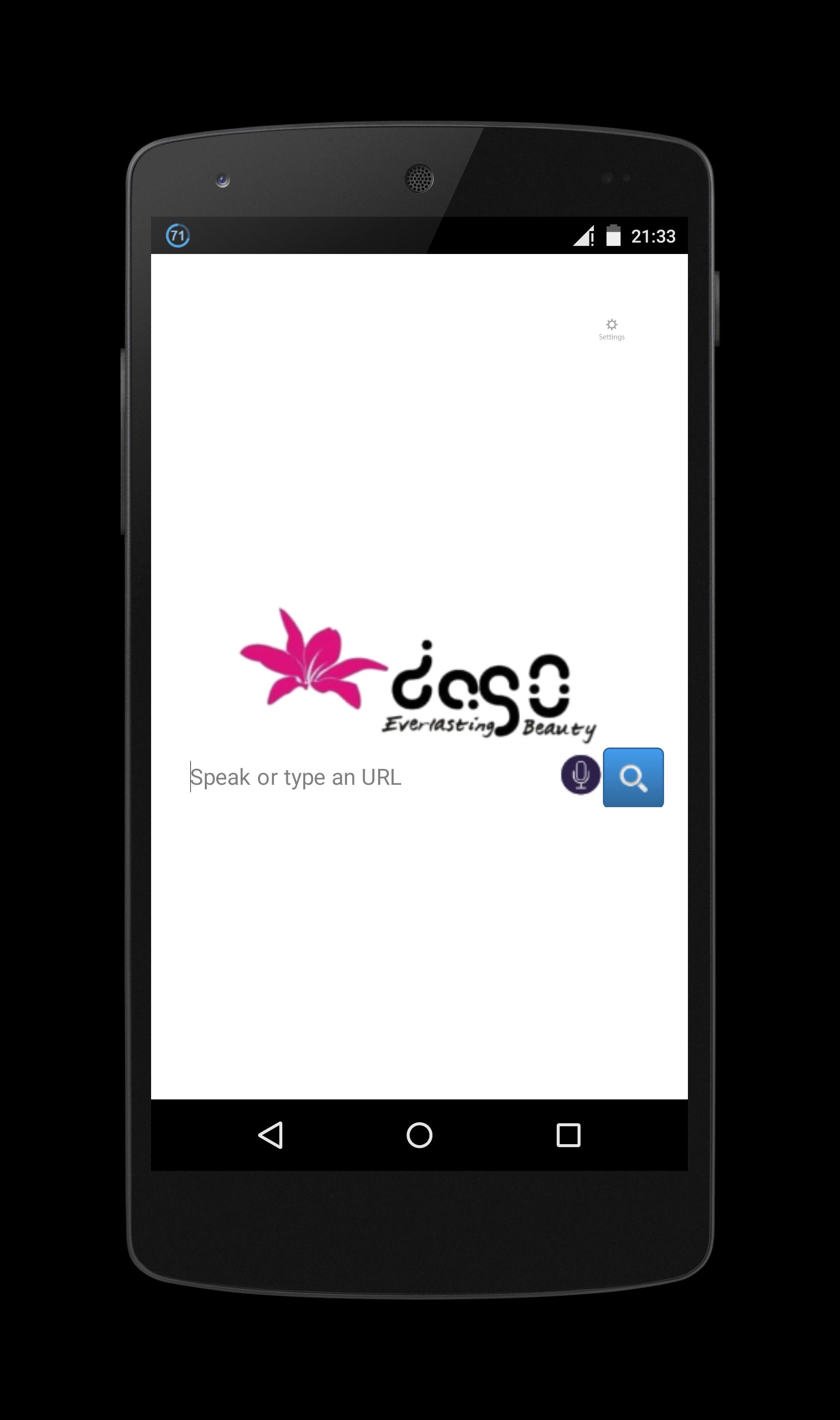
Dago Browser is a web browser with web inspector that can be opened by swipe right from a web browser page and choosing Inspect Element. Once open, it highlights the node on the page as it is selected in the hierarchy. You can also search for nodes by node name, id and CSS class name on page source.
Various CSS and JavaScript properties, including length of text nodes, offsetWidth/Height, class names, and parent/sibling information are vieweable in inspect element and page source.
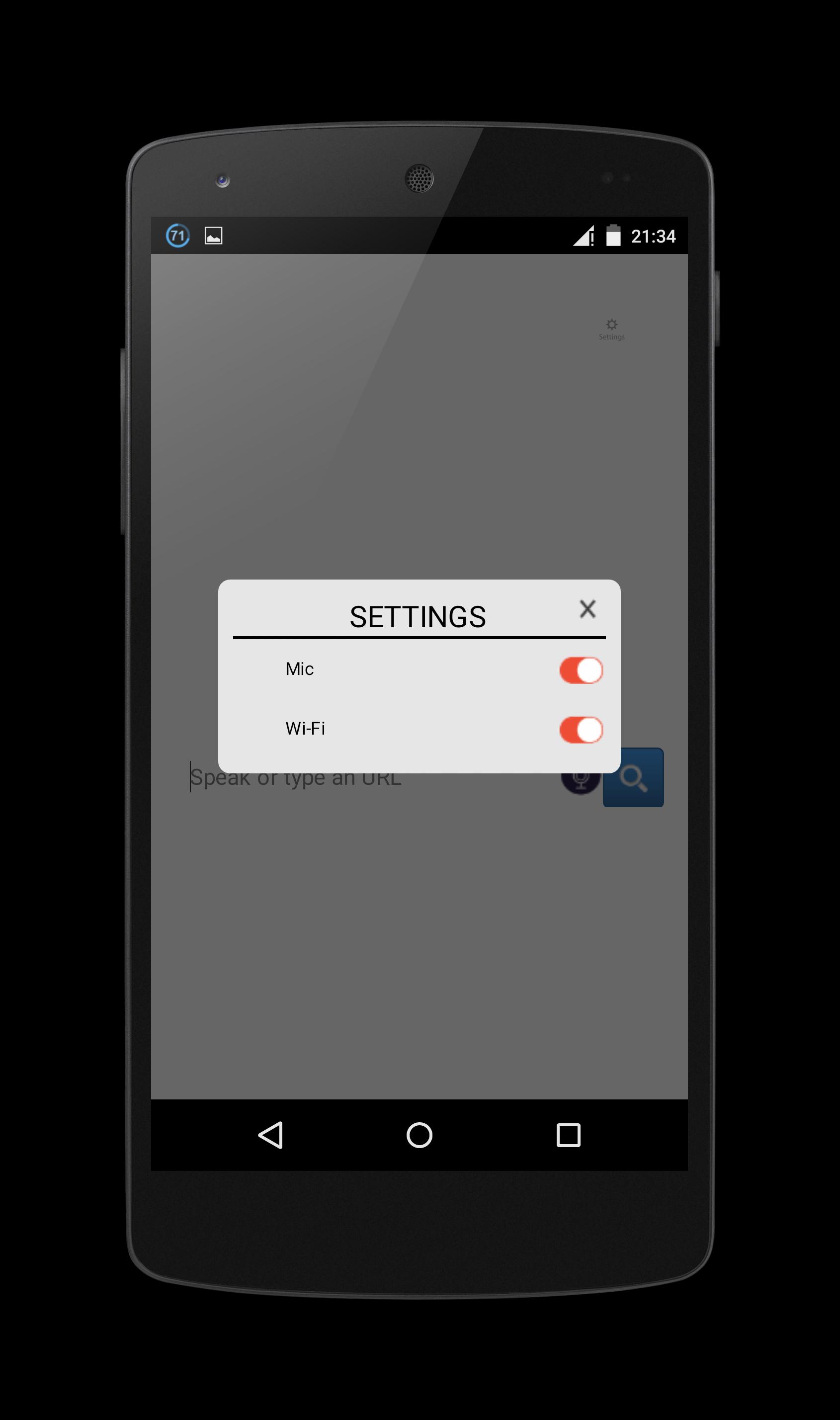
You can change Mic and Wi-Fi settings on top right of the screen.
Note: Some websites are restricted their node and script so on some websites, inspect element cannot get anything from it.
You can change use offline mic mode (but cannot search for website offline) with update/download more offline langguage from settings->language & input->voice input->gear settings button->offline speech recognition->all and download offline languages that you want.
If the mic error, you could repair it on settings->apps->Dago Browser->clear cache and clear data.
This Dago Browser can be use as potrait and landscape orientation, it will detect your device orientation with its sensor. But sometimes its sensor broken and the app sometimes stopped. But it can restarted back when you click Dago Browser again.
To copy, click CSS or JS in inspect element section, hold long on the start of the code text that you want to copy. It will show you the start and the end dots, just drag the end dots to the end of the code text that you want to copy. It will auto copy to clipboard.
پیش نظارہ
ٹیگز
اوزارمعلومات
ڈویلپر
Oscar Perdanakusuma
تازہ ترین ورژن
1.0
آخری تازہ کاری
2015-09-11
قسم
اوزار
پر دستیاب ہے۔
Google Play
مزید دکھائیں
پی سی پر گیم لوپ کے ساتھ Dago Browser (Web Inspector) کیسے کھیلا جائے۔
1. آفیشل ویب سائٹ سے گیم لوپ ڈاؤن لوڈ کریں، پھر گیم لوپ انسٹال کرنے کے لیے exe فائل چلائیں۔
2. گیم لوپ کھولیں اور "Dago Browser (Web Inspector)" تلاش کریں، تلاش کے نتائج میں Dago Browser (Web Inspector) تلاش کریں اور "انسٹال کریں" پر کلک کریں۔
3. گیم لوپ پر Dago Browser (Web Inspector) کھیلنے کا لطف اٹھائیں۔
Minimum requirements
OS
Windows 8.1 64-bit or Windows 10 64-bit
GPU
GTX 1050
CPU
i3-8300
Memory
8GB RAM
Storage
1GB available space
Recommended requirements
OS
Windows 8.1 64-bit or Windows 10 64-bit
GPU
GTX 1050
CPU
i3-9320
Memory
16GB RAM
Storage
1GB available space