
مسجل الصوت PC
yashoi.anon
گیم لوپ ایمولیٹر کے ساتھ PC پر مسجل الصوت ڈاؤن لوڈ کریں۔
پی سی پر مسجل الصوت
مسجل الصوت، جو ڈویلپر yashoi.anon سے آرہا ہے، ماضی میں اینڈرائیڈ سسٹم پر چل رہا ہے۔
اب، آپ پی سی پر مسجل الصوت آسانی سے GameLoop کے ساتھ چلا سکتے ہیں۔
اسے GameLoop لائبریری یا تلاش کے نتائج میں ڈاؤن لوڈ کریں۔ مزید غلط وقت پر بیٹری یا مایوس کن کالوں پر نظر نہیں ڈالی جائے گی۔
بس بڑی سکرین پر مسجل الصوت PC کا مفت میں لطف اٹھائیں!
مسجل الصوت تعارف
The application of sound recorder application is based Ptsgel sounds and save them in a folder in the name of the application in the phone memory MP3 format, and the application is simple and easy to deal with, where you can share the recorded audio clip or modify his name before participating or deleted.
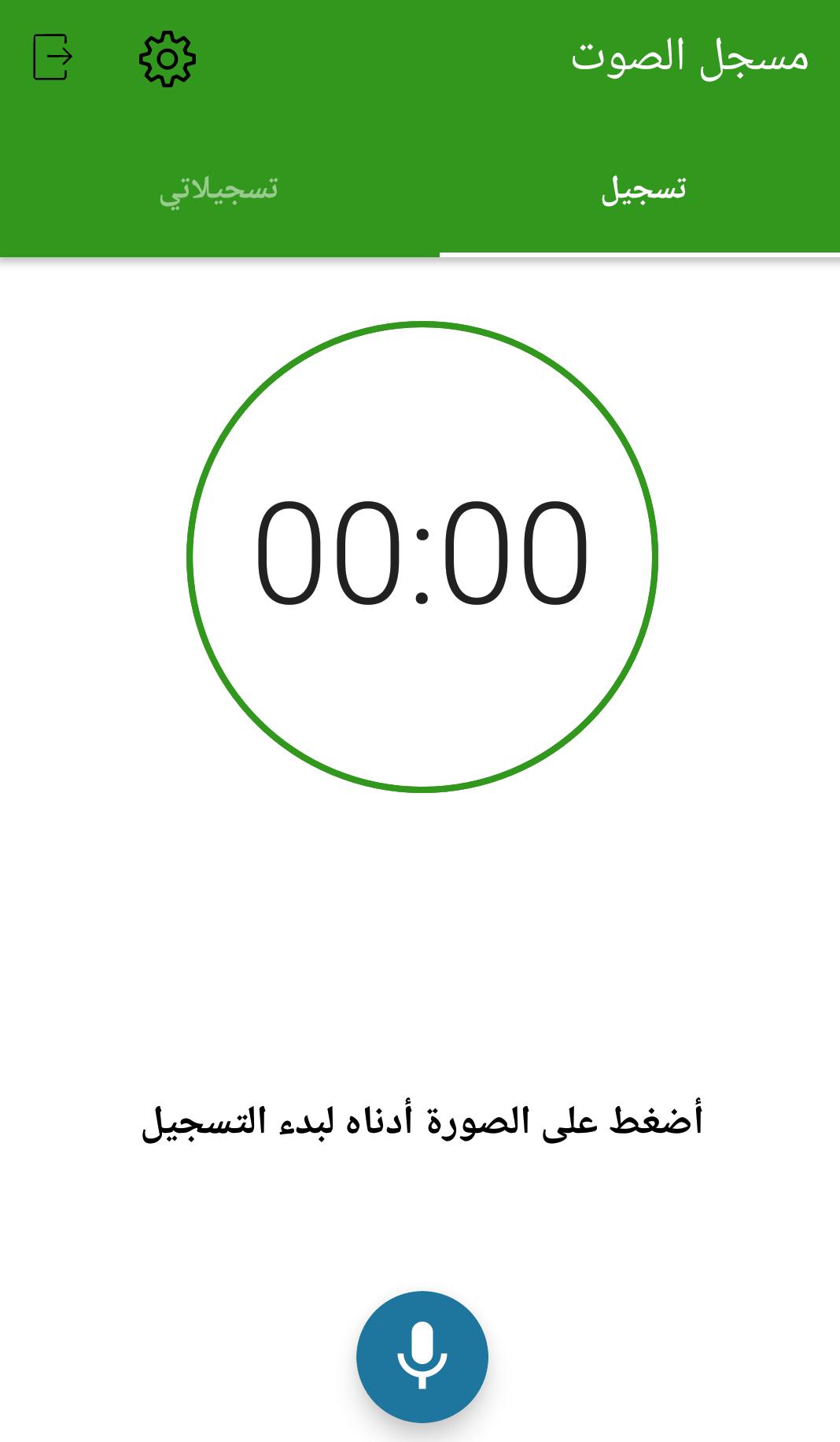
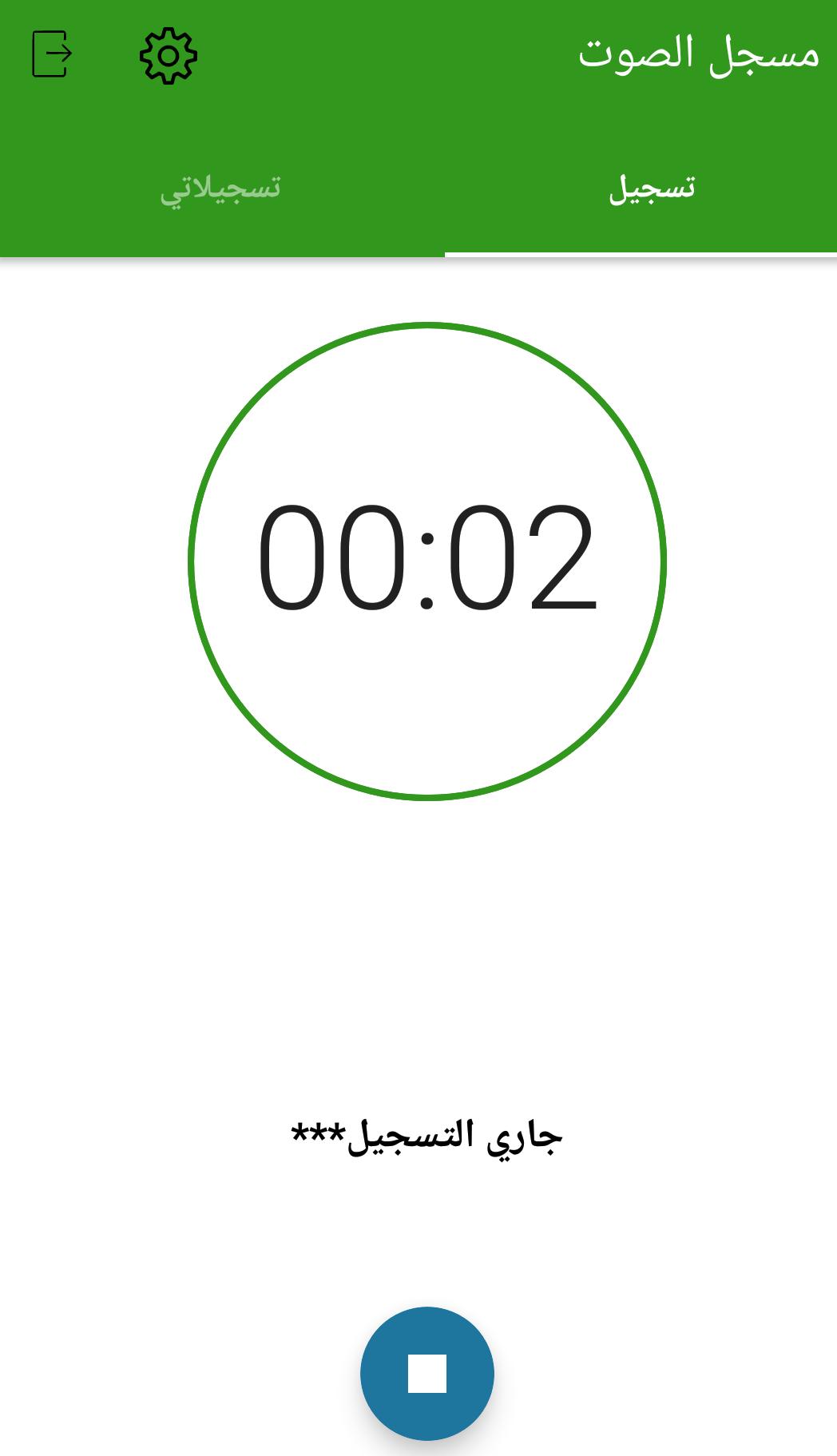
The application interface is divided into two sections: the registry and has a sound you start recording, and the other section is saved Tsjalaty and has recorded sound. The application features through the settings to activate the brightness of the sound and add a shortcut for the application in the main screen.
Through the application you can: Visit our blog and email us and share the application with others as you can download other our applications.
پیش نظارہ
ٹیگز
اوزارمعلومات
ڈویلپر
yashoi.anon
تازہ ترین ورژن
1.0.0
آخری تازہ کاری
2018-07-09
قسم
اوزار
پر دستیاب ہے۔
Google Play
مزید دکھائیں
پی سی پر گیم لوپ کے ساتھ مسجل الصوت کیسے کھیلا جائے۔
1. آفیشل ویب سائٹ سے گیم لوپ ڈاؤن لوڈ کریں، پھر گیم لوپ انسٹال کرنے کے لیے exe فائل چلائیں۔
2. گیم لوپ کھولیں اور "مسجل الصوت" تلاش کریں، تلاش کے نتائج میں مسجل الصوت تلاش کریں اور "انسٹال کریں" پر کلک کریں۔
3. گیم لوپ پر مسجل الصوت کھیلنے کا لطف اٹھائیں۔
Minimum requirements
OS
Windows 8.1 64-bit or Windows 10 64-bit
GPU
GTX 1050
CPU
i3-8300
Memory
8GB RAM
Storage
1GB available space
Recommended requirements
OS
Windows 8.1 64-bit or Windows 10 64-bit
GPU
GTX 1050
CPU
i3-9320
Memory
16GB RAM
Storage
1GB available space