
Stylish Text - Fonts Keyboard PC
RuralGeeks
گیم لوپ ایمولیٹر کے ساتھ PC پر Stylish Text - Fonts Keyboard ڈاؤن لوڈ کریں۔
پی سی پر Stylish Text - Fonts Keyboard
Stylish Text - Fonts Keyboard، جو ڈویلپر RuralGeeks سے آرہا ہے، ماضی میں اینڈرائیڈ سسٹم پر چل رہا ہے۔
اب، آپ پی سی پر Stylish Text - Fonts Keyboard آسانی سے GameLoop کے ساتھ چلا سکتے ہیں۔
اسے GameLoop لائبریری یا تلاش کے نتائج میں ڈاؤن لوڈ کریں۔ مزید غلط وقت پر بیٹری یا مایوس کن کالوں پر نظر نہیں ڈالی جائے گی۔
بس بڑی سکرین پر Stylish Text - Fonts Keyboard PC کا مفت میں لطف اٹھائیں!
Stylish Text - Fonts Keyboard تعارف
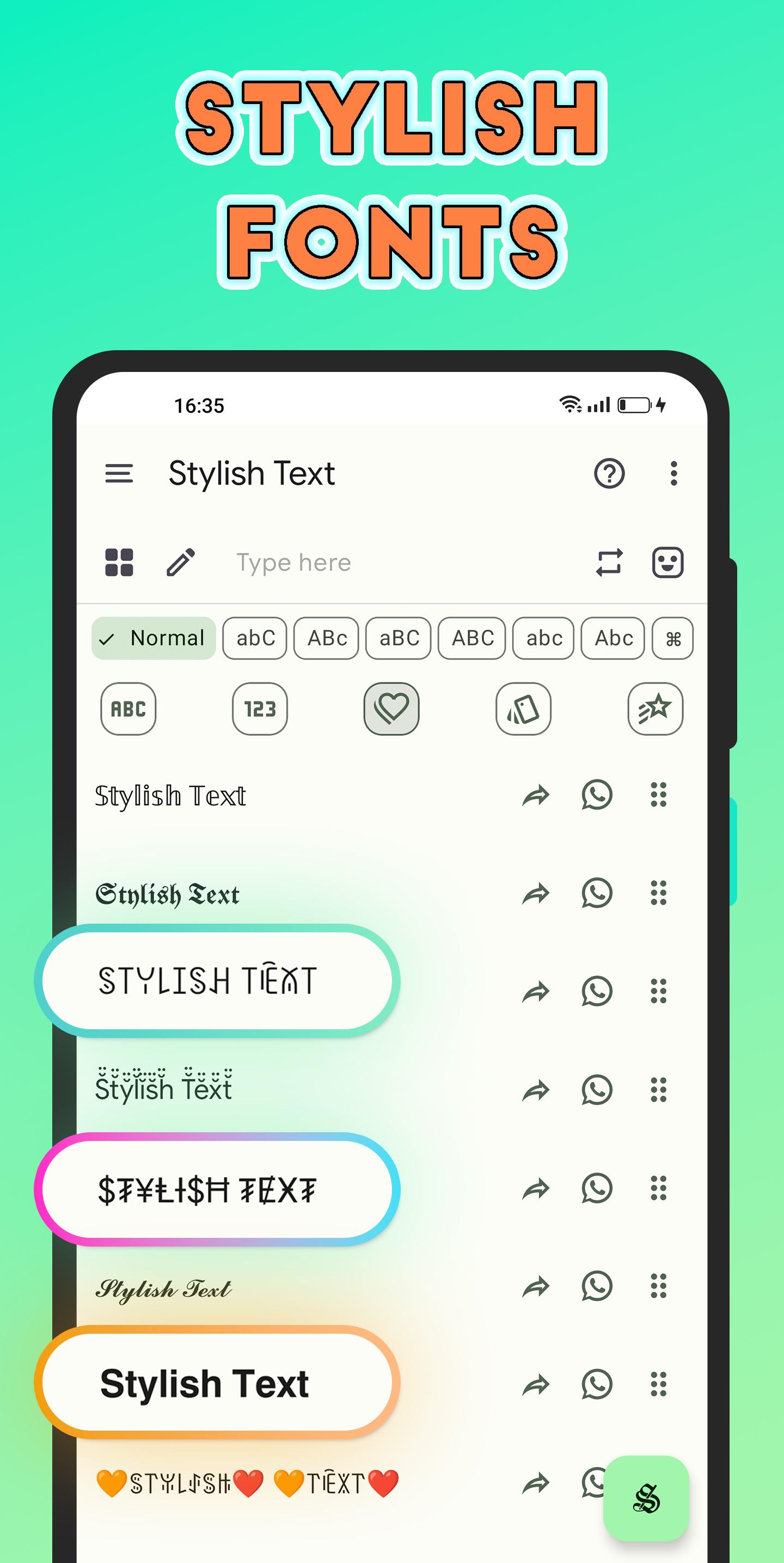
Write Stylish Text using the fancy fonts.
Fonts Keyboard
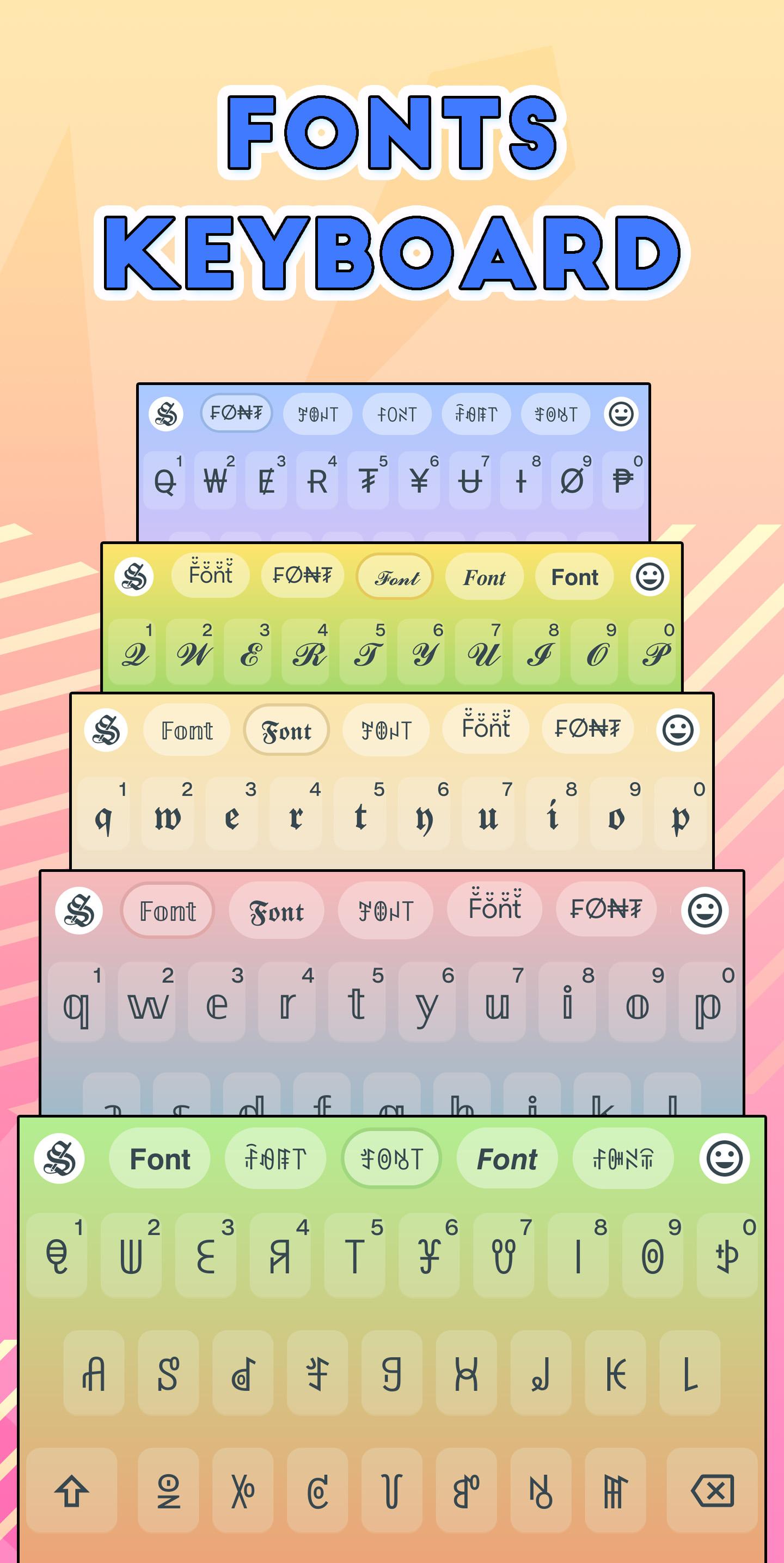
Switch on Fonts Keyboard and use all of your favorite Stylish Fonts directly in the app your favorite chat apps.
Sticker Maker
Turn your Camera or Gallery images into cool Stickers for WhatsApp. Crop image in Square, Round or Freehand Stickers and add colorful text on them in stylish fonts.
Chat Styles Popup
Use chat styles in popup with Stylish Text Floating Bubble, Floating Bar or Text Menu option in any app without opening the app every-time.
Random Letters
Convert your text into Capital, Small, Random, Camel & Reverse Camel letters styles with input options.
Style Editor
Create new styles or edit existing with options to add Symbols or Emoji around the letters, words and phrases, replace a letter with other letters or customize spacing between words etc.
Unicode Symbols
Select from a collection of thousands of special Unicode symbols for decorative greetings and nicknames.
Nickname Generator
Nickfinder for the FreeFire, BGMI and other games using the cool text create unique and unlimited free nicknames.
120 Texts, 20 Numbers and 100+ Arts styles, including:
BLUE, Double Struck, Script Normal and Bold, Fraktur Normal and Bold, Sans Mono, Normal and Bold, Math Bold, Italic and Bold Italic, Circular, SQUARED, DARK CIRCLES, DARK SQUARES, SMALL CAPS, Monospace, Upside Down and Mirrored, Brackets, Square Brackets, Slashed, Double Slashed, Strike Through, Double Decker, Dots UP DOWN, Superscript and Subscript and many more.
Let’s open up Stylish Text on your mobile and start writing beautiful bio’s. Write a tweet in Bold, Italic, Cursive style to highlight the text on your timeline. Write decorative greetings and surprise your friends on their special days. Chat with fancy fonts in groups and be a special one to get attention. Create some unique names for popular games and stand out among other players.
How it works?
How to use Floating Bubble?
https://youtu.be/MkLPvCh2gEE
How to use Floating Bar?
https://youtu.be/l3exXvvVPa0
How to use Text Menu?
https://youtu.be/MkLPvCh2gEE?t=181
How to use Style Editor?
https://youtu.be/VEvvZVBdY5M
Send your feedback to us on:
Email - stylishtext.app@gmail.com
Website - https://stylishtext.app/
Facebook - https://fb.me/StylishTextApp/
Instagram - https://instagram.com/StylishTextApp/
Twitter - https://twitter.com/StylishTextApp/
Telegram - https://t.me/StylishTextApp/
Messenger - https://m.me/StylishTextApp/
READ BELOW NOTE VERY CAREFULLY:
❇️ “This app uses Accessibility services.” to change your typed text into selected style in other applications.
LIMITATIONS:
❇️ Only Android 8.0 and above devices support 120+ styles. You won't see some styles which are shown in screenshots on your device if you are running Android 7.1, 7.0, 6.0 versions.
❇️ Text Menu option may not be supported in some applications or devices.(e.g. Redmi, Mi, POCO)
❇️ Some styles may support only capital or small letters.
❇️ BLUE letters are not shown into blue on SAMSUNG devices due to their own implementation.
❇️ Most of the styles will only work with languages having Latin characters.
پیش نظارہ
ٹیگز
اوزارمعلومات
ڈویلپر
RuralGeeks
تازہ ترین ورژن
2.6.2-gms
آخری تازہ کاری
2024-12-05
قسم
اوزار
پر دستیاب ہے۔
Google Play
مزید دکھائیں
پی سی پر گیم لوپ کے ساتھ Stylish Text - Fonts Keyboard کیسے کھیلا جائے۔
1. آفیشل ویب سائٹ سے گیم لوپ ڈاؤن لوڈ کریں، پھر گیم لوپ انسٹال کرنے کے لیے exe فائل چلائیں۔
2. گیم لوپ کھولیں اور "Stylish Text - Fonts Keyboard" تلاش کریں، تلاش کے نتائج میں Stylish Text - Fonts Keyboard تلاش کریں اور "انسٹال کریں" پر کلک کریں۔
3. گیم لوپ پر Stylish Text - Fonts Keyboard کھیلنے کا لطف اٹھائیں۔
Minimum requirements
OS
Windows 8.1 64-bit or Windows 10 64-bit
GPU
GTX 1050
CPU
i3-8300
Memory
8GB RAM
Storage
1GB available space
Recommended requirements
OS
Windows 8.1 64-bit or Windows 10 64-bit
GPU
GTX 1050
CPU
i3-9320
Memory
16GB RAM
Storage
1GB available space