
Screen Recorder For Android PC
iAzure
گیم لوپ ایمولیٹر کے ساتھ PC پر Screen Recorder For Android ڈاؤن لوڈ کریں۔
پی سی پر Screen Recorder For Android
Screen Recorder For Android، جو ڈویلپر iAzure سے آرہا ہے، ماضی میں اینڈرائیڈ سسٹم پر چل رہا ہے۔
اب، آپ پی سی پر Screen Recorder For Android آسانی سے GameLoop کے ساتھ چلا سکتے ہیں۔
اسے GameLoop لائبریری یا تلاش کے نتائج میں ڈاؤن لوڈ کریں۔ مزید غلط وقت پر بیٹری یا مایوس کن کالوں پر نظر نہیں ڈالی جائے گی۔
بس بڑی سکرین پر Screen Recorder For Android PC کا مفت میں لطف اٹھائیں!
Screen Recorder For Android تعارف
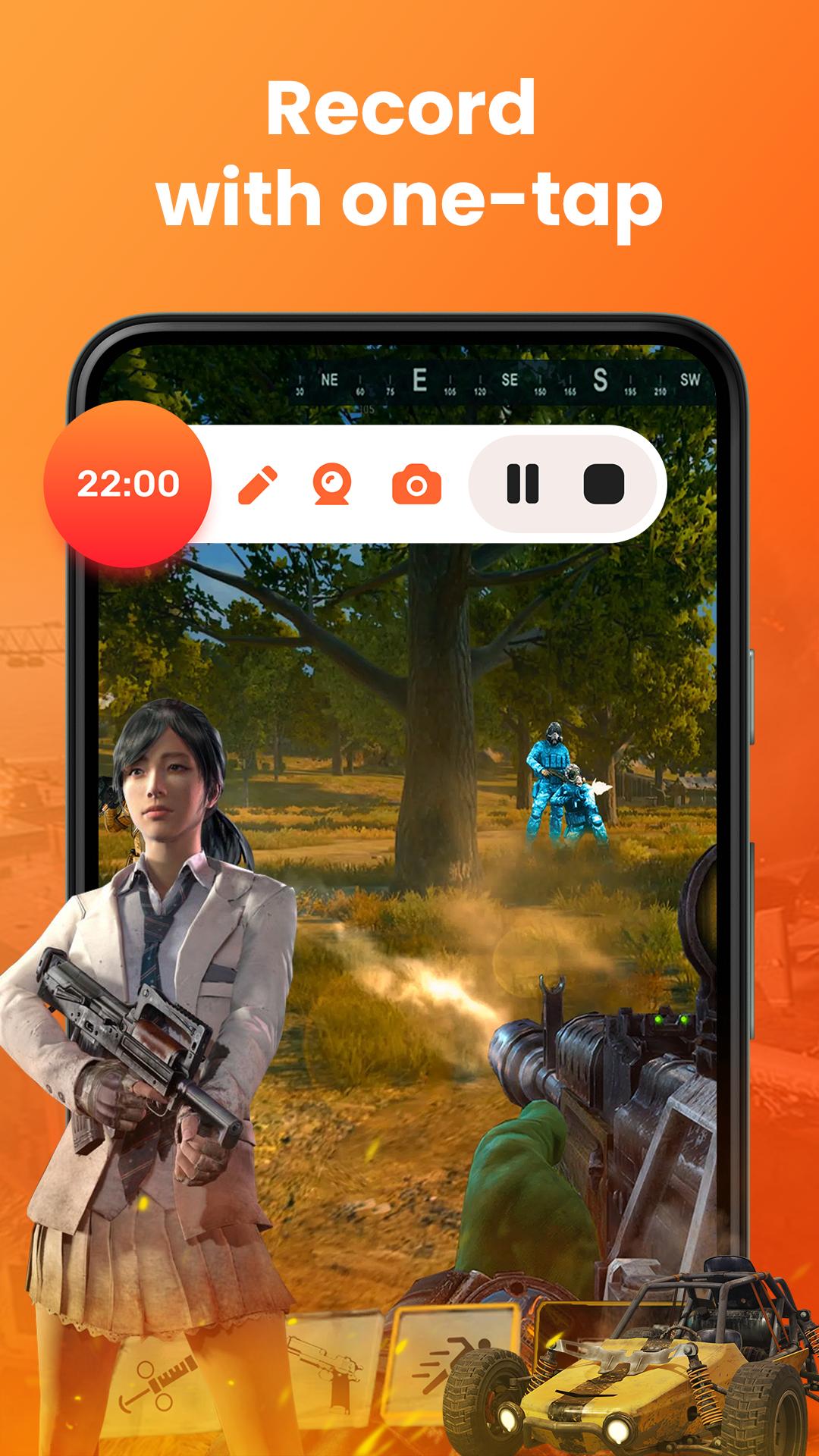
Record your screen in high quality with our powerful screen recorder app for Android. Whether you're capturing gameplay, making tutorial videos, saving video calls, or recording live streams, this free screen recorder with audio is designed for all your needs. Enjoy smooth screen capture, internal audio recording, and facecam recording with no watermark. Perfect for YouTubers, content creators, and anyone needing a screen video recorder for Android. You can easily record screen and audio, use screen recording with facecam, or even record screen with internal audio on supported devices. The app also supports HD screen recording, floating button controls, and unlimited screen recording time. Whether you need a screen recorder for gaming, screen capture for tutorials, or a screen recorder with no lag, this app delivers. Try the best Android screen recorder now—simple, fast, and feature-packed!
Our app is a top-rated mobile screen recording tool trusted by thousands of users across the United States. Easily record your Android screen with sound, perfect for Zoom meetings, online classes, or TikTok tutorials. This is the ultimate American screen recorder app with screen capture features, internal audio recording, and no time limits. Whether you're a YouTube content creator, a gamer in the U.S., or just need to record your phone screen with voice, this app has everything. It’s the best screen recorder for Android USA with facecam support, 1080p screen recording, and easy sharing to Google Drive, Dropbox, or email.
🎥 HD Screen Recording Without Limits
Capture your Android screen in crisp 1080p resolution—perfect for tutorials, gaming, and walkthroughs.
🔊 Record Internal Audio & Microphone Together
Enjoy built-in audio support to capture both app sound and voice narration—ideal for video calls, app demos, or reaction content.
🚀 One-Tap Quick Start & Floating Controls
Begin recording instantly with our smart floating button—no fumbling through menus or missing key moments.
⏱ Unlimited Recording Time
No time restrictions—record as long as you need for podcasts, live classes, or gameplay marathons.
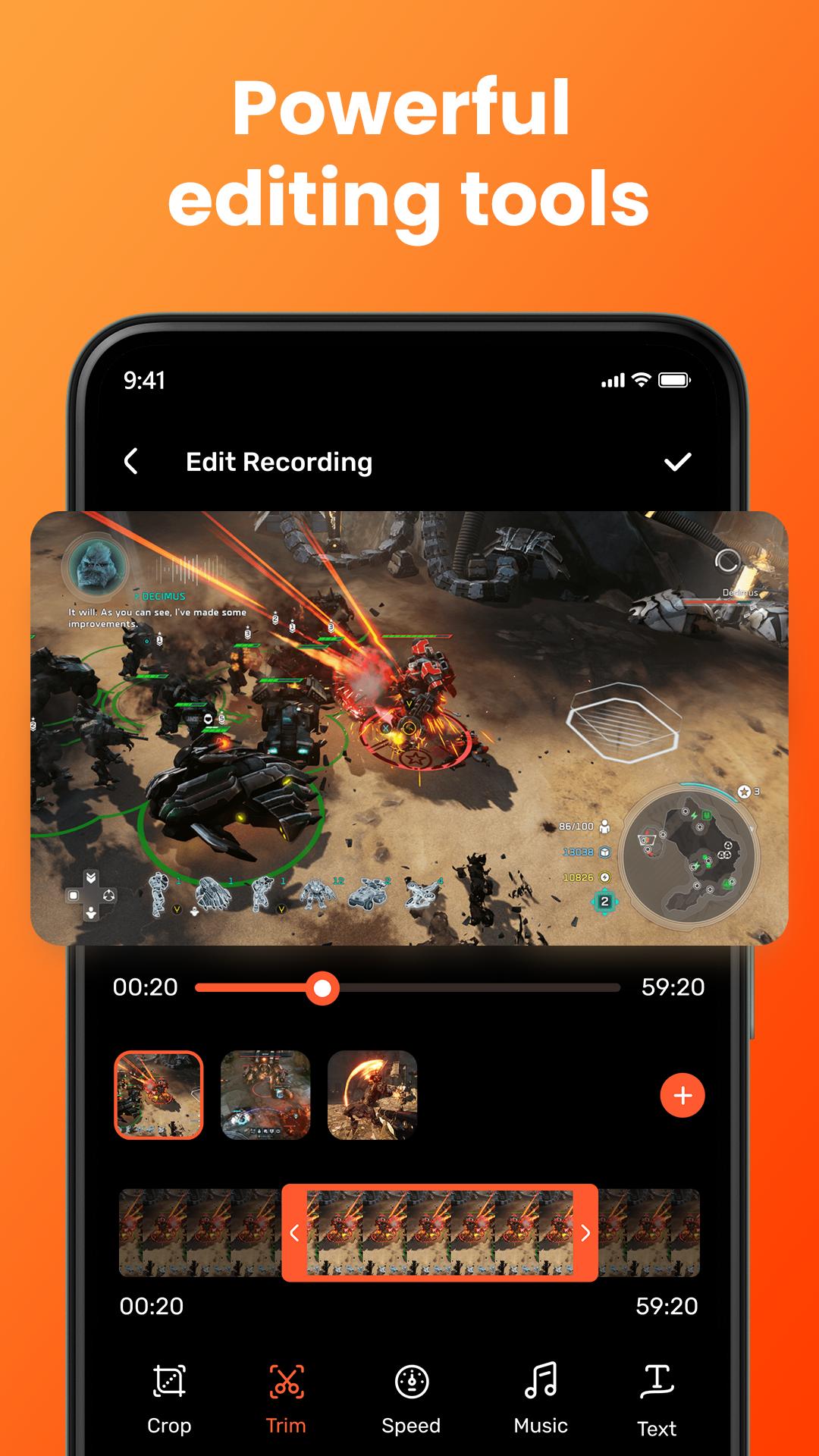
🧩 Built-in Video Editor
Trim, crop, or merge your recordings directly in-app—no need for external editing tools.
☁ Easy Sharing & Cloud Sync
Share your videos instantly to YouTube, Google Drive, or via link—perfect for content creators on the go.
🆓 Completely Free with No Watermark
Enjoy full features with no hidden fees and watermark-free exports—ideal for polished, professional-looking videos.
🛡 Stable & Lightweight Design
Optimized for smooth performance without slowing down your device—trusted by thousands across the U.S.
"Capture every moment in crystal-clear detail—your all-in-one screen recording studio, right in your pocket."
پیش نظارہ
ٹیگز
اوزارمعلومات
ڈویلپر
iAzure
تازہ ترین ورژن
5.7
آخری تازہ کاری
2025-10-06
قسم
اوزار
پر دستیاب ہے۔
Google Play
مزید دکھائیں
پی سی پر گیم لوپ کے ساتھ Screen Recorder For Android کیسے کھیلا جائے۔
1. آفیشل ویب سائٹ سے گیم لوپ ڈاؤن لوڈ کریں، پھر گیم لوپ انسٹال کرنے کے لیے exe فائل چلائیں۔
2. گیم لوپ کھولیں اور "Screen Recorder For Android" تلاش کریں، تلاش کے نتائج میں Screen Recorder For Android تلاش کریں اور "انسٹال کریں" پر کلک کریں۔
3. گیم لوپ پر Screen Recorder For Android کھیلنے کا لطف اٹھائیں۔
Minimum requirements
OS
Windows 8.1 64-bit or Windows 10 64-bit
GPU
GTX 1050
CPU
i3-8300
Memory
8GB RAM
Storage
1GB available space
Recommended requirements
OS
Windows 8.1 64-bit or Windows 10 64-bit
GPU
GTX 1050
CPU
i3-9320
Memory
16GB RAM
Storage
1GB available space