Mp3 Converter PC
NewJourney
گیم لوپ ایمولیٹر کے ساتھ PC پر Mp3 Converter ڈاؤن لوڈ کریں۔
پی سی پر Mp3 Converter
Mp3 Converter، جو ڈویلپر NewJourney سے آرہا ہے، ماضی میں اینڈرائیڈ سسٹم پر چل رہا ہے۔
اب، آپ پی سی پر Mp3 Converter آسانی سے GameLoop کے ساتھ چلا سکتے ہیں۔
اسے GameLoop لائبریری یا تلاش کے نتائج میں ڈاؤن لوڈ کریں۔ مزید غلط وقت پر بیٹری یا مایوس کن کالوں پر نظر نہیں ڈالی جائے گی۔
بس بڑی سکرین پر Mp3 Converter PC کا مفت میں لطف اٹھائیں!
Mp3 Converter تعارف
Have to convert music files between various format?
This App is right for you.
It can convert you music files to/from most formats
you could see on Internet and devices.
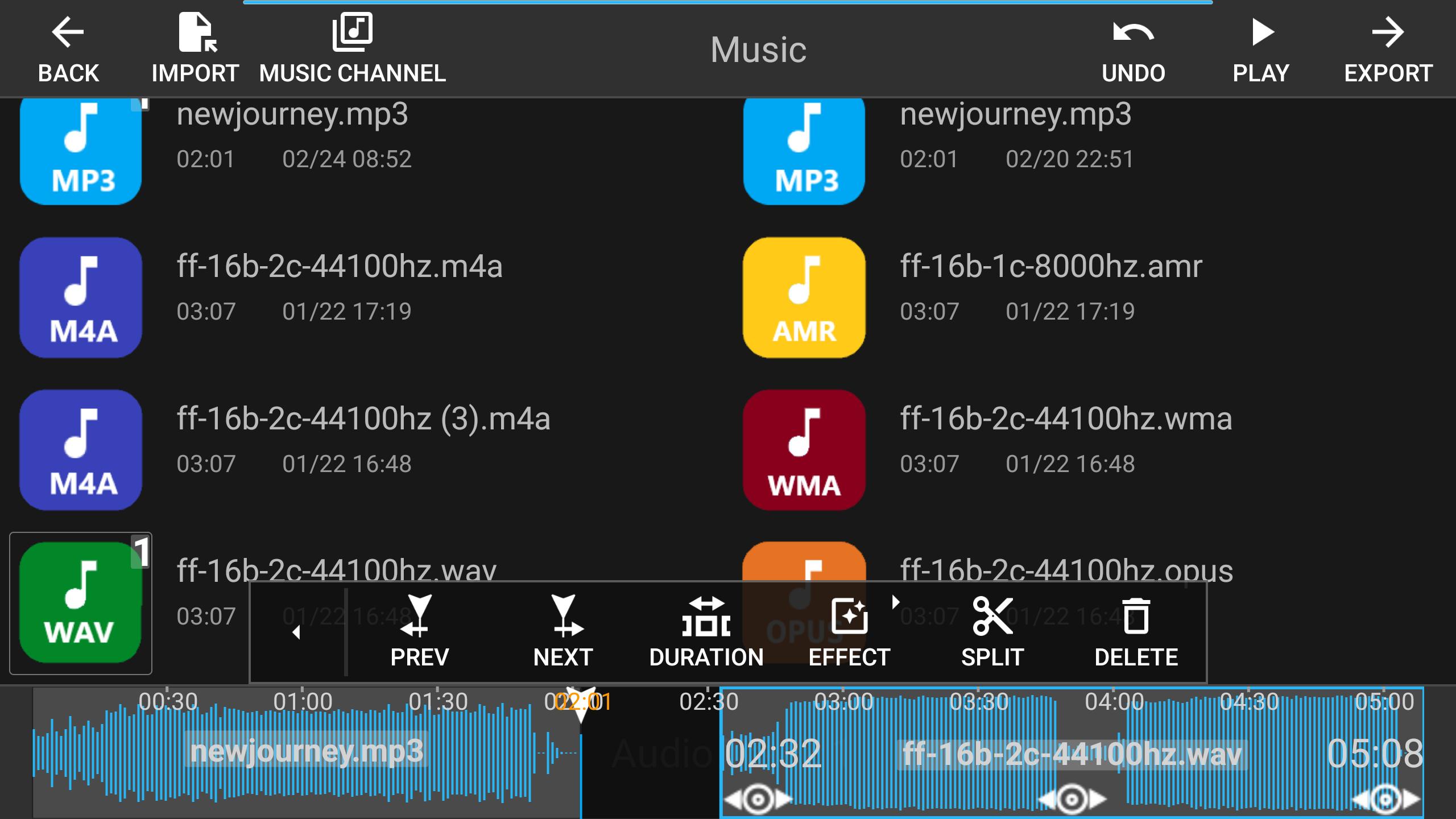
Including, MP3/M4A/WAV/WMA/OGG/AMR/AWB/OPUS/AAC/FLAC/MKA.
Besides converting, it can also
1. allow you to cut/join music files by simple touch.
2. let you choose any portion in music files with various format easily by simple drag and drop.
3. let you add simple effects & transitions, including fade in/out, and volume adjustment
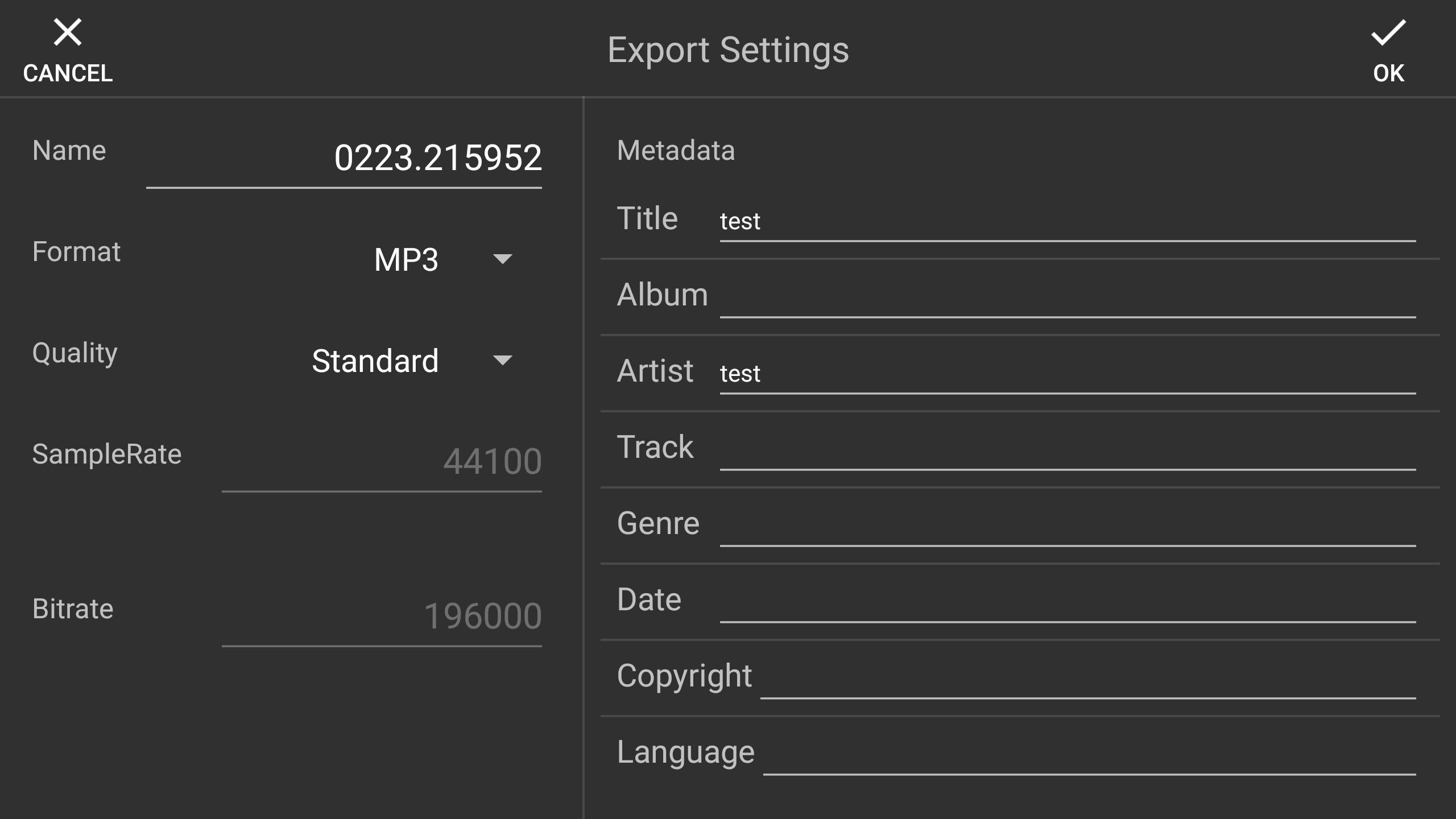
4. set up meta data of exported music files, like, "title"/"artist"/"album", and more
5. customise sample rate and bitrate when exporting
6. allow you to share the exported audio file with other apps in your phone
7. load/save music project you are working on to get your job done easily
This app is still in development, and any suggestions are welcome.
پیش نظارہ
ٹیگز
اوزارمعلومات
ڈویلپر
NewJourney
تازہ ترین ورژن
1.1.12
آخری تازہ کاری
2023-08-15
قسم
اوزار
پر دستیاب ہے۔
Google Play
مزید دکھائیں
پی سی پر گیم لوپ کے ساتھ Mp3 Converter کیسے کھیلا جائے۔
1. آفیشل ویب سائٹ سے گیم لوپ ڈاؤن لوڈ کریں، پھر گیم لوپ انسٹال کرنے کے لیے exe فائل چلائیں۔
2. گیم لوپ کھولیں اور "Mp3 Converter" تلاش کریں، تلاش کے نتائج میں Mp3 Converter تلاش کریں اور "انسٹال کریں" پر کلک کریں۔
3. گیم لوپ پر Mp3 Converter کھیلنے کا لطف اٹھائیں۔
Minimum requirements
OS
Windows 8.1 64-bit or Windows 10 64-bit
GPU
GTX 1050
CPU
i3-8300
Memory
8GB RAM
Storage
1GB available space
Recommended requirements
OS
Windows 8.1 64-bit or Windows 10 64-bit
GPU
GTX 1050
CPU
i3-9320
Memory
16GB RAM
Storage
1GB available space