Show Battery Percentage PC
Wagwan Apps
گیم لوپ ایمولیٹر کے ساتھ PC پر Show Battery Percentage ڈاؤن لوڈ کریں۔
پی سی پر Show Battery Percentage
Show Battery Percentage، جو ڈویلپر Wagwan Apps سے آرہا ہے، ماضی میں اینڈرائیڈ سسٹم پر چل رہا ہے۔
اب، آپ پی سی پر Show Battery Percentage آسانی سے GameLoop کے ساتھ چلا سکتے ہیں۔
اسے GameLoop لائبریری یا تلاش کے نتائج میں ڈاؤن لوڈ کریں۔ مزید غلط وقت پر بیٹری یا مایوس کن کالوں پر نظر نہیں ڈالی جائے گی۔
بس بڑی سکرین پر Show Battery Percentage PC کا مفت میں لطف اٹھائیں!
Show Battery Percentage تعارف
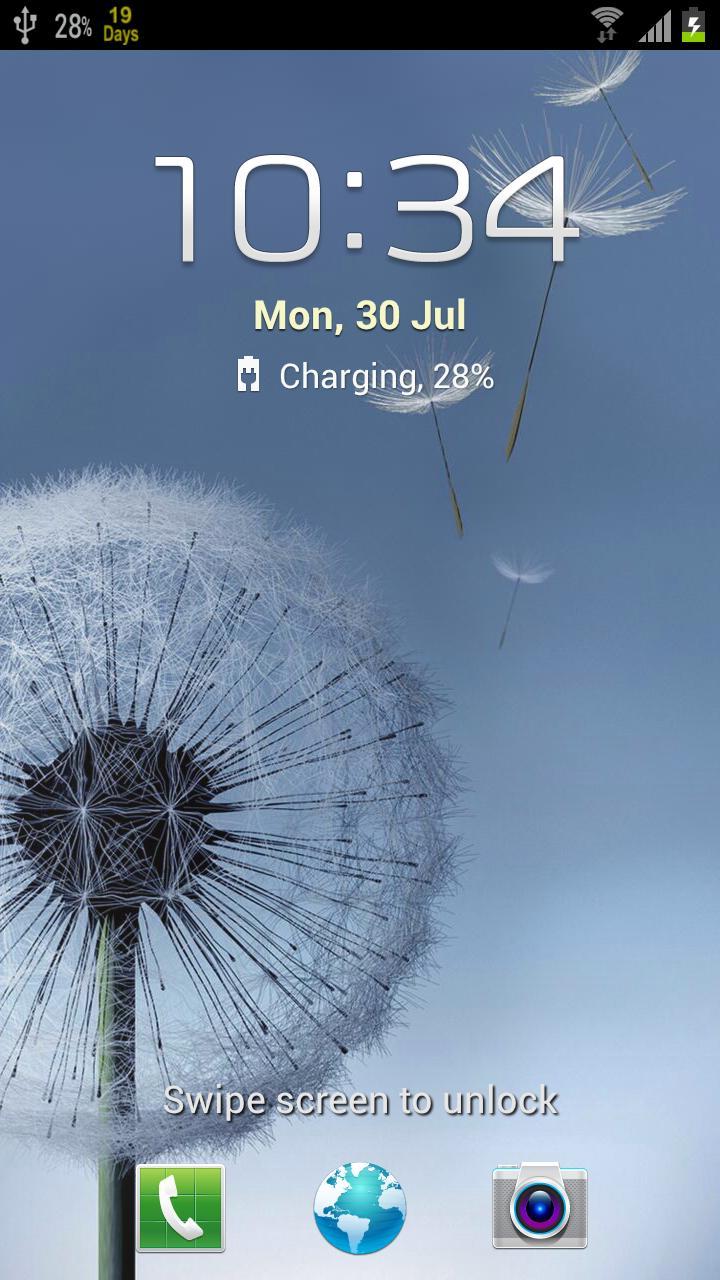
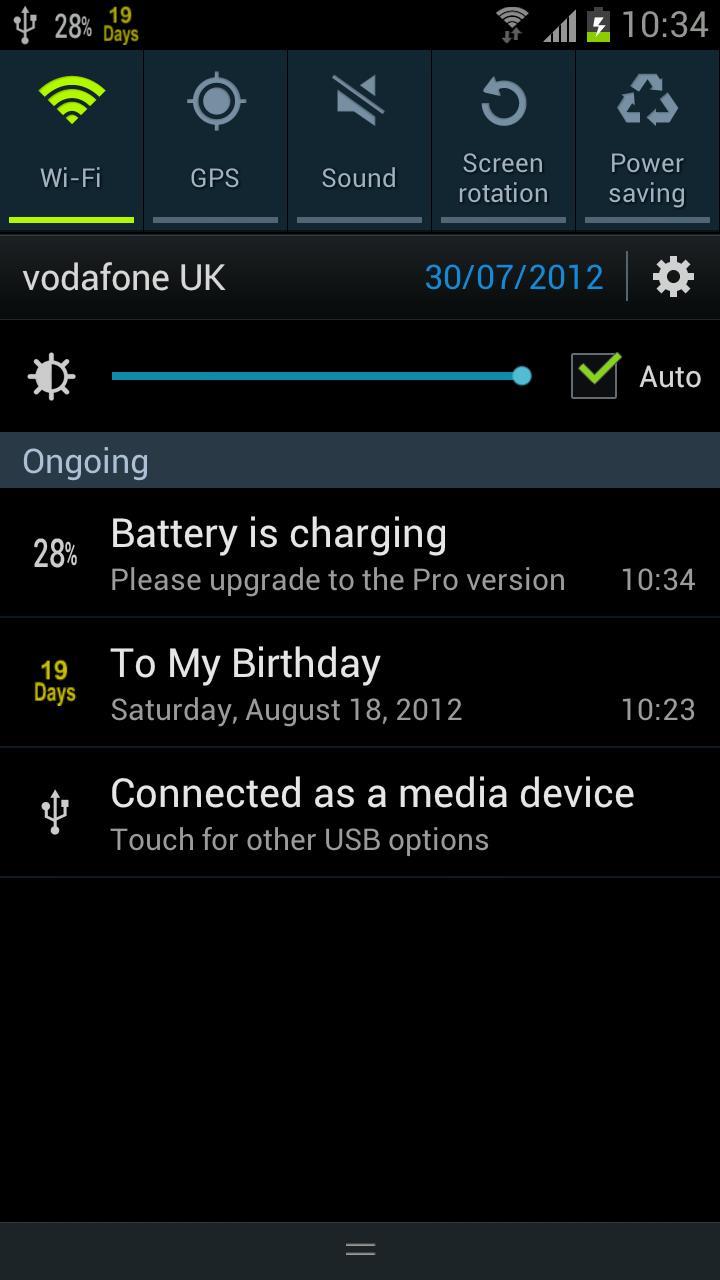
Displays your phone's Battery Percentage Live in your status bar.
Battery Percentage shows how much battery power your phone has left in the Android status bar.
Features
- Increments are shown by 1%.
- Different colours available.
- Simple and Easy UI with 1 button to activate.
- Supports Multiple Screen Sizes.
Supports all versions of Android and Android One
PLEASE CONTACT US IF YOU HAVE ANY PROBLEMS OR QUESTIONS
wagwanapps@gmail.com
Facebook - https://www.facebook.com/WagwanApps
Twitter - https://twitter.com/WagwanAppsn
YOUTUBE Subscribe: https://www.youtube.com/user/WagwanApps
- Very small app with a small footprint. Background service is idle until a change in the battery state occurs so minimal battery drain.
- Support Android tablets. No pop up every percentage change as with some similar apps.
To remove ads, Support the Dev and for more colour options PLEASE UPGRADE TO THE PRO VERSION.
The Pro version version has more icons: including larger icons for tablets and multi colour icons depending on battery level. i.e 100-50% in green, 49 -20% in yellow and less that 20% in red. Please upgrade to the Pro version for the extra features or donate for your appreciation and hopefully we can keep the updates rolling.
If you have a request please email us and we will do what we can to help
Please contact us to report any issues or to request feature.
پیش نظارہ
ٹیگز
اوزارمعلومات
ڈویلپر
Wagwan Apps
تازہ ترین ورژن
2.0.0
آخری تازہ کاری
2023-08-13
قسم
اوزار
پر دستیاب ہے۔
Google Play
مزید دکھائیں
پی سی پر گیم لوپ کے ساتھ Show Battery Percentage کیسے کھیلا جائے۔
1. آفیشل ویب سائٹ سے گیم لوپ ڈاؤن لوڈ کریں، پھر گیم لوپ انسٹال کرنے کے لیے exe فائل چلائیں۔
2. گیم لوپ کھولیں اور "Show Battery Percentage" تلاش کریں، تلاش کے نتائج میں Show Battery Percentage تلاش کریں اور "انسٹال کریں" پر کلک کریں۔
3. گیم لوپ پر Show Battery Percentage کھیلنے کا لطف اٹھائیں۔
Minimum requirements
OS
Windows 8.1 64-bit or Windows 10 64-bit
GPU
GTX 1050
CPU
i3-8300
Memory
8GB RAM
Storage
1GB available space
Recommended requirements
OS
Windows 8.1 64-bit or Windows 10 64-bit
GPU
GTX 1050
CPU
i3-9320
Memory
16GB RAM
Storage
1GB available space