Punjabi Voice Typing Keyboard PC
Lipikaar Keyboards
گیم لوپ ایمولیٹر کے ساتھ PC پر Punjabi Voice Typing Keyboard ڈاؤن لوڈ کریں۔
پی سی پر Punjabi Voice Typing Keyboard
Punjabi Voice Typing Keyboard، جو ڈویلپر Lipikaar Keyboards سے آرہا ہے، ماضی میں اینڈرائیڈ سسٹم پر چل رہا ہے۔
اب، آپ پی سی پر Punjabi Voice Typing Keyboard آسانی سے GameLoop کے ساتھ چلا سکتے ہیں۔
اسے GameLoop لائبریری یا تلاش کے نتائج میں ڈاؤن لوڈ کریں۔ مزید غلط وقت پر بیٹری یا مایوس کن کالوں پر نظر نہیں ڈالی جائے گی۔
بس بڑی سکرین پر Punjabi Voice Typing Keyboard PC کا مفت میں لطف اٹھائیں!
Punjabi Voice Typing Keyboard تعارف
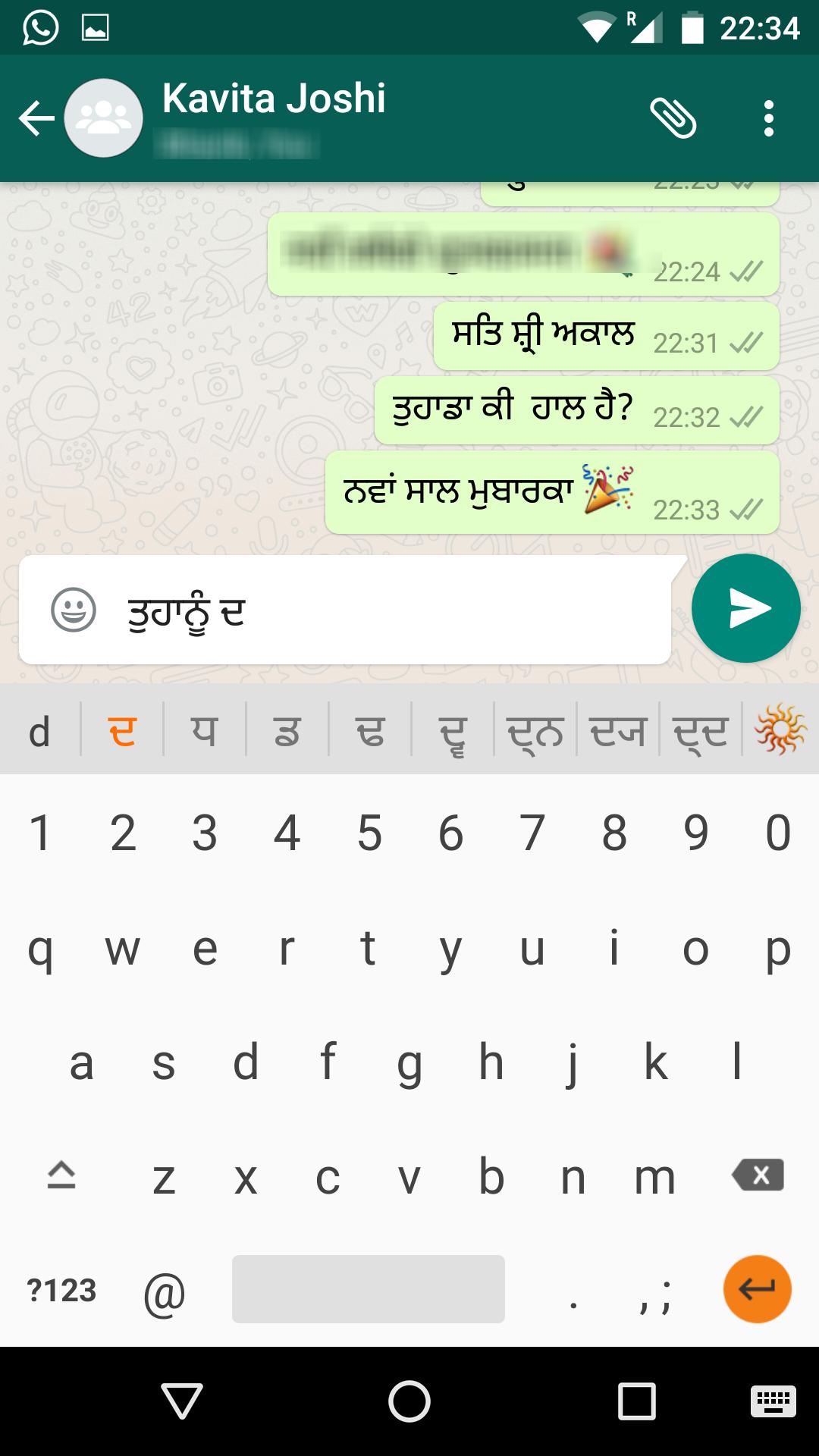
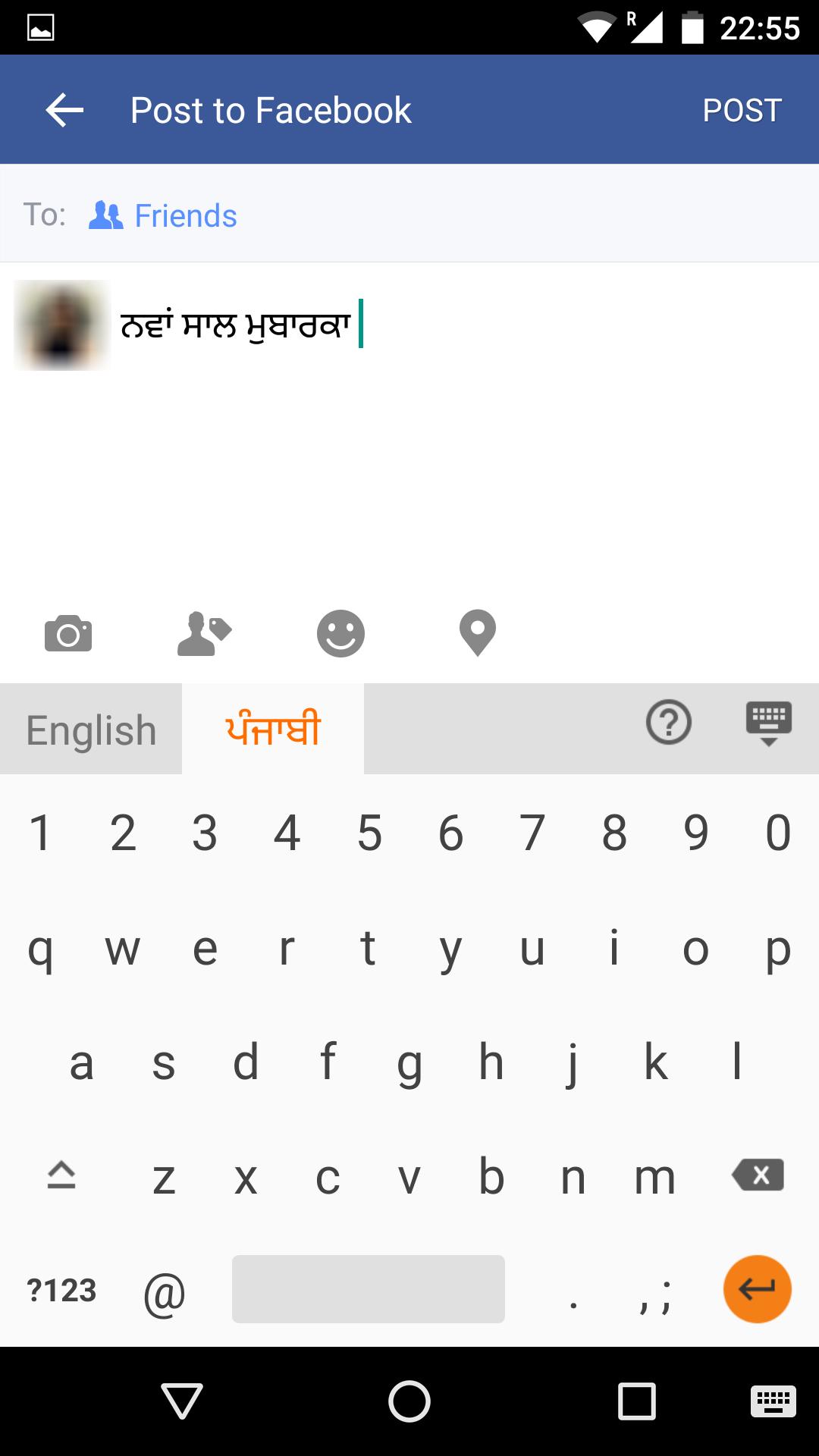
Send emails, post Facebook updates & send messages on Whatsapp in Punjabi(ਪੰਜਾਬੀ) using Lipikaar Punjabi Keyboard - an English to Punjabi typing keyboard that works with all apps.
🎤 Punjabi Voice Typing:
Use your voice to type in Punjabi. Lipikaar Punjabi Keyboard is one the most popular Punjabi Voice Typing apps on the Google Play Store.
⌨️ Punjabi Keyboard Typing:
✓ Simple and intuitive typing in Punjabi using English keyboard. No memorizing key positions.
✓ No fluency in English is required. Lipikaar encourages users to think in their language.
✓ Easy switching between English and Punjabi.
Made in India ❤️ Made for India ❤️
• Lipikaar Punjabi typing method has been developed and patented by an ex-IITian. http://www.lipikaar.com/about-us
• Lipikaar Punjabi Voice to Text typing is powered by gnani.ai - an Indian AI startup.
How to type in Punjabi(ਪੰਜਾਬੀ) with Lipikaar:
Rule 1: Repeatedly type the closest sounding key till you see the correct Punjabi script character.
s = ਸ ss = ਸ਼ krr = ਕ੍ਰ
Rule 2: Use "x" key to join two characters
ssxr = ਸ਼੍ਰ nxh = ਨ੍ਹ
Rule 3: Use "z" key to add a special symbol of the script.
z = ੱ zz = ੰ zzz = ਂ zzzz = ਼
For more details visit: http://www.lipikaar.com/punjabi
Easy installation and setup:
• Download the app and open it.
• Step 1: Enable Lipikaar Punjabi Keyboard.
• Step 2: Set it as your current keyboard.
• Step 3: Provide permissions to enable voice to text typing - Microphone, Storage, Display over other apps.
• That's all! You can now type in Punjabi(ਪੰਜਾਬੀ) in any app using the keyboard or just your voice.
• Press the mic icon. Speak in Punjabi and the app will do the typing for you.
• To switch keyboards easily, press and hold the space key.
We respect your privacy
We DO NOT collect any personal information (passwords, credit card details etc.) in any form, from any of our users. A standard warning is shown by Android for all third-party keyboards that you install.
Feedback
Please share your suggestions & feedback by emailing us at support@lipikaar.com
پیش نظارہ
ٹیگز
اوزارمعلومات
ڈویلپر
Lipikaar Keyboards
تازہ ترین ورژن
8.2.0
آخری تازہ کاری
2022-05-23
قسم
اوزار
پر دستیاب ہے۔
Google Play
مزید دکھائیں
پی سی پر گیم لوپ کے ساتھ Punjabi Voice Typing Keyboard کیسے کھیلا جائے۔
1. آفیشل ویب سائٹ سے گیم لوپ ڈاؤن لوڈ کریں، پھر گیم لوپ انسٹال کرنے کے لیے exe فائل چلائیں۔
2. گیم لوپ کھولیں اور "Punjabi Voice Typing Keyboard" تلاش کریں، تلاش کے نتائج میں Punjabi Voice Typing Keyboard تلاش کریں اور "انسٹال کریں" پر کلک کریں۔
3. گیم لوپ پر Punjabi Voice Typing Keyboard کھیلنے کا لطف اٹھائیں۔
Minimum requirements
OS
Windows 8.1 64-bit or Windows 10 64-bit
GPU
GTX 1050
CPU
i3-8300
Memory
8GB RAM
Storage
1GB available space
Recommended requirements
OS
Windows 8.1 64-bit or Windows 10 64-bit
GPU
GTX 1050
CPU
i3-9320
Memory
16GB RAM
Storage
1GB available space