Gyroscope Fix - Game Launcher PC
Ataraxian Studios
گیم لوپ ایمولیٹر کے ساتھ PC پر Gyroscope Fix - Game Launcher ڈاؤن لوڈ کریں۔
پی سی پر Gyroscope Fix - Game Launcher
Gyroscope Fix - Game Launcher، جو ڈویلپر Ataraxian Studios سے آرہا ہے، ماضی میں اینڈرائیڈ سسٹم پر چل رہا ہے۔
اب، آپ پی سی پر Gyroscope Fix - Game Launcher آسانی سے GameLoop کے ساتھ چلا سکتے ہیں۔
اسے GameLoop لائبریری یا تلاش کے نتائج میں ڈاؤن لوڈ کریں۔ مزید غلط وقت پر بیٹری یا مایوس کن کالوں پر نظر نہیں ڈالی جائے گی۔
بس بڑی سکرین پر Gyroscope Fix - Game Launcher PC کا مفت میں لطف اٹھائیں!
Gyroscope Fix - Game Launcher تعارف
Enhance Your Gaming Experience with the Latest Update
Our latest update introduces a suite of powerful features designed to elevate your gaming experience:
Introducing Game Launcher: Effortlessly organize and launch all your favorite games from a single, convenient location.
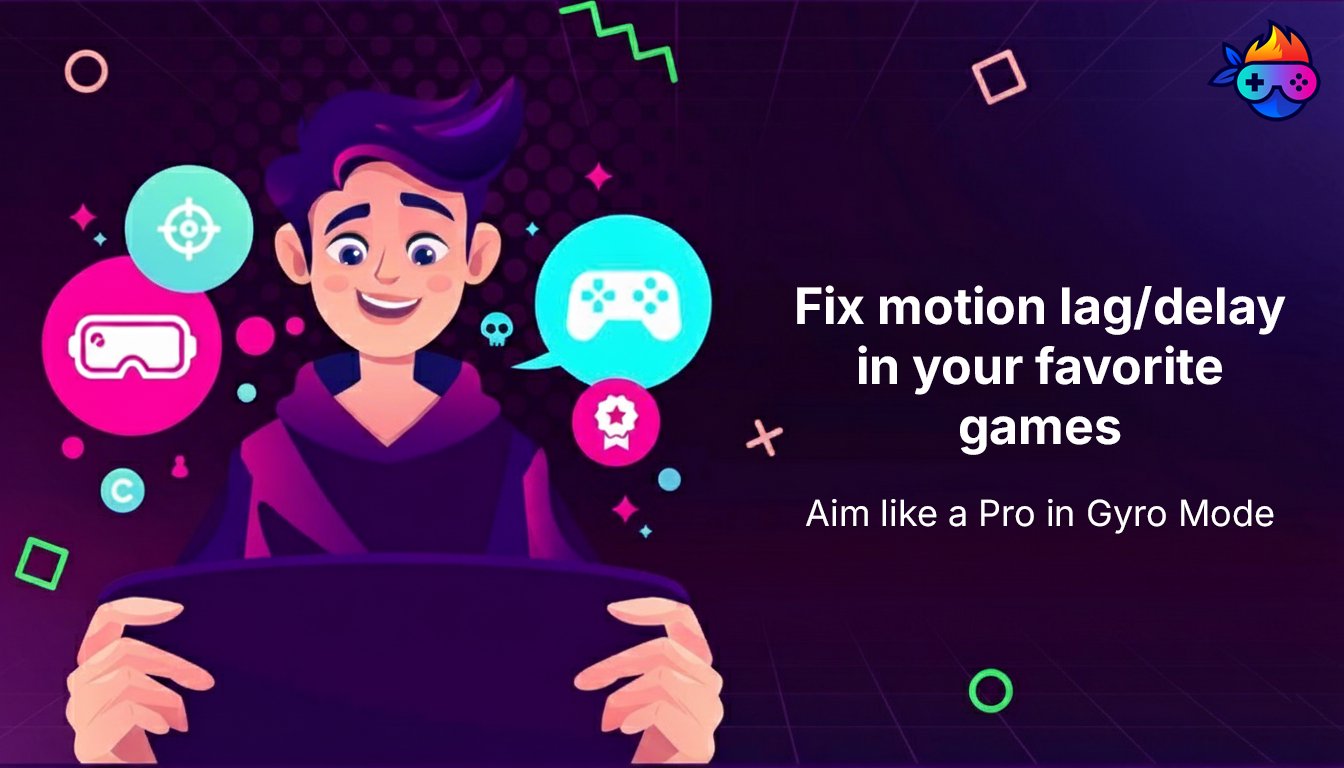
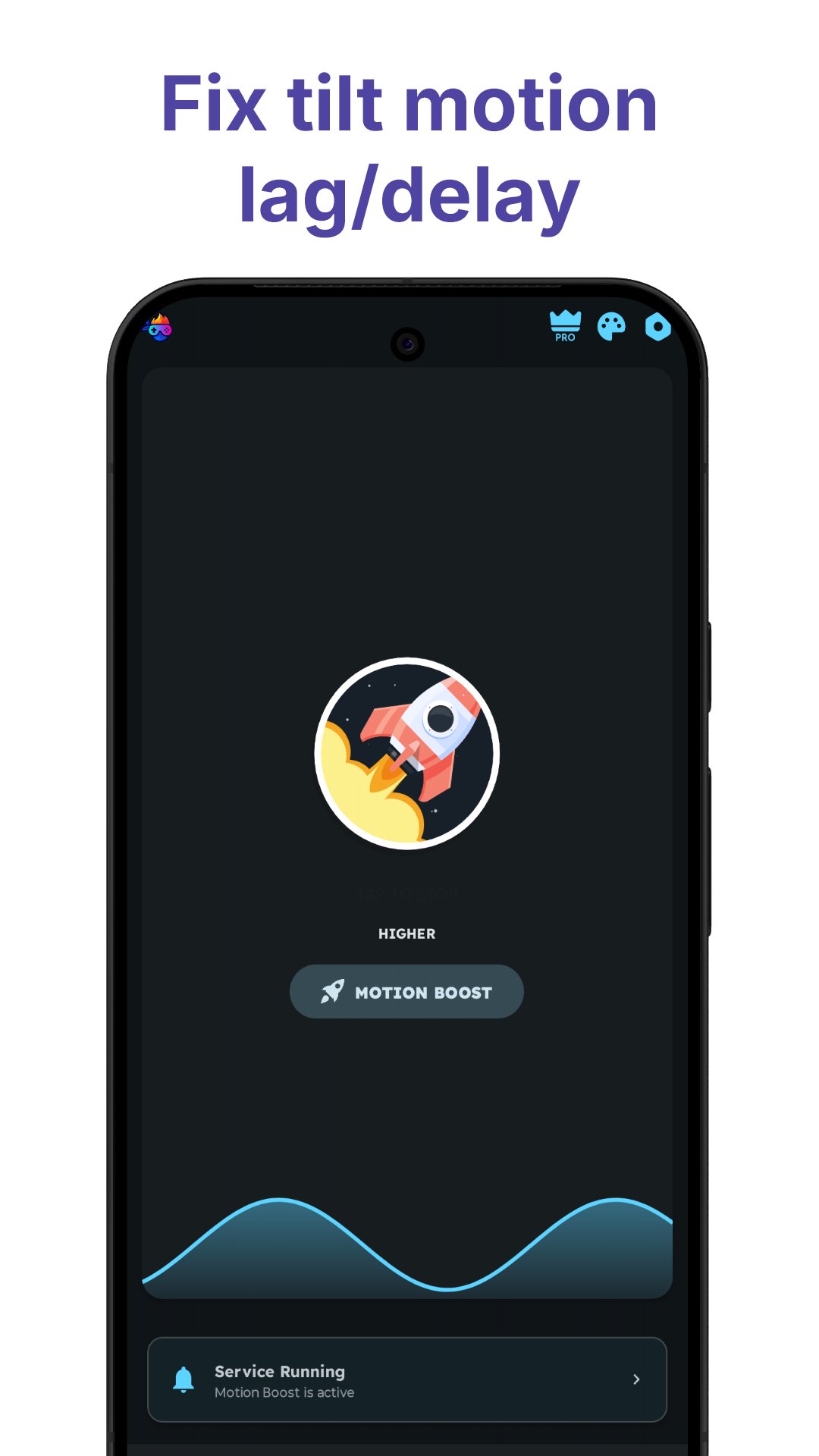
Angular Motion Booster Enhancement: Experience enhanced precision and responsiveness with a new mode added to the Angular Motion Booster, improving your performance in motion-based games, FPS, and VR experiences.
Redesigned User Interface: Enjoy a streamlined and intuitive interface with a host of new features to improve your gaming experience.
Performance Monitoring and Optimization: Calibrate and view the accuracy of your device's sensors for optimal gameplay. Monitor critical gaming vitals such as battery temperature and ping to ensure peak performance. Dive deep into detailed charts and data for your device's gyroscope, accelerometer, and magnetometer, all within the app.
This update delivers a comprehensive suite of tools to enhance your gaming experience. Update now and enjoy the difference!
We hope you find this Game Hub/Arcade app useful. For any queries, reach us at ataraxianstudios@gmail.com.
پیش نظارہ
ٹیگز
اوزارمعلومات
ڈویلپر
Ataraxian Studios
تازہ ترین ورژن
19.1.2
آخری تازہ کاری
2026-04-15
قسم
اوزار
پر دستیاب ہے۔
Google Play
مزید دکھائیں
پی سی پر گیم لوپ کے ساتھ Gyroscope Fix - Game Launcher کیسے کھیلا جائے۔
1. آفیشل ویب سائٹ سے گیم لوپ ڈاؤن لوڈ کریں، پھر گیم لوپ انسٹال کرنے کے لیے exe فائل چلائیں۔
2. گیم لوپ کھولیں اور "Gyroscope Fix - Game Launcher" تلاش کریں، تلاش کے نتائج میں Gyroscope Fix - Game Launcher تلاش کریں اور "انسٹال کریں" پر کلک کریں۔
3. گیم لوپ پر Gyroscope Fix - Game Launcher کھیلنے کا لطف اٹھائیں۔
Minimum requirements
OS
Windows 8.1 64-bit or Windows 10 64-bit
GPU
GTX 1050
CPU
i3-8300
Memory
8GB RAM
Storage
1GB available space
Recommended requirements
OS
Windows 8.1 64-bit or Windows 10 64-bit
GPU
GTX 1050
CPU
i3-9320
Memory
16GB RAM
Storage
1GB available space