Color Picker & Generator PC
Core Apps Creation
گیم لوپ ایمولیٹر کے ساتھ PC پر Color Picker & Generator ڈاؤن لوڈ کریں۔
پی سی پر Color Picker & Generator
Color Picker & Generator، جو ڈویلپر Core Apps Creation سے آرہا ہے، ماضی میں اینڈرائیڈ سسٹم پر چل رہا ہے۔
اب، آپ پی سی پر Color Picker & Generator آسانی سے GameLoop کے ساتھ چلا سکتے ہیں۔
اسے GameLoop لائبریری یا تلاش کے نتائج میں ڈاؤن لوڈ کریں۔ مزید غلط وقت پر بیٹری یا مایوس کن کالوں پر نظر نہیں ڈالی جائے گی۔
بس بڑی سکرین پر Color Picker & Generator PC کا مفت میں لطف اٹھائیں!
Color Picker & Generator تعارف
-Color Picker & Generator is a powerful app that allows you to select colors from various sources, generate color codes, and explore different color schemes and harmonies.
-Whether you're a designer, artist, or simply want to enhance your creativity, this app provides a wide range of features to make your color selection and generation process easy and enjoyable.
Features:
1)Color Selection:
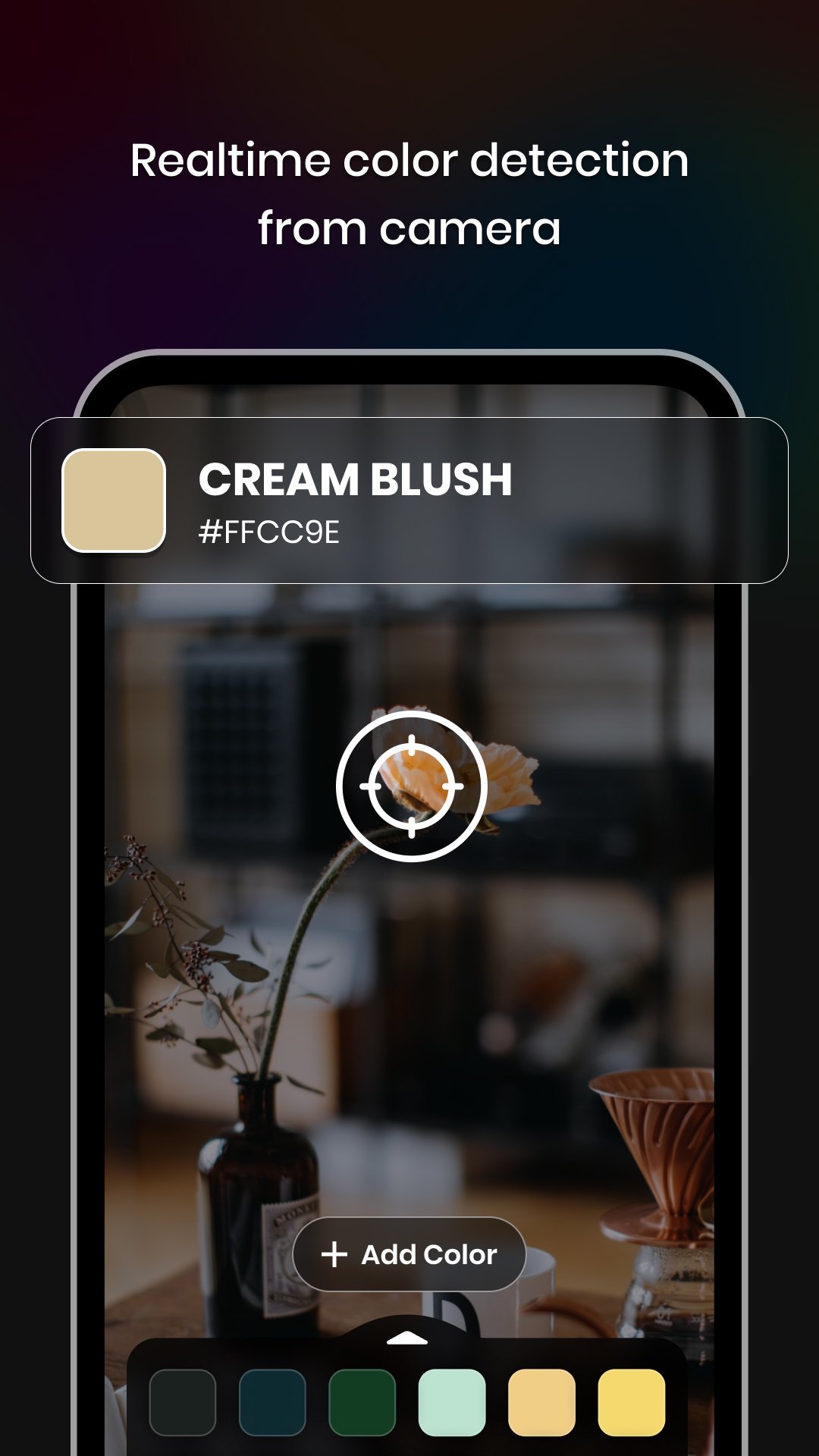
-Camera: Capture colors directly from your surroundings using your device's camera.
-Gallery: Choose colors from your saved images in the gallery.
-Color Palette: Select colors from a wide range of pre-defined color palettes.
-Color Codes: Obtain color codes and names for the selected colors.
-RGB Rearrangement: Rearrange color codes based on their RGB values.
-Color Code Details: Access hex codes, RGB, CMYK, HSL, HSV/HSB, LAB, XYZ, and XYY values for each individual color code.
-Color Harmonies: Explore harmonies for the selected color code.& Share the appropriate color harmony with others.
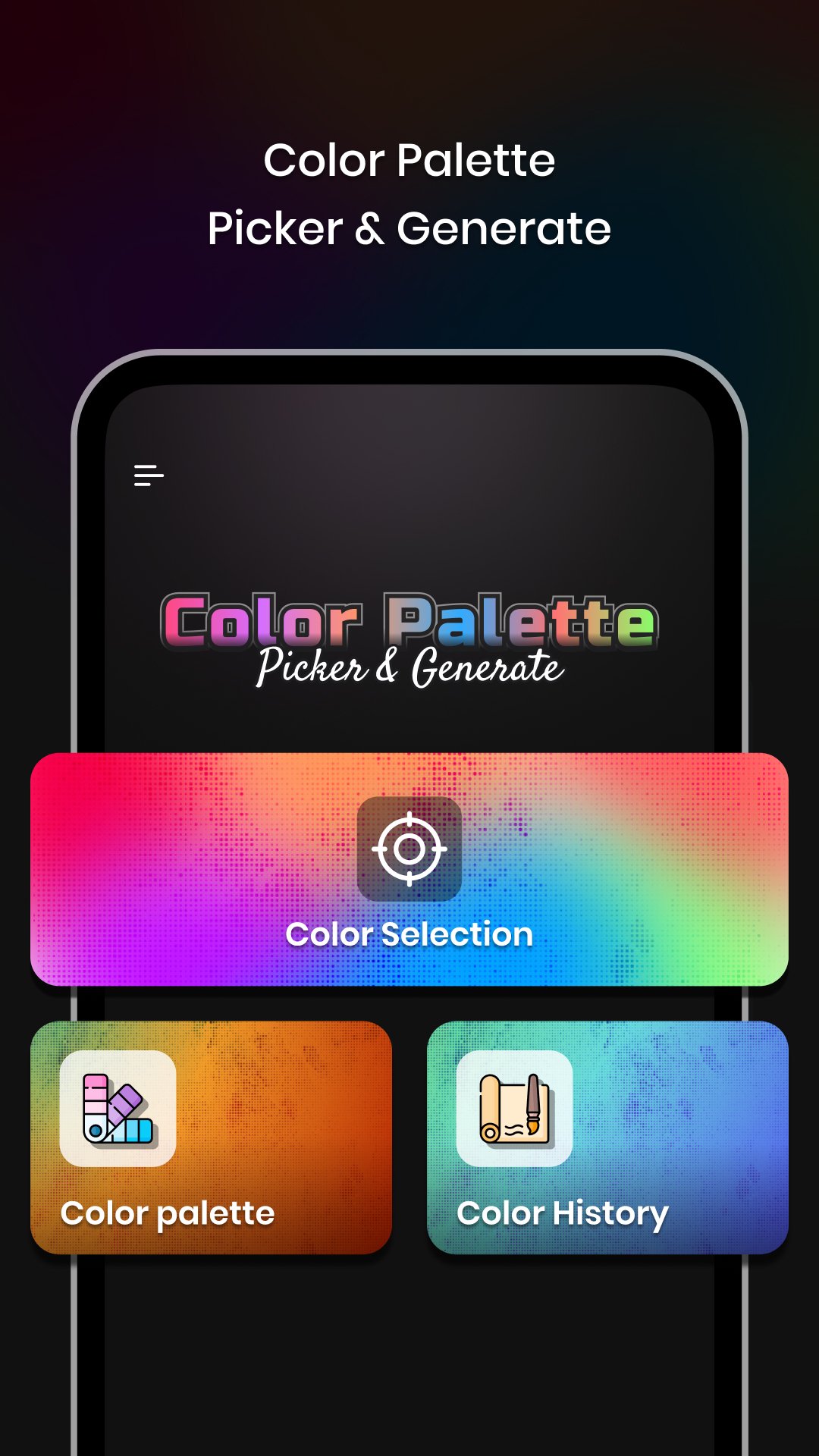
-Color Schemes: Discover different color schemes such as Metallic, Pastel, Black & White, Earth Tone, Neon, Secondary, and Rainbow.
2)Color Palette:
-Trending/Default Color Palettes: Access ready-made trending color palettes for various industries and applications.
-Custom Color Palette: Create your own custom color palettes to suit your specific needs.
-Easy Arrangements: Organise and arrange colors in your palettes effortlessly.
3)Color History:
-Saved Work: Store and access the history of all your color selections and generated colour schemes.
-Easy Retrieval: Quickly find and review your previous color choices for reference and reuse.
-With Color Picker & Generator, Enhance your creativity and streamline your color selection and generation process.
-Whether you're designing a website, creating artwork, or planning a theme, this app provides all the tools you need to bring your vision to life.
-Download now and experience the world of colors at your fingertips.
Permissions:
1) Camera - Capture real-time color using the camera.
پیش نظارہ
ٹیگز
اوزارمعلومات
ڈویلپر
Core Apps Creation
تازہ ترین ورژن
1.0.4
آخری تازہ کاری
2025-11-28
قسم
اوزار
پر دستیاب ہے۔
Google Play
مزید دکھائیں
پی سی پر گیم لوپ کے ساتھ Color Picker & Generator کیسے کھیلا جائے۔
1. آفیشل ویب سائٹ سے گیم لوپ ڈاؤن لوڈ کریں، پھر گیم لوپ انسٹال کرنے کے لیے exe فائل چلائیں۔
2. گیم لوپ کھولیں اور "Color Picker & Generator" تلاش کریں، تلاش کے نتائج میں Color Picker & Generator تلاش کریں اور "انسٹال کریں" پر کلک کریں۔
3. گیم لوپ پر Color Picker & Generator کھیلنے کا لطف اٹھائیں۔
Minimum requirements
OS
Windows 8.1 64-bit or Windows 10 64-bit
GPU
GTX 1050
CPU
i3-8300
Memory
8GB RAM
Storage
1GB available space
Recommended requirements
OS
Windows 8.1 64-bit or Windows 10 64-bit
GPU
GTX 1050
CPU
i3-9320
Memory
16GB RAM
Storage
1GB available space