Screen Balance PC
QuickDoc
گیم لوپ ایمولیٹر کے ساتھ PC پر Screen Balance ڈاؤن لوڈ کریں۔
پی سی پر Screen Balance
Screen Balance، جو ڈویلپر QuickDoc سے آرہا ہے، ماضی میں اینڈرائیڈ سسٹم پر چل رہا ہے۔
اب، آپ پی سی پر Screen Balance آسانی سے GameLoop کے ساتھ چلا سکتے ہیں۔
اسے GameLoop لائبریری یا تلاش کے نتائج میں ڈاؤن لوڈ کریں۔ مزید غلط وقت پر بیٹری یا مایوس کن کالوں پر نظر نہیں ڈالی جائے گی۔
بس بڑی سکرین پر Screen Balance PC کا مفت میں لطف اٹھائیں!
Screen Balance تعارف
First Android App to allow adjustment of the screens White Balance.
Exercise complete control over your screens white balance, tint and brightness level - Finally!
Root NOT needed.
UPDATES
★ Auto-sleeps when incompatible windows encountered (e.g. Package Installers)
★ Toggle on/off from notification tray - in Android Jellybean (4.1) and over.
★ Save color profiles.
★ Due to popular demand, we have added RGB adjuster to allow you to create your own color filters.
★ Due to demand, we have added option of adjusting the screen contrast - this vastly improves the readability of your screen at night. It also allows correction of harsh or over vibrant screen colors.
FEATURES
✓ Reduce brightness levels to below what Android normally allows - prevents night time strain, especially on AMOLED screens.
✓ Reduce Black Crush/Clipping on many devices including the recent Pixel 3
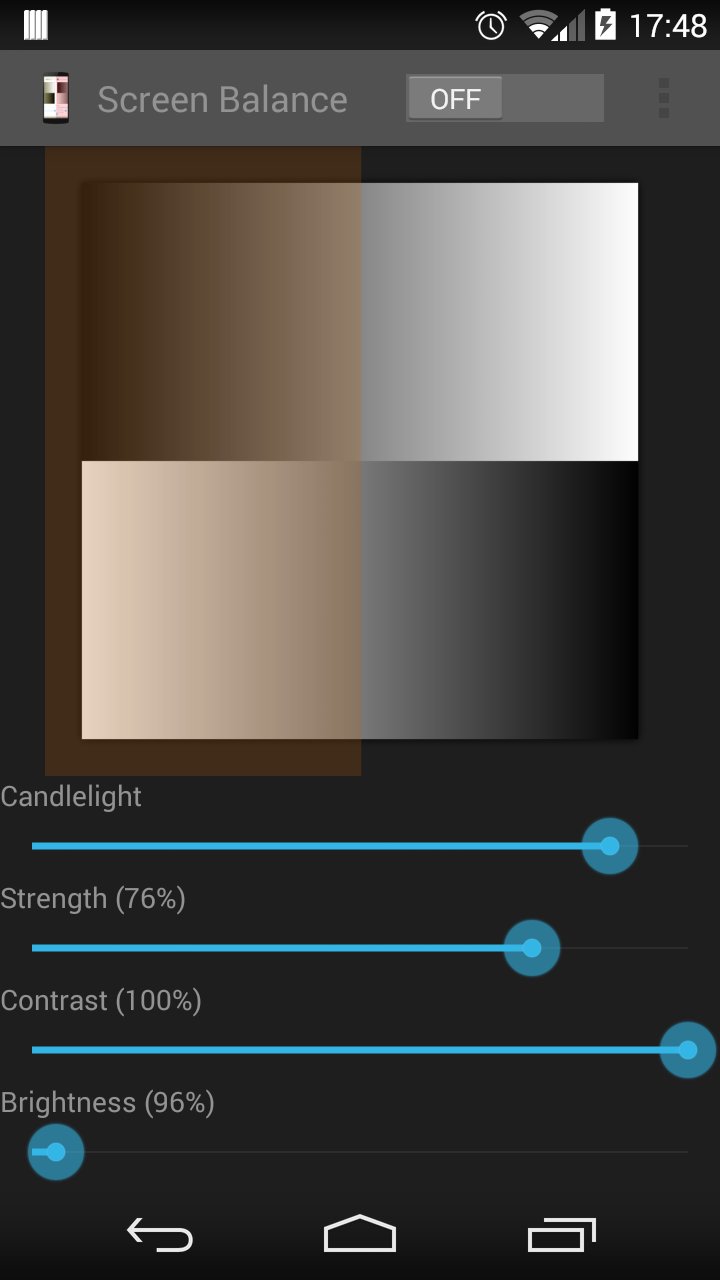
✓ Apply color tint to the screen - this is used to apply a color filter, e.g. a red tint such that you can use it in really dark environments, e.g. star gazing or simply reading at night.
✓ Safety feature to auto reset brightness if set too low by accident.
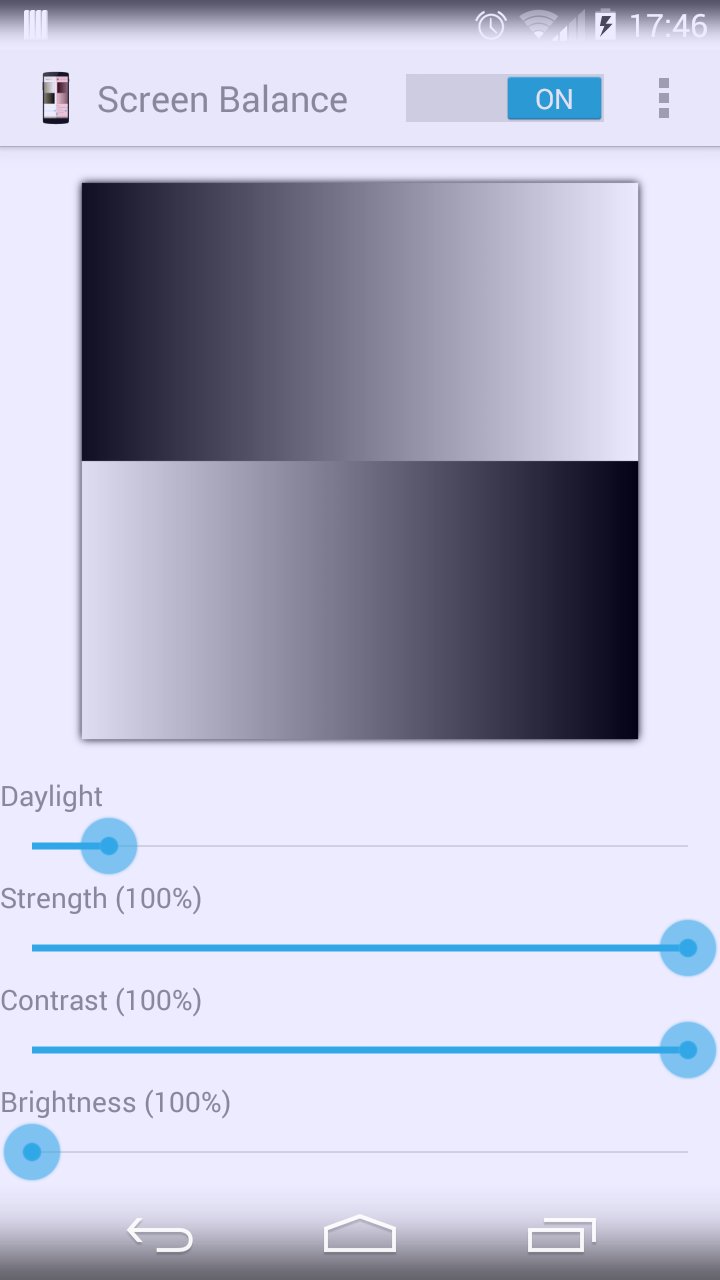
✓ Dark and Light themes - allows you to accurately test white balance and prevent eye strain at night and to test your color balance.
✓ Independently adjust brightness and tint as per your requirements.
✓ Due to popular demand, we have ensured that the App stops from appearing on the Android task list.
✓ Apply settings automatically on device boot.
✓ Save color profiles and settings.
✓ Inherently low resource use with no noticeable impact on performance and battery.
پیش نظارہ
ٹیگز
اوزارمعلومات
ڈویلپر
QuickDoc
تازہ ترین ورژن
8.5
آخری تازہ کاری
2021-05-18
قسم
اوزار
پر دستیاب ہے۔
Google Play
مزید دکھائیں
پی سی پر گیم لوپ کے ساتھ Screen Balance کیسے کھیلا جائے۔
1. آفیشل ویب سائٹ سے گیم لوپ ڈاؤن لوڈ کریں، پھر گیم لوپ انسٹال کرنے کے لیے exe فائل چلائیں۔
2. گیم لوپ کھولیں اور "Screen Balance" تلاش کریں، تلاش کے نتائج میں Screen Balance تلاش کریں اور "انسٹال کریں" پر کلک کریں۔
3. گیم لوپ پر Screen Balance کھیلنے کا لطف اٹھائیں۔
Minimum requirements
OS
Windows 8.1 64-bit or Windows 10 64-bit
GPU
GTX 1050
CPU
i3-8300
Memory
8GB RAM
Storage
1GB available space
Recommended requirements
OS
Windows 8.1 64-bit or Windows 10 64-bit
GPU
GTX 1050
CPU
i3-9320
Memory
16GB RAM
Storage
1GB available space