Junk Cleaner - Cache Scanner PC
Bazinga!
گیم لوپ ایمولیٹر کے ساتھ PC پر Junk Cleaner - Cache Scanner ڈاؤن لوڈ کریں۔
پی سی پر Junk Cleaner - Cache Scanner
Junk Cleaner - Cache Scanner، جو ڈویلپر Bazinga! سے آرہا ہے، ماضی میں اینڈرائیڈ سسٹم پر چل رہا ہے۔
اب، آپ پی سی پر Junk Cleaner - Cache Scanner آسانی سے GameLoop کے ساتھ چلا سکتے ہیں۔
اسے GameLoop لائبریری یا تلاش کے نتائج میں ڈاؤن لوڈ کریں۔ مزید غلط وقت پر بیٹری یا مایوس کن کالوں پر نظر نہیں ڈالی جائے گی۔
بس بڑی سکرین پر Junk Cleaner - Cache Scanner PC کا مفت میں لطف اٹھائیں!
Junk Cleaner - Cache Scanner تعارف
🧰 Core Features:
🗑️ Cache Scanner
✔ Scan cache of all apps , help you finding biggest cache
[Important Notice]
This app contains only scan cache function , it can’t clear cache directly because third party app does not have access to other app's cache files , you need clear cache in app's settings
[How to clear cache]
Click on an app in scan result list will open its setting page , then click [Storage] -> [Clear Cache]
♻️ Junk Cleaner
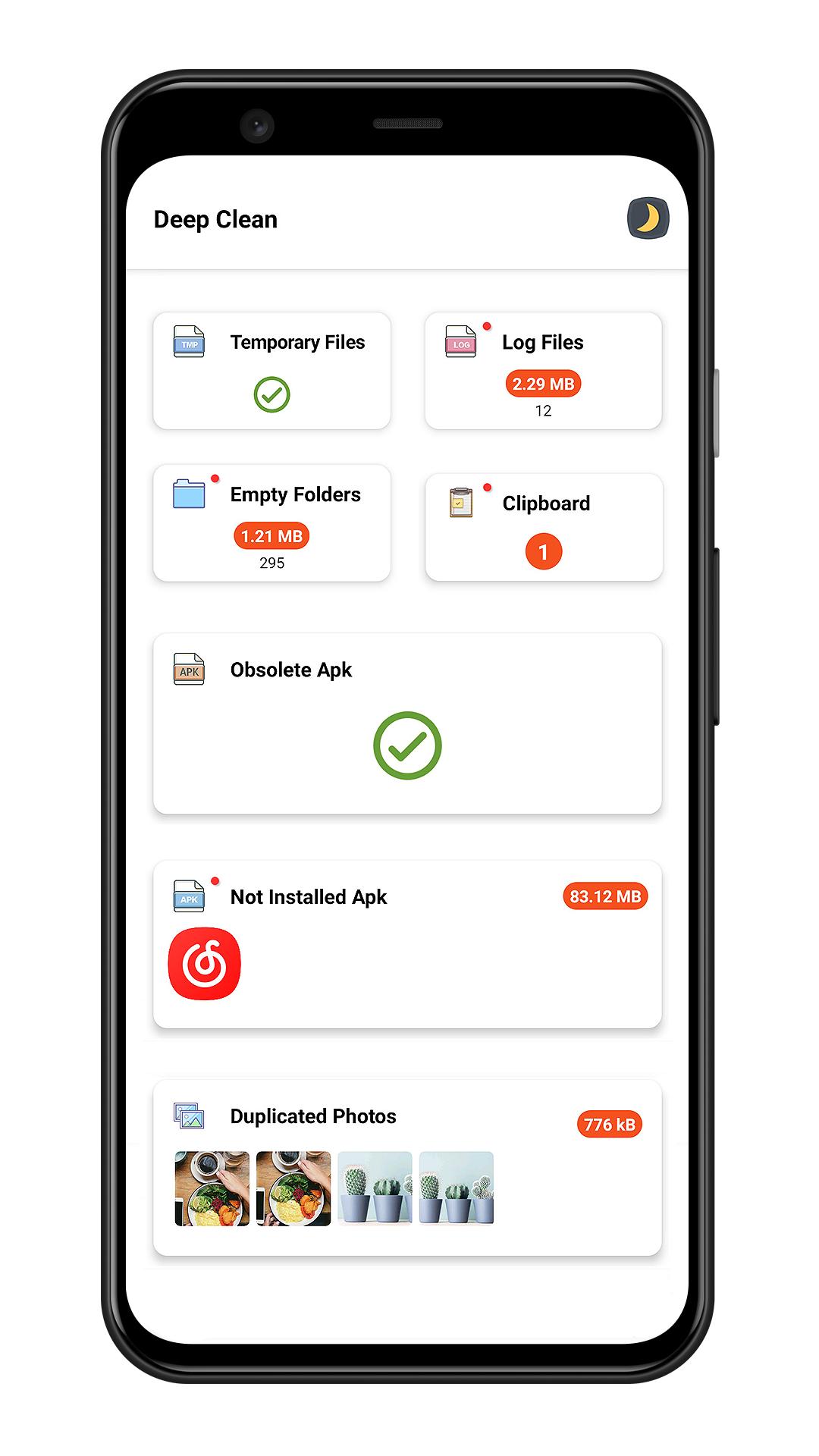
✔ Smart junk cleaner engine help you clear junk files including temporary files , log files , empty folders , obsolete apk
📑 Large File Cleaner
✔ Scan large file which size larger than 10 MB
✔ Sort large files by file type / directory / file extension
✔ Mark of new large file
🖼️ Photo Cleaner
✔ Intelligent photo analyzer help you find similar photos
✔ Auto select better quality photo in a group of similar photos
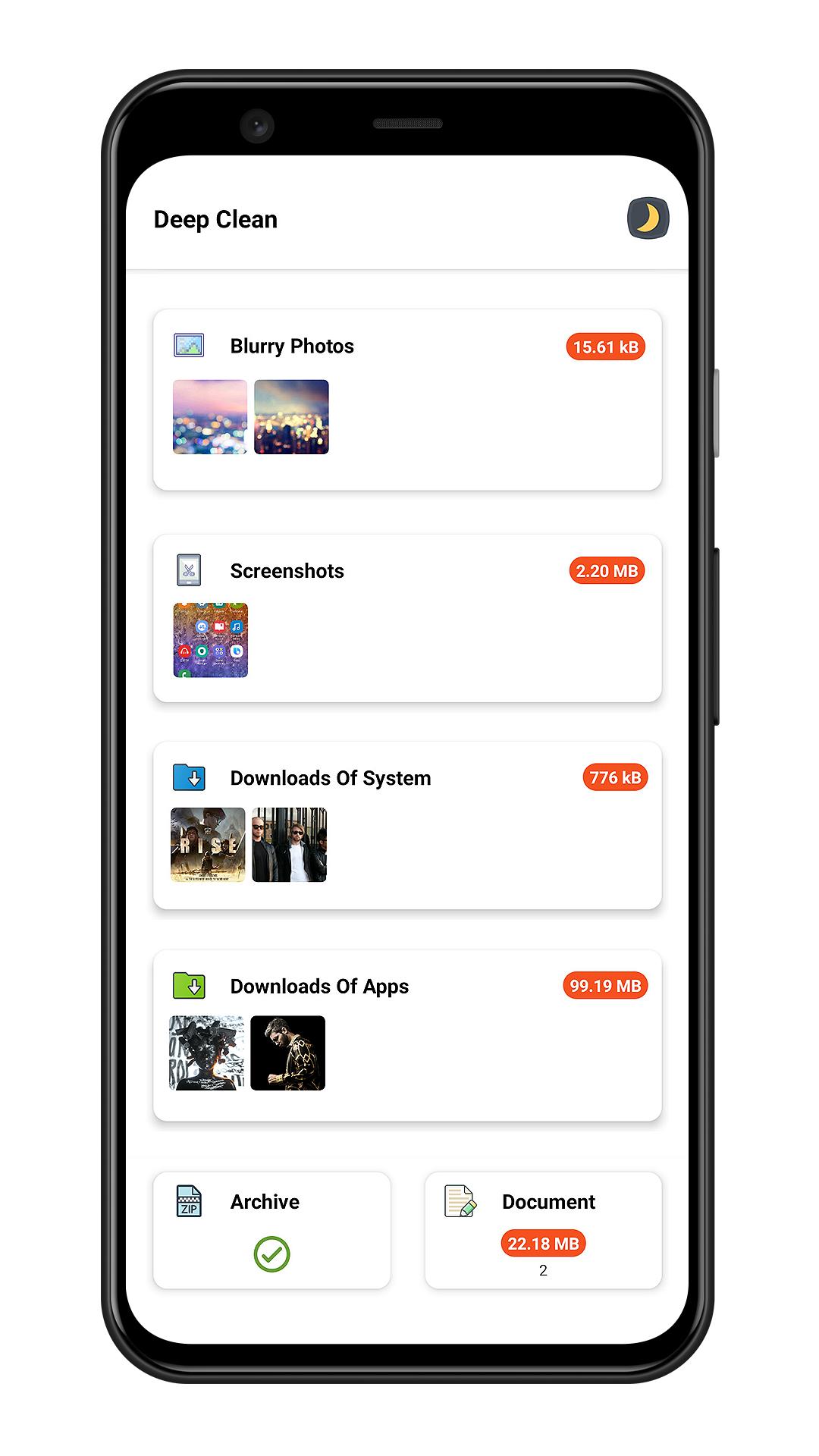
✔ Scan bad quality photos(blurred or dark photo)
✔ Screenshots cleaner
📽️ Media Manager
✔ Manager audio files
✔ Manager video files
✔ Manager archive files
✔ Manager documents
⬇️ Downloads Cleaner
✔ Clean system downloads
✔ Clean files downloaded by third party apps
📱 App Uninstaller
✔ Batch Uninstall apps to release storage
✔ Sort apps by app size to find big size app
✔ Quick search to find app
✔ Plugin uninstaller help you uninstall hidden app
[What is plugin uninstaller]
Some app does not contains user interface and does not show in launcher , Junk Cleaner can help you finding this kind app.
🎨 Day Mode & Night Mode
✔ This app has two theme(day/night) for your choose
پیش نظارہ
ٹیگز
اوزارپیداواری صلاحیتمعلومات
ڈویلپر
Bazinga!
تازہ ترین ورژن
3.8
آخری تازہ کاری
2023-06-29
قسم
اوزار
پر دستیاب ہے۔
Google Play
مزید دکھائیں
پی سی پر گیم لوپ کے ساتھ Junk Cleaner - Cache Scanner کیسے کھیلا جائے۔
1. آفیشل ویب سائٹ سے گیم لوپ ڈاؤن لوڈ کریں، پھر گیم لوپ انسٹال کرنے کے لیے exe فائل چلائیں۔
2. گیم لوپ کھولیں اور "Junk Cleaner - Cache Scanner" تلاش کریں، تلاش کے نتائج میں Junk Cleaner - Cache Scanner تلاش کریں اور "انسٹال کریں" پر کلک کریں۔
3. گیم لوپ پر Junk Cleaner - Cache Scanner کھیلنے کا لطف اٹھائیں۔
Minimum requirements
OS
Windows 8.1 64-bit or Windows 10 64-bit
GPU
GTX 1050
CPU
i3-8300
Memory
8GB RAM
Storage
1GB available space
Recommended requirements
OS
Windows 8.1 64-bit or Windows 10 64-bit
GPU
GTX 1050
CPU
i3-9320
Memory
16GB RAM
Storage
1GB available space