Chinese Keyboard: Voice to Typ PC
ipMove Ltd
گیم لوپ ایمولیٹر کے ساتھ PC پر Chinese Keyboard: Voice to Typ ڈاؤن لوڈ کریں۔
پی سی پر Chinese Keyboard: Voice to Typ
Chinese Keyboard: Voice to Typ، جو ڈویلپر ipMove Ltd سے آرہا ہے، ماضی میں اینڈرائیڈ سسٹم پر چل رہا ہے۔
اب، آپ پی سی پر Chinese Keyboard: Voice to Typ آسانی سے GameLoop کے ساتھ چلا سکتے ہیں۔
اسے GameLoop لائبریری یا تلاش کے نتائج میں ڈاؤن لوڈ کریں۔ مزید غلط وقت پر بیٹری یا مایوس کن کالوں پر نظر نہیں ڈالی جائے گی۔
بس بڑی سکرین پر Chinese Keyboard: Voice to Typ PC کا مفت میں لطف اٹھائیں!
Chinese Keyboard: Voice to Typ تعارف
Chinese Keyboard: Voice to Typing is New Chinese Language with Amazing Stylish Themes and New Emoji. Chinese Language Keyboard is an easy typing of Chinese language and makes it simple for all Chinese app Typing keyboard users who want to write Voice to Chinese at the same time. Chinese Typing Keyboard special design for these people who love Chinese Language. Chinese Keyboard: Voice to Typing is the best mobile keyboard for typing in Chinese language.
Start typing in Chinese Keyboard: Voice to Typing word suggestions for what you're typing fast keyboard. Offline support: works on android phones and Android tablets also. Simple to use with touch screen Chinese voice to text typing from phonetic transliteration using this fast typing keyboard.
Voice to Typing with New Chinese Keyboard: Voice to Typing is the fastest way to type you don't need any other Chinese input tools. This app works inside all applications on your Mobile phone no more copy-paste needs sogou. Supports 10+ colorful keyboard themes with easy settings and easy interface this is the trendiest way to type Chinese letters on Android and the easiest Chinese Keyboard: Voice to Typing.
★ No more typing with slow manual keyboards this is the New Fastest Chinese Transliteration Keyboard that is free and fast, effortless, Chinese texts best keyboard and easy to use.
★ His Chinese Keyboard: Voice to Typing is 100% safe because we do not save any keystroke and No need personal information or credit card details are collected pleco coolest. We store anonymous statistics that may be shared to improve your experience.
★ Chinese Keyboard: Voice to Typing app suggested words to write your emotions in
Your own language & save your time while typing fast.
How to Use Chinese Keyboard: Voice to Typing:
1. Download and Install!
2. Open (“Chinese Keyboard”).
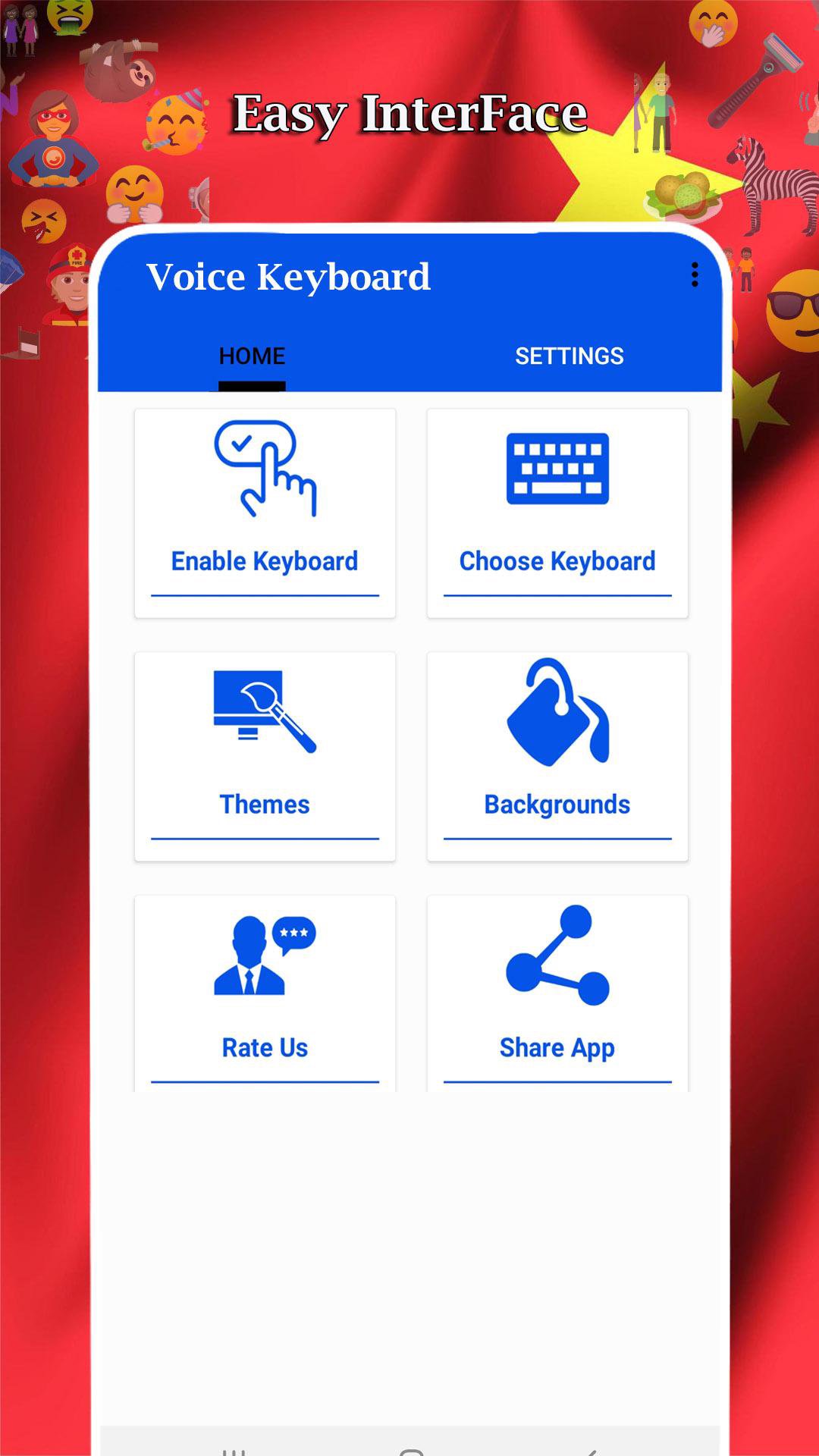
3. Enable Keyboard (“Choose the Chinese Keyboard”).
4. Select Keyboard (“Choose Chinese Keyboard”).
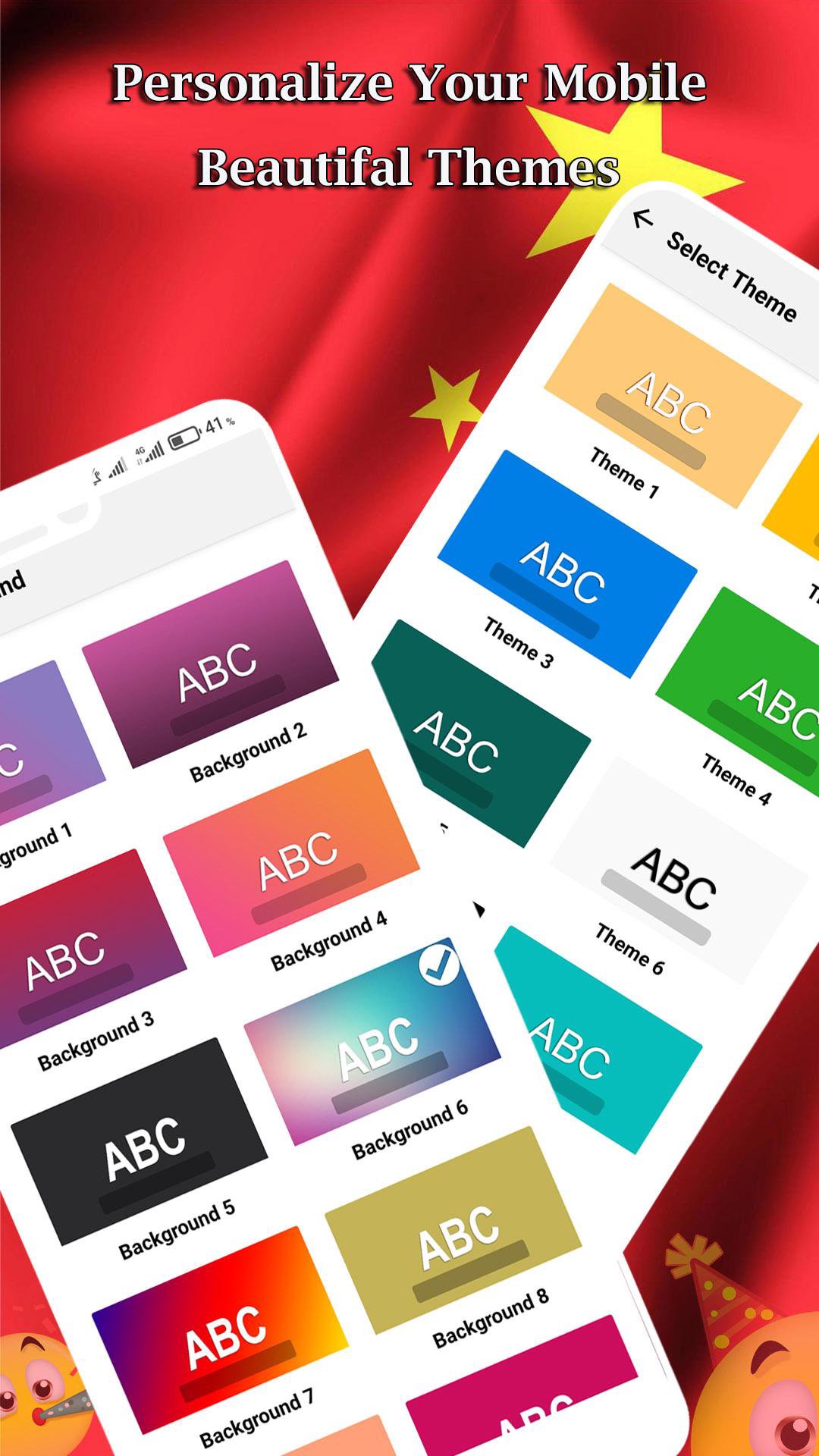
5. Colorful Themes (“Select Favorite of your Choice”).
Download Chinese Keyboard: Voice to Typing now and start enjoying its awesome unique designs grammarly keyboard! Its emoji’s and stickers can be used in any messenger and chatting app and on most Android versions Chinese style. Don't forget to share this awesome keyboard app with your best friends and family, so they can have more fun with their phones too.
★ Start typing Chinese language everywhere!
★ Awesome themes!
★ Unique sounds!
★ Different button sizes and shapes!
This Chinese voice typing App Enjoy a fun way to write your text messages and chat with your friends with this new Chinese Keyboard: Voice to Typing app.
پیش نظارہ
ٹیگز
اوزارمعلومات
ڈویلپر
ipMove Ltd
تازہ ترین ورژن
1.0
آخری تازہ کاری
2020-10-02
قسم
اوزار
پر دستیاب ہے۔
Google Play
مزید دکھائیں
پی سی پر گیم لوپ کے ساتھ Chinese Keyboard: Voice to Typ کیسے کھیلا جائے۔
1. آفیشل ویب سائٹ سے گیم لوپ ڈاؤن لوڈ کریں، پھر گیم لوپ انسٹال کرنے کے لیے exe فائل چلائیں۔
2. گیم لوپ کھولیں اور "Chinese Keyboard: Voice to Typ" تلاش کریں، تلاش کے نتائج میں Chinese Keyboard: Voice to Typ تلاش کریں اور "انسٹال کریں" پر کلک کریں۔
3. گیم لوپ پر Chinese Keyboard: Voice to Typ کھیلنے کا لطف اٹھائیں۔
Minimum requirements
OS
Windows 8.1 64-bit or Windows 10 64-bit
GPU
GTX 1050
CPU
i3-8300
Memory
8GB RAM
Storage
1GB available space
Recommended requirements
OS
Windows 8.1 64-bit or Windows 10 64-bit
GPU
GTX 1050
CPU
i3-9320
Memory
16GB RAM
Storage
1GB available space