
Chinese Keyboard: Type Chinese PC
Uncle Keyboards Inc.
گیم لوپ ایمولیٹر کے ساتھ PC پر Chinese Keyboard: Type Chinese ڈاؤن لوڈ کریں۔
پی سی پر Chinese Keyboard: Type Chinese
Chinese Keyboard: Type Chinese، جو ڈویلپر Uncle Keyboards Inc. سے آرہا ہے، ماضی میں اینڈرائیڈ سسٹم پر چل رہا ہے۔
اب، آپ پی سی پر Chinese Keyboard: Type Chinese آسانی سے GameLoop کے ساتھ چلا سکتے ہیں۔
اسے GameLoop لائبریری یا تلاش کے نتائج میں ڈاؤن لوڈ کریں۔ مزید غلط وقت پر بیٹری یا مایوس کن کالوں پر نظر نہیں ڈالی جائے گی۔
بس بڑی سکرین پر Chinese Keyboard: Type Chinese PC کا مفت میں لطف اٹھائیں!
Chinese Keyboard: Type Chinese تعارف
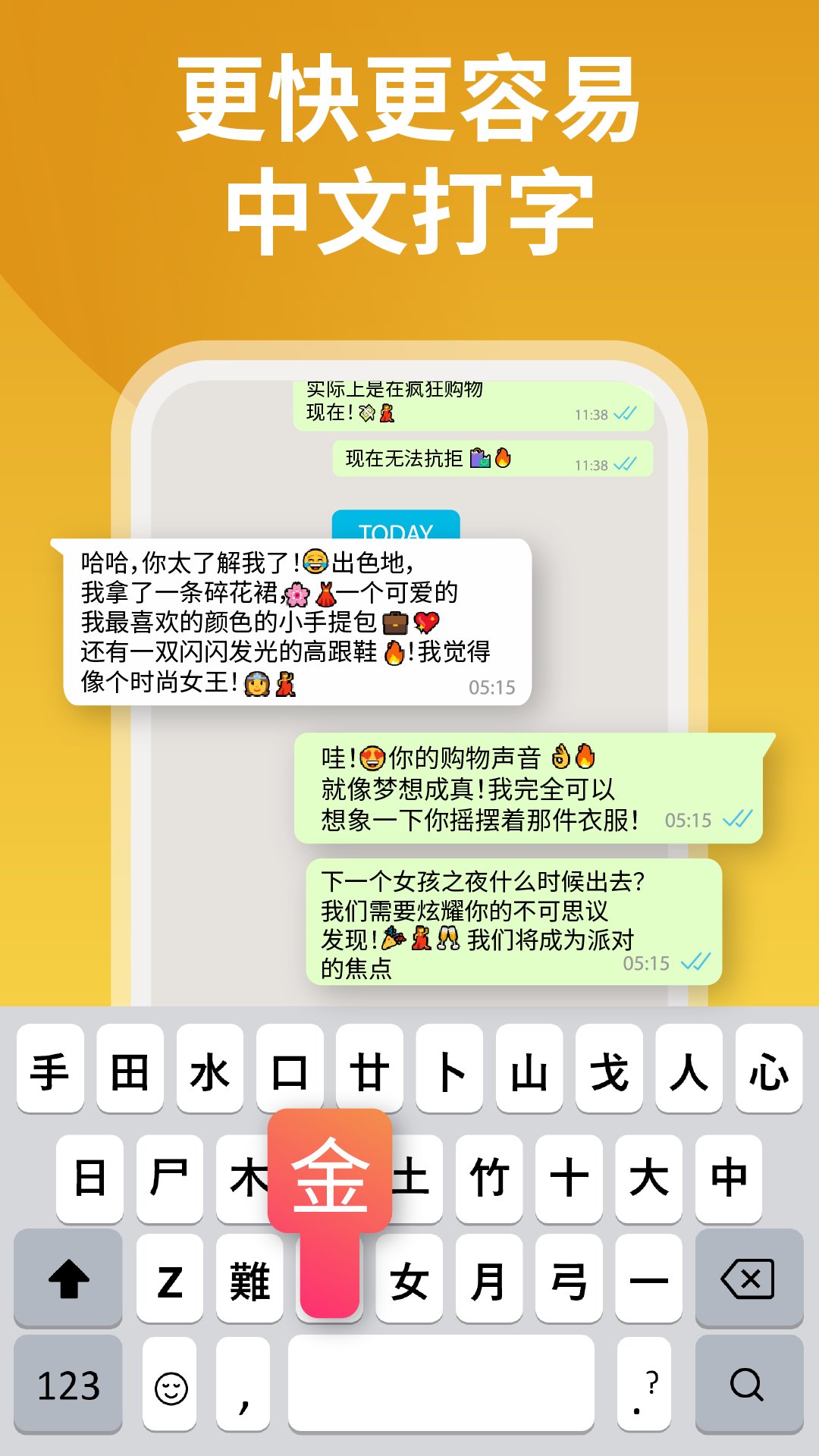
Chinese Keyboard: Type Chinese is designed for everyone who wants to write and communicate in Chinese directly from their Android device. With a clean interface, accurate suggestions, and smooth typing controls, this keyboard makes it simple to type Chinese characters without switching between apps. Whether you are a learner, a native speaker, or someone who needs to stay connected in Chinese, this keyboard provides a complete solution for easy and reliable typing.
Why Choose Chinese Keyboard: Type Chinese?
Typing in Chinese can feel complicated, but this keyboard is built to make it effortless. It gives you quick access to Chinese characters, supports pinyin input, and ensures accurate word predictions. You no longer need to copy and paste from external tools. Everything you need for writing in Chinese is built directly into one keyboard.
Key Features of Chinese Keyboard: Type Chinese
- Full Chinese Language Support – Type in simplified Chinese characters with accurate input options.
- Pinyin Input Method – Type using pinyin, and the keyboard will display the correct Chinese characters instantly.
- Smart Word Suggestions – Predictive text helps you complete sentences faster with accurate suggestions.
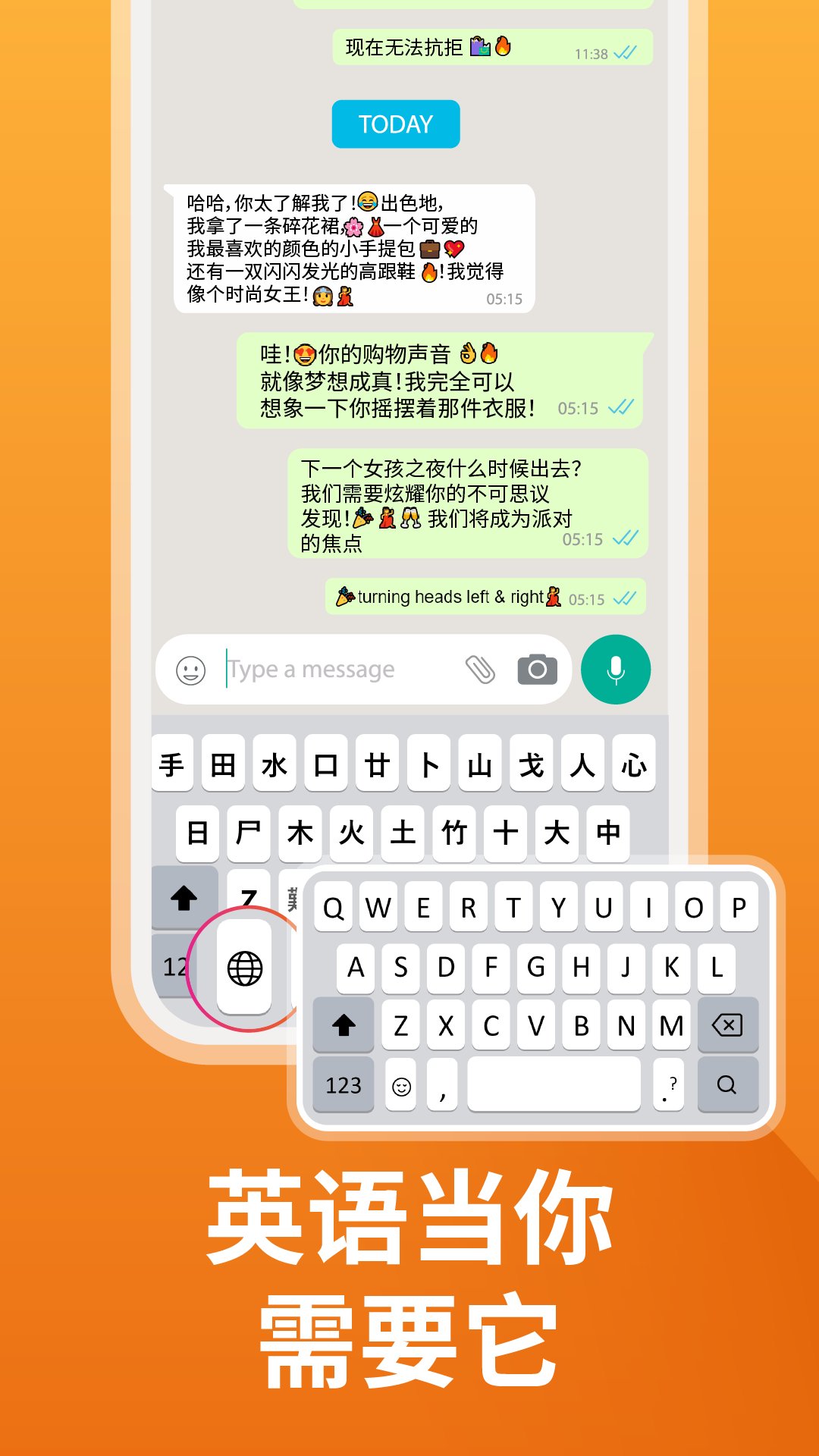
- Bilingual Typing – Switch easily between Chinese and English without changing settings.
- Clean and Simple Layout – Designed to focus on typing without unnecessary distractions.
- Fast and Smooth Typing – Optimized to reduce typing errors and improve speed.
- Privacy Focused – Your typed data is never collected or shared.
Who Can Use Chinese Keyboard: Type Chinese?
- Students learning Chinese language and practicing writing.
- Travelers and professionals who need to communicate in Chinese.
- Native speakers who want a smooth and reliable Chinese typing experience.
- Anyone who wants to type Chinese characters directly on Android.
How It Works
- Download and install Chinese Keyboard: Type Chinese.
- Enable it in your device settings.
- Choose Chinese Keyboard as your default input method.
- Start typing Chinese characters using pinyin input or directly select characters.
Why This Keyboard Stands Out
Chinese Keyboard: Type Chinese is built to make communication easier. It focuses on simplicity, speed, and accuracy. With full Chinese typing support and pinyin input, you can write messages, notes, emails, and any other text in Chinese without extra effort.
Improve Your Chinese Typing Today
Whether you are learning Chinese or using it daily, Chinese Keyboard: Type Chinese gives you the tools you need for smooth and accurate typing. Download now and experience a fast, simple, and effective way to type Chinese characters on your device.
پیش نظارہ
ٹیگز
اوزارمعلومات
ڈویلپر
Uncle Keyboards Inc.
تازہ ترین ورژن
32.0
آخری تازہ کاری
2025-11-23
قسم
اوزار
پر دستیاب ہے۔
Google Play
مزید دکھائیں
پی سی پر گیم لوپ کے ساتھ Chinese Keyboard: Type Chinese کیسے کھیلا جائے۔
1. آفیشل ویب سائٹ سے گیم لوپ ڈاؤن لوڈ کریں، پھر گیم لوپ انسٹال کرنے کے لیے exe فائل چلائیں۔
2. گیم لوپ کھولیں اور "Chinese Keyboard: Type Chinese" تلاش کریں، تلاش کے نتائج میں Chinese Keyboard: Type Chinese تلاش کریں اور "انسٹال کریں" پر کلک کریں۔
3. گیم لوپ پر Chinese Keyboard: Type Chinese کھیلنے کا لطف اٹھائیں۔
Minimum requirements
OS
Windows 8.1 64-bit or Windows 10 64-bit
GPU
GTX 1050
CPU
i3-8300
Memory
8GB RAM
Storage
1GB available space
Recommended requirements
OS
Windows 8.1 64-bit or Windows 10 64-bit
GPU
GTX 1050
CPU
i3-9320
Memory
16GB RAM
Storage
1GB available space