
Bluetooth Finder and Scanner PC
Zoltán Pallagi
گیم لوپ ایمولیٹر کے ساتھ PC پر Bluetooth Finder and Scanner ڈاؤن لوڈ کریں۔
پی سی پر Bluetooth Finder and Scanner
Bluetooth Finder and Scanner، جو ڈویلپر Zoltán Pallagi سے آرہا ہے، ماضی میں اینڈرائیڈ سسٹم پر چل رہا ہے۔
اب، آپ پی سی پر Bluetooth Finder and Scanner آسانی سے GameLoop کے ساتھ چلا سکتے ہیں۔
اسے GameLoop لائبریری یا تلاش کے نتائج میں ڈاؤن لوڈ کریں۔ مزید غلط وقت پر بیٹری یا مایوس کن کالوں پر نظر نہیں ڈالی جائے گی۔
بس بڑی سکرین پر Bluetooth Finder and Scanner PC کا مفت میں لطف اٹھائیں!
Bluetooth Finder and Scanner تعارف
Track & find lost BT devices by signal. Locate earbuds, smartwatch, fitness band quickly.
Are you ready to discover any bluetooth devices around you?
Would you like to know everything about the connected bt devices?
Key Features:
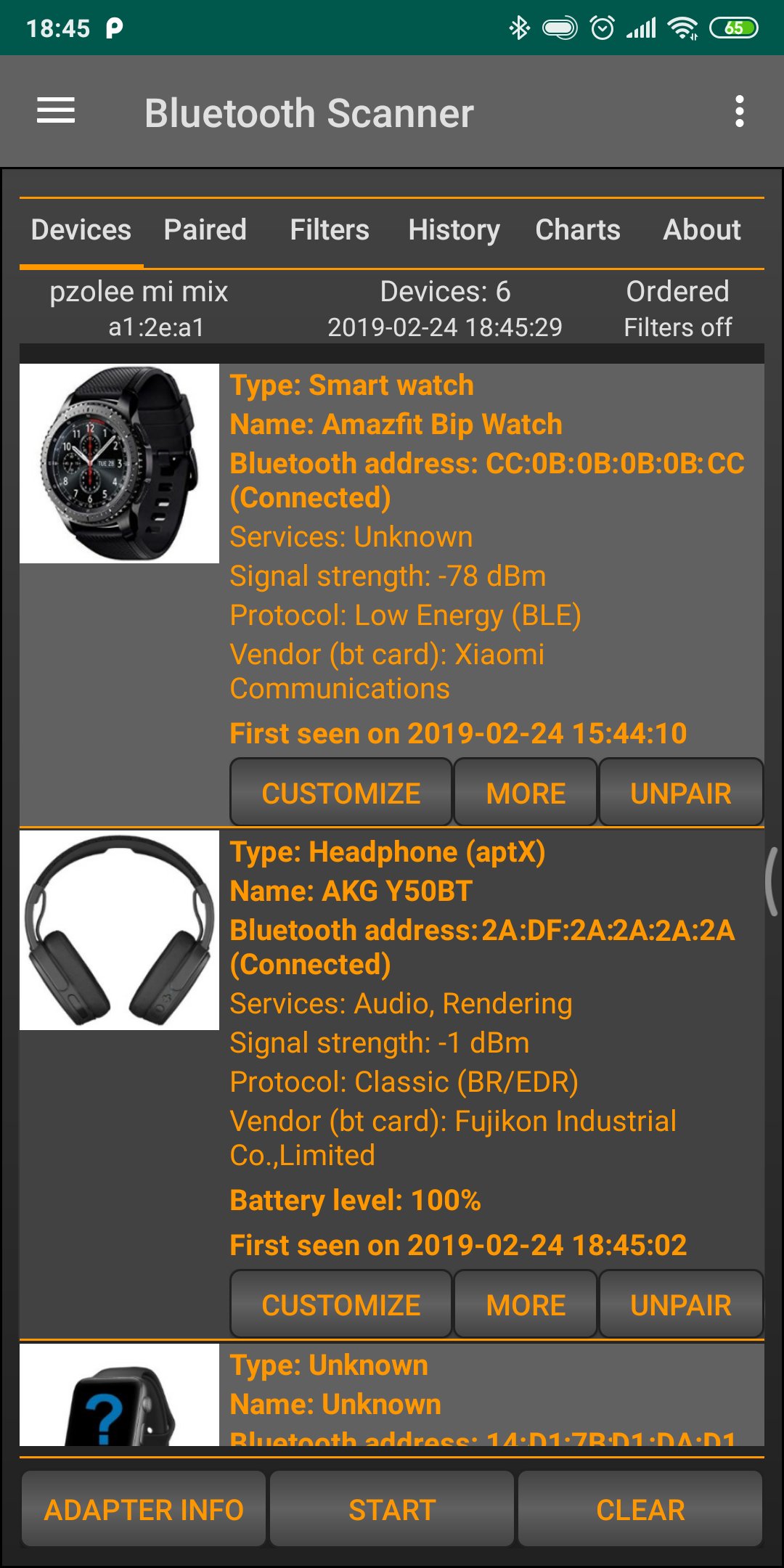
- Scan and list all nearby Bluetooth devices.
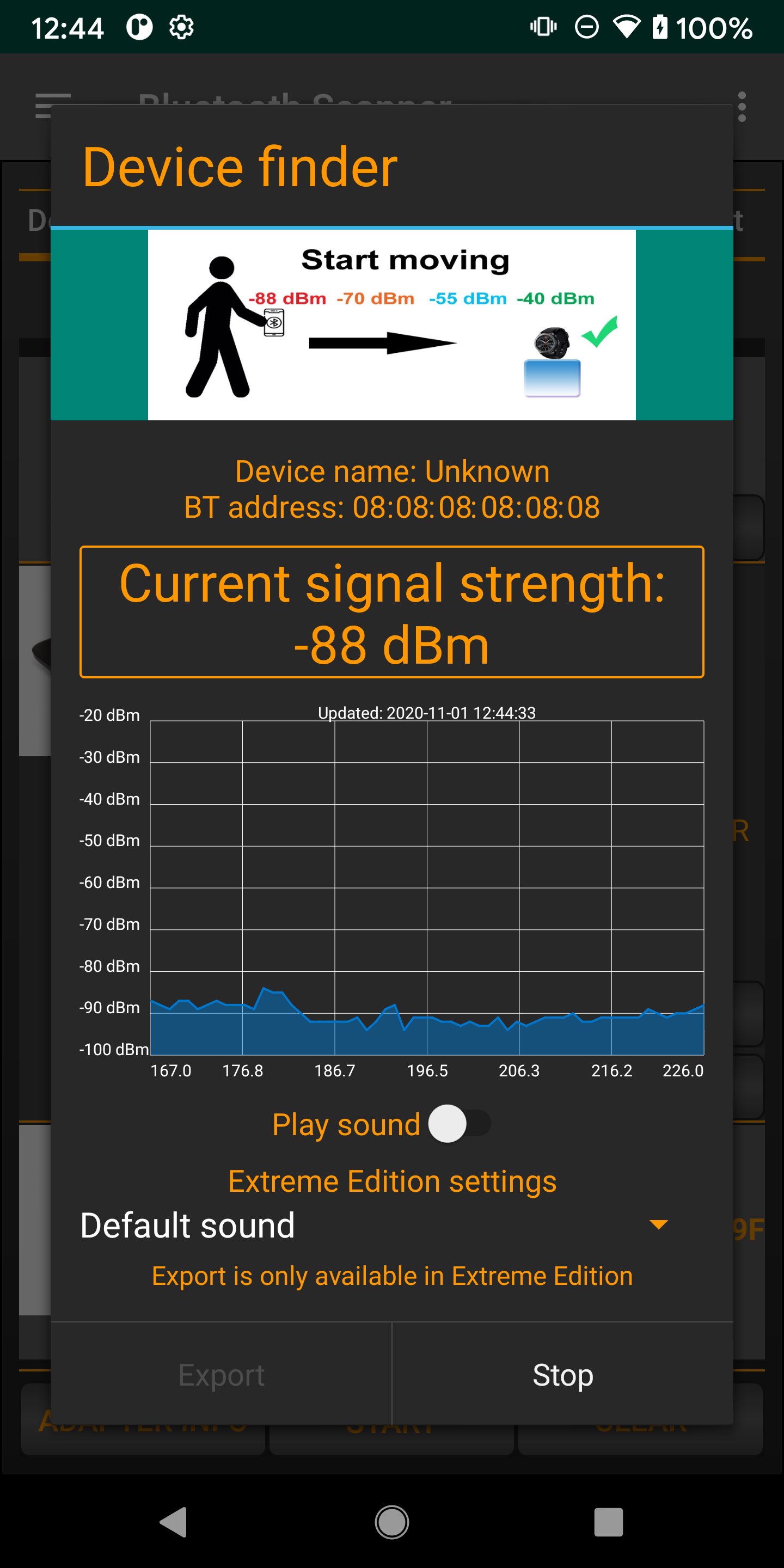
- Real-time signal strength tracking for easy locating.
- Fast and secure device pairing.
- Save favorite devices for quick access.
- Multi-language support for a global experience.
- Find all bluetooth devices, including connected, paired and unknown devices.
- Keep track of your devices
- Bluetooth 4.0, 5.0, 5.1, 5.2, 5.3 scanner
- Connect to bt devices
- Find Low energy and classic devices, including smart watch or band, TV, computer and others.
- Pair and unpair bt device
- Show battery level of connected bluetooth devices (only from Android 9)
- Show signal strength, codec information (aptX, LDAC, SBC and others)
- Replay any scan in history, see any bt devices in the past
- Customize device (rename, change device type)
- Useful filters based on device type, device name, time
- Order by RSSI, address, name, vendor and others
- Highlight new devices around you
- Generate charts from data (device group distribution and others)
- Export database for further processing
- Find My Device function
- switch between active bluetooth devices
- restart scan automatically
پیش نظارہ
ٹیگز
اوزارمعلومات
ڈویلپر
Zoltán Pallagi
تازہ ترین ورژن
1.8.4
آخری تازہ کاری
2026-04-24
قسم
اوزار
پر دستیاب ہے۔
Google Play
مزید دکھائیں
پی سی پر گیم لوپ کے ساتھ Bluetooth Finder and Scanner کیسے کھیلا جائے۔
1. آفیشل ویب سائٹ سے گیم لوپ ڈاؤن لوڈ کریں، پھر گیم لوپ انسٹال کرنے کے لیے exe فائل چلائیں۔
2. گیم لوپ کھولیں اور "Bluetooth Finder and Scanner" تلاش کریں، تلاش کے نتائج میں Bluetooth Finder and Scanner تلاش کریں اور "انسٹال کریں" پر کلک کریں۔
3. گیم لوپ پر Bluetooth Finder and Scanner کھیلنے کا لطف اٹھائیں۔
Minimum requirements
OS
Windows 8.1 64-bit or Windows 10 64-bit
GPU
GTX 1050
CPU
i3-8300
Memory
8GB RAM
Storage
1GB available space
Recommended requirements
OS
Windows 8.1 64-bit or Windows 10 64-bit
GPU
GTX 1050
CPU
i3-9320
Memory
16GB RAM
Storage
1GB available space