
BeoRemote PC
Bang & Olufsen a/s
گیم لوپ ایمولیٹر کے ساتھ PC پر BeoRemote ڈاؤن لوڈ کریں۔
پی سی پر BeoRemote
BeoRemote، جو ڈویلپر Bang & Olufsen a/s سے آرہا ہے، ماضی میں اینڈرائیڈ سسٹم پر چل رہا ہے۔
اب، آپ پی سی پر BeoRemote آسانی سے GameLoop کے ساتھ چلا سکتے ہیں۔
اسے GameLoop لائبریری یا تلاش کے نتائج میں ڈاؤن لوڈ کریں۔ مزید غلط وقت پر بیٹری یا مایوس کن کالوں پر نظر نہیں ڈالی جائے گی۔
بس بڑی سکرین پر BeoRemote PC کا مفت میں لطف اٹھائیں!
BeoRemote تعارف
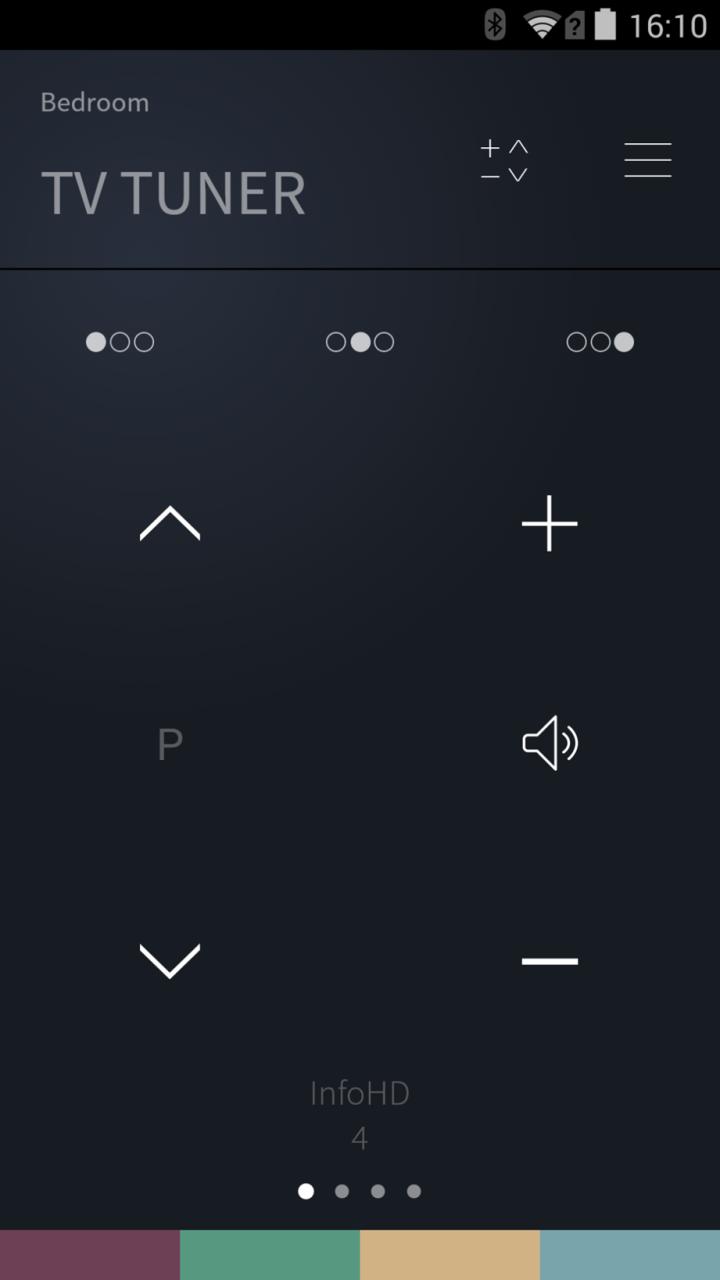
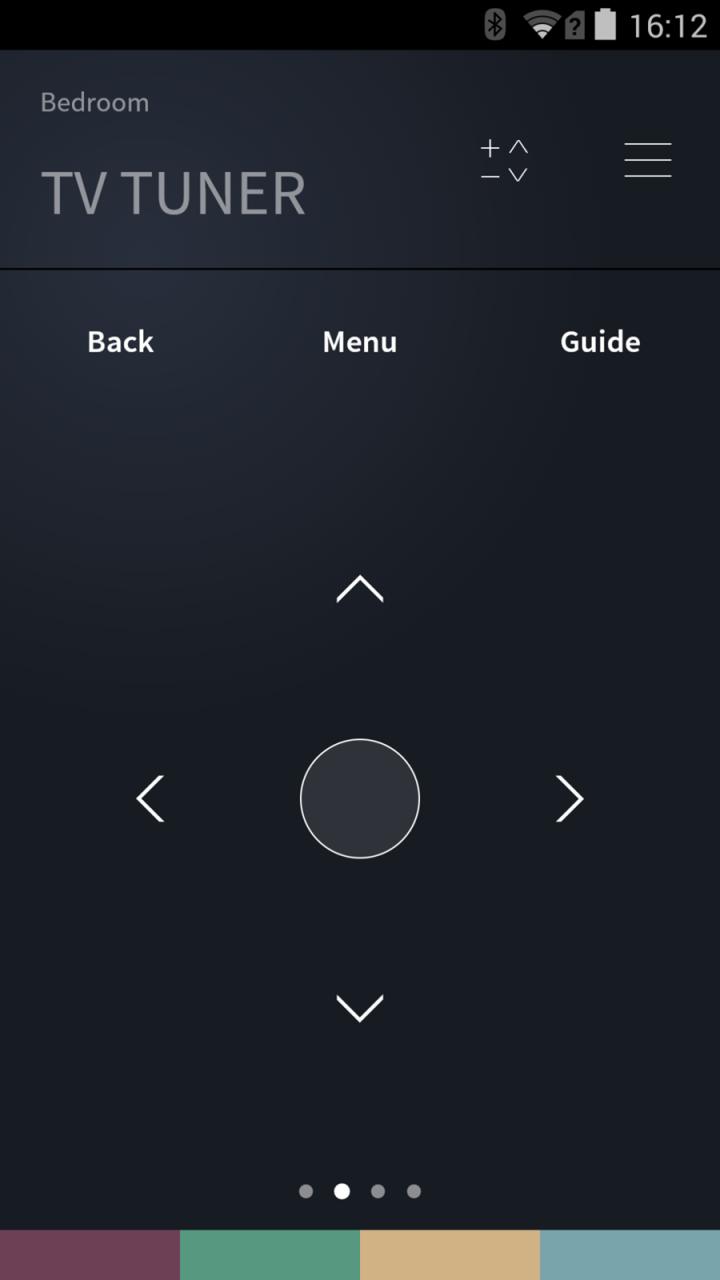
The new BeoRemote App gives you absolute control of your TV, giving you complete command from one source. The graphic interface is distinctly Bang & Olufsen: everything has been pared down and all unnecessary navigation done away with for convenient and simple control of your TV. The BeoRemote App not only gives commands to your TV. It also works the other way around. This means that every source, channel, stand position or speaker group you have already set up on your television appears on the app interface – with the names you originally assigned them.
The BeoRemote App currently works with the following TV models:
- BeoVision Avant
- BeoVision 11
- BeoSystem 4
- BeoPlay V1
Please update your TV with the latest software, by entering the SOFWARE UPDATE menu found via SETUP – SERVICE - SOFTWARE UPDATE and follow the instructions in the menu.
پیش نظارہ
معلومات
ڈویلپر
Bang & Olufsen a/s
تازہ ترین ورژن
2.1.1
آخری تازہ کاری
2015-07-10
قسم
اوزار
پر دستیاب ہے۔
Google Play
مزید دکھائیں
پی سی پر گیم لوپ کے ساتھ BeoRemote کیسے کھیلا جائے۔
1. آفیشل ویب سائٹ سے گیم لوپ ڈاؤن لوڈ کریں، پھر گیم لوپ انسٹال کرنے کے لیے exe فائل چلائیں۔
2. گیم لوپ کھولیں اور "BeoRemote" تلاش کریں، تلاش کے نتائج میں BeoRemote تلاش کریں اور "انسٹال کریں" پر کلک کریں۔
3. گیم لوپ پر BeoRemote کھیلنے کا لطف اٹھائیں۔
Minimum requirements
OS
Windows 8.1 64-bit or Windows 10 64-bit
GPU
GTX 1050
CPU
i3-8300
Memory
8GB RAM
Storage
1GB available space
Recommended requirements
OS
Windows 8.1 64-bit or Windows 10 64-bit
GPU
GTX 1050
CPU
i3-9320
Memory
16GB RAM
Storage
1GB available space