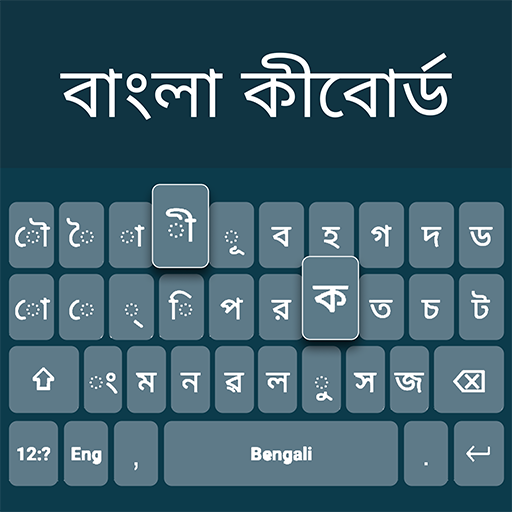
Bangla Language Keyboard PC
HasseTech
گیم لوپ ایمولیٹر کے ساتھ PC پر Bangla Language Keyboard ڈاؤن لوڈ کریں۔
پی سی پر Bangla Language Keyboard
Bangla Language Keyboard، جو ڈویلپر HasseTech سے آرہا ہے، ماضی میں اینڈرائیڈ سسٹم پر چل رہا ہے۔
اب، آپ پی سی پر Bangla Language Keyboard آسانی سے GameLoop کے ساتھ چلا سکتے ہیں۔
اسے GameLoop لائبریری یا تلاش کے نتائج میں ڈاؤن لوڈ کریں۔ مزید غلط وقت پر بیٹری یا مایوس کن کالوں پر نظر نہیں ڈالی جائے گی۔
بس بڑی سکرین پر Bangla Language Keyboard PC کا مفت میں لطف اٹھائیں!
Bangla Language Keyboard تعارف
Bangla Keyboard App – Type in Your Language Effortlessly!
Experience smooth and accurate typing with the Bangla Keyboard App, designed especially for users who love expressing themselves in their native language. This modern Bangla Typing Keyboard combines simplicity with smart features, allowing you to switch between English and Bangla in seconds. Whether you’re writing messages, notes, or creative stories, the Bangla Language Keyboard ensures precision and comfort every time you type.With the Bangla Keyboard App, communication becomes seamless for speakers across the world. It supports voice typing, emoji integration, and a rich vocabulary for a faster, smarter typing experience. Stay connected, express emotions, and share ideas in your own language — easily and beautifully.
📄 Bangla Keyboard App Key Features:📄
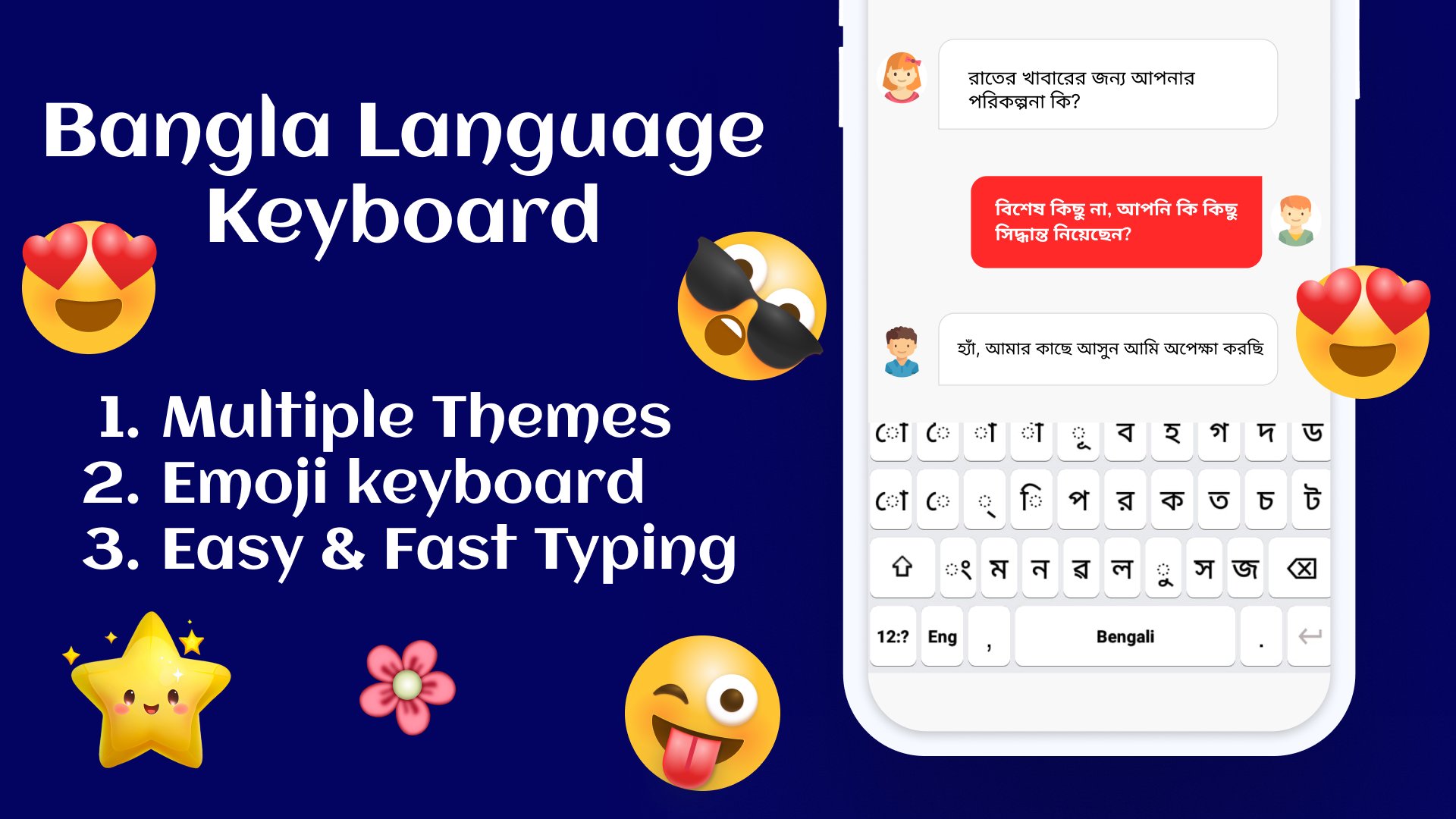
🌐 Easy-to-use Bangla Language Keyboard for fast and accurate typing;
🎨 Customize your Bangla Typing Keyboard with colorful themes and fonts;
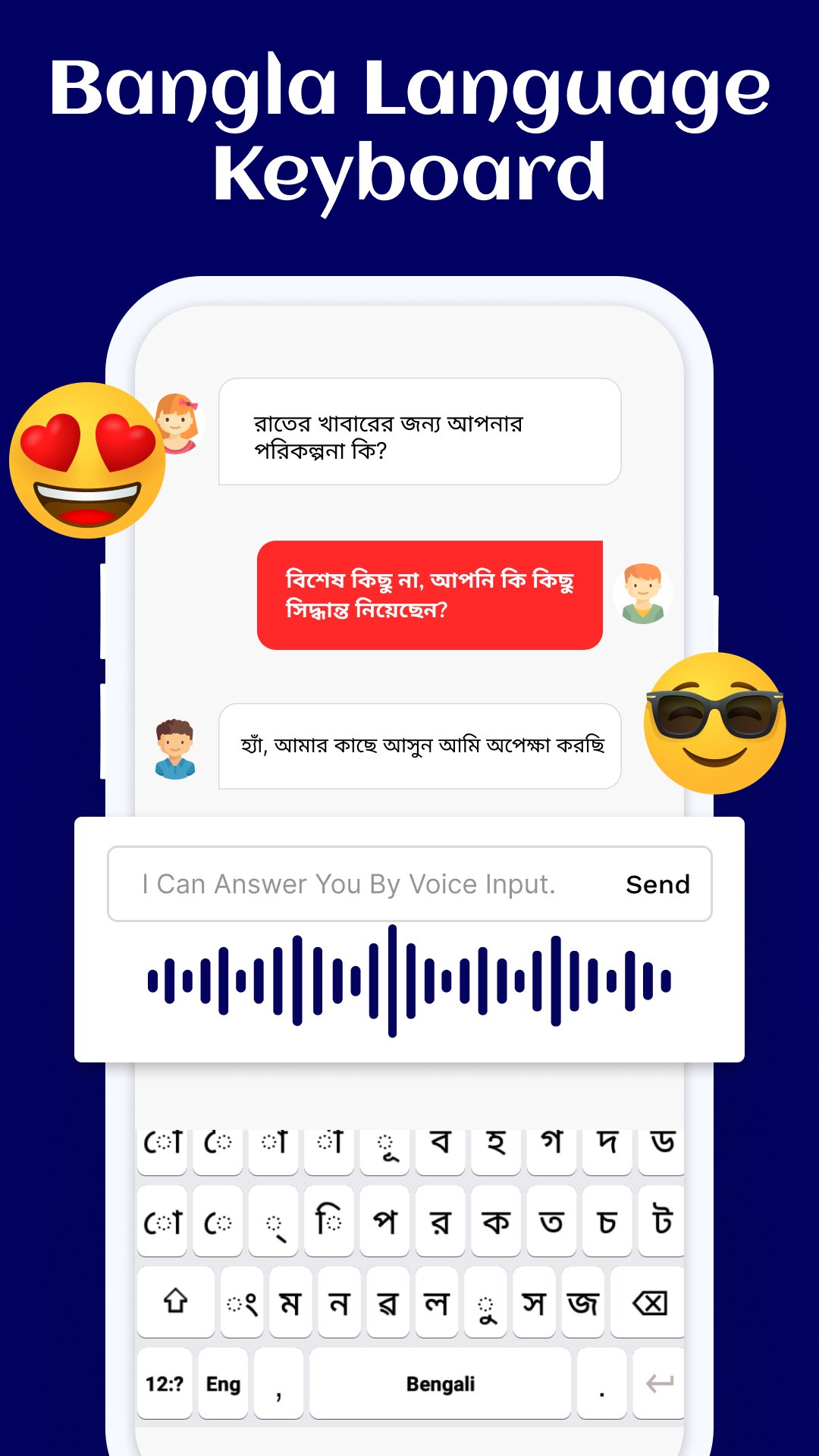
🎙️ Voice typing and emoji support for fun and expressive conversations;
🔄 Quick switch between English and Bangla with one tap;
💬 Smart word suggestions and auto-correction for smooth typing;
📱 Works perfectly offline with powerful predictive text;
🎭 Over 1000 emojis, stickers, and stylish backgrounds;
🖋️ Multiple font styles to match your personal taste;
🔐 100% safe and private — no personal data is collected.
Make Typing Easier with the Bangla Typing Keyboard!
The Bangla Typing Keyboard makes writing in Bangla more enjoyable than ever before. The app’s intelligent design ensures accurate input and smooth transitions between English and Bangla. With the Bangla Keyboard App, you can personalize your typing space using colorful themes, fonts, and layouts. It’s ideal for chatting, writing poetry, or crafting daily notes in the Bangla Language Keyboard style.Personalize Your Experience:🎨
Change themes, backgrounds, and key colors to match your mood. The Bangla Language Keyboard includes dozens of stylish templates, from bright tones to minimal looks, giving your typing a unique personality.
Fast and Accurate Communication:⚡
The Bangla Typing Keyboard ensures your words flow naturally. With built-in auto-correct and text prediction, typing is faster than ever. Enjoy real-time suggestions in both Bangla and English without interruptions.
Express Yourself Fully:😊
The Bangla Keyboard App features a huge library of emojis and stickers so you can show emotions effortlessly. From hearts to smiles, each emoji works perfectly with the Bangla Language Keyboard interface.
Smart Dual-Language Support:🌍
Switch instantly between Bangla and English modes. The Bangla Typing Keyboard gives users flexibility and control, making it perfect for bilingual communication and creative writing.
Start Typing with the Bangla Keyboard App Today!
Bring color, accuracy, and creativity to your typing with the Bangla Typing Keyboard. Whether you’re sending messages, writing notes, or chatting online, the Bangla Language Keyboard ensures a comfortable and modern typing experience. Try the Bangla Keyboard App now and express yourself naturally in your own language!پیش نظارہ
ٹیگز
اوزارمعلومات
ڈویلپر
HasseTech
تازہ ترین ورژن
3.1.0
آخری تازہ کاری
2025-10-22
قسم
اوزار
پر دستیاب ہے۔
Google Play
مزید دکھائیں
پی سی پر گیم لوپ کے ساتھ Bangla Language Keyboard کیسے کھیلا جائے۔
1. آفیشل ویب سائٹ سے گیم لوپ ڈاؤن لوڈ کریں، پھر گیم لوپ انسٹال کرنے کے لیے exe فائل چلائیں۔
2. گیم لوپ کھولیں اور "Bangla Language Keyboard" تلاش کریں، تلاش کے نتائج میں Bangla Language Keyboard تلاش کریں اور "انسٹال کریں" پر کلک کریں۔
3. گیم لوپ پر Bangla Language Keyboard کھیلنے کا لطف اٹھائیں۔
Minimum requirements
OS
Windows 8.1 64-bit or Windows 10 64-bit
GPU
GTX 1050
CPU
i3-8300
Memory
8GB RAM
Storage
1GB available space
Recommended requirements
OS
Windows 8.1 64-bit or Windows 10 64-bit
GPU
GTX 1050
CPU
i3-9320
Memory
16GB RAM
Storage
1GB available space